

1. Inleiding
This manual provides instructions for the installation, operation, and maintenance of your TEEHO Fingerprint Door Lock. Please read this manual thoroughly before installation and use to ensure proper function and safety.
The TEEHO Fingerprint Door Lock offers multiple access methods including fingerprint recognition, keypad codes, and traditional keys. It is designed for residential door security and keyless access control.
2. Pakketinhoud
- Fingerprint Keypad Door Lock (Exterior and Interior Assemblies)
- 2 Passage Door Knobs / Levers
- Doodbout-grendel
- Stakplaat
- Monteer hardeware
- Keys (for emergency override)
- Installasie sjabloon
3. Opstelling en installering
Before installation, ensure your door meets the required dimensions for compatibility.

Image: Diagram illustrating door compatibility and dimensions for installation, including backset (2-3/8" or 2-3/4"), door thickness (1-3/8" to 2"), and bore hole diameter (2-1/8").
3.1 Deurvoorbereiding
- Verify door thickness and backset measurement.
- Use the provided template to mark and drill holes if necessary. The lock is suitable for 2-1/8" (54mm) door holes.
3.2 Installeer die Deadbolt-grendel
- Insert the deadbolt latch into the door edge. Ensure the 'UP' arrow is pointing upwards.
- Bevestig met skroewe.
3.3 Installing the Exterior Assembly
- Feed the cable through the door hole, below the deadbolt latch.
- Align the exterior assembly with the deadbolt and door holes.
3.4 Installing the Interior Assembly
- Koppel die kabel van die buite-samestelling aan die binne-samestelling.
- Mount the interior assembly, ensuring proper alignment.
- Secure with mounting screws.
3.5 Battery installasie
- Verwyder die batterydeksel op die binneste samestelling.
- Insert 4 AA alkaline batteries (not included), observing polarity.
- Vervang die batterydeksel.
3.6 Installing Passage Door Levers
- Install the passage door levers according to their specific instructions.
4. Bedryfsinstruksies
4.1 Vingerafdruk ontsluit
The lock features 3D biometric fingerprint recognition. It can recognize your fingerprint in approximately 0.3 seconds and unlock the door in 1 second.
- Plaas jou geregistreerde vinger op die vingerafdruksensor.
- The lock will unlock upon successful recognition.

Image: A person using their finger on the fingerprint sensor of the TEEHO door lock for quick unlocking.
4.2 Keyless Entry (Keypad)
The lock supports up to 20 access codes, each 4-10 digits long.
- Enter your registered access code on the keypad.
- Press the '#' key (or equivalent confirmation key).
- Die slot sal oopsluit.
Anti-loerwagwoord
To prevent others from guessing your code, you can enter random digits before or after your actual access code.

Image: Illustration of the anti-peep function, showing random digits entered before and after the actual password on the backlit keypad.
4.3 One-Time PIN Code
Generate a temporary PIN code for guests, cleaners, or delivery staff. This code will be automatically deleted after a single use.

Image: A person receiving a one-time PIN code on their phone for temporary access to the door.
4.4 Outomatiese Sluitfunksie
The lock can be configured to automatically lock after a set period. This period can be adjusted between 10 and 99 seconds.
4.5 Een-aanraking-sluiting
To manually lock the door instantly, press and hold any key on the keypad for 2 seconds.
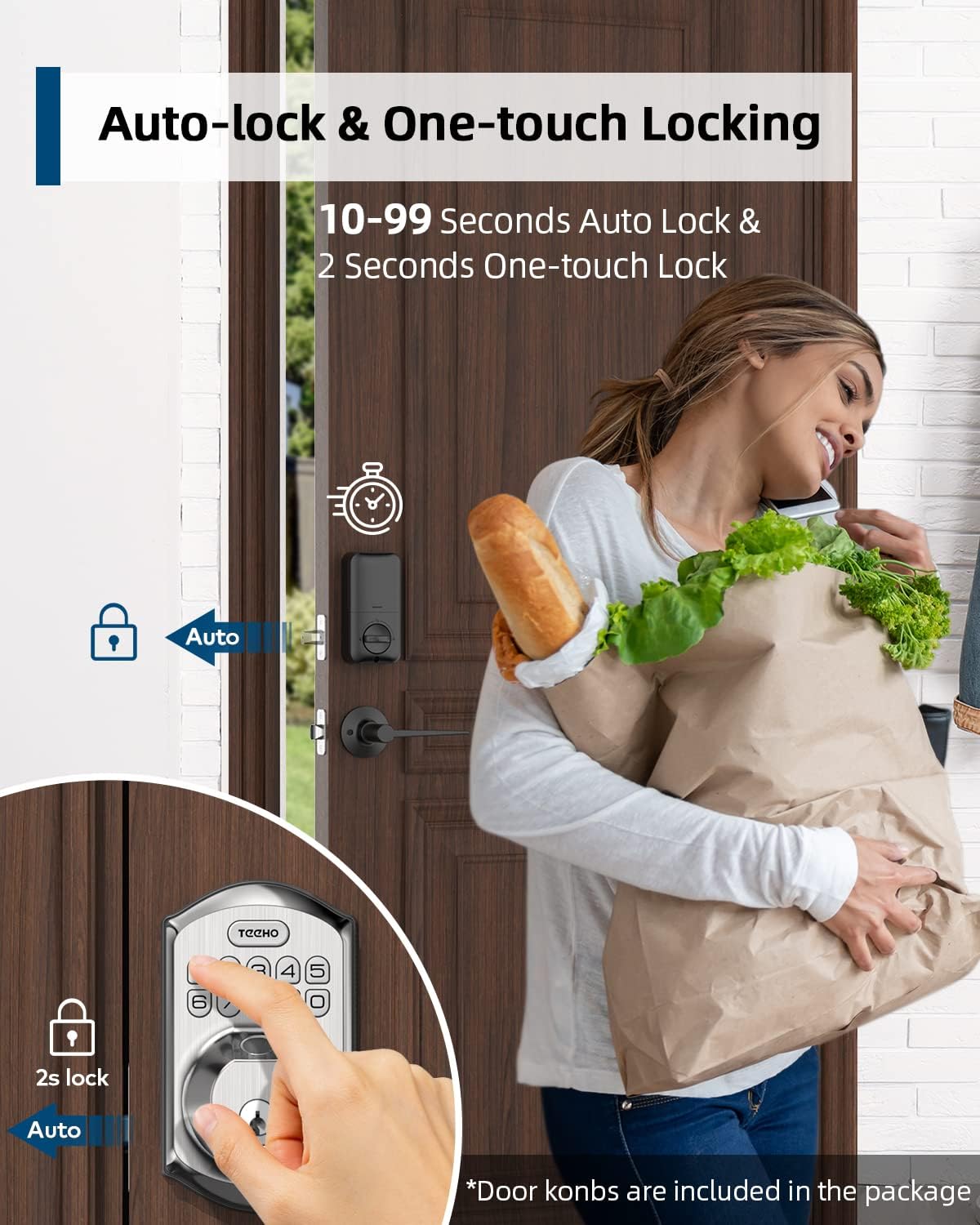
Image: Illustration showing the auto-lock function (10-99 seconds) and one-touch lock function (2 seconds hold) on the TEEHO door lock.
4.6 Bykomende kenmerke
- Demp modus: Disables keypad sounds for quiet operation.
- Vakansiemodus: Enhances security when you are away for extended periods.
- Verligte sleutelbord: Verbeter sigbaarheid in lae ligtoestande.
5. Onderhoud
5.1 Batteryvervanging
The lock is powered by 4 AA batteries, providing up to 1 year of battery life. The lock features a low battery indicator.

Beeld: Oorview of lock features including 20 fingerprints, 20 user codes, auto-lock, IP54 waterproof rating, one-time PIN code, one-touch locking, low battery indicator, and up to 1 year battery life.
- When the low battery indicator appears, replace all 4 AA batteries promptly.
- Gebruik nuwe alkaliese batterye vir optimale werkverrigting.
5.2 Skoonmaak
Vee die buitekant van die slot af met 'n sagte, damp lap. Vermy skuurmiddels of oplosmiddels wat die afwerking of elektroniese komponente kan beskadig.
5.3 Weerbestandheid
Die slot het 'n IP54-weerbestandheidsgradering, wat beskerming bied teen stof en spatwater. Alhoewel dit duursaam is, moet direkte blootstelling aan swaar reën of langdurige onderdompeling vermy word.
6. Probleemoplossing
- Slot reageer nie: Check battery level. Replace batteries if low. Ensure cables are securely connected.
- Vingerafdruk nie herken nie: Ensure your finger is clean and dry. Try placing your finger at different angles. Re-register your fingerprint if issues persist.
- Sleutelbord werk nie: Verify battery power. Ensure you are entering the correct code. Check for any physical damage to the keypad.
- Outomatiese sluit skakel nie in nie: Check the auto-lock settings to ensure it is enabled and the delay time is set correctly.
- Lock is loose: Tighten mounting screws on both interior and exterior assemblies.
7. Spesifikasies
| Kenmerk | Detail |
|---|---|
| Handelsmerk | TEEHO |
| Model | B0C69VNJ27 |
| Spesiale kenmerk | Vingerafdruk |
| Tipe slot | Sleutelbord |
| Materiaal | Nikkel |
| Aanbevole gebruike | Residential door security and keyless access control |
| Styl | Moderne |
| Kleur | Satyn Nikkel |
| Aantal stukke | 1 (set includes lock and 2 passage door knobs) |
| Ingesluit komponente | Fingerprint keypad door lock, 2 passage door knobs, door levers |
| Tipe beheerder | Hand Control, Mechanical knob |
| Beheer metode | Raak |
| Kragbron | 4 AA Batteries (Alkaline recommended) |
| Batterylewe | Tot 1 jaar |
| Weerweerstand | IP54 |
| ANSI Rating | Graad 3 |
8. Waarborg en Ondersteuning
8.1 Waarborginligting
Specific warranty details are not provided within this manual. Please refer to the product packaging, the manufacturer's official website, or your purchase documentation for comprehensive warranty information.
8.2 Kliëntediens
For technical assistance, troubleshooting beyond this manual, or inquiries regarding your TEEHO Fingerprint Door Lock, please contact TEEHO customer support through their official webwebwerf of die kleinhandelaar waar die produk gekoop is.