
1. Inleiding
Thank you for choosing the Baseus Bowie H2 True Wireless Earphones. This manual provides detailed instructions on how to set up, operate, maintain, and troubleshoot your earphones to ensure optimal performance and longevity. Please read this manual thoroughly before using the product.
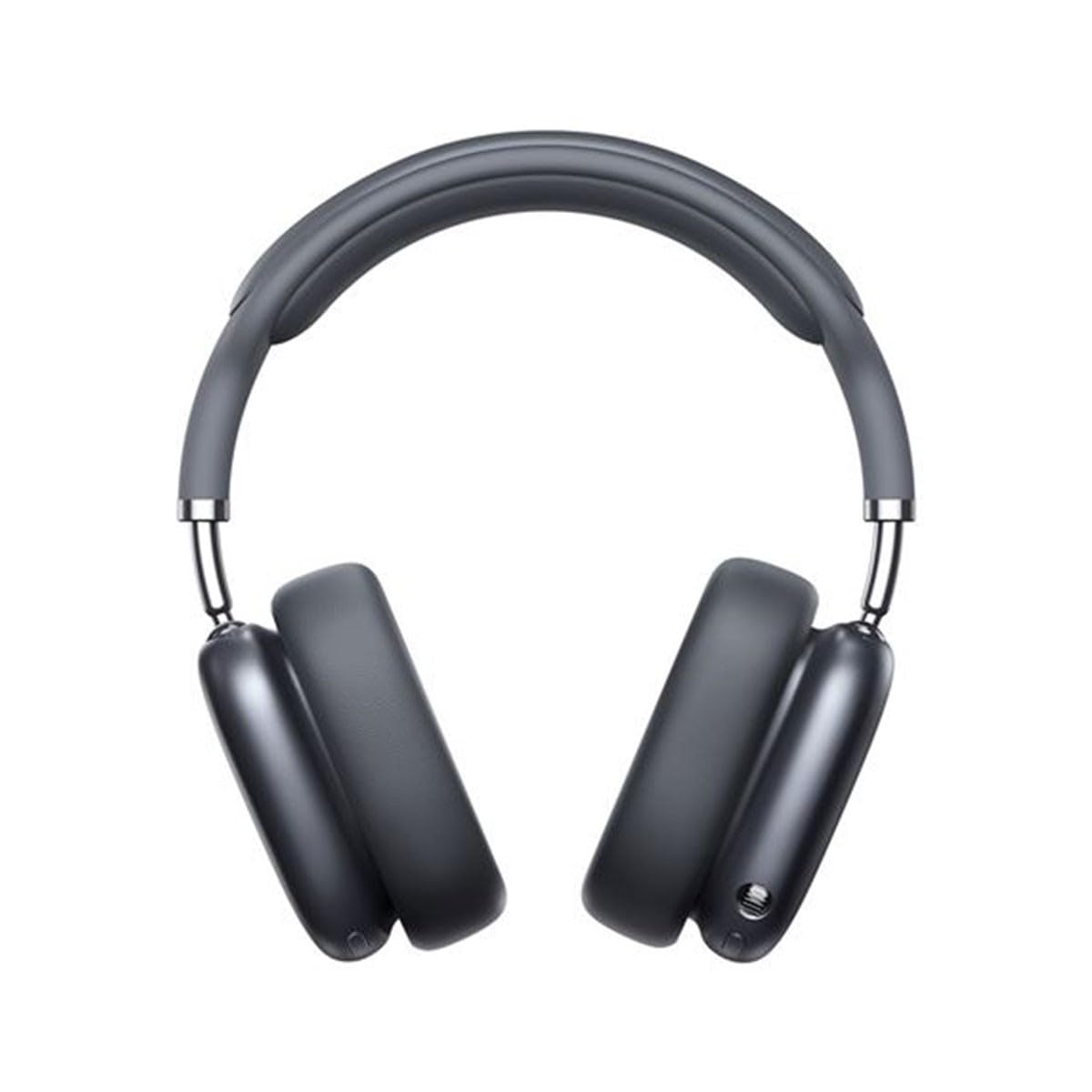
Image 1.1: Baseus Bowie H2 product overview. Please note that while this image displays over-ear headphones, the product described in this manual is the Baseus Bowie H2 True Wireless Earphones (in-ear type).
2. Wat is in die boks
Carefully unpack the product and ensure all items are present and in good condition. The package should contain:
- Baseus Bowie H2 True Wireless Earphones (Left and Right)
- Draadlose laaikas
- USB-laaikabel
- Gebruikershandleiding

Beeld 2.1: Voorbeeldample of Baseus headphones in a case. The Baseus Bowie H2 True Wireless Earphones come with a compact wireless charging case.
3. Opstelling
3.1 Laai die oorfone en houer
Before first use, fully charge the earphones and the charging case. Place the earphones into the charging case. Connect the USB charging cable to the charging port on the case and plug the other end into a USB power adapter (not included) or a computer's USB port. The indicator light on the case will show charging status and turn off or change color when fully charged.
3.2 Bluetooth -koppeling
- Maak seker dat die oorfone gelaai is.
- Open the charging case. The earphones will automatically enter pairing mode, and an indicator light (usually on the earphones or case) will flash, indicating they are ready to pair.
- Aktiveer Bluetooth op jou toestel (slimfoon, tablet, skootrekenaar).
- Soek vir available Bluetooth devices. Select "Baseus Bowie H2" from the list.
- Once connected, the indicator light will stop flashing, and you may hear a confirmation tone.
- If pairing fails, place the earphones back into the case, close it, and then reopen to re-enter pairing mode.
4. Operating the Earphones
4.1 Dra van die oorfone
Gently insert the earphones into your ear canals. Adjust them for a comfortable and secure fit to ensure optimal sound quality and noise isolation. The left (L) and right (R) earphones are marked.

Beeld 4.1: Voorkant view of Baseus headphones. For the Bowie H2 earphones, ensure a snug fit in the ear canal.
4.2 Raak kontroles
The Baseus Bowie H2 earphones feature touch controls for various functions. The specific touch gestures may vary slightly, but common functions include:
- Speel/pouse: Enkeltik op enige oorfone.
- Volgende snit: Dubbeltik op die regter oorfone.
- Vorige snit: Dubbeltik op die linker oorfone.
- Beantwoord/beëindig oproep: Enkeltik op enige oorfone.
- Verwerp oproep: Long press on either earphone.
- Aktiveer stemassistent: Tik drie keer op enige oorfone.
Verwys na die vinnige begingids wat in jou pakket ingesluit is vir presiese aanraakbeheer-kartering.

Beeld 4.2: Bo view of Baseus headphones. The touch control areas are typically located on the outer surface of the earphones.
5. Onderhoud
Proper maintenance ensures the longevity and performance of your Baseus Bowie H2 earphones.
- Skoonmaak: Gebruik 'n sagte, droë, pluisvrye lap om die oorfone en laaikas skoon te maak. Moenie skuurmiddels, alkohol of chemiese oplosmiddels gebruik nie.
- Berging: Wanneer dit nie gebruik word nie, bêre die oorfone altyd in hul laaikassie om dit teen stof, vuiligheid en skade te beskerm.
- Vermy water: While the earphones may have some water resistance, avoid submerging them in water or exposing them to excessive moisture.
- Temperatuur: Do not expose the earphones to extreme temperatures (hot or cold) or direct sunlight for extended periods.
6. Probleemoplossing
If you encounter issues with your Baseus Bowie H2 earphones, try the following solutions:
| Probleem | Oplossing |
|---|---|
| Oorfone koppel nie |
|
| Geen klank van een oorfoon nie |
|
| Laai kwessie |
|
| Lae volume of swak klankgehalte |
|
7. Spesifikasies
Key technical specifications for the Baseus Bowie H2 True Wireless Earphones (Model: NGTW260013):
- Modelnommer:
- NGTW260013
- Handelsmerk:
- Baseus
- Verbindingstegnologie:
- Draadloos (Bluetooth)
- Bluetooth weergawe:
- 5.2
- Oorplasing:
- In Oor
- Vormfaktor:
- In Oor
- Beheer tipe:
- Raak Beheer
- Oudiobestuurdertipe:
- Dinamiese bestuurder
- Ingesluit komponente:
- Draadlose laaikas
- Materiaal:
- Plastiek
- Item gewig:
- 582 g (Note: This weight is unusually high for in-ear earphones and may refer to the package weight or a different product variant.)
- Produk afmetings:
- 50 x 50 x 28 cm (Note: These dimensions are unusually large for in-ear earphones and may refer to the package dimensions or a different product variant.)
- Versoenbare toestelle:
- Smartphones, Tablets, Laptops, Smart Speakers
8. Waarborg en Ondersteuning
Baseus products are designed with quality and reliability in mind. For specific warranty information, please refer to the warranty card included with your purchase or visit the official Baseus website. If you require technical support or have questions not covered in this manual, please contact Baseus customer service through their official channels.
Hou jou aankoopbewys vir waarborgeise.