
1. Inleiding
This manual provides detailed instructions for the safe and efficient operation of your Zebronics Zeb-Buddy 100 Portable Bluetooth Speaker. Please read this manual thoroughly before using the device and retain it for future reference.
2. Produk verbyview en kenmerke
The Zebronics Zeb-Buddy 100 is a portable Bluetooth v5.0 speaker designed for versatile audio playback. It features a compact design with an integrated handle for easy transport and a mobile holder for hands-free use. Key features include:
- Bluetooth v5.0 Connectivity: Vir draadlose klankstroming.
- TWS funksie: Allows pairing of two Zeb-Buddy 100 speakers for stereo audio.
- Bedrade mikrofoon: Includes a 6.3mm wired microphone for karaoke.
- Veelvuldige afspeelopsies: Supports AUX, micro SD card, and USB input.
- Built-in FM Radio: For listening to radio stations.
- Mediakontroles: Integrated buttons for easy control of playback.
- Herlaaibare battery: Provides up to 5 hours of playback time.
- RGB-ligmodusse: Multiple light modes for enhanced ambiance.
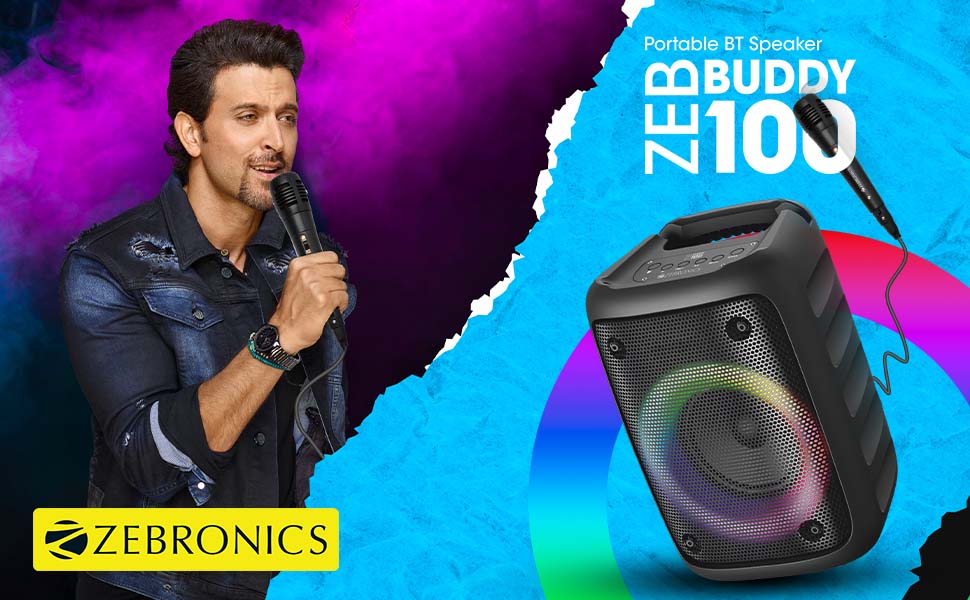
Image: The Zeb-Buddy 100 speaker shown with its included wired microphone, highlighting its portable design and control panel.
Beeld: 'n Hoekige view of the Zeb-Buddy 100 speaker, showcasing its compact form factor and side details.
3. Opstelling
3.1 Laai die luidspreker
- Koppel die laaikabel aan die luidspreker se laaipoort.
- Koppel die ander kant van die kabel aan 'n geskikte USB-kragadapter (nie ingesluit nie).
- Die laai-aanwyser sal brand. 'n Volle lading neem ongeveer 4 uur.
3.2 Bluetooth -koppeling
- Skakel die luidspreker aan deur die kragknoppie te druk en in te hou.
- The speaker will enter Bluetooth pairing mode, indicated by a flashing LED.
- Aktiveer Bluetooth op jou mobiele toestel en soek vir beskikbare toestelle.
- Select "Zeb-Buddy 100" from the list to pair.
- Once paired, the speaker will confirm the connection, and the LED will stop flashing.
3.3 TWS (Ware Draadlose Stereo) Paring
To experience stereo audio, you can pair two Zeb-Buddy 100 speakers together:
- Ensure both Zeb-Buddy 100 speakers are powered on and not connected to any Bluetooth device.
- On one speaker (this will be the primary speaker), press and hold the TWS button.
- Die primêre spreker sal na die sekondêre spreker soek.
- Once connected, both speakers will indicate a successful TWS pairing.
- Now, connect your mobile device to the primary speaker via Bluetooth as described in section 3.2. Audio will play in stereo through both speakers.

Image: Three Zeb-Buddy 100 speakers demonstrating their multiple RGB light modes, illustrating the TWS capability.
4. Bedryfsinstruksies
4.1 Moduskeuse
Press the 'M' (Mode) button on the speaker to switch between Bluetooth, AUX, Micro SD, USB, and FM Radio modes.
4.2 Oudio-terugspeel
- Speel/pouse: Druk die Speel/Pause-knoppie.
- Volgende snit: Press the 'Next' button.
- Vorige snit: Press the 'Previous' button.
- Volume op: Press and hold the 'Next' button.
- Volume af: Press and hold the 'Previous' button.
4.3 Karaoke-funksie
- Connect the wired microphone to the 6.3mm microphone input port on the speaker.
- Adjust the microphone volume using the dedicated knob on the speaker (if available) or through the main volume controls.
- Ensure music is playing from your chosen source (Bluetooth, AUX, etc.) for background audio.
4.4 FM-radiowerking
- Skakel oor na FM-radiomodus met die 'M'-knoppie.
- Press the Play/Pause button once to auto-scan and save available FM channels.
- Use the 'Next' and 'Previous' buttons to navigate between saved channels.
5. Onderhoud
To ensure the longevity and optimal performance of your Zeb-Buddy 100 speaker:
- Keep the speaker away from water, moisture, and direct sunlight.
- Maak die luidspreker skoon met 'n sagte, droë lap. Moenie harde chemikalieë of skuurmiddels gebruik nie.
- Vermy om die luidspreker te laat val of aan sterk impakte te onderwerp.
- Berg in 'n koel, droë plek wanneer dit vir lang tydperke nie gebruik word nie.
6. Probleemoplossing
| Probleem | Moontlike oorsaak | Oplossing |
|---|---|---|
| Luidspreker skakel nie aan nie. | Lae battery of geen lading nie. | Laai die luidspreker volledig. |
| Kan nie via Bluetooth koppel nie. | Luidspreker nie in paringsmodus nie; toestel Bluetooth af; te ver van luidspreker. | Ensure speaker is in pairing mode. Turn Bluetooth on/off on your device. Move device closer to speaker. |
| Geen klank nie. | Volume too low; incorrect mode selected; faulty cable (AUX/USB). | Increase volume. Select correct input mode. Check/replace cables. |
| TWS-paring misluk. | Speakers already connected to another device; too far apart. | Disconnect speakers from other devices. Ensure speakers are close to each other. |
| Mikrofoon werk nie. | Microphone not fully plugged in; volume too low. | Ensure microphone is securely connected. Adjust microphone volume. |
7. Spesifikasies
- Handelsmerk: SEBRONIEK
- Model Naam: Zeb-Buddy 100
- Verbindingstegnologie: Hulp, Bluetooth, USB, Draadloos
- Bluetooth weergawe: v5.0
- Luidspreker maksimum uitsetkrag: 15 Watt
- Frekwensie reaksie: 100Hz - 20kHz
- Klankuitsetmodus: Stereo (met TWS)
- Luidsprekergrootte: 52 Millimetres (Driver)
- Kragbron: Battery aangedrewe
- Battery laai tyd: 4 ure
- Speeltyd: 5 ure
- Beheer metode: Raak Beheer
- Versoenbare toestelle: Slimfoon, tablet
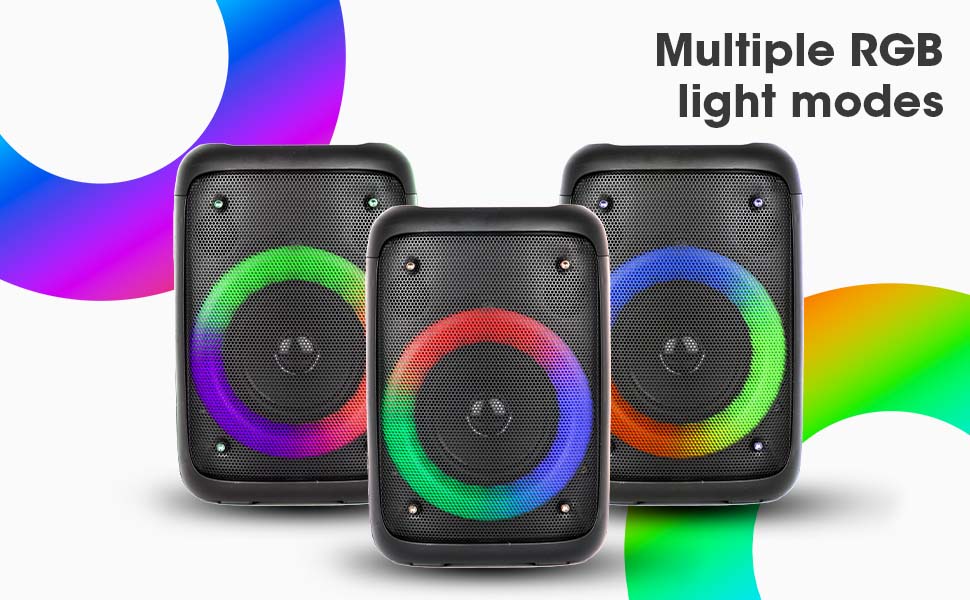
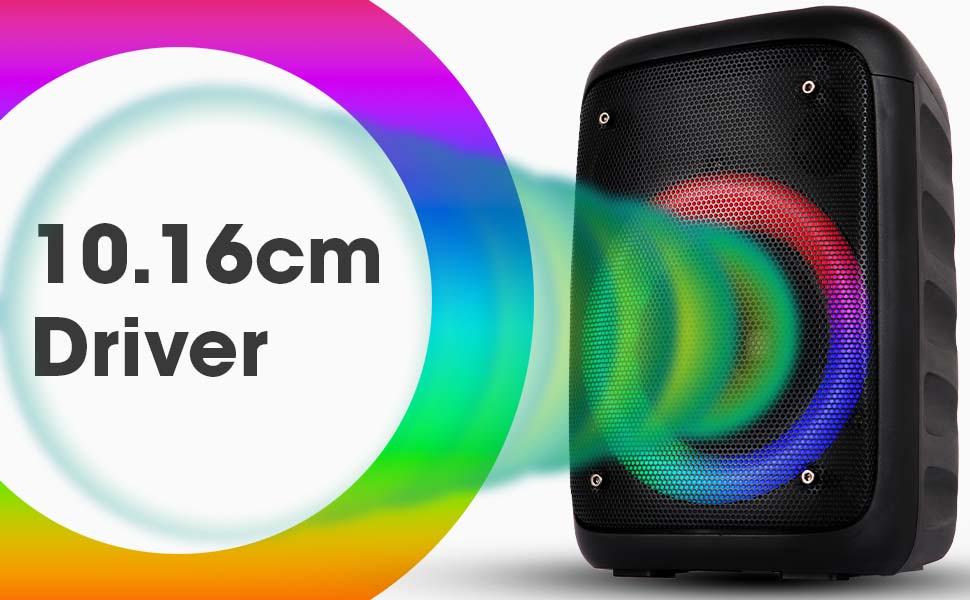
Image: The Zeb-Buddy 100 speaker with an overlay indicating its 10.16cm (4-inch) driver size.
8. Waarborg en Ondersteuning
The Zebronics Zeb-Buddy 100 comes with a 1-year carry-in warranty to the service center. For any support, service, or warranty claims, please contact Zebronics customer support or visit their official website for service center locations and contact information.
Please retain your purchase receipt for warranty validation.