
Inleiding
This manual provides detailed instructions for the Btootos A90 Pro Wireless Headphones. It covers setup, operation, maintenance, and troubleshooting to ensure optimal performance and longevity of your device. Please read this manual thoroughly before using the headphones.
Wat is in die boks
Verifieer dat alle items in die pakket teenwoordig is:
- Btootos A90 Pro Wireless Earbuds (Left and Right)
- Laaikas
- Oordoppe (S/M/L groottes)
- USB-C-laaikabel
- Gebruikershandleiding (hierdie dokument)
Produk verbyview
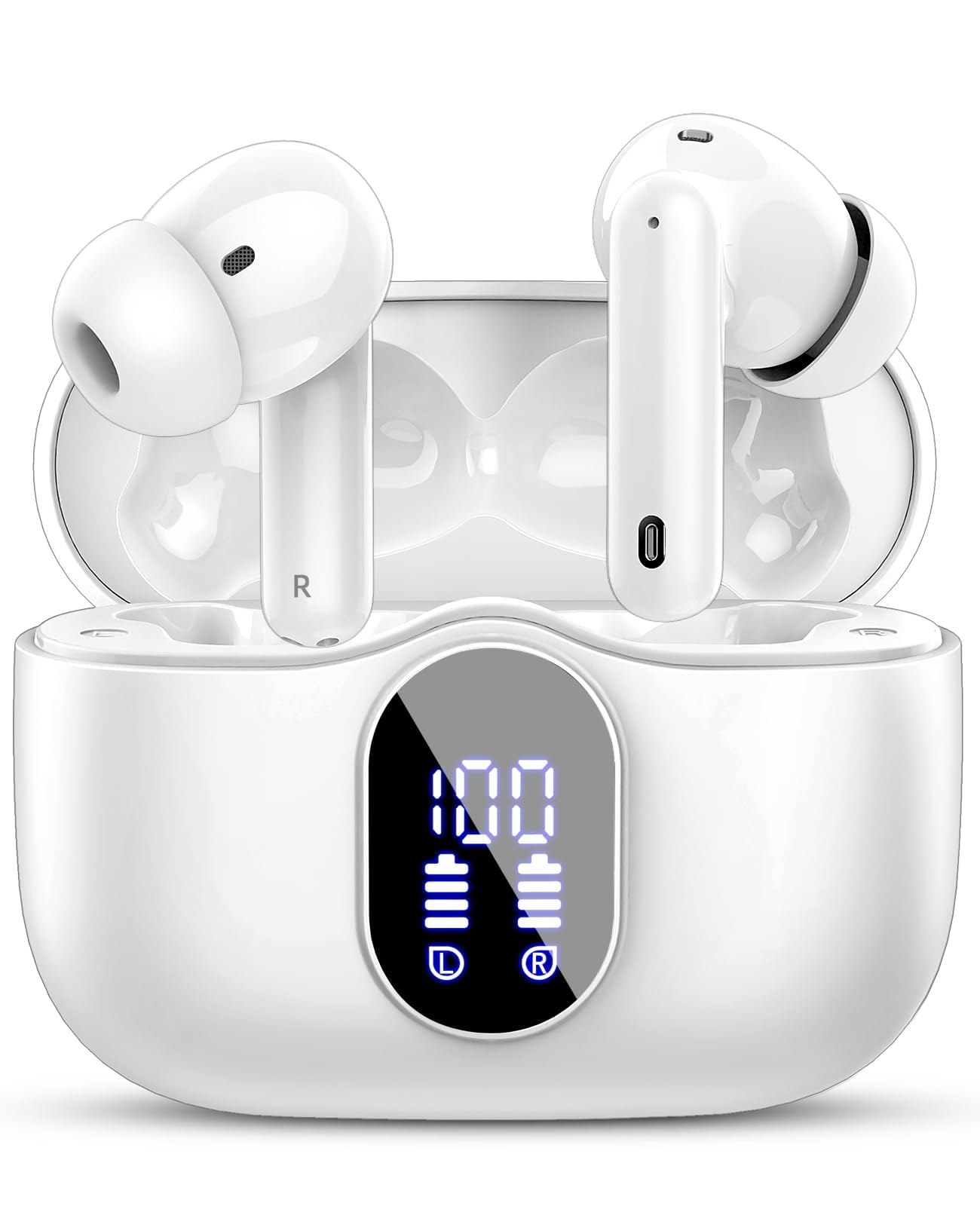
The Btootos A90 Pro headphones feature a compact design with advanced audio technology. The charging case includes an LED display for battery status.
Figuur 1: Earbud Acoustic Structure and Eartips. The image illustrates the 13.0mm speaker unit and nano-scale material designed for clear sound, along with three pairs of different sized ear caps (S/M/L) for an ergonomic and secure fit, reducing noise by 80%.

Figuur 2: ENC Noise Reduction Technology. This image highlights the built-in ENC Noise Reduction Chip and the placement of the Noise Cancelling Mic and Main Mic, indicating a 40dB noise reduction for clearer calls.
Opstelling
1. Laai die oorfone en houer
Laai die oorfone en laaikas volledig voor die eerste gebruik.
- Koppel die USB-C-laaikabel aan die laaipoort op die omhulsel en aan 'n kragbron.
- Die LED-skerm op die laaikas sal die batterypersentasie wystage.
- The earbuds will charge automatically when placed inside the case.
- 'n Volle laai neem ongeveer 1.5 uur.

Figuur 3: Digital Power Display. The image shows the LED display on the charging case indicating the remaining power of the case and individual earbuds. A phone screen also displays the earbud battery level.

Figuur 4: Playtime and Charging. This image highlights the total playtime of over 36 hours with the charging case, 6-8 hours on a single earbud charge, and a 1.5-hour fast charging time via USB-C.
2. Koppel met 'n Toestel
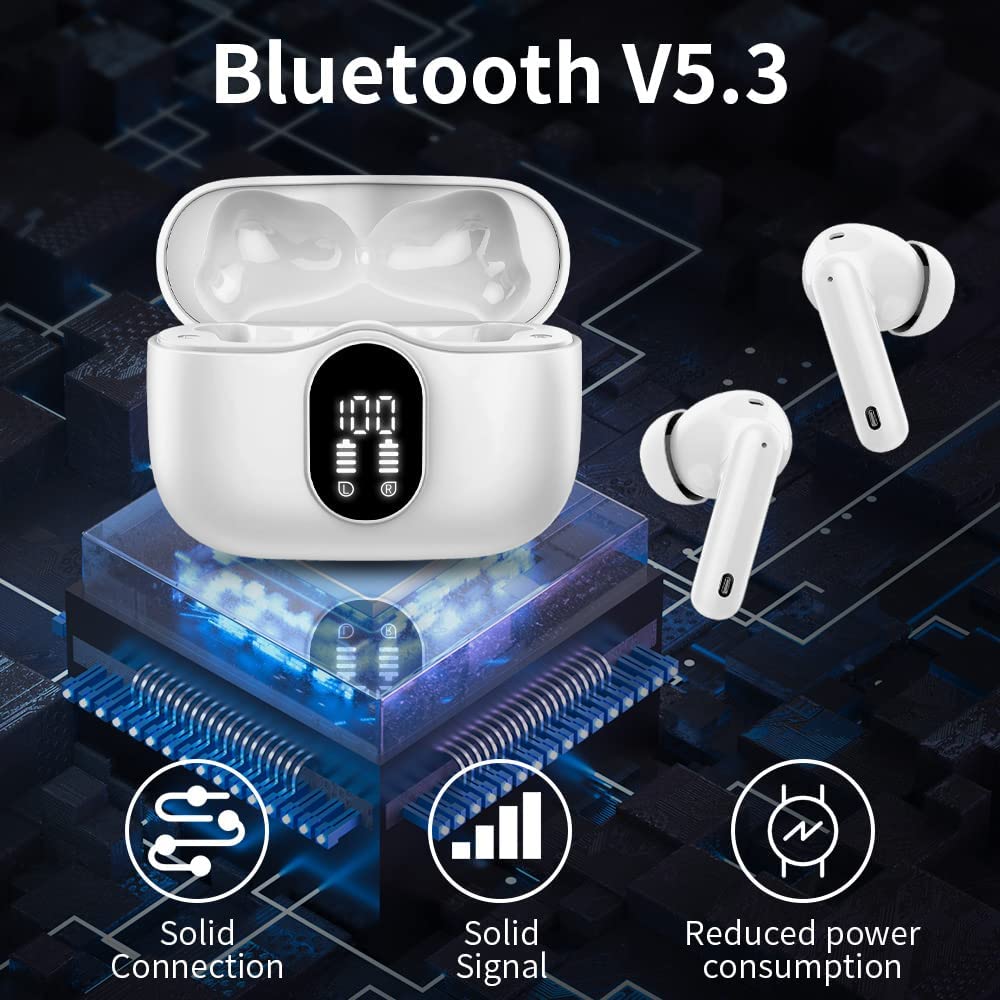
The A90 Pro headphones use Bluetooth 5.3 for a stable and fast connection.
- Eerste keer saamparing:
- Maak die laaikas oop. Die oorfone sal outomaties aanskakel en in paringsmodus gaan.
- Gaan na Bluetooth-instellings op jou toestel (slimfoon, tablet, rekenaar) en aktiveer Bluetooth.
- Soek vir "A90 Pro" in the list of available devices and select it to connect.
- Sodra dit gekoppel is, sal jy 'n bevestigingstoon hoor, en die oorfone sal gereed wees vir gebruik.
- Outomatiese herverbinding: After the initial pairing, the earbuds will automatically connect to the last paired device when removed from the charging case and Bluetooth is enabled on your device.
Figuur 5: One-Step Pairing. This image shows that opening the charging case automatically powers on the earbuds and initiates connection, while closing the case powers them off and charges them. A phone screen displays "A90 Pro Connecting..."

Figuur 6: Bluetooth 5.3 Connectivity. The image illustrates the benefits of Bluetooth V5.3, including solid connection, solid signal, and reduced power consumption, with the charging case and earbuds displayed.
Bedryfsinstruksies
The A90 Pro headphones feature touch controls for easy management of music and calls.
Raak kontroles
| Funksie | Aksie |
|---|---|
| Speel/Pause Musiek | Enkele tik op enige van die oordopjes |
| Volgende Snit | Dubbeltik op die regter-oorfone |
| Vorige Snit | Dubbeltik op die linker oordopje |
| Volume op | Drie keer tik op die regter-oordop |
| Volume af | Drie keer tik op die linker oordopje |
| Beantwoord/beëindig oproep | Enkele tik op enige van die oordopjes |
| Verwerp oproep | Druk en hou enige oordopjes vir 2 sekondes |
| Aktiveer stemassistent (Siri, Google Assistent) | Druk en hou enige oordopjes vir 3 sekondes |
Oudiokwaliteit en oproepe
The A90 Pro headphones deliver HiFi stereo sound through 13mm dynamic drivers. Equipped with 4 microphones and ENC Noise Reduction technology, they ensure clear calls by minimizing ambient noise.
Onderhoud
Skoonmaak
- Maak die oordopjes en laaikas gereeld skoon met 'n sagte, droë, pluisvrye lap.
- Verwyder die oordoppe en maak dit skoon met sagte seep en water, droog dit dan deeglik af voordat jy dit weer vasmaak.
- Vermy die gebruik van skuurmiddels, oplosmiddels of aërosolsproeie.
Waterbestandheid (IP7)
The A90 Pro headphones are IP7 waterproof, meaning they are protected against immersion in water up to 1 meter for up to 30 minutes. They are suitable for outdoor sports and can withstand sweat and rain. However, they are not designed for swimming or prolonged submersion. Ensure the charging port is dry before charging.
Berging
Wanneer dit nie gebruik word nie, bêre die oorfone in hul laaikas om hulle te beskerm en gelaai te hou. Bêre op 'n koel, droë plek weg van uiterste temperature.
Probleemoplossing
If you encounter issues with your Btootos A90 Pro headphones, refer to the following common solutions:
- Geen klank-/verbindingsprobleme nie:
- Maak seker dat beide oordopjes gelaai is.
- Maak seker dat Bluetooth op jou toestel geaktiveer is.
- Try unpairing "A90 Pro" from your device's Bluetooth list and then re-pairing.
- Plaas die oorfone terug in die houer, maak die deksel toe, wag 'n paar sekondes en maak dit dan oop om terug te stel.
- Maak seker dat die oorfone binne die 10-meter Bluetooth-bereik van jou toestel is.
- Slegs een oordop werk:
- Maak seker dat beide oordopjes gelaai is.
- Plaas albei oorfone terug in die laaikas, maak die deksel toe en maak dit dan weer oop. Dit sinchroniseer hulle dikwels weer.
- Try resetting the earbuds by forgetting the device on your phone and re-pairing.
- Laaikas laai nie:
- Kontroleer die USB-C-kabel en kragadapter vir skade.
- Maak seker dat die laaikabel stewig aan beide die kas en die kragbron gekoppel is.
- Probeer 'n ander USB-C-kabel of kragadapter.
- Swak klankgehalte:
- Ensure the ear tips are the correct size for a snug fit to optimize sound and noise reduction.
- Maak enige puin van die oordopjes se luidsprekers en oordoppe skoon.
- Beweeg nader aan jou gekoppelde toestel om steuring te vermy.
Spesifikasies
| Kenmerk | Detail |
|---|---|
| Model Naam | A90 Pro |
| Verbindingstegnologie | Draadloos (Bluetooth) |
| Bluetooth weergawe | 5.3 |
| Bluetooth-reeks | 10 meter |
| Tipe oudiobestuurder | 13mm dinamiese drywer |
| Mikrofoon | Built-In HD Microphone (4 microphones) |
| Geraasbeheer | ENC Noise Reduction, Sound Isolation |
| Batterylewe (Oorfone) | 6-8 uur |
| Totale speeltyd (met omhulsel) | Tot 36 ure |
| Laai tyd | 1.5 Hours (for case and earbuds) |
| Laai-koppelvlak | USB-C |
| Waterweerstandvlak | IP7 Waterdig |
| Beheer metode | Raak Beheer |
| Versoenbare toestelle | Bluetooth-enabled devices (smartphones, tablets, Windows PC, iOS, Android) |
| Materiaal | Silicone Plastic |
| Item gewig | 100 g (totaal) |
| Produk afmetings | 6.2 x 4.8 x 2.6 cm |
Veiligheidsinligting
- Moenie die produk uitmekaar haal of verander nie.
- Hou weg van uiterste temperature, direkte sonlig en oop vlamme.
- Vermy om die produk te laat val of aan sterk impakte te onderwerp.
- Hou buite bereik van kinders en troeteldiere.
- Do not use the headphones at excessively high volumes for prolonged periods to prevent hearing damage.
- Be aware of your surroundings when using headphones, especially in traffic or dangerous situations.
Waarborg en Ondersteuning
Btootos products come with a standard manufacturer's warranty. For warranty claims, technical support, or further assistance, please contact Btootos customer service through the retailer where the product was purchased or visit the official Btootos webwebwerf. Bewaar asseblief u bewys van aankoop vir waarborgdoeleindes.