
Inleiding
Thank you for choosing the VirtuFit Elite Water Resistance Rower. This manual provides essential information for the safe and effective assembly, operation, and maintenance of your new fitness equipment. Please read this manual thoroughly before use and keep it for future reference.

Beeld: Sykant view of the VirtuFit Elite Water Resistance Rower, showcasing its black finish and water tank.
Veiligheidsinligting
Before starting any exercise program, consult with your physician. It is crucial to understand and follow all safety precautions to prevent injury.
- Always perform a warm-up before and a cool-down after your workout.
- Inspect the rower for any loose or damaged parts before each use. Do not use if any components are compromised.
- Ensure the rower is placed on a stable, level surface with adequate clear space around it.
- Hou kinders en troeteldiere weg van die toerusting tydens gebruik.
- Dra gepaste atletiese skoene en klere.
- As jy pyn, duiseligheid of kortasem ervaar, hou dadelik op met oefening.
Opstelling
1. Vergadering
While specific assembly steps are not detailed here, the rower typically requires some initial setup. Refer to the separate assembly guide included with your product for detailed instructions. Ensure all bolts, nuts, and moving parts are securely fastened before first use.
2. Vul die watertenk
- Locate the water tank cap on the top of the rower's water tank.
- Verwyder die doppie.
- Use the provided hand pump and funnel to fill the tank with clean tap water to the desired resistance level. The water level directly influences resistance.
- Add a water purification tablet (PuriTab) to the tank to keep the water clean and prevent algae growth.
- Plaas die tenkdop stewig terug.
3. Console Battery Installation
The console is powered by batteries. Locate the battery compartment, typically on the back or underside of the console. Insert 4x AA batteries, ensuring correct polarity. Close the compartment securely.
Bedryfsinstruksies
1. Understanding the Console

Image: Close-up of the VirtuFit Elite Rower's LCD console, showing various workout metrics and control buttons.
The backlit LCD console displays key workout metrics such as time, distance, strokes, watts, calories, and pulse (with compatible heart rate monitor). Use the buttons to navigate through different programs and settings:
- WYSE: Cycles through display modes or confirms selections.
- OP AF: Adjusts values or navigates menus.
- BEGIN / STOP: Begin of onderbreek jou oefensessie.
- HERSTEL: Clears current workout data.
- HERSTEL: Initiates the recovery test function.
- BLUETOOTH: Activates Bluetooth for app connectivity and heart rate monitor pairing.
2. Aanpassing van Weerstand
The water resistance system provides a dynamic and smooth rowing experience. Resistance is naturally adjusted by your rowing intensity and speed. For a higher base resistance, increase the water level in the tank. For lower resistance, remove water from the tank using the provided pump.
3. Workout Programs
The console offers various training programs:
- Handmatige modus: Start rowing and track your metrics without a predefined program.
- Intervalprogramme: Pre-set or customizable intervals for varied intensity training.
- Teikenprogramme: Stel doelwitte vir tyd, afstand of kalorieë.
- Recovery Test: Measures your heart rate recovery to assess fitness levels.
4. Bluetooth Connectivity and Apps

Image: The VirtuFit Elite Rower with a tablet mounted on its holder, displaying the Kinomap fitness application during a virtual rowing session.
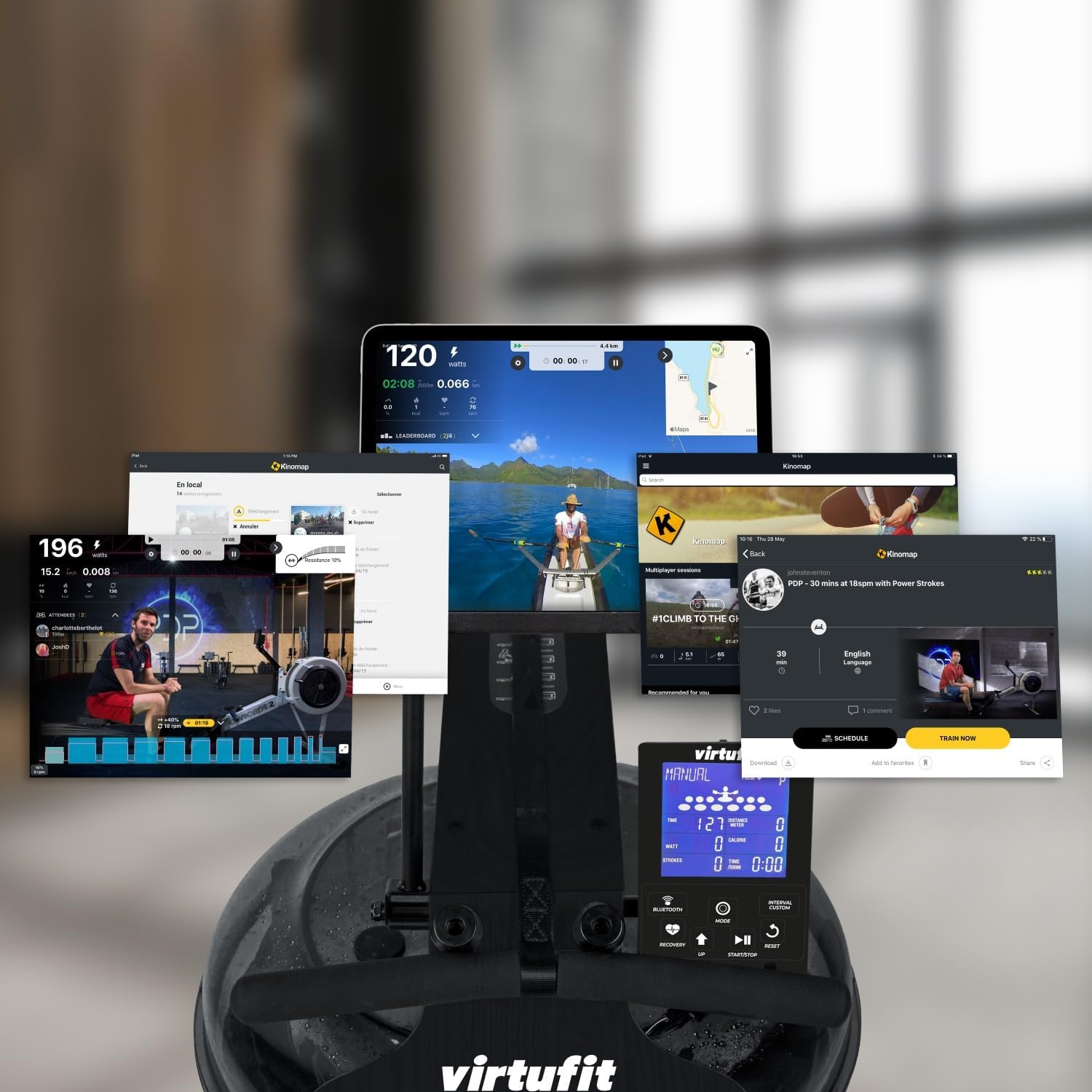
Image: A collage of various screens demonstrating the Kinomap application's diverse features and integration with the VirtuFit Rower, including virtual routes and workout data.
The rower features Bluetooth connectivity for enhanced training options:
- Hartklopmonitor: Pair a 5 kHz heart rate chest strap (not included) to monitor your pulse on the console.
- Fitness Apps: Connect your rower to popular fitness applications like Kinomap via Bluetooth. Use the integrated tablet holder to view your device while exercising.
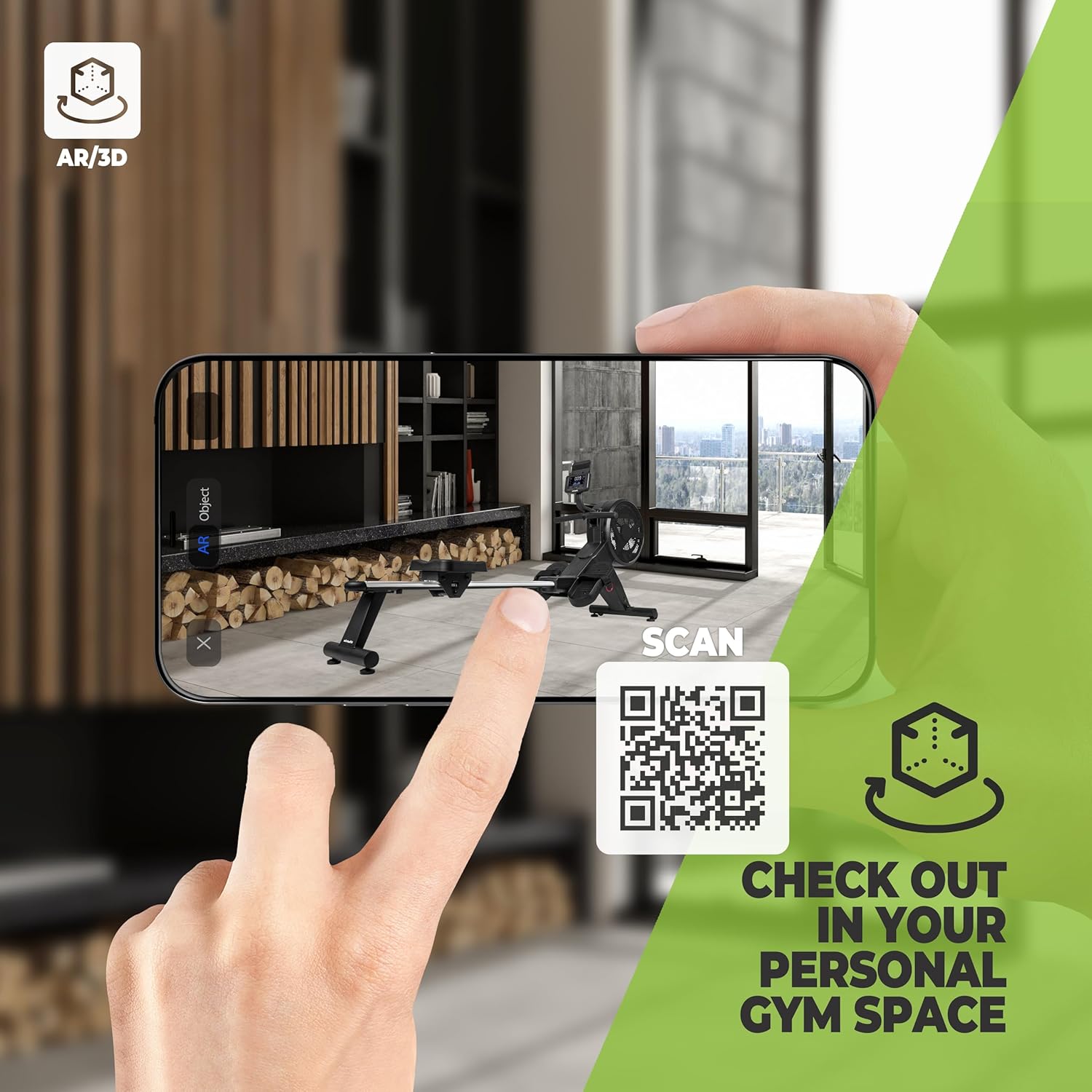
Image: A smartphone screen showing an augmented reality (AR) view of the VirtuFit Rower placed virtually in a room, with a QR code for scanning. This feature allows users to visualize the rower in their space before purchase.
Explore the rower in your space using Augmented Reality: VirtuFit AR Experience
5. Basic Rowing Technique
Proper rowing technique is essential for an effective and safe workout. The rowing stroke consists of four phases:
- Die Vangs: Knieë gebuig, skeene vertikaal, arms vorentoe uitgestrek, rug reguit, skouers ontspanne.
- Die Ry: Stoot af met jou bene, swaai dan jou rug en trek uiteindelik met jou arms.
- Die Afronding: Legs extended, lean back slightly, handle pulled to your lower chest/upper abdomen.
- Die Herstel: Extend arms forward, then lean forward from the hips, and finally bend your knees to slide forward.

Beeld: Nabyskoot view of the foot straps and the rowing handle, illustrating the connection points for the user during exercise.
Onderhoud
1. Water Treatment
To maintain water clarity and prevent microbial growth, add a water purification tablet (PuriTab) to the water tank every 3-6 months, or as needed. If the water becomes discolored, it may need to be replaced and the tank cleaned.
2. Skoonmaak
- Wipe down the rower with a damp lap na elke gebruik om sweet en stof te verwyder.
- Avoid using abrasive cleaners or solvents, as these can damage the finish and components.
- Periodically clean the rails and seat rollers to ensure smooth operation.
3. Berging
The VirtuFit Elite Rower is designed for convenient storage. After your workout, the rower can be stored vertically to save space. Ensure the rower is stable and secure in its upright position.

Image: The VirtuFit Elite Water Resistance Rower shown in its vertical storage position, demonstrating its space-saving design.
Probleemoplossing
- Konsole vertoon nie: Kontroleer batteryinstallasie en maak seker dat batterye nie leeg is nie. Vervang indien nodig.
- No Resistance or Uneven Resistance: Verify the water level in the tank. Ensure the impeller is not obstructed.
- Ongewone geluide: Inspect all connections and moving parts for looseness. Lubricate moving parts if recommended in the assembly guide.
- Bluetooth-verbindingskwessies: Ensure Bluetooth is enabled on both the rower console and your device. Try restarting both devices.
Spesifikasies
| Kenmerk | Detail |
|---|---|
| Modelnommer | VFROWWRB |
| Afmetings (L x B x H) | 206 x 63 x 52 cm |
| Item gewig | 30 kilogram |
| Weerstandmeganisme | Waterweerstand |
| Raammateriaal | Aluminium (with natural wood elements as per description) |
| Konsole vertoon | LCD (agterlig) |
| Kragbron | Battery Powered (4x AA batteries included) |
| Spesiale kenmerke | Includes hand pump and funnel, Bluetooth connectivity, Tablet holder, Vertical storage capability. |
Waarborg en Ondersteuning
For warranty information, please refer to the documentation provided at the time of purchase or contact your retailer. For technical support or spare parts, please contact VirtuFit customer service or your local distributor. Keep your proof of purchase for warranty claims.