
1. Inleiding
This manual provides essential information for the proper use and maintenance of your OUKITEL WP18 Pro Rugged Smartphone. Please read it carefully to ensure optimal performance and longevity of your device. The OUKITEL WP18 Pro is designed for durability and extended use, featuring a large battery and robust construction.
2. Produk verbyview
Familiarize yourself with the physical components and controls of your OUKITEL WP18 Pro smartphone.

Figuur 2.1: Voorkant View van die Toestel

Figuur 2.2: Terug View van die Toestel

Figuur 2.3: Kant View with Buttons and Ports
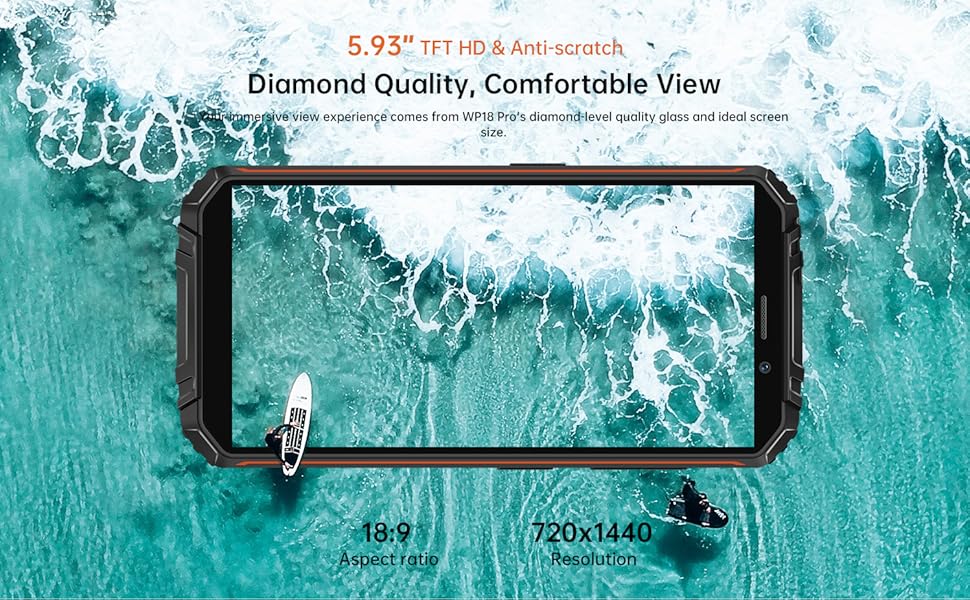
The device features a 5.93-inch HD+ display on the front. The rear houses the camera module and the OUKITEL branding. On the sides, you will find the power button, volume controls, and a customizable button, along with the SIM/SD card slot and charging port.
3. Opstelling
3.1. SIM-kaart en SD-kaart Installasie
The OUKITEL WP18 Pro supports dual Nano SIM cards or one Nano SIM card and one TF (microSD) card for expandable storage up to 1TB.
- Vind die SIM-kaartlaai aan die kant van die toestel.
- Gebruik die meegeleverde SIM-uitwerpgereedskap om die skinkbord oop te maak.
- Carefully place your Nano SIM card(s) and/or TF card into the designated slots. Ensure the gold contacts are facing down.
- Druk die skinkbord versigtig terug in die toestel totdat dit gelyk met die kant is.
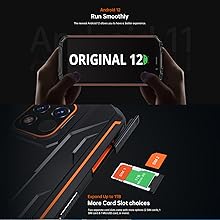
Figuur 3.1: SIM/SD Card Tray
3.2. Aanvanklike laai en aanskakeling
Voor die eerste gebruik word dit aanbeveel om jou toestel volledig te laai.
- Koppel die USB Tipe-C-kabel aan die laaipoort aan die onderkant van die foon.
- Koppel die ander kant van die kabel aan 'n versoenbare kragadapter en steek dit in 'n muursok.
- The charging indicator will appear on the screen. Allow the phone to charge until it reaches 100%.
- To power on, press and hold the Power button (usually on the right side) until the OUKITEL logo appears.

Figuur 3.2: Laai die toestel
4. Bedryfsinstruksies
4.1. Basiese telefoonfunksies
- Krag aan/af: Press and hold the Power button. Select 'Power off' or 'Restart' from the menu.
- Volumebeheer: Gebruik die Volume Op- en Volume Af-knoppies aan die kant om media-, oproep- en alarmvolumes aan te pas.
- Skermslot/Ontsluit: Druk kortliks die aan/uit-knoppie om die skerm te sluit of te ontsluit.
- Vingerafdruk ontsluit: Register your fingerprint in the Security settings to unlock the device using the side-mounted fingerprint sensor.
4.2. Kamerawerking
The OUKITEL WP18 Pro is equipped with a 13MP main camera, a 5MP auxiliary camera, and a 5MP front camera. It also features an underwater mode.
- Maak die Kamera-toepassing oop vanaf jou tuisskerm of toepassinglaai.
- Select your desired mode (Photo, Video, Portrait, Underwater, etc.).
- Tap the screen to focus on a specific area.
- Druk die Sluiterknoppie om 'n foto te neem of video-opname te begin/stop.

Figuur 4.1: Camera Module Details

Figuur 4.2: Kamera Sample Images
4.3. Robuuste kenmerke
The OUKITEL WP18 Pro is built to withstand harsh environments, meeting IP68, IP69K, and MIL-STD-810G standards for water, dust, and drop resistance.
- Waterdig: Can be immersed in up to 1.5 meters of water for 30 minutes. Ensure all port covers are securely closed before exposure to water.
- stofdig: Ten volle beskerm teen stof wat binnedring.
- Valbestand: Ontwerp om val van tot 1.5 meter te weerstaan.
- Temperatuur weerstand: Operates in temperatures ranging from -10°C to 70°C.

Figuur 4.3: Waterdigte vermoë

Figuur 4.4: Temperatuur weerstand
Knip 4.1: Demonstrating the Ruggedness of OUKITEL WP18 Pro. This video shows the phone being subjected to water, dust, and drop tests, highlighting its durable design.
Knip 4.2: OUKITEL WP18 Pro Rugged Phone Features. This video provides a detailed overview of the phone's robust construction and features designed for extreme conditions.
4.4. Battery and OTG Functionality
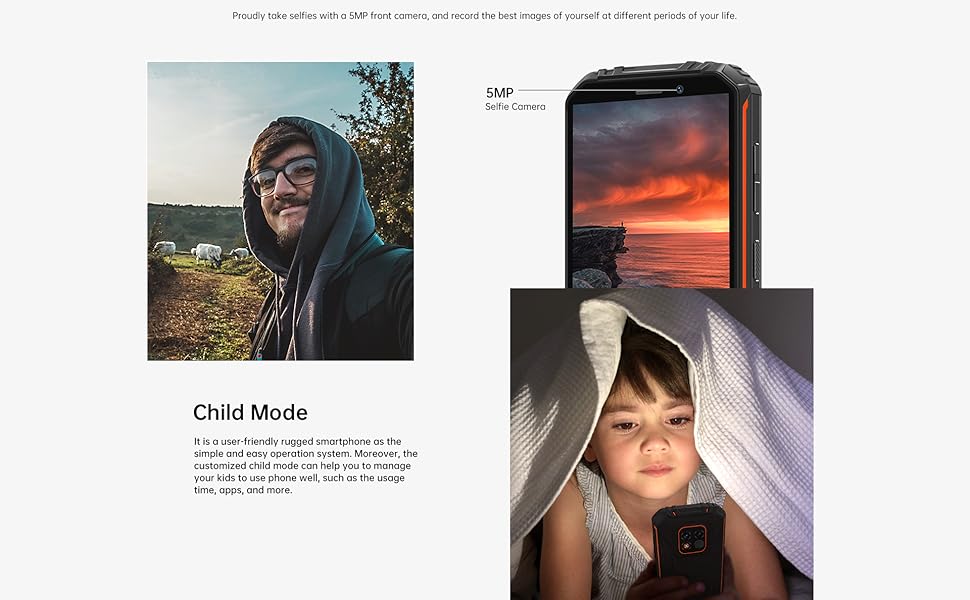
The device is powered by a massive 12500mAh battery, offering extended usage times. It also supports OTG (On-The-Go) functionality, allowing it to act as a power bank for other devices.
- Batterylewe: Up to 37 days standby, 70 hours calling, 48 hours music, and 22 hours video playback.
- OTG Omgekeerde Laai: Connect other devices via a compatible OTG cable to charge them using your WP18 Pro's battery.

Figuur 4.5: 12500mAh Batteryprestasie
Figuur 4.6: OTG Omgekeerde Laai
4.5. Android 12 System
The OUKITEL WP18 Pro runs on Android 12, offering a clean interface, enhanced privacy features, and a smooth user experience.
Figuur 4.7: Android 12 Interface
5. Onderhoud
To ensure the longevity and optimal performance of your OUKITEL WP18 Pro, follow these maintenance guidelines:
- Skoonmaak: Gebruik 'n sagte, damp lap om die toestel af te vee. Vermy harde chemikalieë of skuurmiddels.
- Hawesorg: Ensure all port covers (USB, SIM tray) are securely closed, especially before exposing the phone to water or dust. Regularly check ports for debris and clean gently with a soft brush if necessary.
- Skermbeskerming: While the screen is made of Corning Gorilla Glass, using an additional screen protector can provide extra defense against scratches.
- Sagteware-opdaterings: Kontroleer gereeld vir stelselopdaterings en installeer dit om te verseker dat jou toestel die nuutste sekuriteitsopdaterings en prestasieverbeterings het.
6. Probleemoplossing
If you encounter issues with your OUKITEL WP18 Pro, try the following solutions:
- Toestel skakel nie aan nie: Maak seker dat die battery gelaai is. Koppel die laaier aan en wag 'n paar minute voordat jy weer probeer aanskakel.
- Reagerende skerm: Try restarting the device by holding down the Power button for about 10-15 seconds until it reboots.
- Swak netwerksein: Check if your SIM card is correctly inserted. Move to an area with better network coverage.
- Programme wat vasval/vries: Clear the cache of the problematic app in Settings > Apps. If the issue persists, try reinstalling the app.
- Battery dreineer vinnig: Close unused apps running in the background. Reduce screen brightness. Check battery usage in Settings to identify power-hungry apps.
- Blootstelling aan water/stof: If the device has been exposed to water or dust, ensure all ports are dry before charging. Do not open the device.
If these steps do not resolve the issue, please contact OUKITEL customer support.
7. Spesifikasies
| Kenmerk | Spesifikasie |
|---|---|
| Handelsmerk | OUKITEL |
| Model | WP18 Pro |
| Geheue berging kapasiteit | 64 GB (uitbreidbaar tot 1 TB via microSD) |
| RAM | 4 GB |
| Skerm grootte | 5.93 Inches HD+ (720*1440 resolution, 400NIT brightness) |
| Draadlose diensverskaffer-versoenbaarheid | T-Mobile, Metro by T-Mobile, Mint Mobile, Republic Wireless (4G Dual SIM) |
| Sellulêre Tegnologie | 4G |
| Verbindingstegnologie | Bluetooth, NFC, USB |
| Kleur | Oranje |
| Itemafmetings (L x B x H) | 6 x 3 x 0.8 duim |
| Bedryfstelsel | Android 12 |
| Battery kapasiteit | 12500mAh |
| Agterste kamera | 13MP Main Camera + 5MP Auxiliary Camera |
| Voorste kamera | 5MP |
| Duursaamheidsstandaarde | IP68, IP69K, MIL-STD-810G |
8. Waarborg en Ondersteuning
OUKITEL provides comprehensive support for your WP18 Pro device:
- 30-dae terugkeerbeleid: Enjoy a 30-day no-reason return period from the date of purchase.
- Eenjaar Gratis Waarborg: Your device is covered by a one-year warranty for manufacturing defects.
- Langtermyn Tegniese Ondersteuning: OUKITEL offers ongoing technical assistance for your product.
- 24-uur aanlyn kliëntediens: Dedicated customer service is available 24/7 to address your inquiries and concerns.
For warranty claims or technical assistance, please visit the official OUKITEL webwebwerf of kontak hul kliëntediens direk.