
1. Produk verbyview
The EWAY Magnetic Wireless Backup Camera System provides enhanced visibility for various vehicles, including trucks, pickups, RVs, campers, 5th wheels, boats, and horse trailers. This system features two HD1080P wireless cameras and a 5-inch split-screen monitor, designed for easy, wire-free installation. Key functionalities include a 100ft wireless range, infrared night vision, and a strong magnetic mount for flexible placement.
2. Wat is in die boks
- 1 x 5" monitor kit
- 2 x rear view cameras kit

The package includes all necessary components for immediate setup and operation. Ensure all items are present before proceeding with installation.
3. Opstelling en installering
The EWAY system is designed for quick and easy installation without complex wiring. Follow these steps for optimal setup:
- Laai kameras: Before first use, fully charge the camera batteries using the provided Type C cable. The cameras feature solar panels for continuous charging during daylight.
- Monteer kameras: The cameras are equipped with strong magnets. Attach them securely to any flat metal surface on your vehicle or trailer. Common locations include the rear of a truck, trailer hitch, or inside a horse trailer for monitoring. Ensure the solar panel is exposed to sunlight for charging.
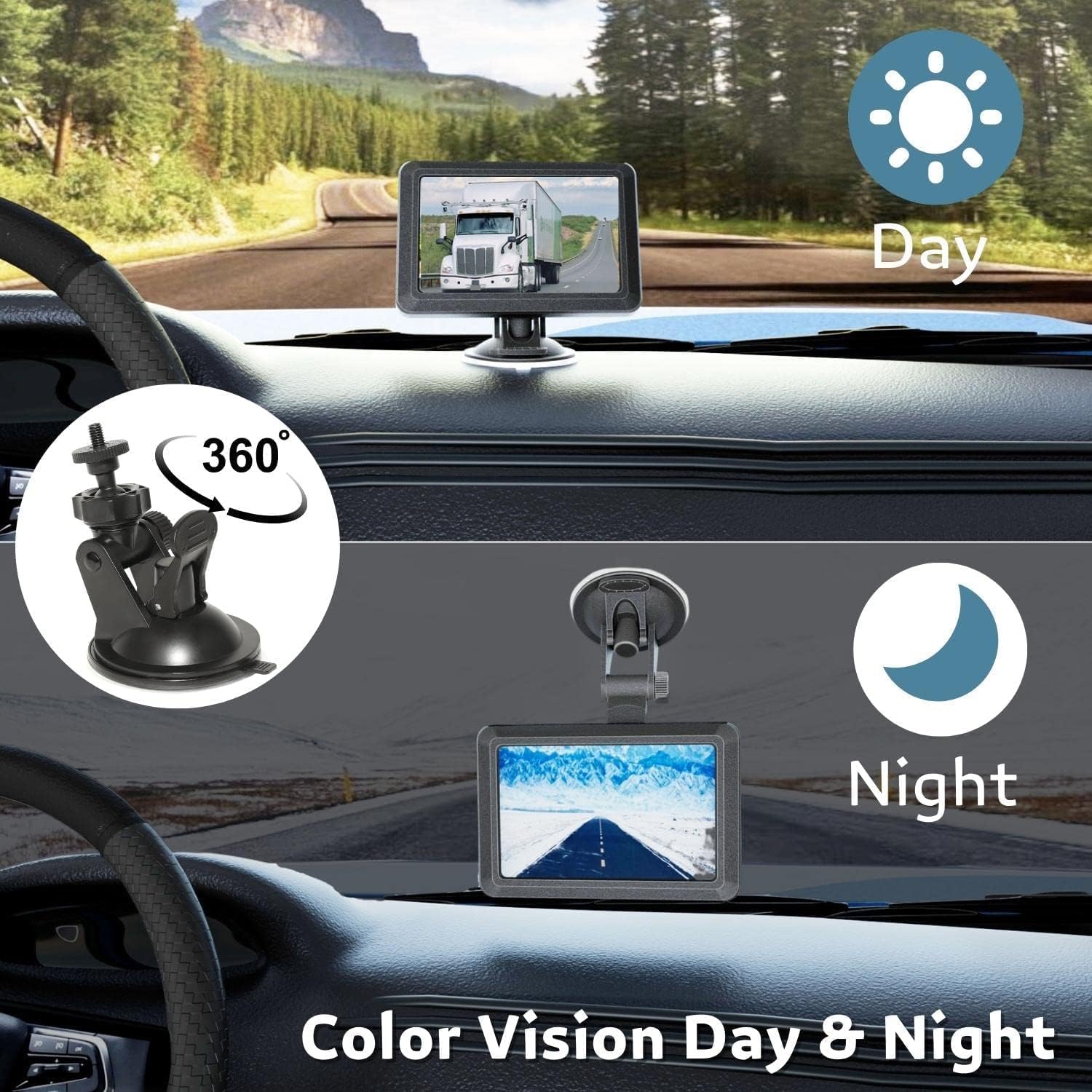
- Monteer monitor: Use the adjustable bracket to mount the 5-inch monitor on your vehicle's dashboard or windshield. Position it for clear visibility without obstructing your view.
- Power Monitor: Plug the monitor into your vehicle's 12V cigarette lighter socket using the provided charging port.
- Saambinding: The cameras and monitor are designed to connect automatically upon power-up. If pairing is needed, refer to the "M" button introduction in the included manual for specific instructions.


Vir 'n visuele gids oor installasie, verwys asseblief na die video hieronder:
4. Bedryfsinstruksies
Once installed, the EWAY system offers several features to enhance your driving and monitoring experience:
- Krag aan/af: Use the power button on the monitor to turn the system on or off.
- Verdeel skerm View: The 5-inch monitor supports two video channels, allowing you to view feeds from both cameras simultaneously in a split-screen mode.
- Wissel kanale: Navigate between camera views or split-screen mode using the monitor's control buttons.
- HD 1080P Image: The cameras provide clear HD 1080P video quality during both day and night.
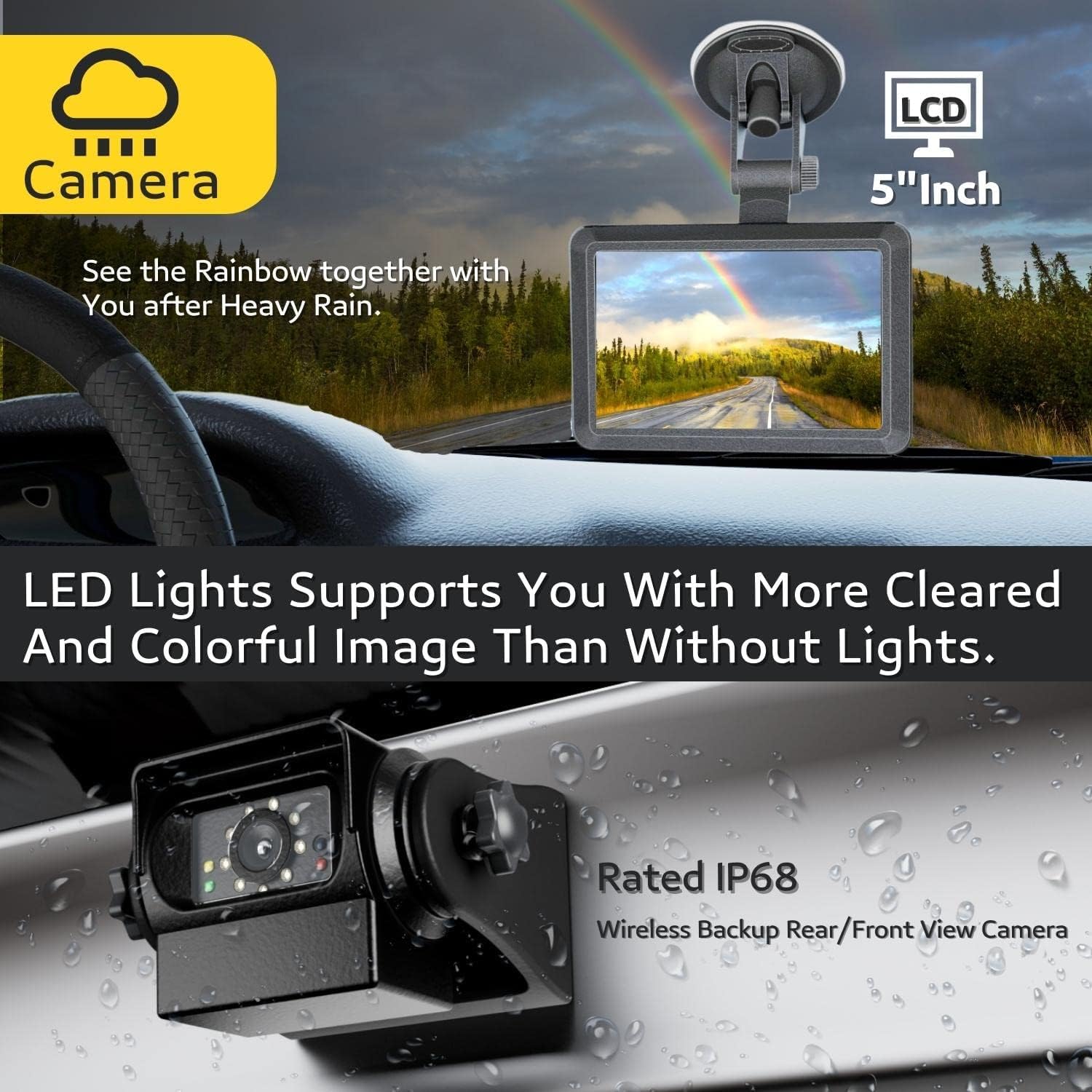
- IR Nagvisie: Equipped with 9 IR lights and an auto light sensor, the cameras automatically activate night vision in low-light conditions, ensuring clear visibility.
- DIY-riglyne: Customize parking guidelines on the monitor to assist with backing up and hitching.
- Voor/agter View: Cameras can be installed for either front or rear viewing. The image can be mirrored or flipped vertically/horizontally via the monitor settings.


For demonstrations of the monitor's features and camera views, please watch the following videos:
5. Onderhoud
To ensure the longevity and optimal performance of your EWAY Backup Camera System, follow these maintenance guidelines:
- Skoonmaak: Maak die kameralens en monitorskerm gereeld skoon met 'n sagte, damp lap. Vermy skuurmiddels wat oppervlaktes kan krap.
- Batterysorg: While cameras feature solar charging, ensure they receive adequate sunlight. For prolonged storage, fully charge the batteries and store the cameras in a cool, dry place.
- Magnetiese Mount: Periodically check the magnetic mount for any debris that might reduce its holding strength. Clean the mounting surface as needed.
- Waterdigting: The cameras are IP68P waterproof. However, avoid prolonged submersion or high-pressure water jets directly on the camera to prevent potential damage.
6. Probleemoplossing
If you encounter issues with your EWAY system, refer to the following common troubleshooting tips:
- No Signal/Interference:
- Ensure cameras and monitor are within the specified 100ft wireless range (in open areas).
- Check for obstructions between the camera and monitor that might block the signal.
- Verify both the camera and monitor are powered on and fully charged.
- Reposition the camera or monitor to improve signal reception.
- Swak beeldkwaliteit:
- Clean the camera lens for any dirt or smudges.
- Ensure sufficient lighting for optimal image clarity, especially at night (IR lights should activate automatically).
- Camera Not Charging:
- Maak seker dat die sonpaneel skoon is en aan direkte sonlig blootgestel is.
- Connect the camera directly to a power source using the Type C cable to confirm charging functionality.
- Monitor skakel nie aan nie:
- Check the 12V cigarette lighter connection and ensure it's providing power.
- Verify the power cable is securely connected to the monitor.
7. Spesifikasies
| Kenmerk | Detail |
|---|---|
| Produk afmetings | 12 x 9 x 5 duim |
| Item gewig | 2.66 pond |
| Batterye | 2 Litium-ioon batterye (ingesluit) |
| Vertoon tegnologie | LED |
| Ander vertoonkenmerke | Draadloos |
| Skerm grootte | 5 duim |
| Versoenbare toestelle | WiFi Rechargeable Reverse Camera System for Hitching Gooseneck Horse Trailer Fifth Wheels/Car RV Camper. No Drilling, No Wiring! Easily attach the Magnetic Wireless Backup Camera to any metal surface of the vehicle. |
| Installasie tipe | Magnetic Surface Mount, Dashboard Mount |
| Voltage | 12 Volt |
| Optiese sensortegnologie | CMOS |
| Lens tipe | Wye hoek |
| Regte hoek van View | 150 grade |
| Connector Tipe | Draadloos |
8. Waarborg en Ondersteuning
This EWAY product is covered by the manufacturer's standard warranty. For detailed warranty information, product support, or technical assistance, please refer to the contact information provided in your product packaging or visit the official EWAY webwebwerf.