
Inleiding
This manual provides instructions for the setup, operation, and maintenance of your Timex Expedition Atlantis 40mm Digital Watch. Please read this guide thoroughly to ensure proper use and care of your timepiece.
Opstelling
Aanvanklike opstelling
Your watch may have a plastic spacer in the crown/pusher to conserve battery life. Remove this spacer before first use. The watch will then activate and display the time.
Stel tyd en datum in
Your Timex Expedition Atlantis watch features multiple modes and settings. Familiarize yourself with the watch buttons:
- MODUS-knoppie: Cycles through different functions (Time, Stopwatch, Alarm, Timer, Dual Time).
- SET -knoppie: Used to enter setting mode for time, date, alarm, etc.
- START/STOP-knoppie: Adjusts values during setting, starts/stops stopwatch/timer.
- INDIGLO-knoppie: Aktiveer die Indiglo-naglig.
Om die tyd en datum in te stel:
- Druk die MODUS button until the time display is active.
- Druk en hou die STEL knoppie totdat die sekondes begin flikker.
- Druk die BEGIN/STOP knoppie om sekondes terug te stel na nul.
- Druk die MODUS button to advance to the next setting (e.g., hours, minutes, month, date, day of week).
- Gebruik die BEGIN/STOP knoppie om die flikkerende waarde aan te pas.
- Herhaal stappe 4 en 5 totdat al die verlangde instellings aangepas is.
- Druk die STEL knoppie om die instellingsmodus te verlaat.

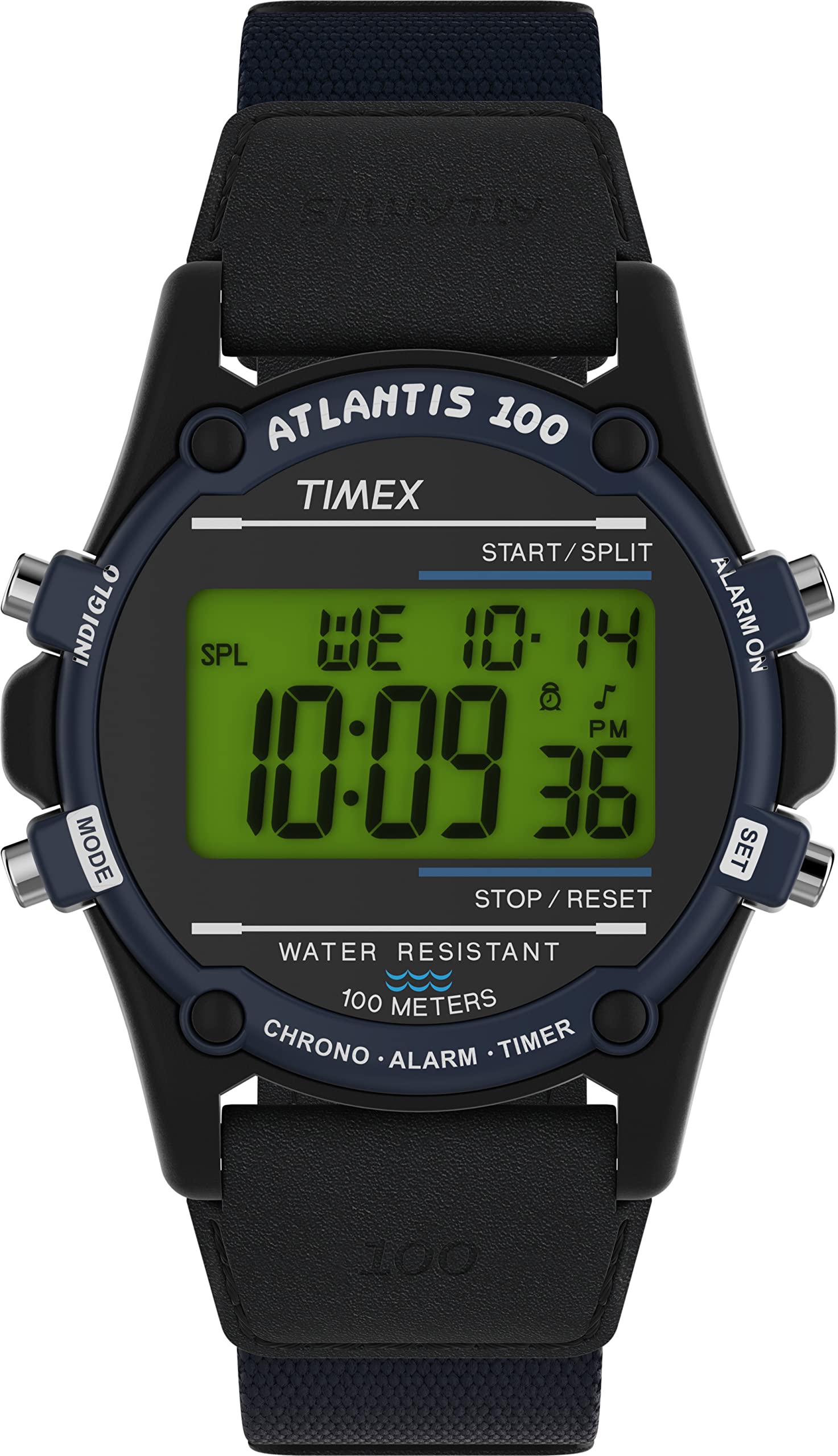
Beeld: Voorkant view of the Timex Expedition Atlantis watch, showing the digital display and watch face.
Verstel van die band
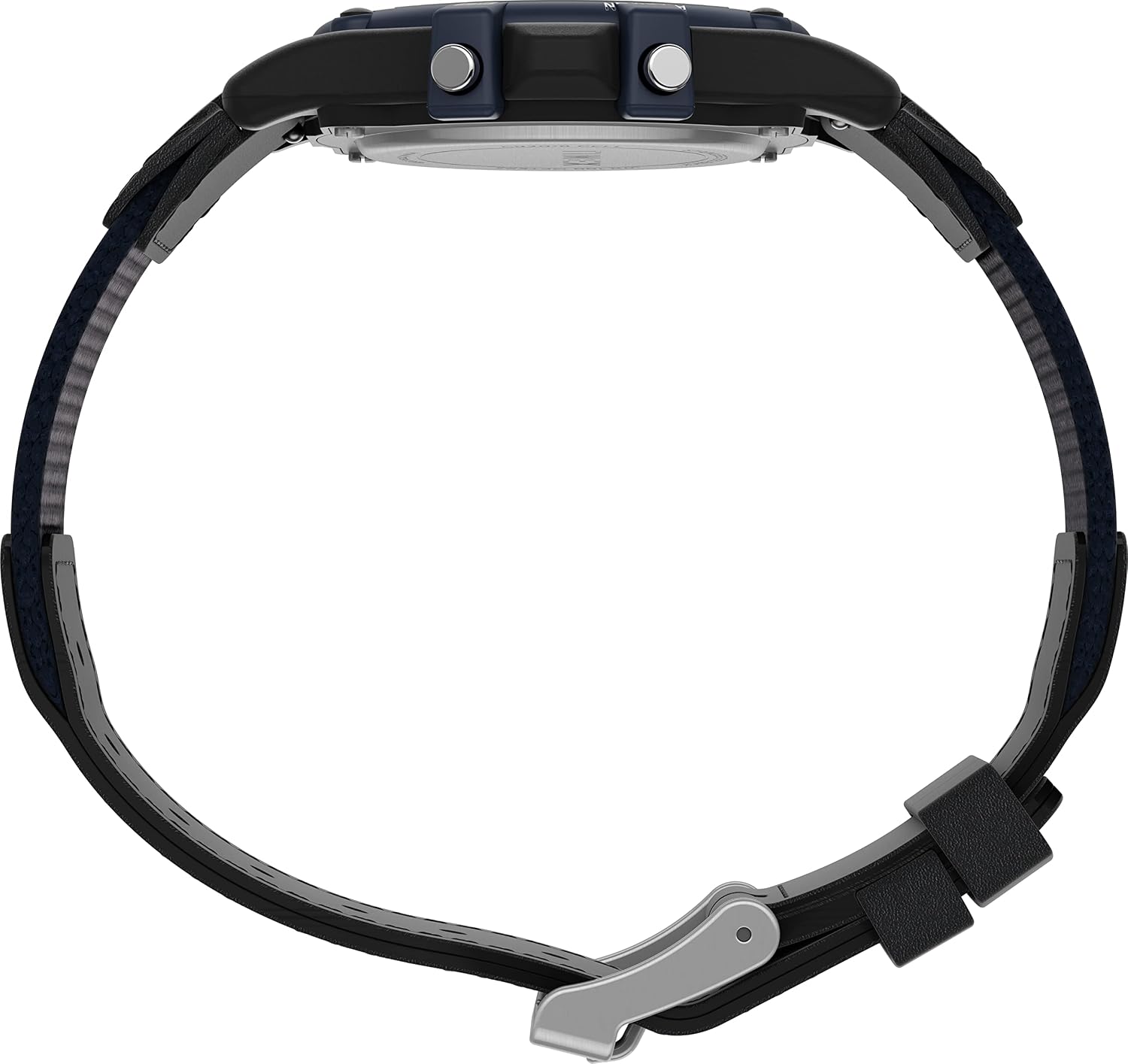
The watch features an adjustable 18mm fabric and leather strap. To adjust the strap, locate the buckle and slide the pin through the desired hole for a comfortable and secure fit. Ensure the watch is snug but not too tight on your wrist.
Beeld: Syprofile of the Timex Expedition Atlantis watch, illustrating the watch case and the adjustable strap.
Bediening van jou horlosie
Indiglo Naglig
Druk die INDIGLO button to illuminate the watch display for easy viewing in low-light conditions. The light will remain on for a few seconds.
Beeld: Sykant view of the watch, highlighting the push buttons on the case for various functions, including the Indiglo button.
Stophorlosie funksie
To use the 24-hour stopwatch:
- Druk die MODUS button repeatedly until "STOPWATCH" or "CHR" (Chronograph) appears on the display.
- Druk die BEGIN/STOP knoppie om tydsberekening te begin.
- Druk die BEGIN/STOP button again to pause/stop the timing.
- Om die stophorlosie terug te stel, druk die STEL knoppie terwyl die stophorlosie gestop is.
Daaglikse alarm
To set and activate the daily alarm:
- Druk die MODUS button repeatedly until "ALARM" appears.
- Druk en hou die STEL knoppie totdat die alarmure begin flikker.
- Gebruik die BEGIN/STOP knoppie om die ure aan te pas.
- Druk die MODUS button to advance to minutes and adjust with BEGIN/STOP.
- Druk die STEL knoppie om te bevestig en te verlaat.
- Om die alarm te aktiveer/deaktiveer, druk die BEGIN/STOP button while in alarm mode. An alarm icon will appear/disappear.
Dubbele Tydsone (T2)
Your watch allows you to set a second time zone (T2) for convenience when traveling:
- Druk die MODUS button until "T2" or "DUAL TIME" appears.
- Druk en hou die STEL knoppie totdat die ure begin flikker.
- Gebruik die BEGIN/STOP knoppie om die ure aan te pas.
- Druk die MODUS button to advance to minutes and adjust with BEGIN/STOP.
- Druk die STEL knoppie om te bevestig en te verlaat.
24-uur militêre tydmodus
To switch between 12-hour (AM/PM) and 24-hour (military) time format:
- In normale tyd vertoonmodus, druk die BEGIN/STOP knoppie om tussen 12-uur en 24-uur formate te wissel.
Waterweerstand
This watch is water resistant to 100 meters (330 feet). It is suitable for swimming and snorkeling. It is not suitable for diving. Do not press any buttons while the watch is wet or submerged to prevent water entry.
Onderhoud
Battery vervanging
The watch uses one Lithium Metal battery (CR2016). When the display dims or functions become erratic, the battery may need replacement. It is recommended to have the battery replaced by a qualified watch technician to ensure proper sealing and maintain water resistance.

Beeld: Agter view of the watch, showing the stainless steel case back and engraved details including "CR2016 CELL".
Maak jou horlosie skoon
Om jou horlosie skoon te maak, vee dit af met 'n sagte, damp cloth. Do not use harsh chemicals or abrasive cleaners, as these can damage the watch case or strap. For the strap, avoid prolonged exposure to water or direct sunlight to preserve its material integrity.
Handhawing van waterweerstand
Om die waterweerstand van jou horlosie te handhaaf:
- Ensure the case back is securely closed after any battery replacement or service.
- Avoid exposing the watch to extreme temperature changes, which can affect seals.
- Do not operate buttons while the watch is submerged or wet.
Probleemoplossing
| Probleem | Moontlike oorsaak | Oplossing |
|---|---|---|
| Die skerm is leeg of dof. | Lae of dooie battery. | Replace the battery (CR2016). Professional replacement is recommended. |
| Time is incorrect or resets. | Accidental button press; battery issue; strong magnetic field. | Reset the time and date. If problem persists, check battery or consult service. |
| Buttons are unresponsive or stiff. | Debris under buttons; watch is wet. | Clean around buttons. Ensure watch is dry before operating. If problem persists, seek professional service. |
| Water verskyn binne-in die horlosie. | Gekompromitteerde waterweerstandseël. | Neem die horlosie onmiddellik na 'n gekwalifiseerde tegnikus vir inspeksie en herstelwerk om verdere skade te voorkom. |
Spesifikasies
- Modelnommer: TW2V44400VQ
- Kas deursnee: 40 mm
- Materiaal van die houer: Hars
- Lens materiaal: Akriel
- Bandbreedte: 18 mm
- Band materiaal: Fabric & Leather
- Waterweerstand: 100 meter (330 voet)
- Battery tipe: CR2016 Litiummetaal (ingesluit)
- Funksies: Digital Time, Date, Day, 24-Hour Stopwatch, Daily Alarm, 2 Time Zones, 24-Hour Military Time Mode, Indiglo Night-Light.
Waarborg en Ondersteuning
Your Timex watch is covered by a manufacturer's warranty. For detailed warranty information, service, or support, please refer to the official Timex webwebwerf of kontak Timex-kliëntediens direk. Bewaar u bewys van aankoop vir waarborgeise.
Amptelike Timex Webwebwerf: www.timex.com