
1. Inleiding
This instruction manual provides detailed guidance for installing and operating your BRIKSMAX LED Lighting Kit, designed specifically for the LEGO Star Wars BD-1 (Set 75335) building block model. This kit enhances your LEGO model with integrated lighting, bringing it to life. Please note that the LEGO BD-1 model itself is not included with this lighting kit.

2. Veiligheidsinligting
- Hierdie produk bevat klein onderdele en is nie geskik vir kinders onder 3 jaar oud nie weens verstikkingsgevare.
- Handle wires and LED components with care to avoid damage. Do not pull excessively on wires.
- Ensure the power source (battery box or USB) is correctly connected before powering on.
- Do not expose the lighting kit to water or extreme temperatures.
- Only use recommended battery types (small, common batteries) for the battery box.
3. Pakketinhoud
Verify that all components listed below are present in your BRIKSMAX LED Lighting Kit package:
- LED Light Strips and Dot Lights (various sizes and colors)
- Expansion Boards (12-port)
- Connecting Cables (various lengths)
- USB-kragkabel
- Battery Box (requires AA batteries, not included)
- Kleefvierkante
- Assorted LEGO-compatible block parts (random colors)
- User Guide and Service Card
4. Opstelling en installering
Follow these step-by-step instructions to integrate the LED lighting kit into your LEGO 75335 BD-1 model. It is recommended to have your LEGO model fully assembled before beginning the lighting installation.
4.1. Installation Part 1: Initial Wiring
This video guides you through the initial steps of preparing and placing the first set of lights and wires within the LEGO model's structure.
4.2. Installation Part 2: Connecting Components
Continue the installation process by connecting additional light components and routing wires through the LEGO model, ensuring a neat and secure setup.
4.3. Installation Part 3: Final Light Integration
This section covers the integration of the remaining lights and the final steps to prepare the model for power connection.
4.4. Final Assembly and Demonstration
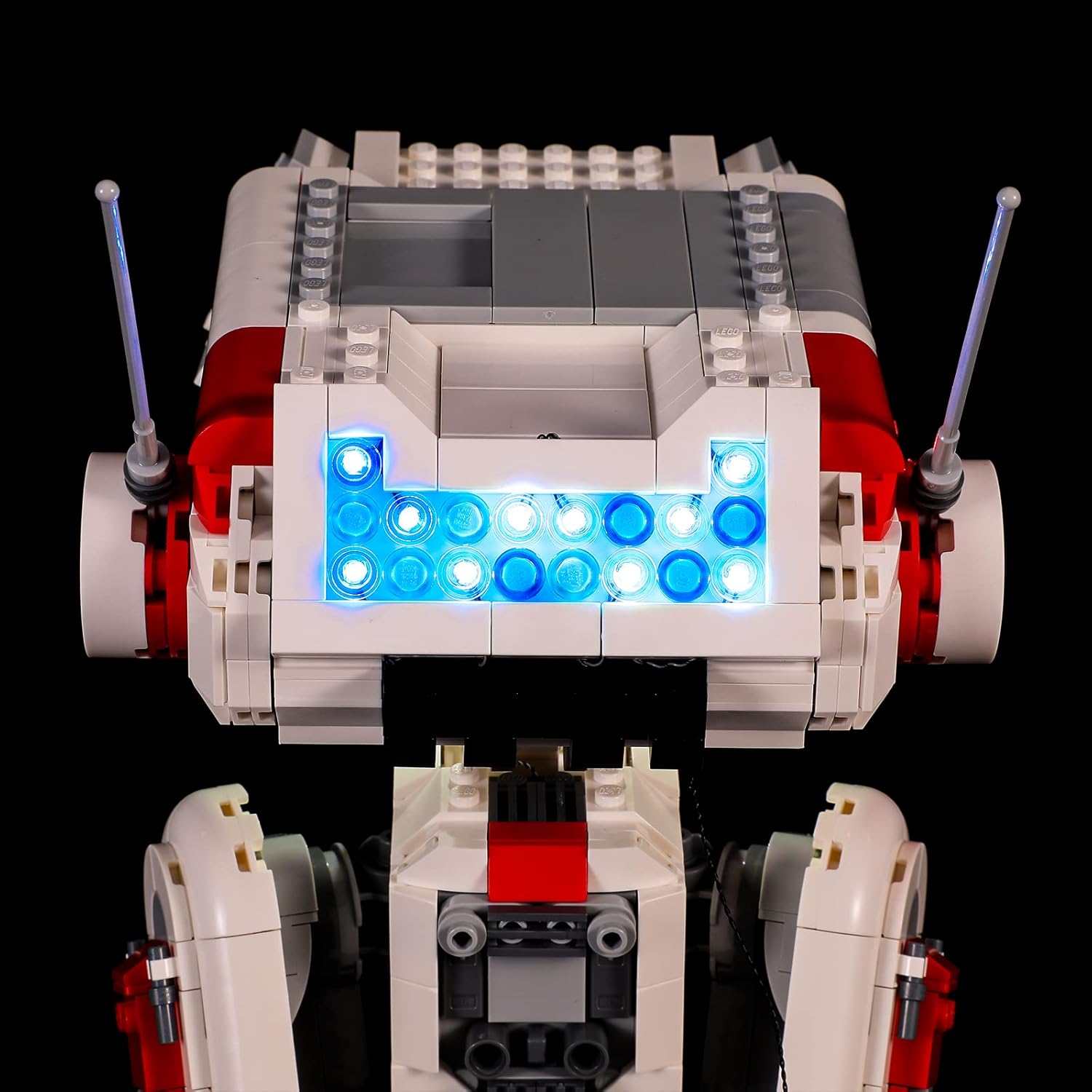
After all lights are installed, reassemble your LEGO model. This video provides an overview of the completed installation and demonstrates the illuminated BD-1.
5. Bedryfsinstruksies
Once the lighting kit is fully installed, connect the USB power cable to a compatible USB power source (e.g., a USB wall adapter, power bank, or computer USB port). Alternatively, insert the required AA batteries into the battery box and connect it to the lighting system. The lights should illuminate automatically. There are no additional controls for light patterns or brightness with this specific kit.

6. Onderhoud
- To clean the lights or wires, use a soft, dry cloth. Avoid using liquids or abrasive cleaners.
- If the model is to be stored for an extended period, disconnect the power source (remove batteries or unplug the USB cable) to prevent battery drain or potential damage.
- Periodically check wire connections to ensure they remain secure.
7. Probleemoplossing
- Ligte skakel nie aan nie:
- Ensure the power source (USB or battery box) is correctly connected and functional.
- As jy batterye gebruik, kyk of hulle korrek ingesit is en voldoende gelaai is.
- Verify all wire connections to the expansion boards and individual lights are secure.
- Some lights not working:
- Check the specific connections for the non-working lights.
- Inspect the wires for any kinks, cuts, or damage.
- Ensure the light components are not pinched or crushed by LEGO bricks.
- Ligte flikker:
- This may indicate a loose connection or low battery power. Check connections and replace batteries if necessary.
8. Spesifikasies
| Kenmerk | Detail |
|---|---|
| Handelsmerk | BRIKSMAX |
| Produkmodelnommer | BX543 |
| Compatible LEGO Set | LEGO 75335 BD-1 |
| Materiaal tipe | Plastiek |
| Kragbron | Battery / USB |
| Ondersteunde batterytipes | Small, common batteries (e.g., AA for battery box) |
| Vergadering benodig | Ja |
| Aanbevole gebruik | Enhancing and displaying LEGO Star Wars BD-1 model (75335) |
9. Waarborg en Ondersteuning
BRIKSMAX offers a 1-year warranty against manufacturer defects. If you encounter any difficulties with your product or require assistance, please contact BRIKSMAX customer service. You can typically find contact information on the included service card or through the official BRIKSMAX webwebwerf.