
Inleiding
The Keychron C2 is a full-size (104-key) wired mechanical keyboard designed for both Mac and Windows operating systems. It features durable Red mechanical switches and retro-colored ABS keycaps, providing a comfortable and responsive typing experience. This manual provides essential information for setting up, operating, maintaining, and troubleshooting your Keychron C2 keyboard.

Image: The Keychron C2 Full Size Wired Mechanical Keyboard connected to a computer setup.
Pakketinhoud
Maak seker dat alle items in die pakket teenwoordig is:
- Keychron C2 Full Size Wired Mechanical Keyboard
- USB-C na USB-A-kabel
- Sleutelkap trekker
- Extra Keycaps for Mac and Windows operating systems
Opstelling
- Koppel die sleutelbord: Plug the USB-C end of the provided cable into the keyboard's USB-C port and the USB-A end into an available USB port on your computer. The keyboard is a wired-only device and does not require batteries.
- Select Operating System Mode: Locate the operating system switch on the back or side of the keyboard. Slide the switch to the appropriate position for your computer (Mac or Windows). This ensures correct function key mapping.
- Pas sleutelbordhoek aan: The keyboard features 2-level adjustable feet. Flip out the feet on the underside of the keyboard to achieve your preferred typing angle for ergonomic comfort.
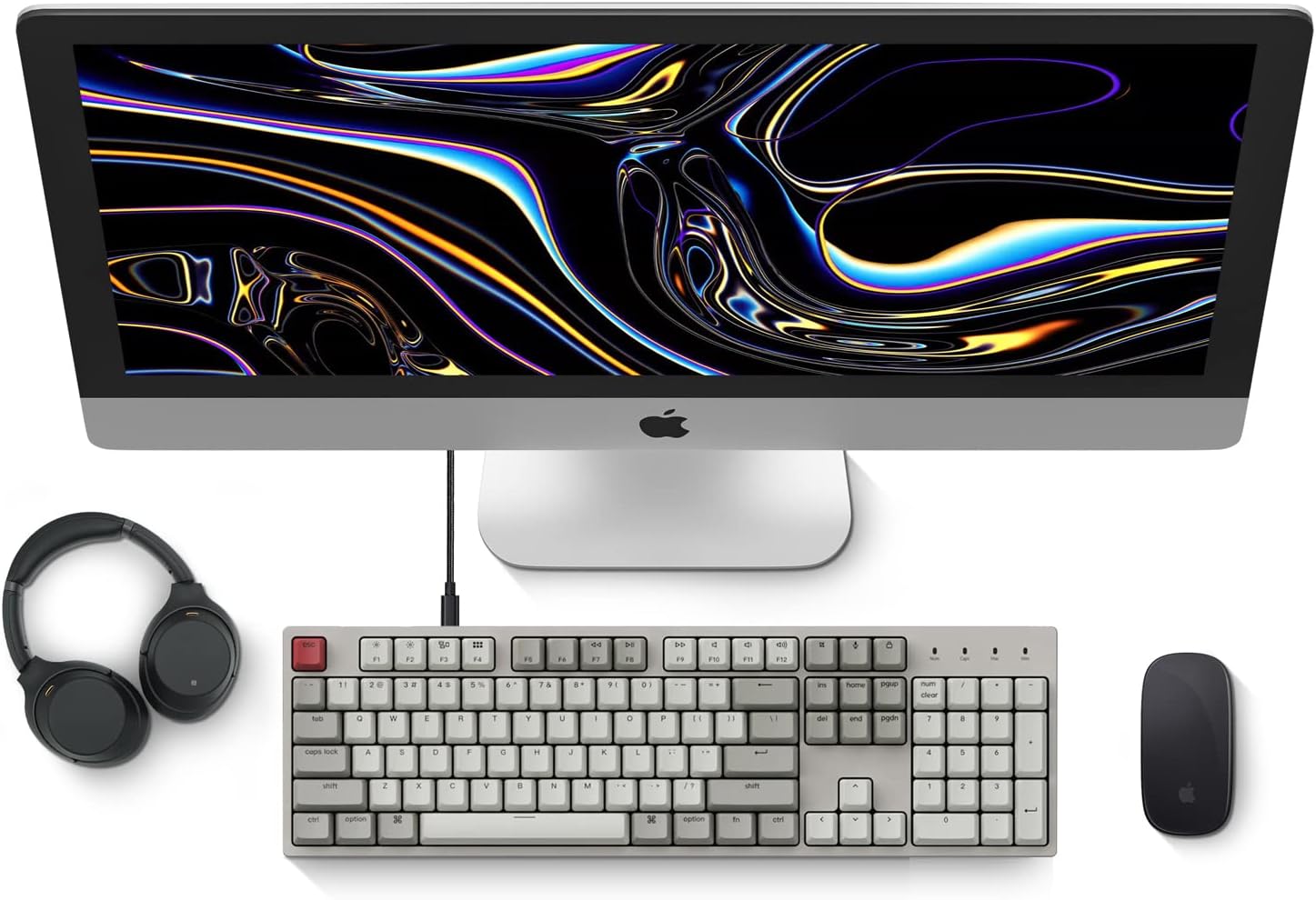
Image: Diagram showing compatibility with Mac and Windows operating systems.

Beeld: Sykant view of the Keychron C2 keyboard illustrating the adjustable feet for angle customization.
Bedryfsinstruksies
Basiese funksies
- Tik: The keyboard features a standard 104-key full-size layout.
- Multimedia sleutels: The top row of function keys (F1-F12) includes multimedia controls. These functions are optimized for Mac but are also compatible with Windows.
- Siri/Cortana Key: A dedicated key is provided for activating Siri (on Mac) or Cortana (on Windows).
Sleutelkapvervanging
The Keychron C2 comes with extra keycaps for both Mac and Windows layouts. To replace keycaps:
- Use the provided keycap puller to gently remove the desired keycap by hooking it onto the keycap and pulling upwards.
- Align the new keycap with the switch stem and press down firmly until it clicks into place.

Beeld: Nabyskoot view of the Keychron Red mechanical switches beneath removed keycaps.
Onderhoud
- Skoonmaak: Maak jou sleutelbord gereeld skoon om stof en puinopbou te voorkom. Gebruik 'n sagte borsel of saamgeperste lug om deeltjies tussen die sleutelkappe te verwyder. Vir oppervlakskoonmaak, gebruik 'n effens damp, lint-free cloth. Avoid harsh chemicals.
- Sleutelkapversorging: While durable, avoid excessive force when removing or installing keycaps to prevent damage to the keycap stems or switches.
- Kabelbestuur: Ensure the USB-C cable is not bent sharply or placed under heavy objects to prolong its lifespan.

Image: Close-up of the ABS keycaps on the Keychron C2 keyboard.
Probleemoplossing
- Sleutelbord reageer nie:
- Check the USB-C cable connection at both the keyboard and the computer. Ensure it is securely plugged in.
- Probeer om die sleutelbord aan 'n ander USB-poort op jou rekenaar te koppel.
- Verify that the operating system switch on the keyboard is set correctly (Mac/Windows).
- Herbegin jou rekenaar.
- Spesifieke sleutels werk nie:
- Carefully remove the non-functional keycap using the keycap puller. Inspect the mechanical switch for any visible damage or debris.
- Clean around the switch with compressed air.
- Re-seat the keycap firmly.
- Verkeerde sleuteluitvoer:
- Ensure the operating system switch is set to the correct mode for your computer.
- Check your computer's keyboard settings to ensure the correct layout is selected.
Spesifikasies
| Kenmerk | Detail |
|---|---|
| Handelsmerk | Keychron |
| Model Naam | Keychron C2 |
| Modelnommer | HS-C2K1Z |
| Verbindingstegnologie | USB-C (bedraad) |
| Versoenbare toestelle | Skootrekenaar, rekenaar |
| Versoenbare bedryfstelselfamilie | MacOS, Windows |
| Aantal sleutels | 104 |
| Skakel Tipe | Linear (Red Switch) |
| Keycap materiaal | ABS (Akrilonitril Butadieen Styreen) |
| Sleutelborduitleg | QWERTY |
| Spesiale kenmerk | Backlit (Single Color) |
| Item gewig | 5390 gram |
| Kragbron | Elektries met koord |
Waarborg en Ondersteuning
Vir waarborginligting, tegniese ondersteuning of verdere hulp, besoek asseblief die amptelike Keychron-webwerf. website or contact Keychron customer service. Details regarding product registration and specific warranty terms can be found through official Keychron channels.