
Inleiding
This user manual provides comprehensive instructions for the Ciays Automatic Pet Feeder, a 4-liter capacity device designed for convenient and consistent feeding of small to medium cats and dogs. It supports up to 6 meals per day with adjustable portion sizes and includes a voice recording feature to call your pet at meal times. This manual covers assembly, operation, maintenance, and troubleshooting to ensure optimal performance and longevity of your feeder.
Important Safety Information & Reminders
- This automatic pet feeder is designed for dry food only.
- To prevent food jams, the pellet size should nie 15 mm oorskry nie.
- Moenie jou vingers in die kosuitlaat steek of probeer om aan die rotor te raak nie.
- Do not submerge the main unit in water as this will damage the electronic components.
- This timed cat feeder requires 3 D-type batteries for backup power. If the device is powered by batteries only, they will last up to 3 months under normal usage. Batteries are not included in the package.
Wat is in die boks
Nadat u die verpakking oopgemaak het, maak seker dat al die volgende komponente teenwoordig is:
- Troeteldiervoerder x 1
- Kragadapter x 1
- Kragkabel x 1
- Desiccant Pack x 1
- Vlekvrye staal bak x 1
- Plastic Bowl x 1
- Instruksiehandleiding x 1

Image: Ciays Automatic Pet Feeder with its included accessories, including the main unit, food bowls, and power supply.
Opstelling
Vergadering
- Unpack all components: main feeder unit, lid, food bowl (stainless steel and plastic options), power adapter, power cord, and desiccant pack.
- Insert the stainless steel bowl into the plastic base.
- Attach the assembled bowl to the main feeder unit, ensuring it clicks securely into place.
- Open the top lid of the feeder. Insert the desiccant pack into its designated slot in the lid to maintain food freshness.
- Fill the food reservoir with dry pet food. Ensure kibble size does not exceed 15mm to prevent jams.
- Close the lid securely, ensuring the spring-loaded switch is engaged to prevent accidental opening by pets.
- Connect the power adapter to the feeder and plug it into a wall outlet. For backup power, install 3 D-type batteries (not included) in the battery compartment at the bottom of the unit.
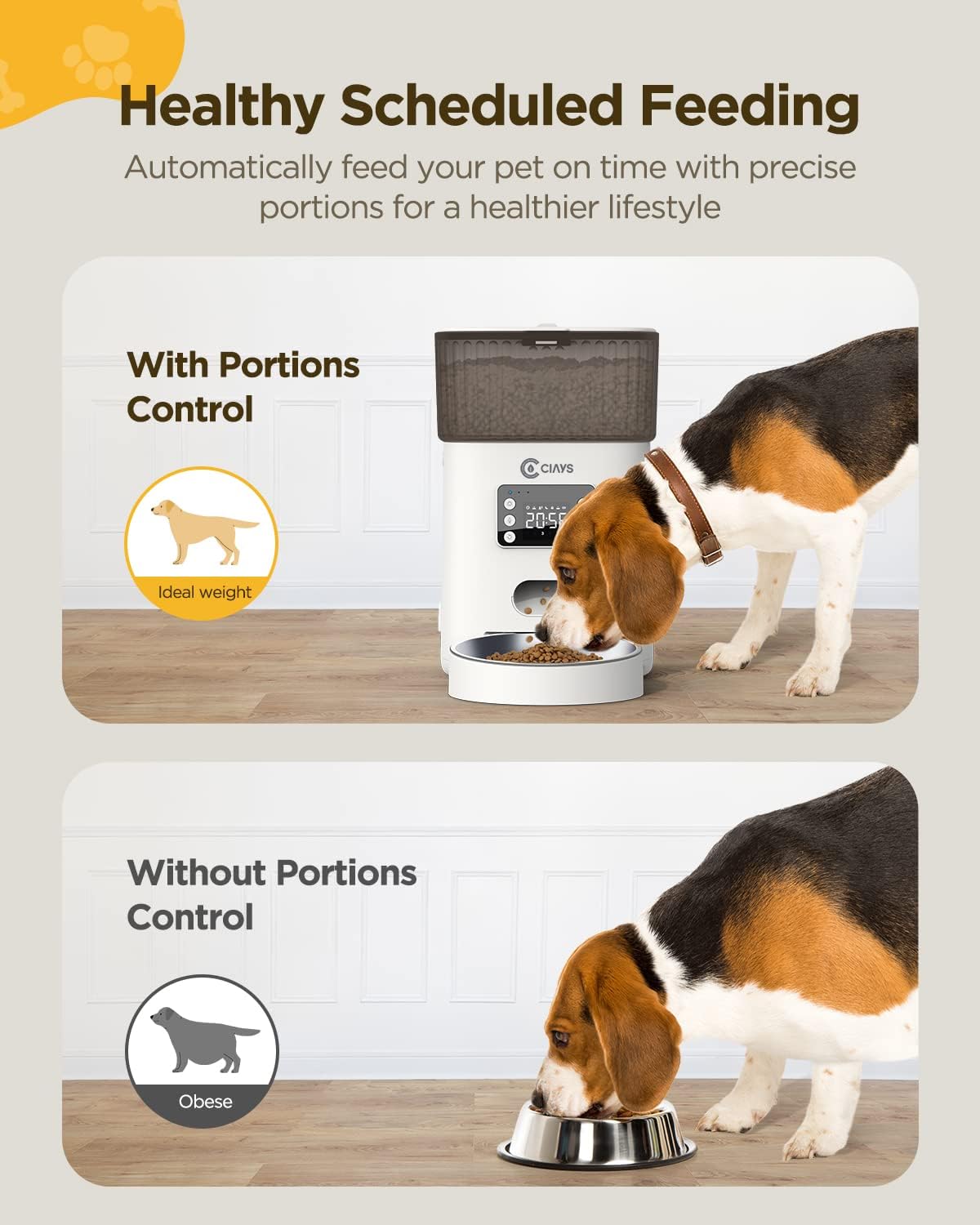
Image: The feeder demonstrating precise portion control for healthy feeding.

Image: The secure, spring-loaded lid designed to prevent pets from accessing food prematurely.

Image: The feeder illustrating its backup battery power capability for uninterrupted operation.
Bedryfsinstruksies
Beheerpaneel oorview
The control panel features a digital display and six buttons for navigation and settings, allowing for easy programming of feeding schedules and other features.
Stel die klok
- Press the 'Set' button (usually top-left) to enter time setting mode. The hour display will blink.
- Use the 'Up' and 'Down' arrow buttons to adjust the hour (24-hour format).
- Press 'OK' to confirm the hour and move to minute setting.
- Use 'Up' and 'Down' arrows to adjust the minutes.
- Press 'OK' to save the time.
Programming Feeding Schedules
- Press the 'Set' button repeatedly until 'F-01' (or similar) appears, indicating the first feeding program.
- Press 'OK' to enter the feeding time setting for this program.
- Adjust the hour and minutes using 'Up'/'Down' arrows and 'OK' to confirm, similar to setting the clock.
- After setting the time, the portion size will blink. Use 'Up'/'Down' arrows to select the desired portion size (1-20 portions).
- Press 'OK' to save the portion size. The feeder supports up to 6 feeding times per day.
- Repeat for additional feeding programs (F-02 to F-06) as needed.
Stemopname
- Press and hold the 'Record' button (microphone icon) for 3 seconds until the indicator light blinks.
- Record your 10-second message (e.g., 'Hey, it's mealtime!').
- Release the 'Record' button to save. The message will play during each scheduled feeding.
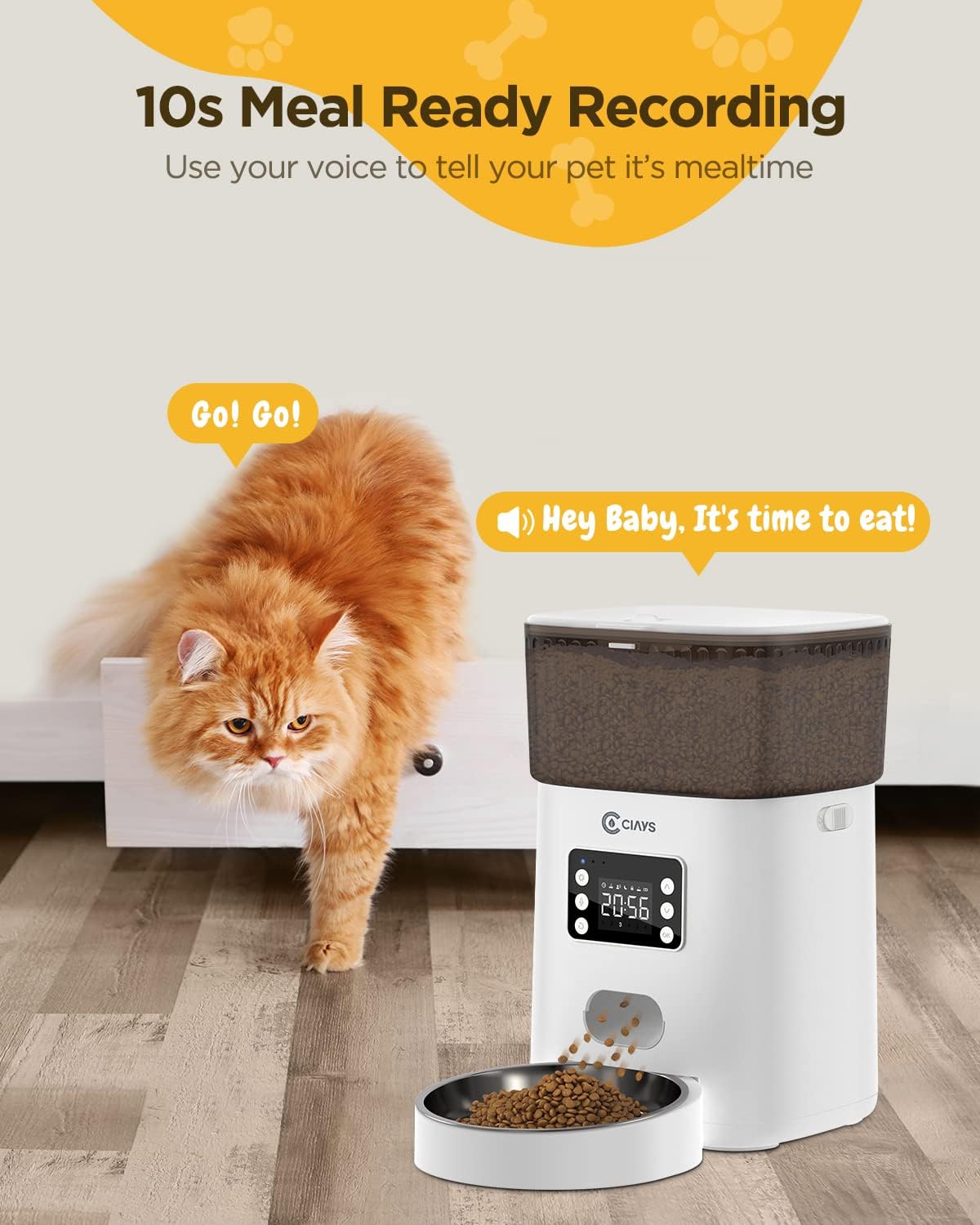
Image: The feeder highlighting its 10-second voice recording feature to call pets for meals.
Handmatige voeding
To dispense food immediately outside of the schedule, press the 'Manual Feed' button (often a single food drop icon). Each press dispenses one portion.
Onderhoud
Skoonmaak
- Slegs handwas: Disassemble the food reservoir, lid, and bowls. Wash all removable parts with mild soap and water. Rinse thoroughly and dry completely before reassembling.
- Do not submerge the main unit in water as this will damage the electronic components.
Berging
When not in use for extended periods, ensure the feeder is clean and dry. Store in a cool, dry place.
Probleemoplossing
Algemene kwessies
- Voerder gee nie kos uit nie: Check for food jams (kibble size too large), ensure the food reservoir is not empty, verify power connection or battery level.
- Skerm werk nie: Ensure power adapter is securely plugged in or batteries are correctly installed and charged. Check the brightness setting.
- Stemopname speel nie af nie: Ensure the recording was saved correctly. Re-record if necessary.
- Kos nie vars nie: Ensure the desiccant pack is active and the lid is securely sealed.
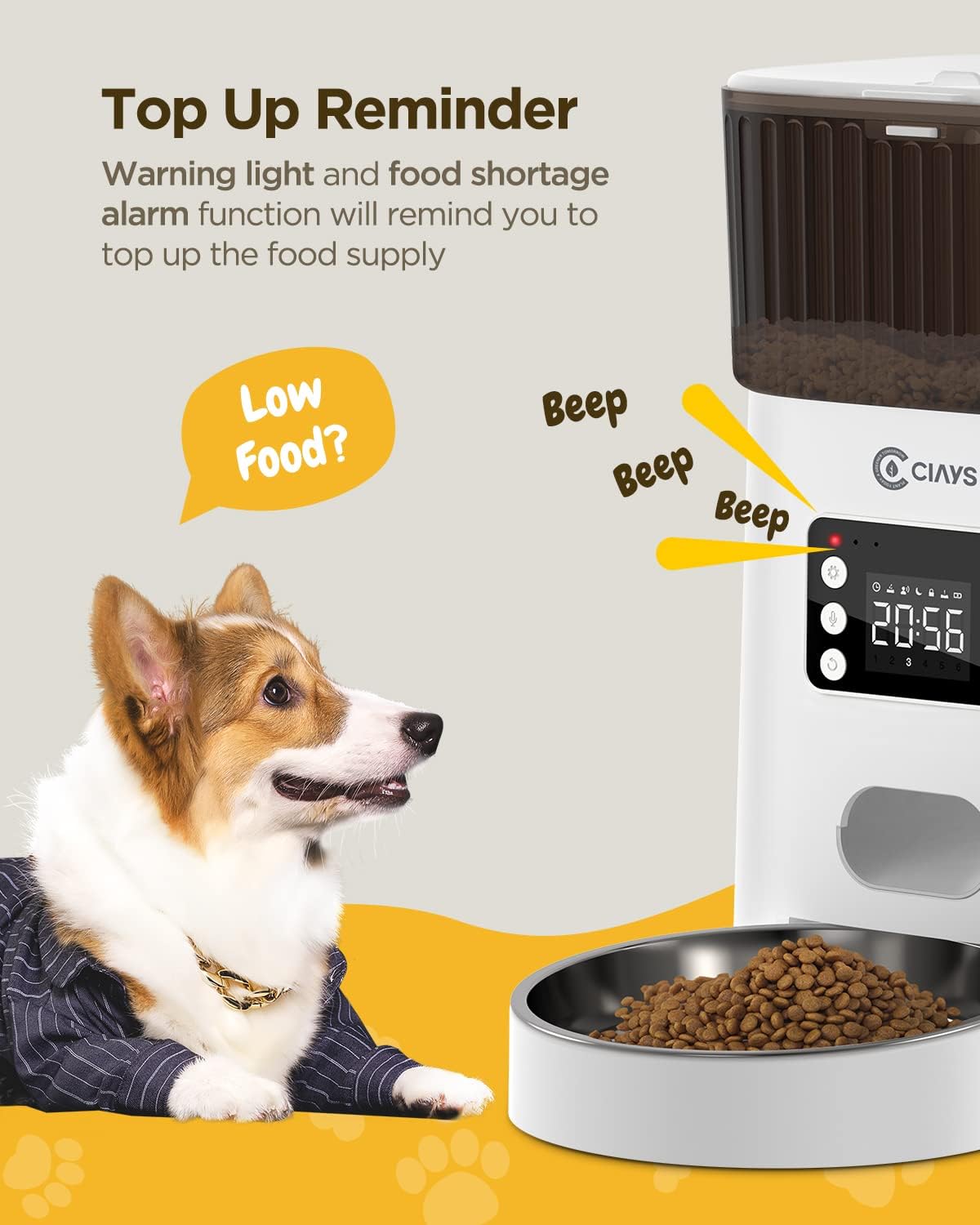
Image: The feeder displaying a warning light for low food supply, prompting a refill.
Spesifikasies
| Item gewig | 4.41 pond |
| Vervaardiger | Ciays |
| Item Modelnommer | CIPS0102 |
| Item Pakket afmetings (L x B x H) | 12.05 x 9.57 x 7.83 duim |
| Itemafmetings (L x B x H) | 8.26 x 13.46 x 12.95 duim |
| Materiaal | Vlekvrye staal, plastiek |
| Grootte | 4L |
| Kleur | Wit |
| Teikengehoor | Huiskatte, Honde |
| Aanbevole gebruike | Verskeie troeteldiere |
| Spesiale kenmerk | Stemopname |
| Kragbron | AC Adapter (included), 3 D-type batteries (not included) |
Waarborg & Ondersteuning
Waarborg inligting
The Ciays Automatic Cat Feeder comes with a 1 jaar waarborg vanaf die aankoopdatum, wat vervaardigingsfoute dek.
Kliënte ondersteuning
For any questions, technical assistance, or warranty claims, please contact Ciays customer support through their official webwebwerf of die kleinhandelaar waar die produk gekoop is.