
Parsonver LW45
Parsonver LW45 Smart Watch Gebruikershandleiding
Model: LW45 | Brand: Parsonver
Inleiding
This manual provides detailed instructions for the Parsonver LW45 Smart Watch. Please read this guide thoroughly to understand the watch's functions, setup, and maintenance, ensuring optimal performance and longevity of your device.
Pakketinhoud
Nadat u die pakkie oopgemaak het, maak seker dat alle items teenwoordig is:
- Parsonver LW45 Slimhorlosie
- Laai kabel
- Gebruikershandleiding
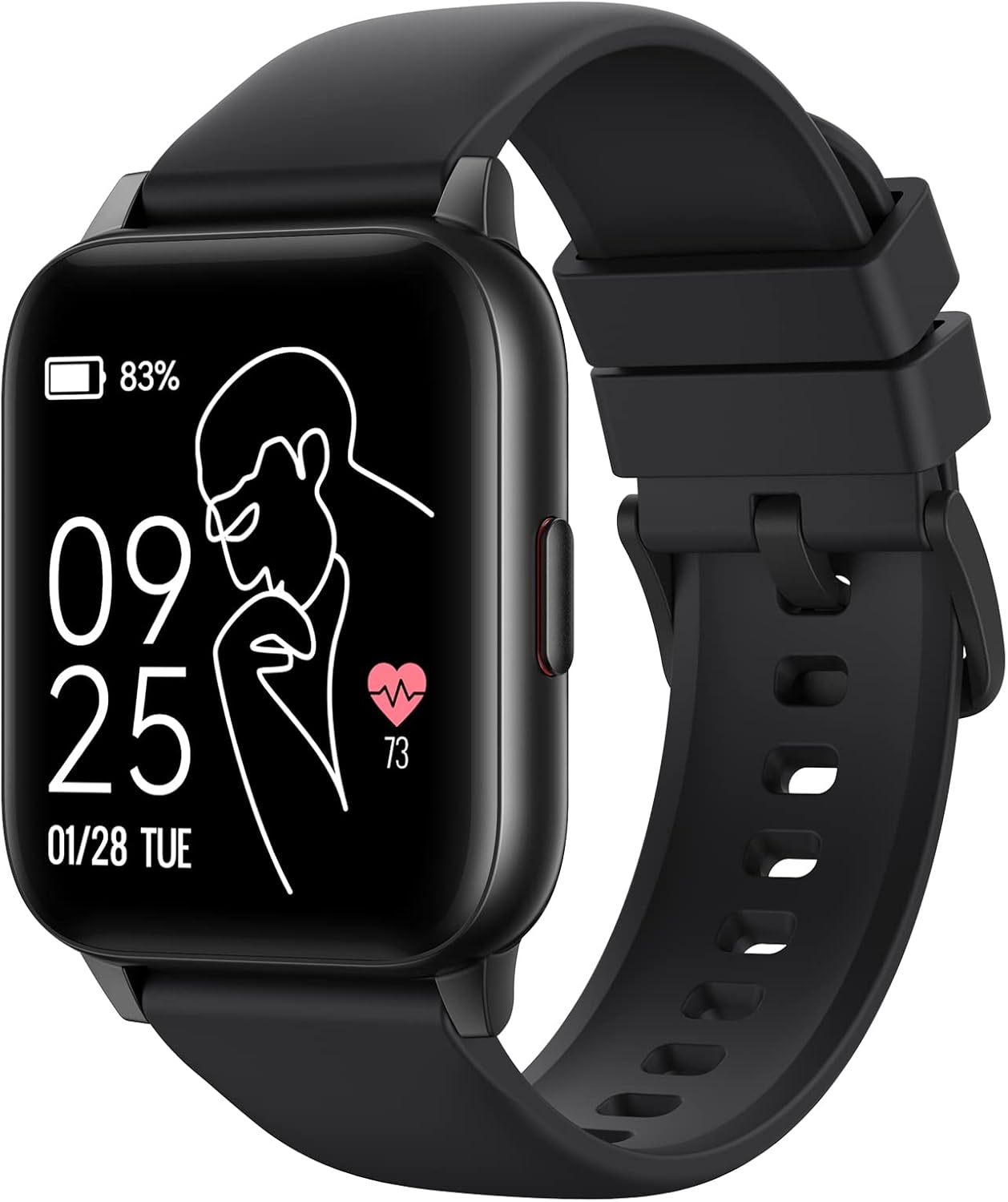
Image: The Parsonver LW45 Smart Watch, black model, displaying time and health metrics.
Opstelgids
1. Laai die toestel
Before initial use, fully charge the smart watch. Connect the charging cable to the charging port on the back of the watch and to a USB power source. The watch display will indicate charging status.
2. App-installasie en -paring
- Download the official Parsonver app from your smartphone's app store (compatible with iOS 10.0/Android 5.0 or above).
- Maak seker dat Bluetooth op jou slimfoon geaktiveer is.
- Maak die toepassing oop en volg die instruksies op die skerm om 'n rekening te skep of aan te meld.
- Select "Add Device" or similar option within the app to search for your LW45 Smart Watch.
- Bevestig die paringsversoek op beide jou slimfoon en die horlosie.
Let wel: The watch connects via Bluetooth 5.0. Maintain proximity between the watch and your smartphone for a stable connection.

Image: A smartphone displaying the Parsonver app, illustrating the device connection process.
Bedryfsinstruksies
Basiese navigasie
- Raakskerm: Veeg links/regs, op/af om deur spyskaarte te navigeer en toegang tot funksies te verkry. Tik om te kies.
- Syknoppie: Druk om terug te keer na die tuisskerm of om die toestel wakker te maak.
Sportmodusse
The LW45 Smart Watch features 16 default sports modes. Over 100 additional sports modes can be customized and added via the companion app. These include activities such as walking, running, cycling, swimming, yoga, and strength training.
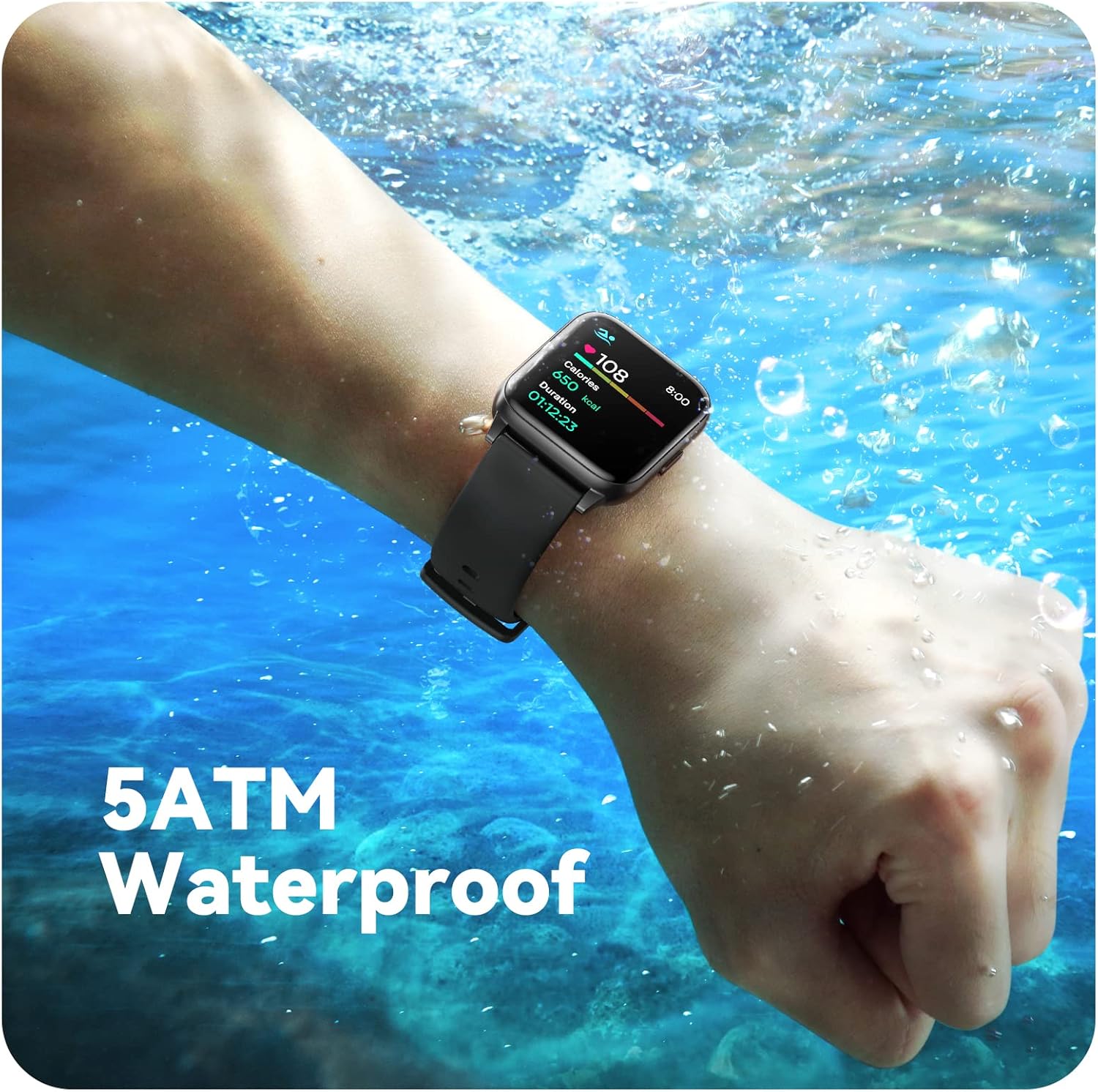
Image: A person engaged in soccer, wearing the smart watch, demonstrating its use during sports activities.

Image: A smartphone screen displaying a wide selection of sports modes within the Parsonver application.
Gesondheidsmonitering
- Hartslagmonitering: Provides 24/7 real-time heart rate data.
- Bloedsuurstofmonitering: Meet bloedsuurstofvlakke.
- Slaap dop: Automatically monitors sleep patterns, including deep sleep, light sleep, and awake times (from 9:00 PM to 12:00 PM the next day).
- Hydration and Sedentary Alerts: The watch can provide reminders for hydration and prolonged inactivity.
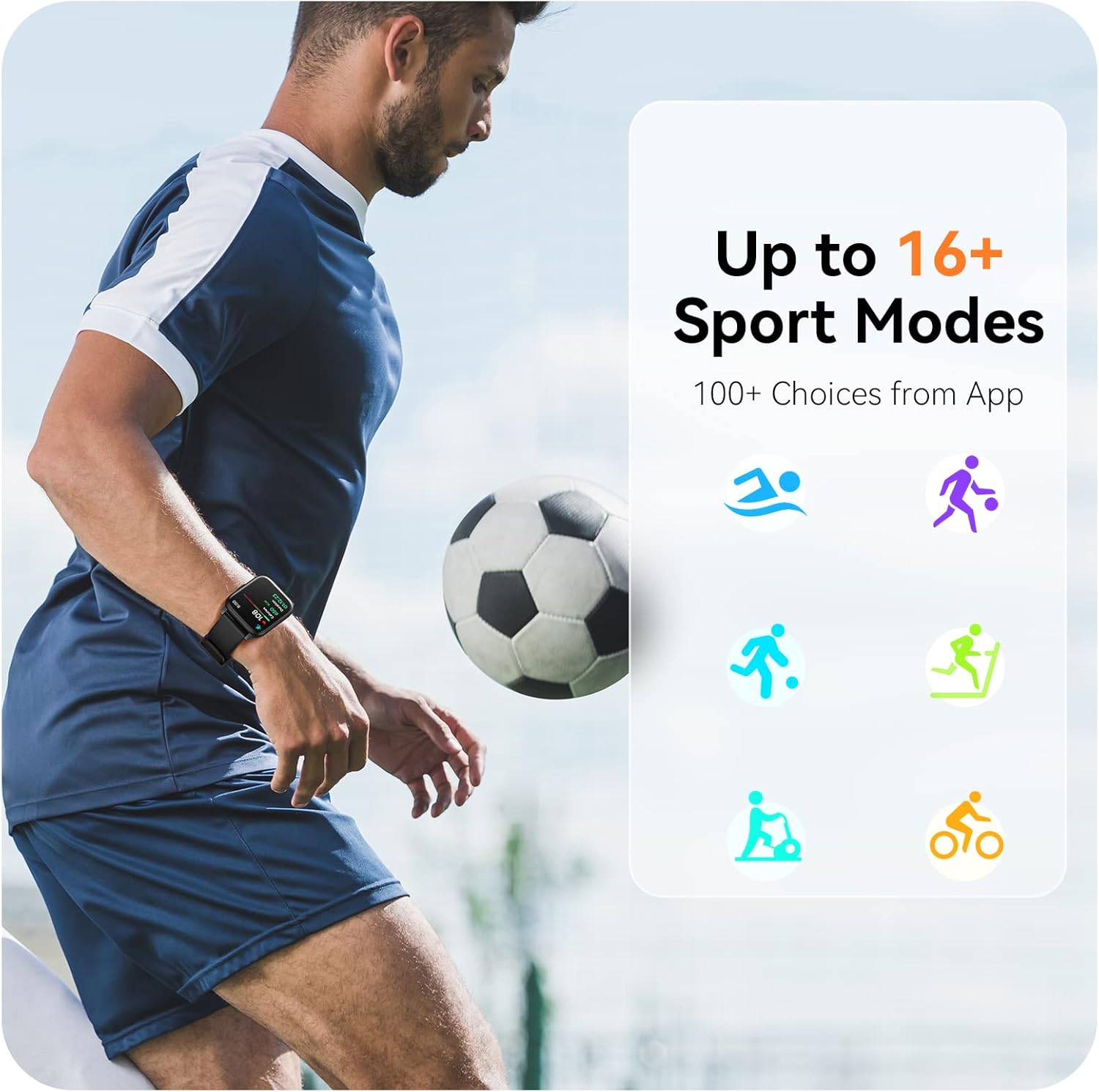
Image: A man running, with the smart watch on his wrist showing real-time fitness data.

Image: A person sleeping, with the smart watch tracking sleep and displaying data on a connected phone.
Kennisgewings
Receive notifications for incoming calls, SMS messages, emails, and alerts from social media applications (WhatsApp, LinkedIn, Instagram, Twitter) when connected to your smartphone. You can reject calls directly from the watch, but cannot answer or reply to messages.
Image: The smart watch screen showing icons for different types of notifications.
Bykomende funksies
The 1.69-inch high-definition touch screen provides access to various features:
- Weervoorspellings
- Wekker
- Timer en stophorlosie
- Afstand kamera beheer
- Beheer van musiekafspeel
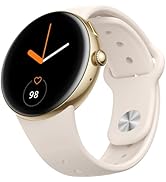
Image: The smart watch screen showing a weather forecast display.
Pasmaak
Personalize your watch experience:
- Gesigte kyk: Choose from a variety of pre-installed watch faces or download more via the app.
- Pasgemaakte agtergronde: Set your own photos as watch face backgrounds through the app.
- Time and Unit Formats: Adjust time display (12/24 hour) and measurement units (Metric/Imperial, Celsius/Fahrenheit) in the app settings.
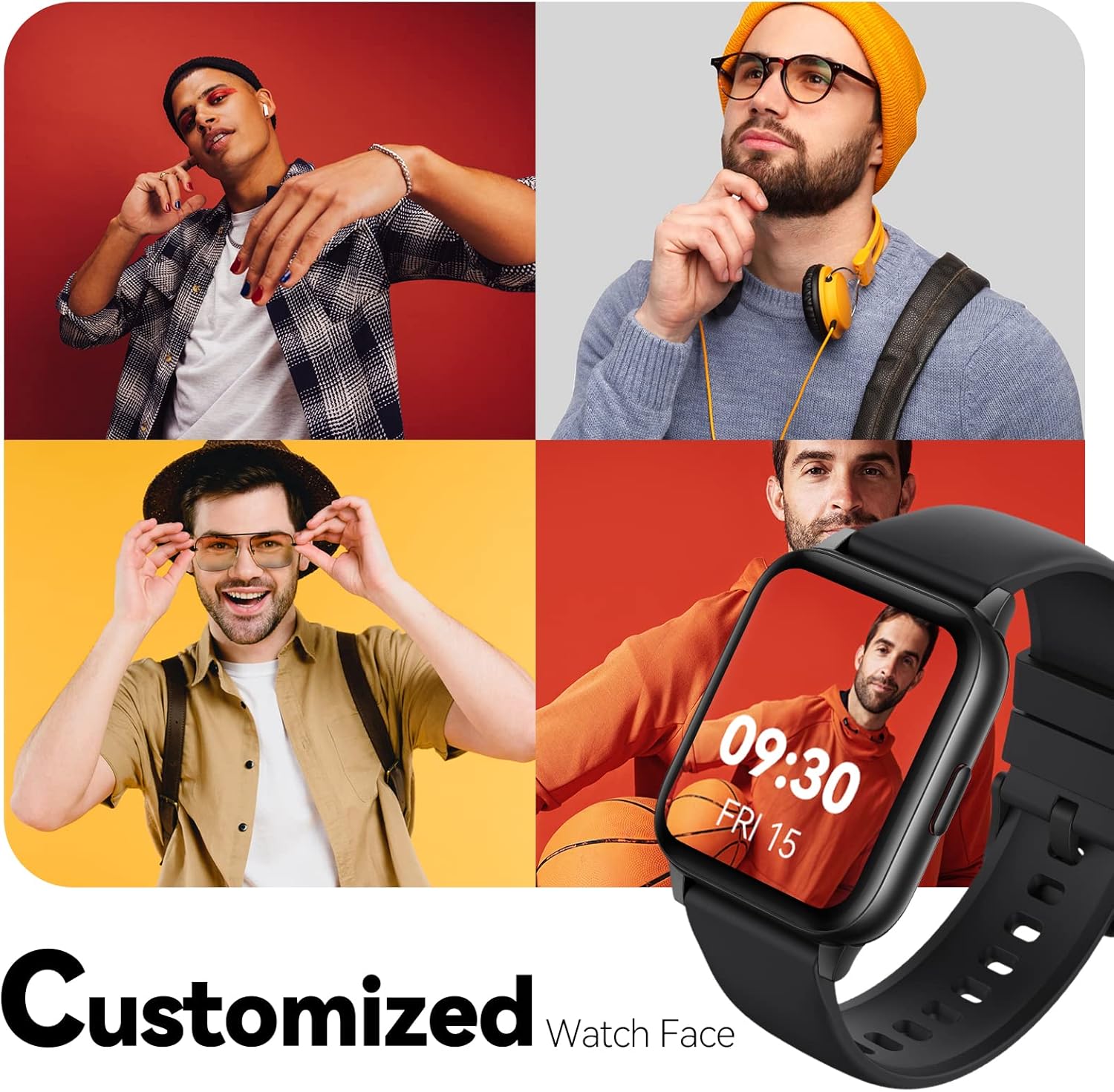
Image: Multiple watch face designs shown on the smart watch, highlighting customization.

Image: A visual guide demonstrating how to adjust time formats, units, and customize watch faces via the companion app.
Waterweerstand
The Parsonver LW45 Smart Watch is rated 5ATM waterproof, meaning it is water-resistant up to 50 meters. This allows for use during swimming, showering, and in various weather conditions like rain or snow. Important: Do not press any buttons while the watch is submerged in water.

Image: The smart watch submerged in water, illustrating its 5ATM waterproof capability.
Onderhoud
- Skoonmaak: Maak die horlosie en bandjie gereeld skoon met 'n sagte, droë lap. Vir hardnekkige vuilgoed, gebruik 'n effens droë lap.amp lap en sagte seep, spoel dan af en droog deeglik af.
- Laai kontakte: Hou die laaikontakte aan die agterkant van die horlosie skoon en vry van puin om behoorlike laai te verseker.
- Berging: Bêre die horlosie op 'n koel, droë plek wanneer dit nie gebruik word nie.
- Vermy chemikalieë: Moenie die horlosie aan sterk chemikalieë, oplosmiddels of skoonmaakmiddels blootstel nie, aangesien dit die materiale kan beskadig.
Probleemoplossing
| Kwessie | Moontlike Oplossing |
|---|---|
| Horlosie skakel nie aan of laai nie | Ensure the charging cable is securely connected to both the watch and a working USB power source. Clean the charging contacts. Try a different USB port or adapter. |
| Kan nie met slimfoon koppel nie | Ensure Bluetooth is enabled on your phone. Restart both the watch and phone. Make sure the watch is within Bluetooth range. Check if other Bluetooth devices are interfering. Uninstall previous watch apps if present. |
| Kennisgewings nie ontvang nie | Verify that notification permissions are enabled for the Parsonver app in your phone's settings. Ensure the watch is connected via Bluetooth. Check app settings for specific notification toggles. |
| Inaccurate step count or sleep data | Ensure the watch is worn snugly on your wrist. Calibrate the watch through the app if available. Note that some activities (like driving) might register as steps. Sleep tracking is active from 9:00 PM to 12:00 PM the next day. |
Spesifikasies
| Kenmerk | Detail |
|---|---|
| Model Naam | LW45 |
| Skerm grootte | 1.69 duim |
| Waterweerstand | 5ATM (tot 50 meter) |
| Gewig | 40 gram |
| Bedryfstelselversoenbaarheid | iOS 10.0/Android 5.0 or above |
| Konnektiwiteit | Bluetooth 5.0 |
| Battery kapasiteit | 300 miljoenamp Ure |
| Geheue berging kapasiteit | 128 MB |
| GPS | Via slimfoon |
| Ingesluit komponente | Slim horlosie |
Ondersteuning en waarborg
For technical assistance or warranty inquiries, please contact Parsonver customer service. Refer to the product packaging or the official Parsonver webwebwerf vir die mees onlangse kontakinligting.
Kliëntediens-e-pos: support@parsonver.com

Image: The official Parsonver brand logo.

Image: A graphic indicating 24/7 online customer support availability.
Belangrike veiligheidsinligting
- Moenie probeer om die horlosie uitmekaar te sit of aan te pas nie.
- Keep the watch away from extreme temperatures.
- Consult a medical professional before starting any new exercise regimen, especially if you have pre-existing health conditions. The health monitoring features are for informational purposes and not for medical diagnosis.
- Gooi die toestel en sy battery weg volgens plaaslike regulasies.
Ask a question about this manual
Ask about setup, troubleshooting, compatibility, parts, safety, or missing instructions. Manuals+ will review the question and use this page’s manual context to help answer it.