
Belangrike veiligheidsinstruksies
Please read this instruction manual carefully before operating the Mistral MHV712R High Velocity Fan. Keep this manual for future reference. Failure to follow these instructions may result in electric shock, fire, or personal injury.
- Ontkoppel altyd die waaier uit die kragtoevoer voordat u dit skoonmaak, diens of skuif.
- Moenie vingers of enige voorwerpe deur die rooster steek terwyl die waaier aan die gang is nie.
- Maak seker dat die waaier op 'n stabiele, gelyk oppervlak geplaas is om te verhoed dat dit omval.
- Moenie die waaier met 'n beskadigde koord of prop gebruik nie. Indien die koord beskadig is, moet dit deur die vervaardiger, sy diensagent of soortgelyk gekwalifiseerde persone vervang word om 'n gevaar te vermy.
- This fan is intended for indoor use only. Do not use outdoors or in wet conditions.
- Hou die waaier weg van gordyne, gordyne of enige voorwerpe wat in die waaier ingetrek kan word.
- Do not use the fan near open flames, cooking appliances, or heating devices.
- Hou toesig oor kinders wanneer die waaier gebruik word.
Produk verbyview
The Mistral MHV712R is a 12-inch high velocity floor fan designed for efficient air circulation. Familiarize yourself with its components:
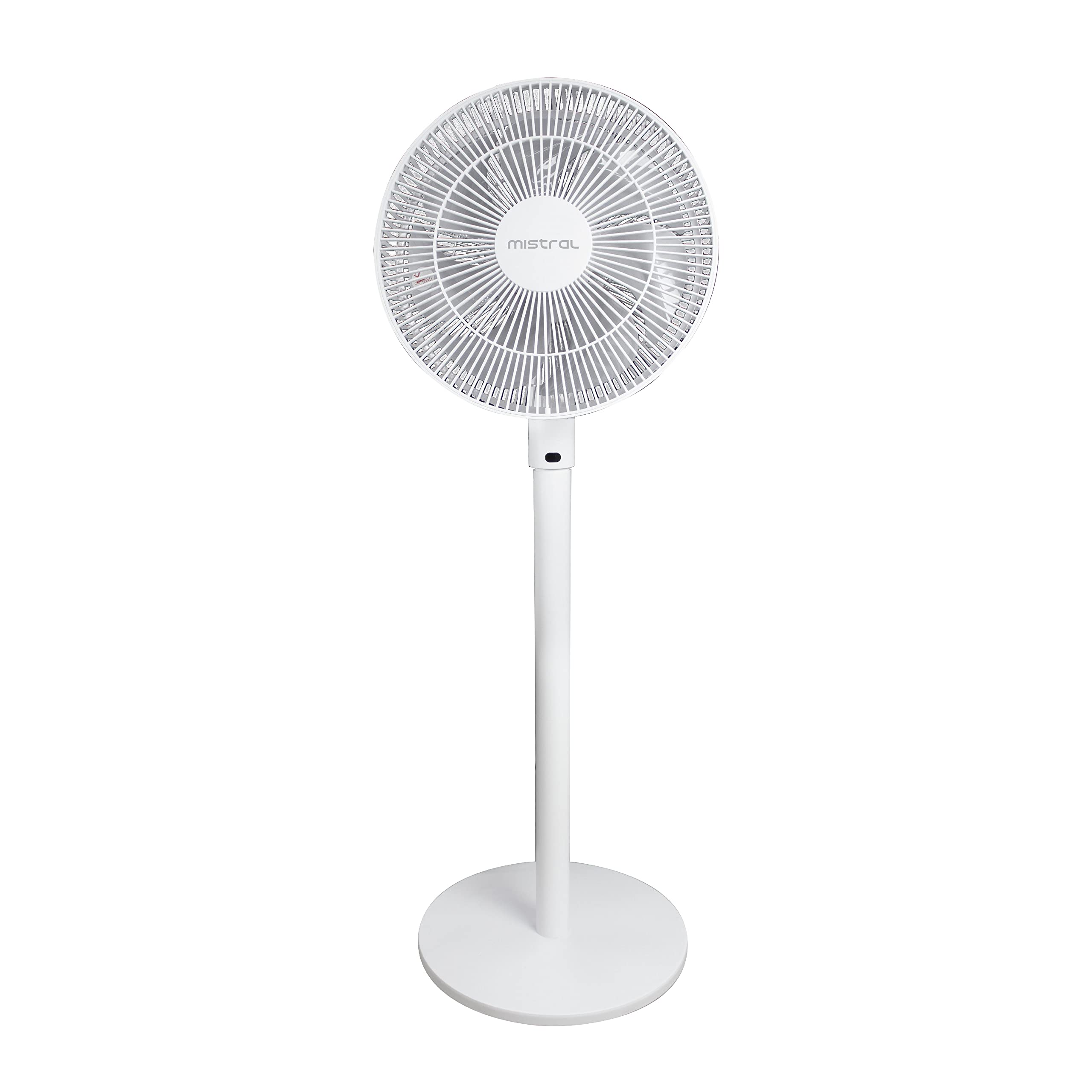
Figuur 1: Voorkant view of the Mistral MHV712R High Velocity Fan, showing the fan head, stand, and round base.
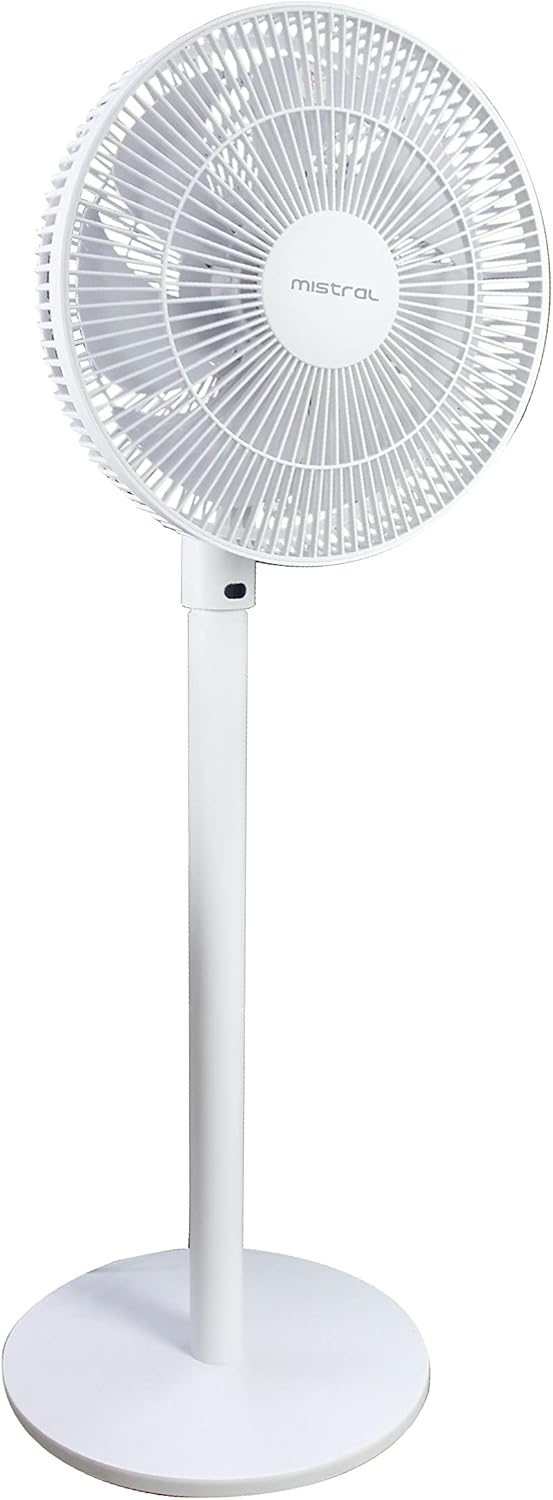
Figuur 2: Kant view of the Mistral MHV712R High Velocity Fan, illustrating its profile and the adjustable angle of the fan head.
- Waaierkop: Contains the blades and protective grilles.
- Beheerpaneel: Located on the fan body for manual operation.
- Stand/Pole: Connects the fan head to the base.
- Basis: Verskaf stabiliteit vir die waaier.
- Kragkabel: Vir aansluiting op 'n elektriese aansluiting.
- Afstandbeheer: Vir gerieflike werking vanaf 'n afstand.
Opstel instruksies
The Mistral MHV712R fan requires minimal assembly. Please follow these steps:
- Pak uit: Verwyder alle komponente versigtig uit die verpakking. Bewaar die verpakking vir berging of toekomstige vervoer.
- Assemble Base and Stand: If the stand is separate from the base, securely attach the stand to the base according to the included assembly instructions. Ensure all screws are tightened.
- Heg waaierkop aan: Securely attach the fan head to the top of the stand. Ensure it clicks into place or is fastened as per the assembly guide.
- Posisionering: Place the fan on a firm, level surface. Ensure there is adequate space around the fan for proper air circulation and to prevent obstruction of the grilles.
- Kragverbinding: Plug the power cord into a standard AC power outlet (Type G connector). Ensure the voltage matches the fan's requirements.
Bedryfsinstruksies
Your Mistral MHV712R fan can be operated using the control panel on the unit or the provided remote control.
Gebruik die beheerpaneel:
- Krag aan/af: Druk die aan/af-knoppie om die waaier aan of af te skakel.
- Spoedverstelling: Use the speed control buttons to cycle through the 12 available power levels.
- Moduskeuse: If available, press the mode button to select different fan modes (e.g., normal, natural, sleep).
- ossillasie: Press the oscillation button to start or stop the fan head from rotating side-to-side.
Gebruik die afstandbeheer:
The remote control offers convenient access to all fan functions. Ensure batteries are correctly inserted.
- Kragknoppie: Skakel die waaier aan of af.
- Spoedknoppies: Adjusts the fan speed (1-12 levels).
- Modusknoppie: Cycles through fan modes.
- Ossilasie -knoppie: Activates or deactivates the oscillation feature.
- Timer-knoppie: Sets the operating timer (if applicable).
Adjusting Fan Angle: The fan head can be manually tilted up or down to direct airflow as desired. Ensure the fan is off before adjusting the angle.
Onderhoud
Gereelde skoonmaak en onderhoud sal optimale werkverrigting verseker en die lewensduur van jou waaier verleng.
- Voor skoonmaak: Always unplug the fan from the power outlet before attempting any cleaning or maintenance.
- Buitenste skoonmaak: Vee die buite-oppervlaktes van die waaier af met 'n sagte, damp cloth. Do not use abrasive cleaners, waxes, or solvents as these may damage the finish.
- Rooster skoonmaak: Use a vacuum cleaner with a brush attachment to remove dust and debris from the front and rear grilles. For stubborn dirt, the grilles may need to be removed (refer to assembly instructions for safe removal and reattachment).
- Lemme skoonmaak: If the blades accumulate significant dust, carefully remove the front grille (if designed for user removal) and wipe the blades with a soft, damp cloth. Ensure blades are completely dry before reattaching the grille and operating the fan.
- Berging: When not in use for extended periods, store the fan in its original packaging or cover it to protect it from dust. Store in a cool, dry place.
Probleemoplossing
If you encounter issues with your Mistral MHV712R fan, please consult the following common problems and solutions:
| Probleem | Moontlike oorsaak | Oplossing |
|---|---|---|
| Die waaier skakel nie aan nie. | Geen kragtoevoer. Kragkabel nie stewig ingeprop nie. Remote control batteries depleted. | Kyk of die kragaansluiting werk. Ensure the power cord is firmly plugged into the outlet and the fan. Vervang afstandbeheerbatterye. |
| Swak of geen lugvloei nie. | Waaierspoed te laag gestel. Grilles or blades are dusty. Obstruction near the fan. | Verhoog die waaierspoedinstelling. Clean the grilles and blades as per maintenance instructions. Remove any objects blocking the fan's airflow. |
| Ongewone geraas tydens operasie. | Los dele. Waaier nie op 'n gelyke oppervlak nie. Puin vasgevang in lemme. | Ensure all assembled parts are secure. Plaas die waaier op 'n stabiele, gelyk oppervlak. Unplug the fan and carefully check for and remove any debris from the blades. |
Indien die probleem voortduur nadat u hierdie oplossings probeer het, kontak asseblief kliëntediens.
Spesifikasies
| Modelnommer | MHV712R |
| Handelsmerk | MISTRAL |
| Tik | Hoë snelheid vloerwaaier |
| Kleur | Wit |
| Kragbron | Elektries met koord |
| Wattage | 75 watt |
| Aantal lemme | 3 |
| Aantal kragvlakke | 12 |
| Tipe beheer | Remote Control, Electronic (Remote/Display) |
| Montage tipe | Vloerberging |
| Binne/buiteluggebruik | Binneshuise |
| Materiaal | Plastic (Blades: Plastic) |
| Ingesluit komponente | Remote Control, Assembly Instructions |
Waarborg en Ondersteuning
For detailed warranty information, please refer to the warranty card included with your purchase or visit the official MISTRAL webwebwerf. Bewaar u bewys van aankoop vir waarborgeise.
If you require technical assistance or have questions not covered in this manual, please contact MISTRAL customer support through their official channels.
Jy kan dikwels kontakbesonderhede op die vervaardiger se webwerf vind. webwebwerf of op u produkverpakking.