
Galax CGG5ANBA4B0
Galax PC Case (REV-05) Revolution 05 Black
Gebruikershandleiding
Brand: Galax | Model: CGG5ANBA4B0
1. Produk verbyview
The Galax PC Case (REV-05) Revolution 05 Black is a versatile computer chassis designed to accommodate various motherboard form factors including ATX, M-ATX, and ITX. Standing at 470mm, this case offers a spacious interior, allowing for flexible component placement and optimized cooling solutions for your PC build.
Sleutel kenmerke:
- Compatible with ATX, M-ATX, ITX motherboards.
- Tall design (470mm) providing ampdie binneruimte.
- Supports vertical or horizontal graphics card mounting.
- Designed for maximized cooling and storage potential.
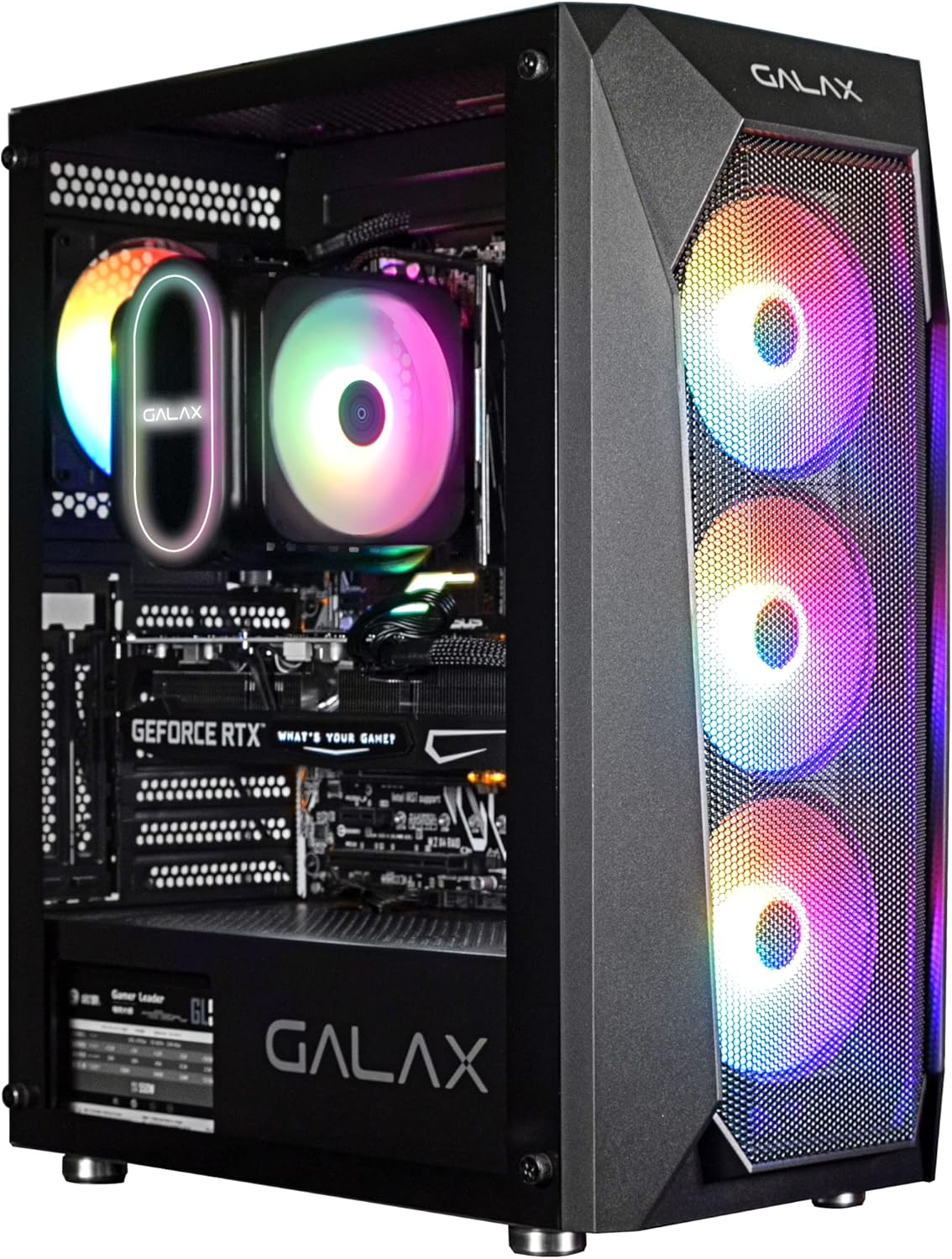
Figuur 1: Frontaal view of the Galax REV-05 PC Case, showcasing its internal components and vibrant RGB fans.
2. Opstelling en installering
Before beginning installation, ensure you have all necessary components and tools. Refer to your motherboard and component manuals for specific installation steps.
2.1 Voorbereiding van die Saak
- Carefully unbox the PC case and remove all packaging materials.
- Plaas die kas op 'n stabiele, plat oppervlak.
- Remove the side panels to access the interior. Typically, these are secured with thumbscrews at the rear.
2.2 Moederbord installasie
- Install the I/O shield into the designated opening at the rear of the case.
- Align your ATX, M-ATX, or ITX motherboard with the standoffs inside the case. Ensure all standoffs match the screw holes on your motherboard.
- Bevestig die moederbord met die meegeleverde skroewe.
2.3 Komponentinstallasie
- Kragtoevoereenheid (PSU): Install the PSU into its dedicated compartment, usually at the bottom rear of the case. Secure it with screws.
- Stoorstasies: Install 2.5-inch SSDs or 3.5-inch HDDs into the designated drive bays. The REV-05 offers ample storage potential.
- Grafiese kaart (GPU): Install your graphics card into the appropriate PCIe slot on your motherboard. The case supports both vertical and horizontal mounting options for the GPU.
- Koelwaaiers: The case comes with pre-installed fans. Ensure all fan cables are properly connected. Note that the pre-installed fans may be daisy-chained by Molex connectors, requiring direct connection to the power supply instead of the motherboard for power.

Figure 2: Internal layout of the Galax REV-05 PC Case, showing space for various components.
2.4 Kabelbestuur
Utilize the cable routing cutouts and tie-down points behind the motherboard tray to manage cables effectively. This improves airflow and aesthetics.
3. Bediening van die rekenaarkas
Sodra al die komponente geïnstalleer en gekoppel is, kan jy jou stelsel aanskakel.
3.1 Voorpaneelkontroles
The top panel of the Galax REV-05 case typically includes:
- Kragknoppie: To turn your PC on or off.
- Herstel-knoppie: To restart your PC.
- USB-poorte: For connecting peripherals (e.g., USB 3.0, USB 2.0).
- Oudio-aansluitings: Vir oorfone en mikrofone.

Figure 3: Top panel of the Galax REV-05 PC Case, highlighting the I/O ports and control buttons.
3.2 Lugvloei en verkoeling
The REV-05 case is designed with optimal airflow in mind. Ensure that the front mesh panel is not obstructed to allow for proper air intake by the front fans. The rear and top fan mounts facilitate exhaust, creating efficient cooling for your components.
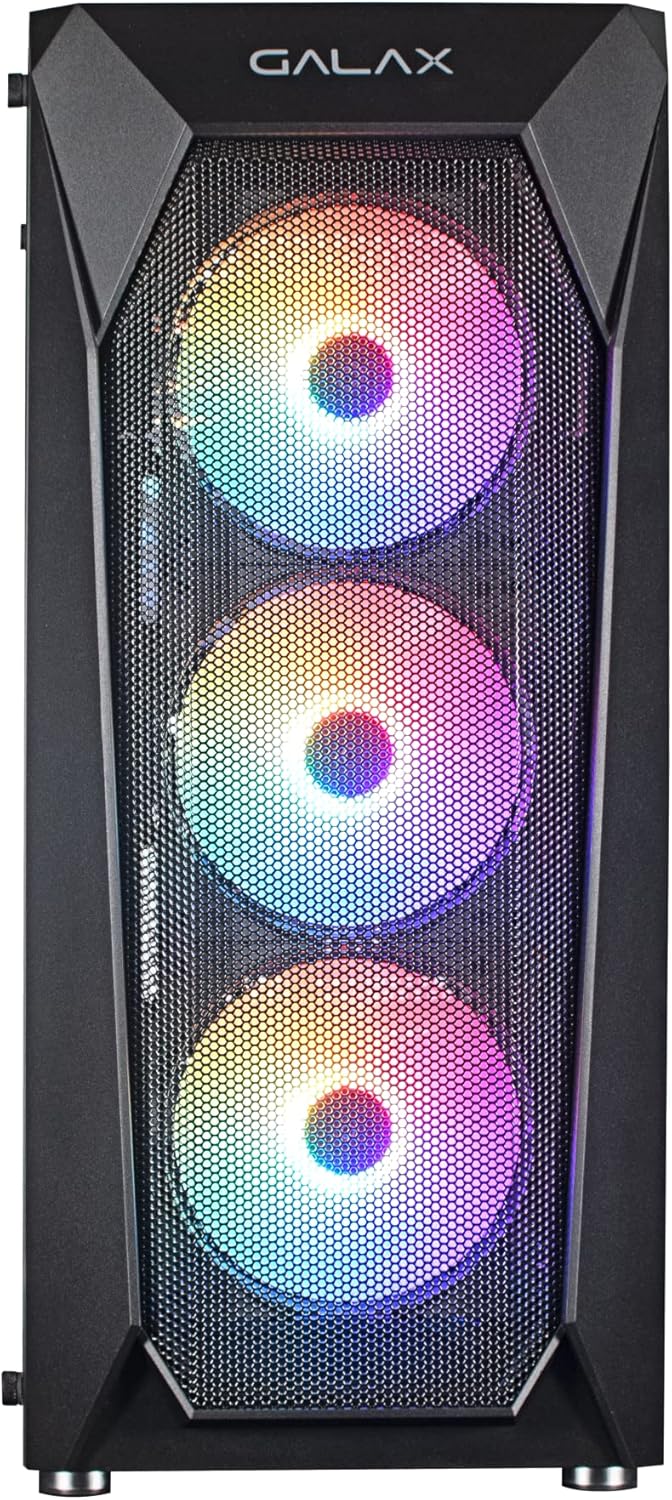
Figuur 4: Voorkant view of the Galax REV-05 PC Case, showcasing the mesh design and pre-installed RGB fans for optimal airflow.
4. Onderhoud
Regular maintenance helps ensure the longevity and optimal performance of your PC case and its components.
- Stof skoonmaak: Periodically clean dust filters (if present) and the interior of the case using compressed air or a soft brush. Pay attention to fan blades and heatsinks.
- Kabelbestuurskontrole: Ensure cables remain neatly organized and do not obstruct airflow.
- Fan inspeksie: Check fans for any unusual noises or reduced performance. Ensure they are spinning freely.
5. Probleemoplossing
Hierdie afdeling spreek algemene probleme aan wat jy mag teëkom.
- Rekenaar skakel nie aan nie:
- Ensure the PSU is switched on and properly connected to the wall outlet.
- Verify that the front panel power button cable is correctly connected to the motherboard's front panel header.
- Check all internal power connections (24-pin ATX, CPU power, GPU power).
- Fans Not Spinning / RGB Not Working:
- Confirm that fan power cables are securely connected. For pre-installed fans, check if they are connected via Molex directly to the PSU, as some models require this.
- If RGB is not working, ensure the RGB controller (if present) is powered and connected correctly. Some RGB systems require software control or a dedicated button on the case.
- If fans are daisy-chained, ensure the primary connection point is secure.
- Geen skermuitvoer:
- Ensure your monitor cable is connected to the graphics card (GPU) output, not the motherboard's integrated graphics port (unless you are using integrated graphics).
- Plaas die grafiese kaart terug in sy PCIe-gleuf.
- Check the graphics card's power connections.
6. Spesifikasies
| Handelsmerk | Galax |
| Modelnommer | CGG5ANBA4B0 |
| Produk afmetings | 41 x 21 x 49 cm; 3 kg |
| Moederbordversoenbaarheid | ATX, M-ATX, ITX |
| Soort saak | Toring |
| Kleur | Swart |
| Vervaardiger | Galax |
| Eerste Beskikbare Datum | 9 April 2022 |
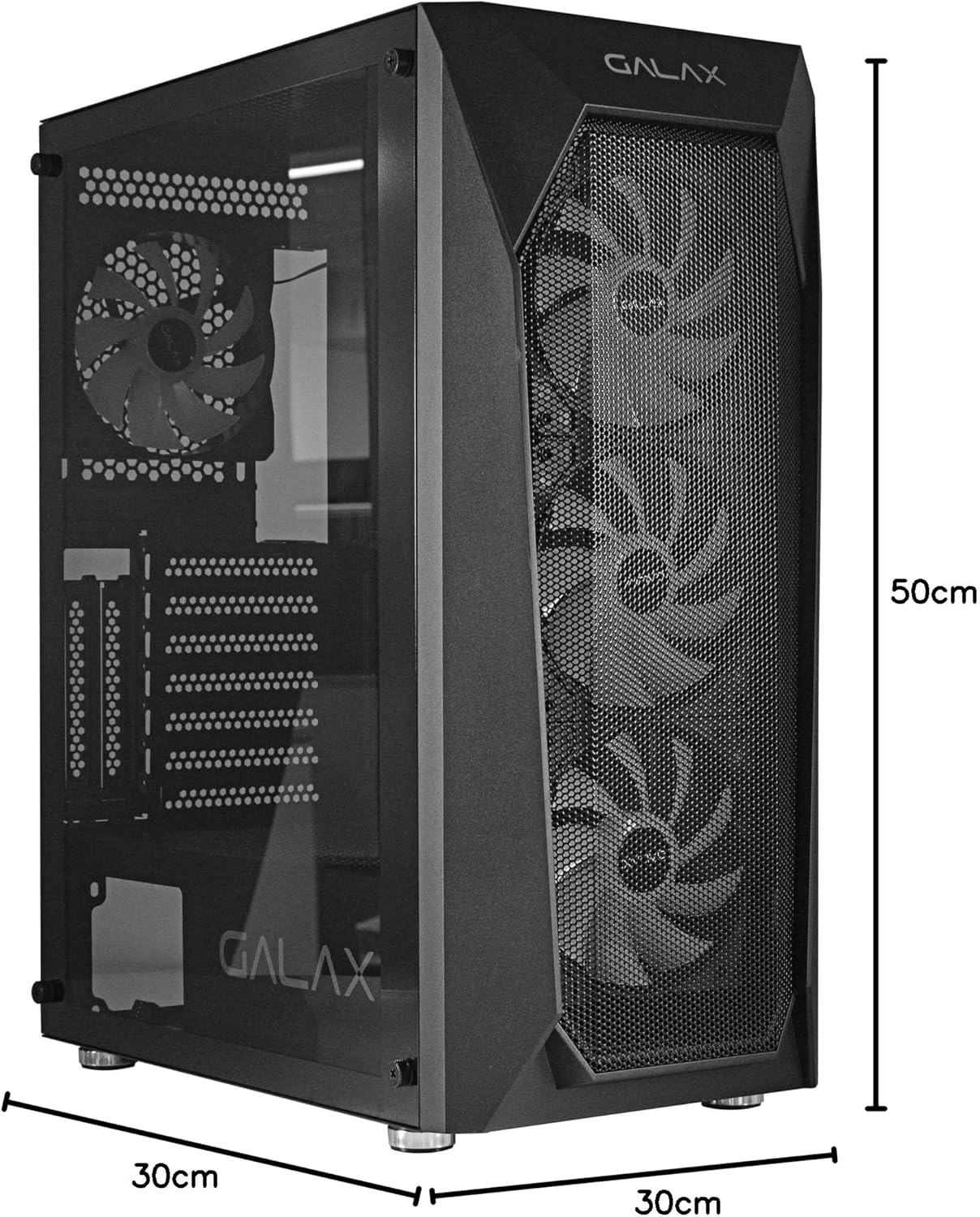
Figure 5: Visual representation of the Galax REV-05 PC Case dimensions.
7. Waarborg en Ondersteuning
For warranty information and technical support, please refer to the official Galax webwebwerf of kontak hul kliëntediensafdeling. Bewaar u bewys van aankoop vir waarborgeise.
Aanlyn hulpbronne:
Ask a question about this manual
Ask about setup, troubleshooting, compatibility, parts, safety, or missing instructions. Manuals+ will review the question and use this page’s manual context to help answer it.