
1. Inleiding
This manual provides essential information for the safe and efficient operation of your HKS 0.75KW 1HP 220V Variable Frequency Drive (VFD). Please read this manual thoroughly before installation, operation, or maintenance to ensure proper usage and prevent potential hazards.
Sleutel kenmerke:
- Intuïtiewe skerm en knoppies: The VFD features a user-friendly display and control buttons for quick setup and operation. The control panel can be detached for remote control.
- Omvattende beskerming: Equipped with overload, fuse, overvoltage (DC voltage > 400V), low voltage (DC voltage < 200V), restart, stall, short circuit, and overheat protection.
- Lae geraas werking: Advanced PMW control technology and component compatibility design ensure low noise and reduced electromagnetic interference.
- Doeltreffende verkoeling: Ontwerp met ample ruimte vir verkoeling tussen komponente en veelvuldige ventilasiegate in die casing for extended service life.

Figure 1: HKS 0.75KW 1HP 220V VFD Unit
2. Veiligheidswaarskuwings en voorsorgmaatreëls
Adherence to these safety guidelines is crucial for preventing injury and damage to the equipment.
- Motor seleksie: Always select a VFD model with a power rating greater than 15% of the load. Ensure your motor is a 3-phase asynchronous motor before purchasing.
- Kragontkoppeling: To protect the VFD, always press the red "Stop" button and turn off the main power supply when you finish using the unit or before performing any maintenance.
- Heat Sink Temperature: The VFD's internal heat sink can reach temperatures of up to 176°F (80°C) during operation. Exercise caution and ensure adequate ventilation.
- Eksterne Weerstand: External resistance is not directly supported. Parameters can be adjusted to achieve similar braking functions.
- No Intermediate Switches: Do not install any switches between the VFD and the load. For switch functions, refer to the specific wiring diagram section in this manual.
- Delta Wiring: The Delta (Δ) wiring method is recommended for the load terminals.
- Single-Phase Power: For 220V single-phase power connection, refer to the specific wiring instructions provided in this manual.
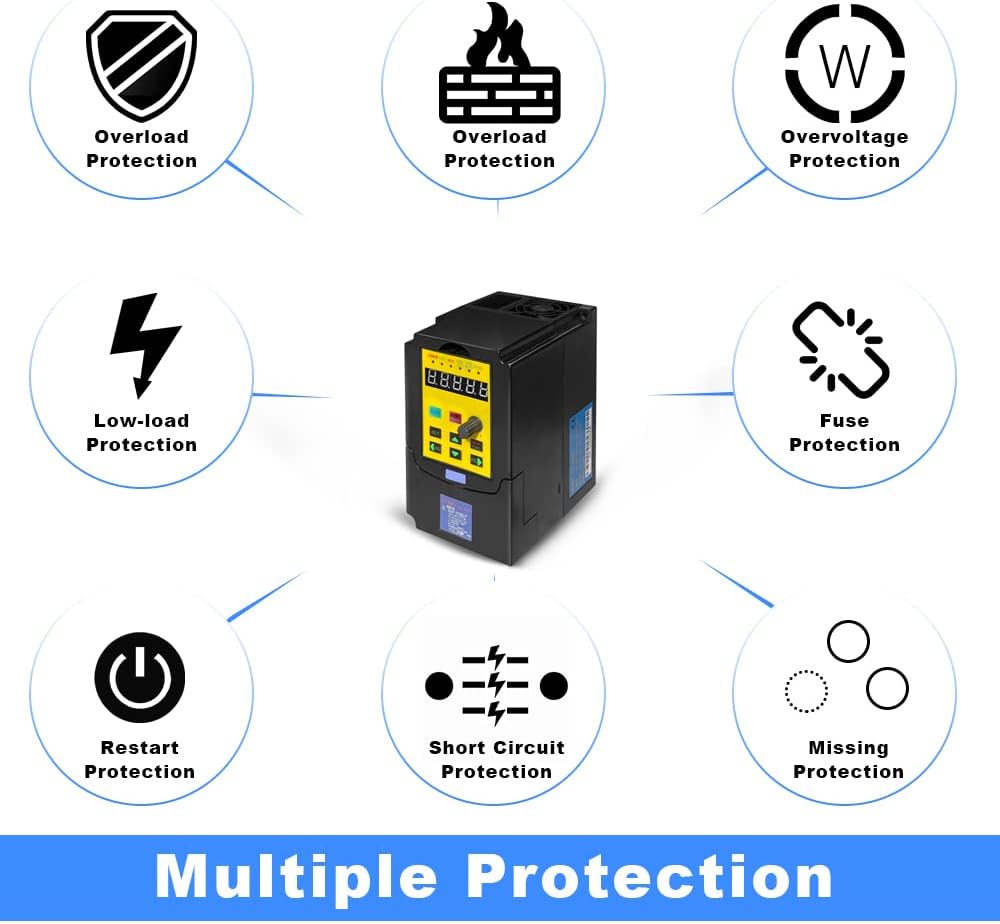
Figure 2: VFD Multiple Protection Features
3. Opstelling en installering
3.1 Produkafmetings
The HKS-750-3V-220 VFD has the following approximate dimensions:
- Produk afmetings: 3.3 x 4.4 x 5.5 duim
- Item gewig: 2.2 pond
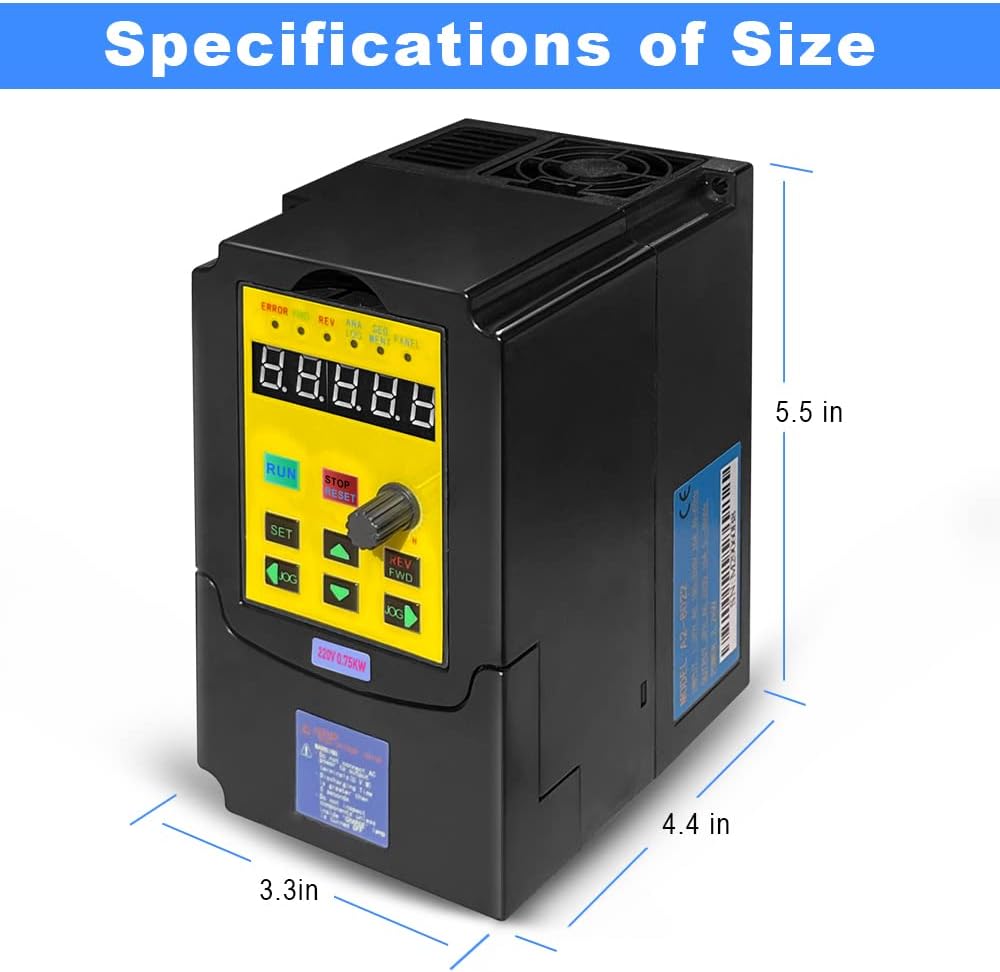
Figure 3: VFD Dimensions
3.2 Bedradingsinstruksies
Proper wiring is critical for the safe and correct operation of the VFD. Refer to the diagrams below for connection details.
- Kragtoevoer: Connect the 3-phase power to the R, S, T terminals. If using single-phase 220V power, connect to R and T terminals separately to ensure the voltage difference between the two lines is approximately 220V (±15%).
- Motor uitset: Connect the motor to the U, V, W terminals. Ensure the motor is a 3-phase asynchronous type and use the Delta (Δ) wiring method for load terminals.
- Aarding: Always ensure the VFD and motor are properly grounded.

Figure 4: Easy Connection Diagram

Figuur 5: Basiese verbindingsdiagram
3.3 Beheerpaneel
The VFD features a detachable control panel for convenient operation and remote control. The panel includes a digital display, function buttons, and an adjustment knob.

Figure 6: Detachable Control Panel

Figure 7: Control Panel Button Descriptions
3.4 Power Connection Video Guide
Watch this video for a visual guide on how to connect power to your VFD unit.
Video 1: How to Connect Power to VFD (HKS A2 Series VFD)
4. Bedryfsinstruksies
4.1 Basiese werking
The VFD can be operated directly from its control panel. Use the RUN/STOP buttons and the adjustment knob to control the motor speed.
4.2 Parameterinstellings
The VFD allows for various parameter adjustments to suit different applications. The following video demonstrates initial parameter settings for common use cases.
Video 2: VFD Initialization Parameter Setting Guide (HKS A2 Series VFD)
For detailed parameter adjustments, including setting startup type, frequency control type, motor parameters, maximum operating frequency, and acceleration/deceleration times, refer to chapters 5 to 7 of the comprehensive manual or consult customer service.
4.3 Jog Function and Direction Control
The VFD supports a jog function for momentary operation and allows for changing the motor's rotation direction (Forward/Reverse). The control panel indicators will show the current direction (Green FWD light for forward, Red REV light for reverse).
5. Onderhoud
Gereelde onderhoud verseker die lang lewensduur en optimale werkverrigting van u VFD.
- Skoonmaak: Keep the VFD unit clean and free from dust and debris. Ensure ventilation openings are unobstructed.
- Omgewingstoestande: Operate the VFD within specified environmental conditions (temperature, humidity) to prevent damage.
- Verkoelingstelsel: The VFD's design incorporates efficient cooling. Ensure proper airflow around the unit.

Figure 8: Low Noise Operation and Cooling

Figure 9: VFD Internal Board Components
6. Probleemoplossing
This section provides guidance on common issues. For complex problems, contact customer support.
Algemene kwessies en oplossings:
- Overcurrent/Overload Errors: Ensure the motor's power rating is appropriate for the VFD. Check for mechanical binding or excessive load on the motor. Adjust acceleration/deceleration parameters if necessary.
- No Output/Motor Not Running: Verify all wiring connections (power input, motor output, control signals). Check if the VFD is receiving proper input voltage. Ensure the RUN command is active and frequency is set above zero.
- Incorrect Speed/Direction: Verify parameter settings for frequency source (PN03) and command source (PN04). Check motor wiring for correct phase sequence.
- VFD Not Powering On: Check the main power supply and fuse. Ensure all connections are secure.
The VFD's built-in protection features (overload, overvoltage, lae voltage, short circuit, etc.) will trigger an error state to prevent damage. Refer to the VFD's display for specific error codes and consult the detailed manual for corresponding solutions.
7. Spesifikasies
| Spesifikasie | Waarde |
|---|---|
| Modelnommer | HKS-750-3V-220 |
| Krag | 0.75KW (1HP) |
| Invoer Voltage | WS 220V (180-250V) |
| Uitset Voltage | 220 V |
| Invoerstroom | 3.5A |
| Uitsetstroom | 5A |
| Invoerfrekwensie | 40-60HZ |
| Uitsetfrekwensie | 0-400HZ |
| Insetfase | Enkelfase of Driefase |
| Uitsetfase | Drie-fase |
| Produk afmetings | 3.3 x 4.4 x 5.5 duim |
| Item gewig | 2.2 pond |
| Ingesluit komponente | VFD Unit |
8. Waarborg en Ondersteuning
For specific warranty information, please refer to the product packaging or contact the seller directly. HKS is committed to providing quality products and support.
Kliëntediens:
If you encounter any issues or have complex technical questions regarding the VFD, please contact customer service. Providing pictures of the load equipment parameters (e.g., motor nameplate) can help expedite support.