
Logitech 910-006272
Logitech Signature M650 for Business Wireless Mouse User Manual
Model: M650 (910-006272)
1. Inleiding
The Logitech Signature M650 for Business is a versatile wireless mouse designed to enhance productivity and comfort. It offers dual connectivity options, a SmartWheel for adaptive scrolling, and SilentTouch technology for quiet operation. Available in two sizes, it caters to various hand sizes for optimal ergonomic support.
Sleutel kenmerke:
- Dubbele verbinding: Connect via Logi Bolt USB receiver for secure connections or directly via Bluetooth Low Energy.
- SmartWheel-blaai: Automatically switches between line-by-line precision and free-spin mode.
- SilentTouch-tegnologie: Reduces click noise by 90% for a quieter work environment.
- Ergonomiese ontwerp: Contoured shape and soft thumb area for comfort, available in two sizes (M650 and M650 L).
- Aanpasbare knoppies: Side buttons can be customized for various functions.
- Lang batterylewe: Up to 24 months on a single AA battery.
- Multi-platform verenigbaarheid: Works seamlessly with Windows, macOS, Linux, Chrome OS, iPadOS, and Android.

Image: Logitech Signature M650 for Business Wireless Mouse and its packaging, showcasindie produk en sy boks.
2. Opstelling
2.1. Wat is in die boks
Voordat jy begin, maak seker dat alle komponente teenwoordig is:
- Logitech Signature M650 draadlose muis
- Logi Bolt USB-ontvanger
- 1 AA-battery (vooraf geïnstalleer)

Image: The Logitech M650 mouse, a Logi Bolt USB receiver, and a 1-meter USB cable, representing the items included in the product packaging.
2.2. Battery Installasie
The mouse comes with one AA battery pre-installed. If you need to replace it:
- Maak die batteryklep aan die onderkant van die muis oop.
- Plaas 'n nuwe AA-battery in en maak seker dat die polariteit (+/-) korrek is.
- Maak die batterykompartement se deksel stewig toe.
2.3. Koppel jou muis
The Signature M650 offers two connection methods: Logi Bolt USB Receiver or Bluetooth Low Energy.
Option 1: Logi Bolt USB Receiver (Recommended for Secure Connections)
- Locate the Logi Bolt USB receiver, typically found inside the mouse's battery compartment or packaged separately.
- Koppel die Logi Bolt USB-ontvanger aan 'n beskikbare USB-poort op jou rekenaar.
- Skakel die muis aan met die aan/uit-skakelaar aan die onderkant. Die muis behoort outomaties te koppel.

Image: The Logi Bolt USB receiver securely plugged into a laptop's USB port, demonstrating its compact size and integration.
Option 2: Bluetooth Low Energy
- Skakel die muis aan met die aan/uit-skakelaar aan die onderkant.
- Press and hold the connect button on the underside of the mouse until the LED indicator starts blinking rapidly, indicating pairing mode.
- Maak Bluetooth-instellings op jou rekenaar of toestel oop.
- Kies "Logitech M650" uit die lys van beskikbare toestelle en volg die aanwysings op die skerm om die paring te voltooi.

Image: The Logitech M650 mouse positioned on a mousepad, with visual cues for both Bluetooth and Logi Bolt connectivity options.
3. Bediening van jou muis
3.1. SmartWheel Scrolling
The SmartWheel automatically adapts to your scrolling needs:
- Presisiemodus: For detailed, line-by-line scrolling, gently scroll the wheel.
- Gratis-draai-modus: For rapid, long document or web page navigation, give the wheel a quick flick. It will spin freely.
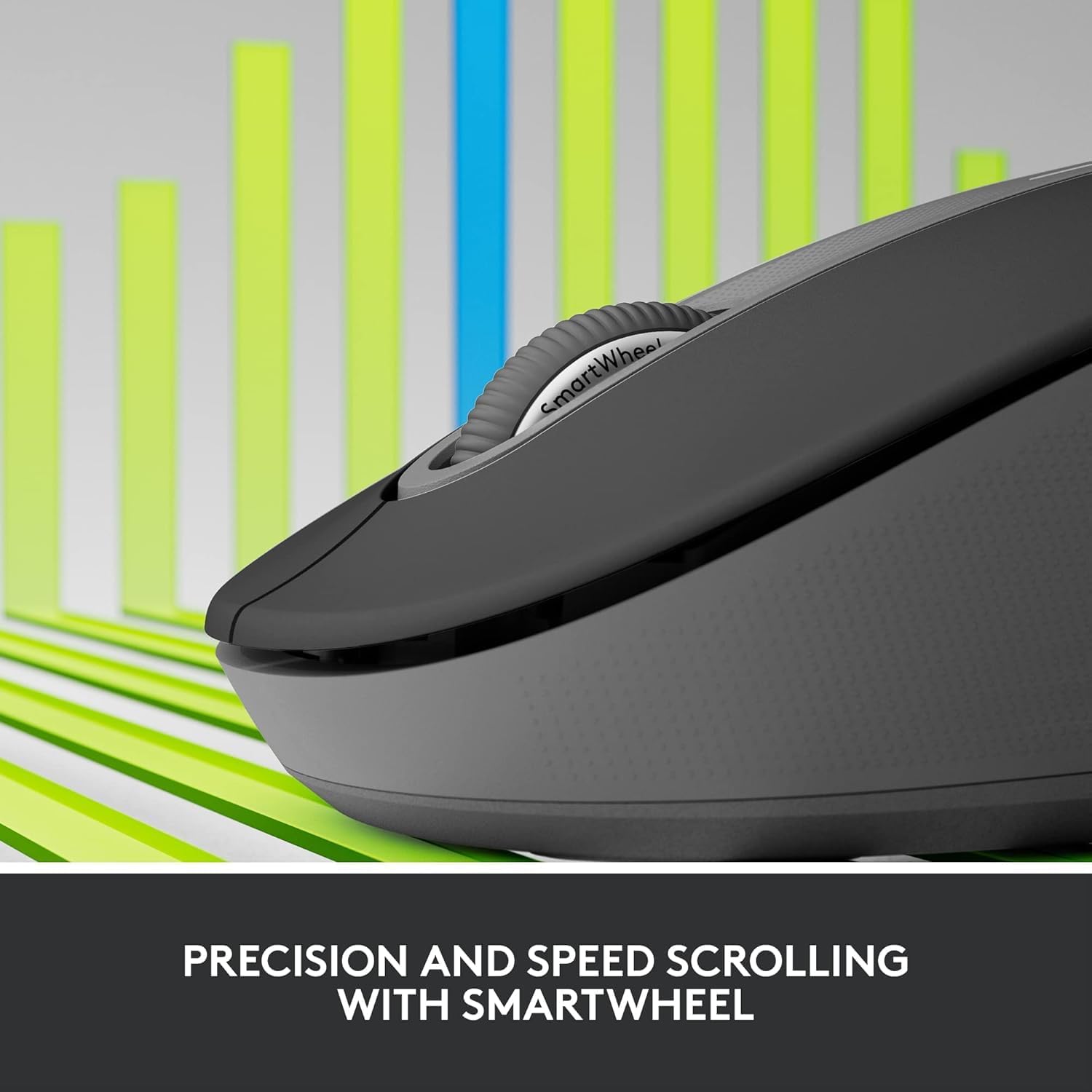
Image: A detailed close-up of the Logitech M650 mouse's SmartWheel, emphasizing its design for both precision and speed scrolling.
3.2. Customizable Side Buttons
The Signature M650 features two customizable side buttons. By default, these buttons may perform forward/back navigation in web browsers. To customize their functions, download and install the Logitech Options+ software from the official Logitech webwebwerf.
3.3. SilentTouch Technology
Experience a quieter workspace with SilentTouch technology, which significantly reduces the sound of clicks without compromising the tactile feel.
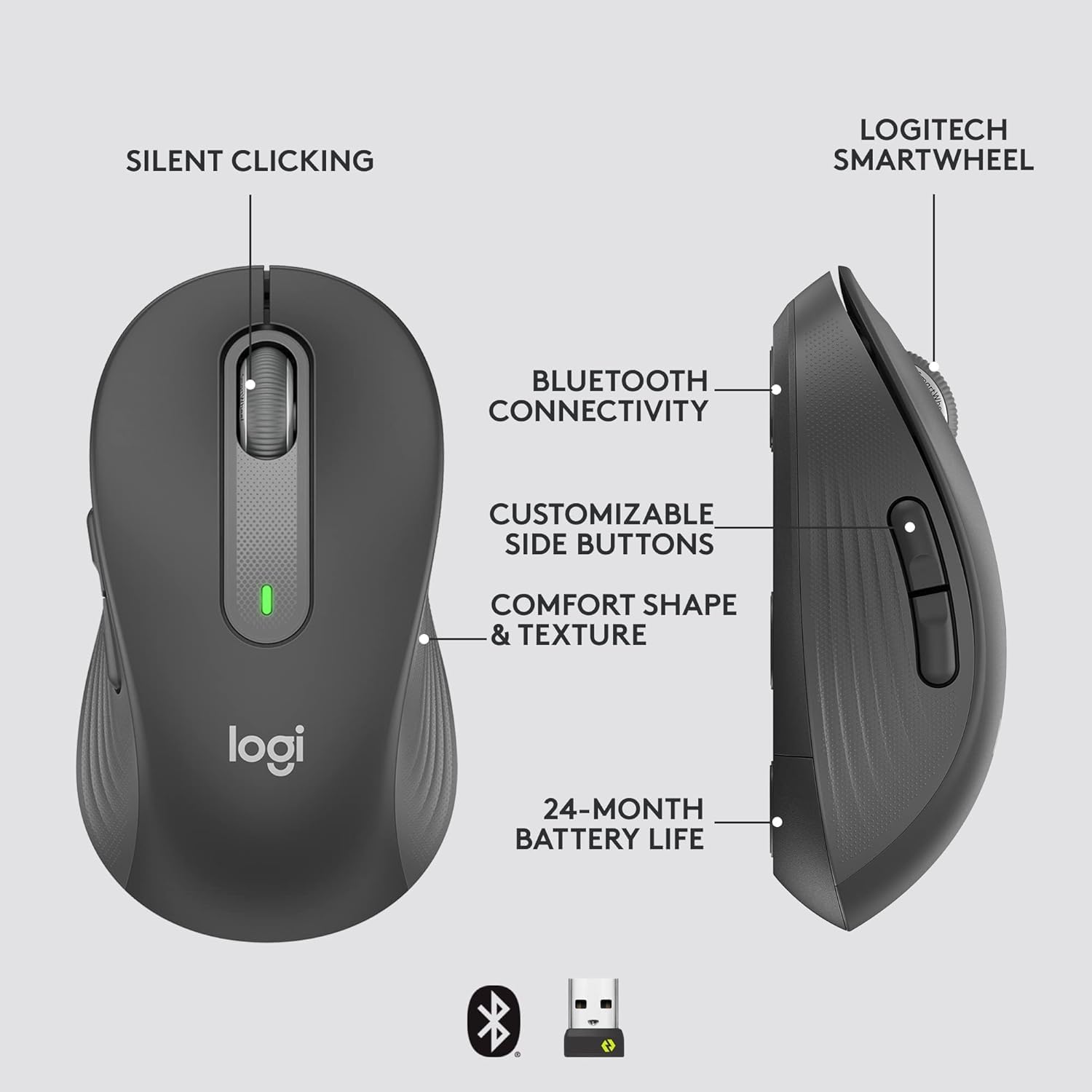
Image: An annotated diagram of the Logitech M650 mouse, highlighting key features such as Silent Clicking, Bluetooth Connectivity, Customizable Side Buttons, Comfort Shape & Texture, 24-Month Battery Life, and the Logitech SmartWheel.
4. Onderhoud
4.1. Battery vervanging
The mouse uses one AA battery. When the battery is low, the LED indicator on the mouse may flash. Replace the battery as described in Section 2.2.
4.2. Skoonmaak
Om jou muis skoon te maak, gebruik 'n sagte, pluisvrye lap. Vir hardnekkige vuiligheid, vee dit effens af.ampMaak die lap met water skoon. Vermy die gebruik van harde chemikalieë of skuurmiddels.
5. Probleemoplossing
5.1. Muis reageer nie
- Gaan battery na: Maak seker dat die battery korrek geïnstalleer is en voldoende gelaai is. Vervang indien nodig.
- Krag aan: Verify the mouse is turned on using the power switch.
- Herstel verbinding:
- Logi Bolt: Try plugging the receiver into a different USB port. Ensure no obstructions are between the mouse and receiver.
- Bluetooth: Go to your device's Bluetooth settings, remove the mouse, and re-pair it.
- Inmenging: Move the mouse closer to the receiver or device. Avoid using the mouse near other wireless devices that might cause interference.
5.2. Onreëlmatige wyserbeweging
- Maak sensor skoon: Maak seker dat die optiese sensor aan die onderkant van die muis skoon en vry van puin is.
- Oppervlak: Gebruik die muis op 'n skoon, nie-reflektiewe en eenvormige oppervlak. 'n Muismat word aanbeveel.
6. Tegniese spesifikasies
| Kenmerk | Spesifikasie |
|---|---|
| Modelnommer | 910-006272 |
| Konnektiwiteit | Logi Bolt USB Receiver, Bluetooth Low Energy |
| sensor Tegnologie | Opties |
| Battery Tipe | 1 x AA battery (ingesluit) |
| Batterylewe | Tot 24 maande |
| Dimensions (M650) | 4.22 x 2.43 x 1.49 duim (10.7 x 6.17 x 3.78 cm) |
| Gewig | 3.57 onse (101.2 g) |
| Kleur | Grafiet |
| Bedryfstelselversoenbaarheid | Windows, macOS, Linux, Chrome OS, iPadOS, Android |

Image: A visual comparison of the Logitech M650 and M650 L mouse sizes, indicating their respective lengths of 10.5cm and 11.5cm.
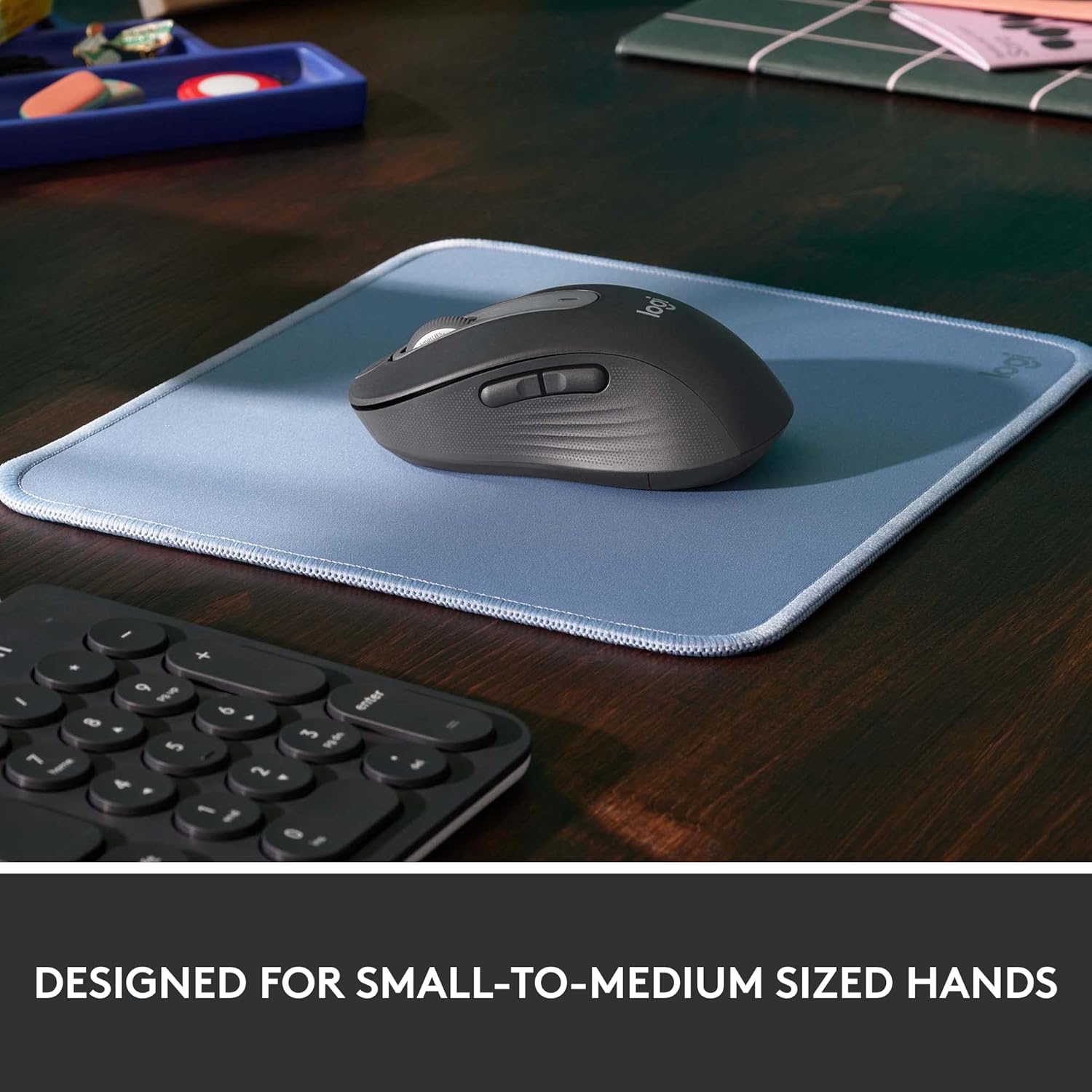
Image: The Logitech M650 mouse resting on a light blue mousepad, illustrating its ergonomic shape designed to fit comfortably in small to medium-sized hands.
7. Waarborg en Ondersteuning
Logitech-produkte word vervaardig volgens die hoogste gehaltestandaarde. Vir meer inligting oor waarborg, verwys asseblief na die waarborgkaart wat by u produk ingesluit is of besoek die amptelike Logitech-ondersteuningsentrum. webwebwerf.
For technical assistance, troubleshooting, or to download the latest software and drivers, please visit the Logitech Support page: