
Inleiding
The Ozeri Pro Digital Kitchen Food Scale is engineered for precise measurement in culinary applications. This manual provides essential information for the proper setup, operation, and maintenance of your scale to ensure optimal performance and longevity.
Produk Kenmerke
- Precise Graduations: Measures with accuracy of 0.05 oz or 1 gram.
- Wide Capacity Range: Supports weights from 0.05 oz up to 12 lbs (1 gram to 5.4 kg).
- Gebruikersvriendelike koppelvlak: Features oversized buttons for easy operation.
- Groot LCD-skerm: Provides clear weight readings in pounds (lbs), kilograms (kg), grams (g), and ounces (oz).
- Automatic Tare Function: Calculates net weight by subtracting the container's weight.
- Outomatiese afskakeling: Conserves battery life with a 3-minute auto turn-off feature.
- Kompakte ontwerp: Liggewig en maklik om te bêre.
Opstelling
Battery installasie
The Ozeri Pro Digital Kitchen Food Scale requires two (2) AAA batteries for operation. These batteries are included with your purchase.
- Vind die batterykompartement aan die onderkant van die skaal.
- Maak die batteryvakdeksel oop.
- Plaas die twee AAA-batterye in en maak seker dat die polariteit (+/-) korrek is.
- Maak die batterykompartement se deksel stewig toe.

Video: Demonstrating battery installation on the Ozeri Digital Kitchen Scale.
Let wel: For optimal performance, use fresh batteries. Remove batteries if the scale will not be used for an extended period.
Bedryfsinstruksies
Skakel aan/af
- Druk die AAN/UIT/TAREER button to turn the scale on. The LCD will display '0.00' when ready.
- Om af te skakel, druk en hou die AAN/UIT/TAREER button for a few seconds, or allow the automatic 3-minute shut-off feature to activate.
Veranderende meeteenhede
The scale can display measurements in grams (g), ounces (oz), pounds (lb), and kilograms (kg).
- Met die skaal aan, druk die EENHEID knoppie om deur die beskikbare eenhede te blaai.
- Select your desired unit (g, oz, lb, kg) before weighing.
Gebruik die Tarra-funksie
The Tare function allows you to subtract the weight of a container or previous ingredients, ensuring you measure only the new item.
- Plaas 'n leë houer op die weegplatform. Die skerm sal die gewig daarvan wys.
- Druk die AAN/UIT/TAREER knoppie. Die skerm sal na '0.00' herstel word.
- Add your ingredients to the container. The display will now show only the weight of the added ingredients.
- Repeat the Tare function as needed for multiple ingredients.
Video: Demonstrating the unit and tare functions of the Ozeri Digital Kitchen Scale.
Video: Verbyview of the Ozeri Pro Digital Food Scale, highlighting its features and ease of use.
Weeg items
- Ensure the scale is on and displaying '0.00' in your desired unit.
- Carefully place the item(s) to be weighed onto the center of the weighing platform.
- Lees die gewig wat op die LCD-skerm vertoon word.
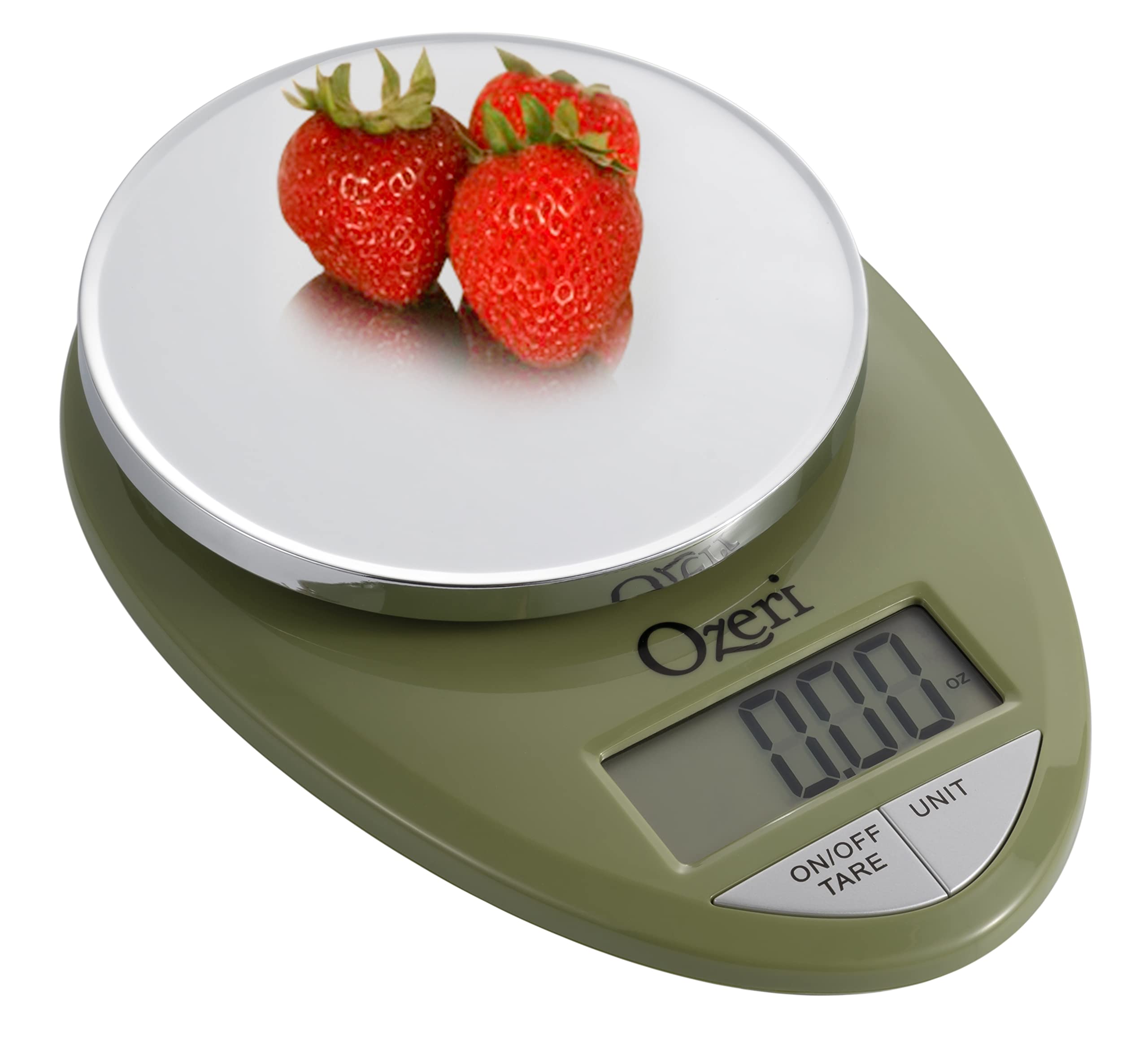
Image: The Ozeri Pro Digital Kitchen Food Scale displaying a weight with a small bowl of herbs on its platform.

Image: The Ozeri Pro Digital Kitchen Food Scale displaying a weight with a small ramekin of blueberries on its platform.
Onderhoud
Skoonmaak
- Wipe the scale surface clean with a damp cloth. Avoid abrasive cleaners or submerging the unit in water.
- Ensure the scale is dry before storage or next use.
Berging
The compact design of the Ozeri Pro Digital Kitchen Food Scale allows for easy storage in a drawer or cabinet when not in use.

Beeld: 'n Kant view of the Ozeri Pro Digital Kitchen Food Scale, demonstrating its slim profile vir gerieflike berging.
Probleemoplossing
- Onakkurate lesings: Ensure the scale is placed on a flat, stable surface. Avoid placing items that exceed the maximum weight capacity.
- Skerm skakel nie aan nie: Kontroleer of die batterye korrek geïnstalleer is en voldoende gelaai is. Vervang batterye indien nodig.
- Vertoon foutboodskappe: Refer to the full product manual (if available) or contact Ozeri customer support for specific error code interpretations.
Spesifikasies
| Kenmerk | Detail |
|---|---|
| Handelsmerk | Ozeri |
| Modelnommer | ZK12-GN |
| Kapasiteit | 0.05 oz to 12 lbs (1 gram to 5.4 kg) |
| Gradeplegtigheid | 0.05 oz or 1 gram |
| Tipe vertoon | LCD |
| Meeteenhede | grams, ounces, pounds, kilograms |
| Spesiale kenmerke | Automatic Tare, 3-minute Auto Shut-off, Large Display |
| Kragbron | 2 AAA-batterye (ingesluit) |
| Materiaal | Polikarbonaat |
| Produk afmetings | 10 x 7 x 4 duim |
| Item gewig | 9.6 onse |
Waarborg en Ondersteuning
For information regarding product warranty, returns, or technical support, please refer to the official Ozeri website or contact their customer service directly. Details are typically provided in the packaging or on the manufacturer's official support pages.