
Inleiding
This manual provides comprehensive instructions for the proper use, setup, and maintenance of your BlueParrott B650-XT Mono Bluetooth Wireless Headset. Please read this guide thoroughly to ensure optimal performance and longevity of your device. The B650-XT is designed for clear communication in high-noise environments, offering advanced noise cancellation and robust features for professional use.
Wat is in die boks
Verifieer dat alle items in u produkverpakking teenwoordig is:
- B650-XT Headset
- Leer oorkussing
- USB kabel
- Voertuiglaaier
- Two mic windscreens
- Vinnige begingids

Opstelling
1. Laai die headset
Before initial use, fully charge your B650-XT headset. Use the provided USB cable and vehicle charger. A full charge provides up to 36 hours of talk time and 90 hours of standby time.
2. Dra die Headset
The B650-XT features an over-ear design for comfort during extended use. Adjust the headband and microphone boom for a secure and optimal fit. The microphone should be positioned approximately two finger-widths from the corner of your mouth.

3. Koppel met 'n Toestel
- Maak seker dat die oorfone gelaai en afgeskakel is.
- Druk en hou die aan/af-knoppie vir ongeveer 4 sekondes totdat die LED-aanwyser blou en rooi flikker, wat paringsmodus aandui.
- Aktiveer Bluetooth op jou mobiele toestel en soek vir beskikbare toestelle.
- Select 'BlueParrott B650-XT' from the list. If prompted, enter '0000' for the PIN.
- Once paired, the LED will show a solid blue light. The headset can pair with up to 7 devices and connect to 2 devices simultaneously.
Bedryfsinstruksies
1. Beheer oorview
The B650-XT features intuitive controls for managing calls and audio:
- Kragknoppie: On/Off, Pairing mode.
- Volumeknoppies (+/-): Pas die klankvolume aan.
- BlueParrott Button: Customizable for various functions (mute, speed dial, Push-to-Talk).

2. Maak en Ontvang Oproepe
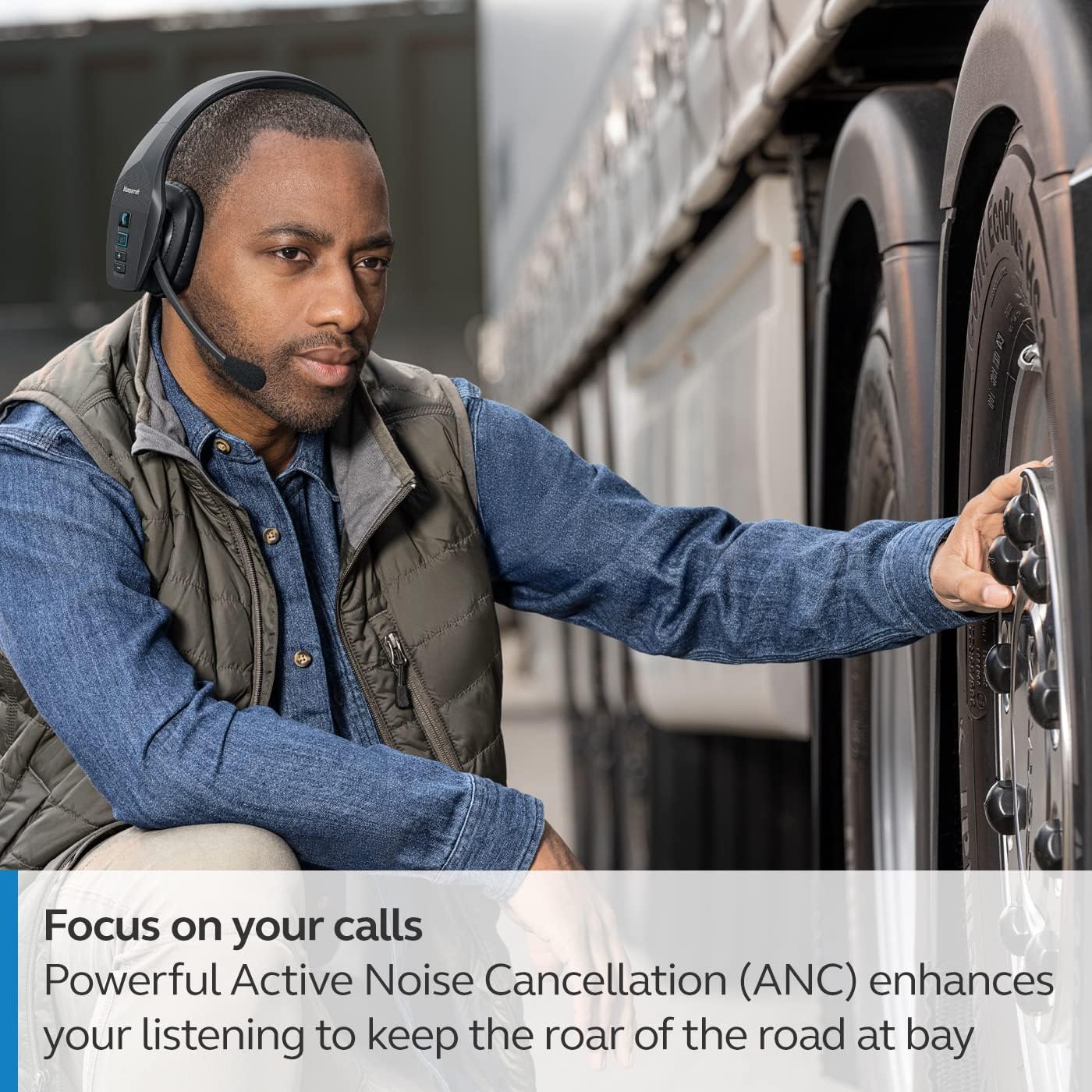
The headset's microphone features 96% noise cancellation, ensuring your voice is clear even in loud environments. Active Noise Cancellation (ANC) in the earcup reduces ambient noise for improved listening.

3. Stembeheer
The B650-XT supports 100% hands-free voice control for managing calls, GPS directions, music, and voice assistants. This feature allows you to operate the headset without taking your hands off the wheel or your eyes off the task.

4. BlueParrott Button Customization
The BlueParrott Button can be programmed for quick access to your most-used functions, such as mute, speed dial, or Push-to-Talk. Customize this feature via the BlueParrott app on your smartphone.

Onderhoud
1. Skoonmaak
Regularly wipe the headset with a soft, dry cloth. For deeper cleaning, use a slightly damp cloth. Avoid using harsh chemicals or abrasive materials. Ensure the charging port is free of dust and debris.
2. Berging
Store the headset in a cool, dry place away from extreme temperatures and direct sunlight. The B650-XT is IP54-rated for protection against dust and water, but proper storage helps maintain its condition.

Probleemoplossing
If you encounter issues with your BlueParrott B650-XT headset, try the following steps:
- Geen krag: Maak seker dat die headset ten volle gelaai is.
- Kan nie koppel nie: Make sure the headset is in pairing mode (flashing blue/red LED) and your device's Bluetooth is enabled. Try restarting both devices.
- Swak oudiogehalte: Check microphone positioning. Ensure there are no obstructions between the headset and your connected device.
- Stembeheerkwessies: Verify that voice control is enabled and configured correctly through the BlueParrott app.
For persistent issues, refer to the official BlueParrott support webwebwerf of kontak kliëntediens.
Spesifikasies
| Kenmerk | Detail |
|---|---|
| Model Naam | B650-XT |
| Item Modelnommer | 204330 |
| Verbindingstegnologie | Bluetooth 5.1 |
| Wireless Range | Tot 100 meter (300 voet) |
| Praat Tyd | Tot 36 uur |
| Bystandtyd | 90 uur |
| Mikrofoon geraas kansellasie | 96% |
| Geraasbeheer | Aktiewe ruisonderdrukking (ANC) |
| IP-gradering | IP54 (Stof- en Waterbestand) |
| Oorplasing | Oor Oor |
| Oudiobestuurdergrootte | 40 millimeter |
| Item gewig | 7.5 onse (0.47 pond) |
| Produk afmetings | 6.4 x 2.5 x 6.4 duim |
| UPC | 615822015981 |
Waarborg en Ondersteuning
For warranty information and detailed support, please visit the official BlueParrott webwebwerf of kontak hul kliëntediensafdeling. Bewaar u bewys van aankoop vir enige waarborgeise.
Aanlyn ondersteuning: www.blueparrott.com/support