
Inleiding
Thank you for choosing the DIZO Watch 2 Smartwatch. This manual provides essential information and instructions to help you get started, operate, and maintain your device effectively. Please read this manual thoroughly before using your smartwatch to ensure proper function and safety.
Pakketinhoud
- DIZO Watch 2 Smartwatch
- Laai kabel
- Gebruikershandleiding
Opstelling
1. Laai die slimhorlosie
Before initial use, fully charge your DIZO Watch 2. Connect the charging cable to the charging port on the back of the watch and plug the USB end into a power adapter (not included) or a computer's USB port. A full charge typically takes approximately 2 hours.
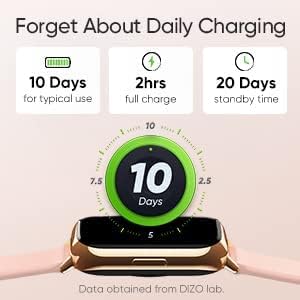
Image: The DIZO Watch 2 displaying its battery life, indicating 10 days for typical use, 2 hours for a full charge, and 20 days standby time.
2. Downloading the DIZO App
To unlock all features and synchronize data, download the official DIZO app on your Android smartphone. Soek vir "DIZO App" in the Google Play Store.
3. Koppel met jou slimfoon
- Maak seker dat jou slimfoon se Bluetooth geaktiveer is.
- Open the DIZO app and follow the on-screen instructions to create an account or log in.
- Select "Add Device" or a similar option within the app.
- The app will search for your DIZO Watch 2. Select your watch from the list of available devices.
- Bevestig die paringsversoek op beide jou horlosie en slimfoon.
Bedryfsinstruksies
Basiese navigasie
- Raakskerm: Swipe up, down, left, or right to navigate through menus and notifications. Tap to select an option.
- Syknoppie: Press the side button to return to the home screen or wake up the display.

Image: A close-up of the DIZO Watch 2's 1.69-inch bright full touch screen, highlighting its sharp display.
Gesondheidsmonitering
The DIZO Watch 2 offers comprehensive health tracking features:
- Bloedsuurstof (SpO2) Monitor: Measures your blood oxygen saturation levels throughout the day and during sleep.
- Real-time Heart Rate Monitor: Continuously tracks your heart rate, providing insights into your cardiovascular health and workout intensity.
- Gevorderde Slaapmonitering: Analyzes your sleep patterns, including light, deep, and REM sleep stages, along with heart rate, stress, and breathing data.
- Menstruele siklus dop: Provides tracking and predictions for the menstrual cycle.
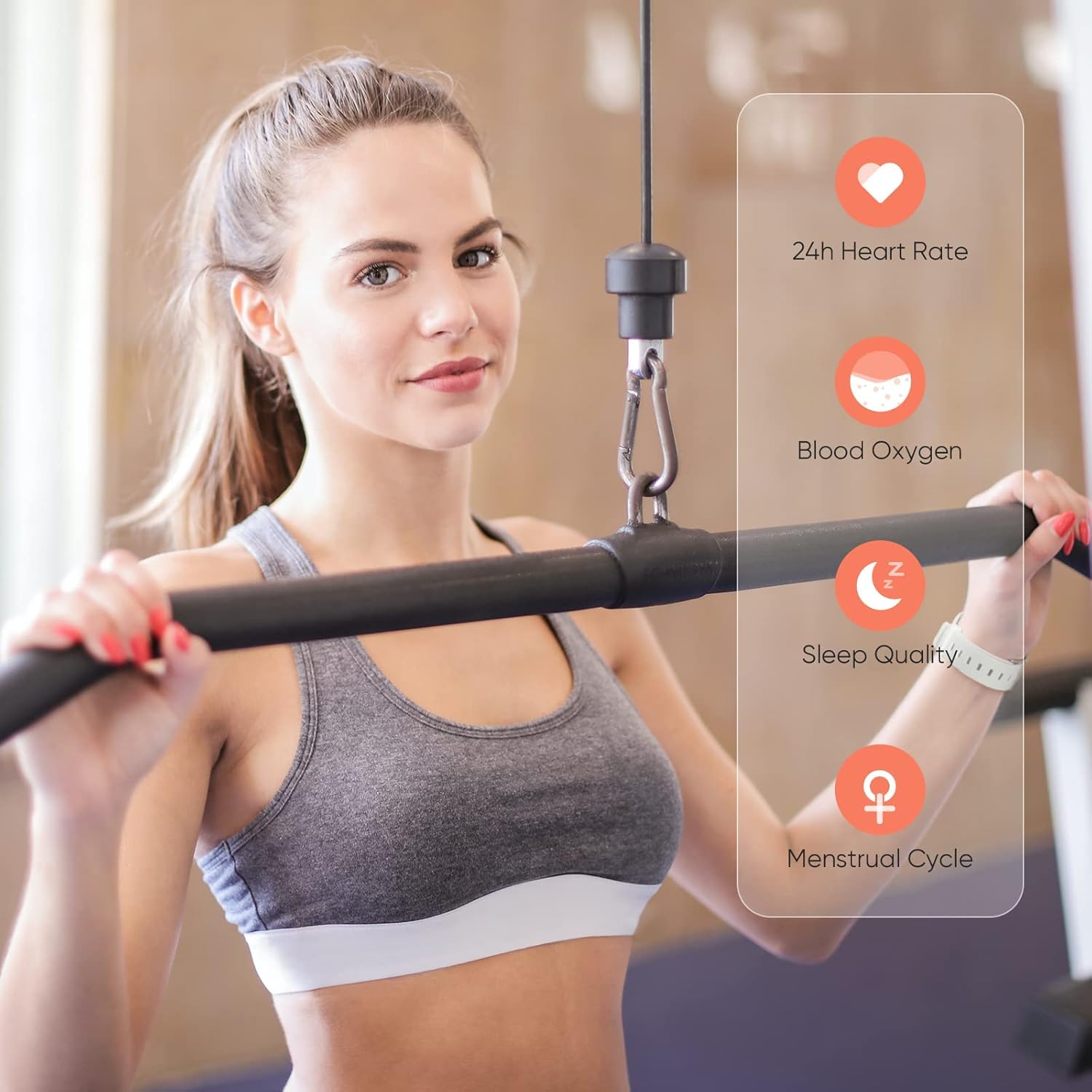
Image: A user wearing the DIZO Watch 2, with an overlay showing the watch's ability to monitor 24-hour heart rate, blood oxygen, sleep quality, and menstrual cycle.
Sportmodusse
The watch supports 15 dedicated sports modes to accurately track your workouts. Select your activity from the watch's menu to record data such as duration, calories burned, and heart rate.

Image: The DIZO Watch 2 screen showing "15 Sports Modes" with icons representing different activities like running, cycling, and swimming, surrounded by images of people engaging in these sports.
Pasmaakbare horlosies
Choose from over 100 watch faces available through the DIZO app. You can also customize a watch face using your own pictures.

Image: The DIZO Watch 2 displaying a custom watch face with a personal photo, surrounded by other available watch face designs and a smartphone screen showing customization options.
Smart Controls and Notifications
Connect your smartwatch to the DIZO app to enable smart features:
- Musiekbeheer: Beheer musiekweergawe op jou slimfoon direk vanaf jou horlosie.
- Kamerabeheer: Gebruik jou horlosie as 'n afstandsluiter vir jou slimfoon se kamera.
- Slim kennisgewings: Ontvang waarskuwings vir oproepe, boodskappe en app-kennisgewings.
- Calls Reject: Decline incoming calls from your watch.
- Stappeteller: Track your daily steps and activity.
- Alarm: Stel alarms direk op jou horlosie.

Image: The DIZO Watch 2 displaying icons for various smart controls, including Music Control, Camera Control, Smart Notifications, Calls Reject, Steps Counter, and Alarm.
Water Resistance (5ATM)
The DIZO Watch 2 is 5ATM water resistant, meaning it can withstand pressures equivalent to a depth of 50 meters (164 feet). This allows for use during swimming, showering, or other shallow water activities. Avoid hot water, steam, or high-velocity water streams.

Image: A person swimming while wearing the DIZO Watch 2, with text indicating its 5ATM (164 ft./50 meters) waterproof rating.
Onderhoud
- Skoonmaak: Maak jou horlosie en bandjie gereeld skoon met 'n sagte, droë lap. Indien nodig, gebruik 'n effens droë lap.amp lap met sagte seep, spoel dan af en droog deeglik af.
- Laai: Use only the provided charging cable. Avoid exposing the charging contacts to water or sweat.
- Berging: Bêre die horlosie op 'n koel, droë plek wanneer dit nie gebruik word nie.
- Waterweerstand: While 5ATM water resistant, avoid prolonged submersion in saltwater or chemical liquids, which can degrade seals over time.
Probleemoplossing
- Horlosie skakel nie aan nie: Maak seker dat die horlosie volledig gelaai is. Koppel dit vir ten minste 10 minute aan die laaier.
- Kan nie met foon koppel nie: Check if Bluetooth is enabled on your phone. Ensure the watch is within range and the DIZO app is open. Try restarting both the watch and your phone.
- Onakkurate gesondheidsdata: Maak seker dat die horlosie styf om jou pols gedra word, nie te styf of te los nie. Maak die sensors gereeld skoon.
- Kennisgewings nie ontvang nie: Check app permissions on your phone to ensure the DIZO app has access to notifications. Verify notification settings within the DIZO app.
- Skerm reageer nie: Try restarting the watch by pressing and holding the side button until it powers off, then power it back on.
Spesifikasies
| Model Naam | Kyk 2 |
| Vervaardiger Verwysing | DW-123 |
| Handelsmerk | DIZO |
| Vertoon | 1.69 inch (4.3cm) Bright Full Touch Screen |
| Waterweerstand | 5ATM (up to 50 meters / 164 feet) |
| Gesondheidsmonitering | Blood Oxygen (SpO2), Heart Rate, Sleep Tracking, Menstrual Cycle |
| Sportmodusse | 15 modusse |
| Batterylewe | Tot 10 dae (tipiese gebruik), 20 dae (bystand) |
| Laai tyd | Ongeveer. 2 uur |
| Konnektiwiteit | Bluetooth, USB (vir laai) |
| Verenigbaarheid | Android |
| Afmetings | 21.49 x 2.01 x 1.22 cm |
| Gewig | 191 gram |
Waarborg en Ondersteuning
The DIZO Watch 2 Smartwatch comes with a standard manufacturer's warranty. Please refer to the warranty card included in your package for specific terms and conditions. For technical support, troubleshooting assistance, or warranty claims, please contact DIZO customer service through their official webwebwerf of die kontakinligting wat in u waarborgdokumentasie verskaf word.