
1. Inleiding
Welcome to the VGR V-171 Hair Trimmer user manual. This guide provides essential information for the safe and effective use, maintenance, and troubleshooting of your new grooming device. Please read all instructions carefully before operating the trimmer and retain this manual for future reference.
2. Veiligheidsinstruksies
Om die risiko van elektriese skok, besering of skade aan die toestel te verminder, volg altyd hierdie basiese veiligheidsmaatreëls:
- Hou weg van water: Moenie hierdie toestel naby baddens, storte, b gebruik nieasins, or other vessels containing water. Never immerse the trimmer in water.
- Dry use only: This trimmer is designed for dry use. Do not use it on wet hair or skin.
- Children and infants: Keep the appliance out of reach of children. Do not use on infants or children.
- Eye and skin contact: Avoid direct contact of the blades with eyes or sensitive skin areas.
- Damage inspection: Do not operate the trimmer if it has a damaged cord, plug, or if it is not working properly, has been dropped, or damaged.
- Bedoelde gebruik: Gebruik hierdie toestel slegs vir die beoogde huishoudelike gebruik soos beskryf in hierdie handleiding.
- Laai: Use only the provided charging cable. Ensure the voltage is compatible before charging.
- Skoonmaak: Ontkoppel altyd die trimmer voor skoonmaak.
3. Pakketinhoud
Verifieer dat alle items in die pakket teenwoordig is:
- VGR V-171 Haartrimmer
- 4 Guide Combs (various lengths)
- Skoonmaak Borsel
- Smeerolie
- USB-laaikabel
- Gebruikershandleiding

Image: The VGR V-171 hair trimmer shown alongside its complete set of accessories, including four guide combs, a small cleaning brush, a bottle of lubricating oil, and a USB charging cable, all packaged with the user manual.
4. Opstelling
4.1 Laai die trimmer
- Verseker dat die trimmer afgeskakel is.
- Insert the small end of the USB charging cable into the charging port at the bottom of the trimmer.
- Plug the larger end of the USB cable into a compatible USB power adapter (not included) or a computer USB port.
- The indicator light on the trimmer will illuminate to show that it is charging.
- Allow the trimmer to charge fully before first use. Charging time may vary.
4.2 Attaching and Detaching Guide Combs
- Kies die verlangde gidskam vir jou voorkeurhaarlengte.
- Align the guide comb with the trimmer blade and slide it firmly onto the blade until it clicks into place.
- To remove a guide comb, gently push it upwards and away from the blade.
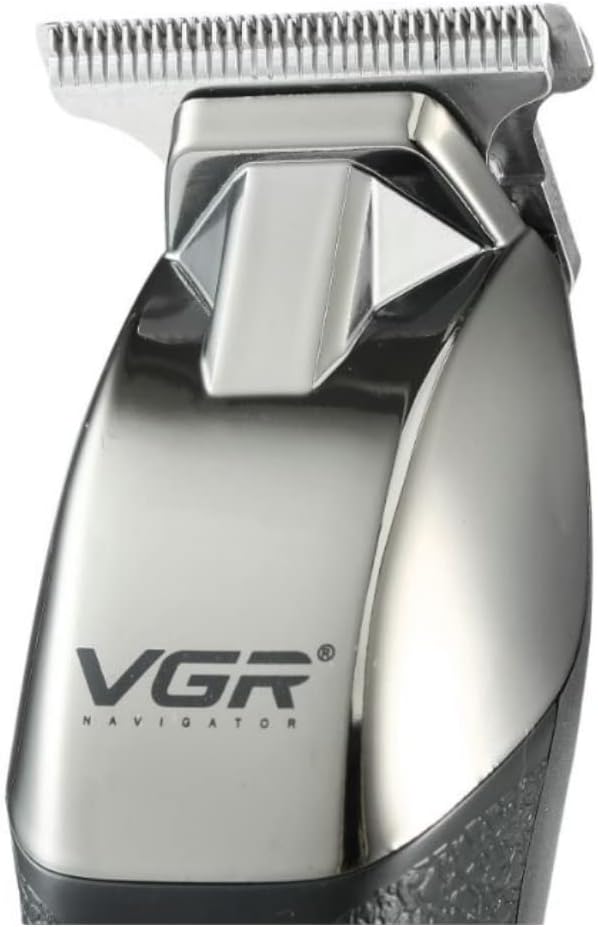
Beeld: 'n Volledige view of the VGR V-171 hair trimmer, highlighting its ergonomic design, power button, and battery indicator lights.
5. Bedryfsinstruksies
5.1 Aan-/afskakel
- To turn on the trimmer, press the power button once.
- To turn off the trimmer, press the power button again.
5.2 Hare Sny
- Maak seker dat jou hare skoon en droog is voordat jy dit sny.
- Attach the desired guide comb for the length you wish to achieve. For a closer trim, use without a guide comb.
- Hold the trimmer with the blades facing the area you want to trim.
- Beweeg die trimmer teen die rigting van haargroei vir die beste resultate.
- Use slow, controlled movements. Do not press too hard against the skin.
- Regularly clear accumulated hair from the guide comb and blades during use.
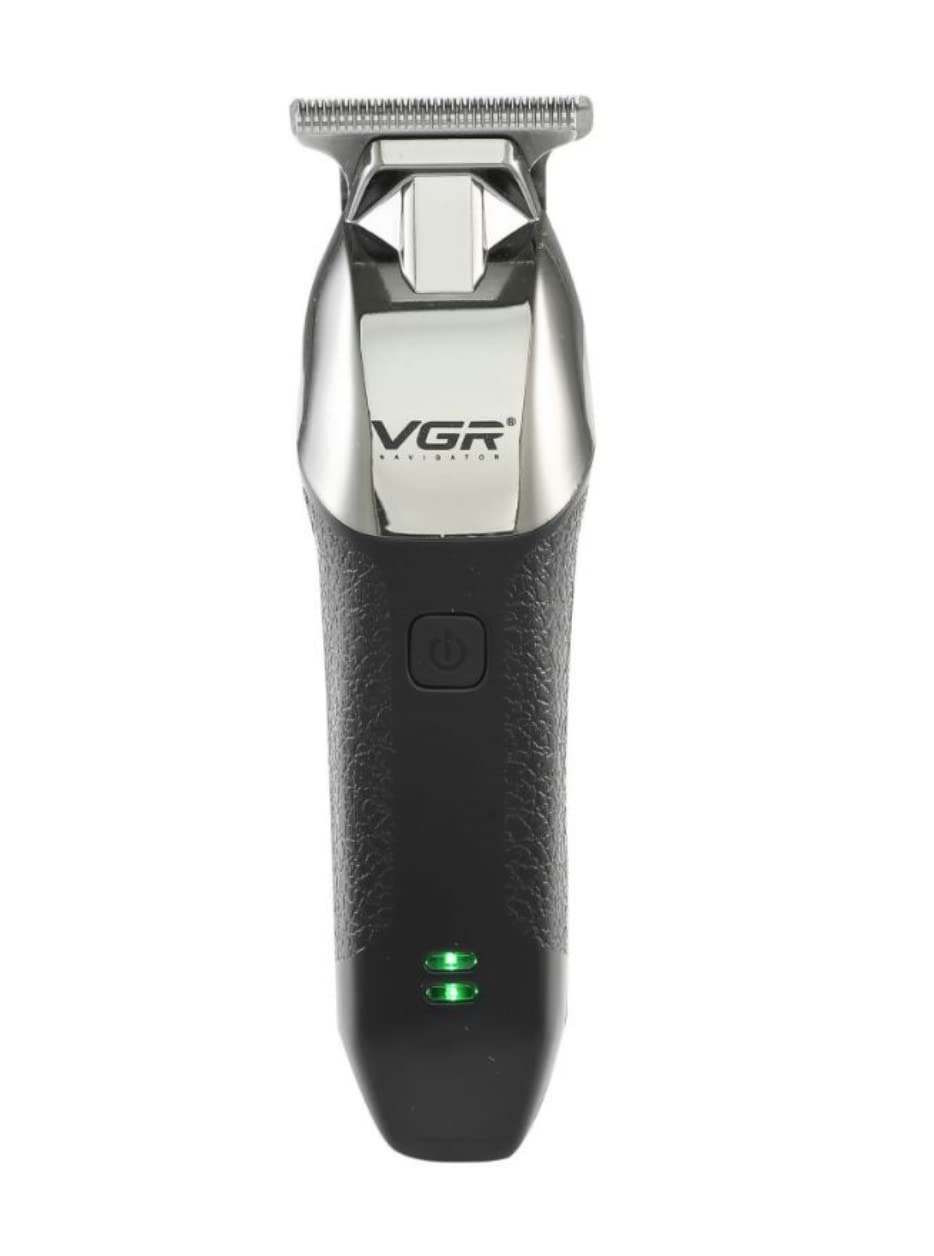
Image: A detailed close-up of the VGR V-171 hair trimmer's stainless steel T-blade, designed for precise trimming.
6. Onderhoud
6.1 Skoonmaak van die lemme
- Ensure the trimmer is switched off and unplugged before cleaning.
- Gebruik die meegeleverde skoonmaakborsel om enige los hare van die lemme en die trimmerkop te verwyder.
- For a more thorough clean, you may carefully detach the blade head (refer to specific instructions if provided with your model for blade removal).
- Do not rinse the trimmer head or blades under water, as this model is for dry use only.
6.2 Smering van die lemme
- After cleaning, apply 1-2 drops of the lubricating oil (provided) onto the blades.
- Turn on the trimmer for a few seconds to allow the oil to distribute evenly across the blades.
- Wipe off any excess oil with a soft cloth. Regular oiling helps maintain blade sharpness and prolongs the life of the trimmer.
6.3 Berging
- Bêre die trimmer op 'n koel, droë plek, weg van direkte sonlig en vog.
- Keep the guide combs and accessories together with the trimmer to prevent loss.
7. Probleemoplossing
| Probleem | Moontlike oorsaak | Oplossing |
|---|---|---|
| Trimmer skakel nie aan nie. | Battery is leeg. | Laai die trimmer volledig. |
| Trimmer skakel nie aan nie. | Aan/af-knoppie nie korrek gedruk nie. | Druk die kragknoppie stewig. |
| Swak snoeiprestasie. | Die lemme is dof of verstop met hare. | Clean and lubricate the blades. If blades are dull, consider replacement if available. |
| Die trimmer maak ongewone geluid. | Lemme benodig smering. | Wend smeerolie aan op die lemme. |
Indien die probleem voortduur nadat u hierdie oplossings probeer het, kontak asseblief kliëntediens.
8. Spesifikasies
- Modelnommer: V-171
- Handelsmerk: Vgr
- Kragbron: Battery-aangedrewe (herlaaibaar)
- Aantal spoedinstellings: 1
- Teikengroep: Mans
- Aantal koppe: 4
- Bedryfsfunksie: Droog
- Tipe: Clipper & Trimmer
- Bladmateriaal: Vlekvrye staal
- Spesiale kenmerke: Herlaaibaar
- Item gewig: 500 gram
- Versending afmetings: 18.6 x 10.6 x 6.8 cm
- Kleur: Swart
9. Waarborg en Ondersteuning
For warranty information, please refer to the warranty card included with your purchase or contact the retailer where the product was bought. For technical support or service inquiries, please contact the manufacturer or your local distributor. Keep your proof of purchase for any warranty claims.