
1. Produk verbyview
The REXING HS01 is a 1080p wireless smart home security camera system designed for both indoor and outdoor use. It features a rechargeable battery, solar panel charging capability, two-way intercom, motion activation, infrared night vision, and cloud storage options. The camera connects to your home WiFi network and is managed via a mobile application.
Sleutel kenmerke:
- 1080p Full HD-video: Records clear video with a 120-degree wide-angle lens.
- Draadloos en herlaaibaar: Operates wirelessly with a 6000mAh rechargeable battery.
- Sonkrag aangedryf: Can be continuously charged by the included solar panel.
- Tweerigting-interkom: Allows for real-time communication via the mobile app.
- Waterdigte ontwerp: IP65 rated for outdoor weather resistance.
- Bewegingsopsporing: PIR motion sensor with adjustable sensitivity up to 33ft.
- Infrarooi Nagvisie: Provides clear visibility up to 33ft in low light conditions.
- Wolkberging: Offers free 3-day cloud storage with options for extended plans.
- Beheer van mobiele toepassings: Manage and monitor the camera from your smartphone.
2. Pakketinhoud
Kontroleer asseblief die pakket vir die volgende items:
- REXING HS01 Sekuriteitskamera
- Sonpaneel
- Montagebeugel en skroewe
- USB-laaikabel
- Gebruikershandleiding
3. Opstelgids
3.1 Aanvanklike laai
Before first use, fully charge the camera's internal 6000mAh battery using the provided USB cable. Connect the cable to the camera's charging port and a standard USB power adapter (not included). The charging indicator will show the charging status.
3.2 App-installasie
Laai die af Rexing Home application from your smartphone's app store (available on iOS and Android). Soek vir "Rexing Home" and install the application.
3.3 Wi-Fi-verbinding
- Open the Rexing Home app and create an account or log in.
- Volg die inprogram-instruksies om 'n nuwe toestel by te voeg.
- Maak seker dat jou slimfoon gekoppel is aan 'n Wi-Fi-netwerk van 2.4 GHz. The HS01 camera does not support 5GHz Wi-Fi.
- Skandeer die QR-kode wat op jou foon vertoon word met die kameralens wanneer gevra word.
- Wait for the camera to connect to your Wi-Fi network. A voice prompt will confirm successful connection.
3.4 Montering van die kamera en sonpaneel
The REXING HS01 camera and solar panel can be mounted indoors or outdoors. Choose a location that provides the desired viewing angle and ensures the solar panel receives ampdirekte sonlig dwarsdeur die dag vir optimale laai.

Image: The REXING HS01 camera with its solar panel mounted on an exterior wall, highlighting its 100% wireless and solar-powered operation. The camera is designed for outdoor use and is weatherproof.
- Use the provided mounting bracket and screws to securely attach the camera to a wall or desired surface.
- Mount the solar panel in a location that receives maximum direct sunlight. Connect the solar panel cable to the camera's charging port.
- Adjust the camera's angle to cover the desired monitoring area.
4. Bedryfsinstruksies
4.1 Lewendig View and Remote Playback
Once connected, open the Rexing Home app to access the live video feed from your camera. You can view intydse footage from anywhere with an internet connection. The app also allows you to review opgeneemde video footage stored in the cloud.

Image: A smartphone screen showing a live view from the REXING HS01 camera, with icons for remote playback and indicating motion alerts. This demonstrates complete control from the Rexing Home App.
4.2 Tweerigting-klankkommunikasie
The HS01 camera features a built-in microphone and speaker, enabling two-way audio communication. From the live view in the Rexing Home app, you can speak to individuals near the camera and hear their responses.
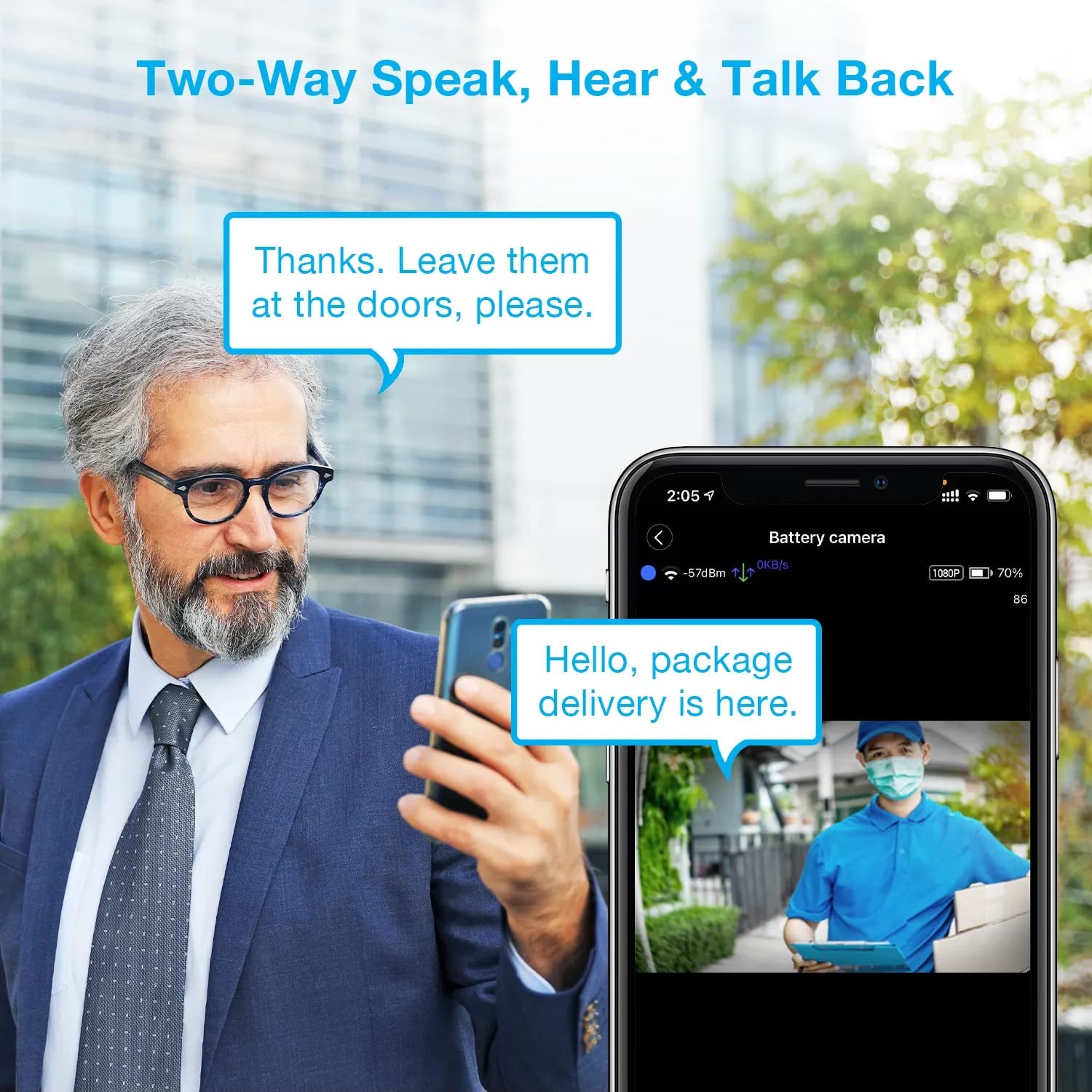
Image: A man using his smartphone to communicate with a delivery person visible on his screen, demonstrating the two-way speak and talk-back functionality of the REXING HS01 camera.
4.3 Bewegingsopsporing en waarskuwings
The camera utilizes a PIR (Passive Infrared) motion sensor to detect movement. When motion is detected, the camera will begin recording and send instant notifications to your smartphone via the Rexing Home app.
- Aanpassing van sensitiwiteit: You can adjust the PIR motion sensitivity settings within the app, with options up to 33ft.
- Kennisgewinginstellings: Customize alert preferences in the app to receive notifications for every detected motion.
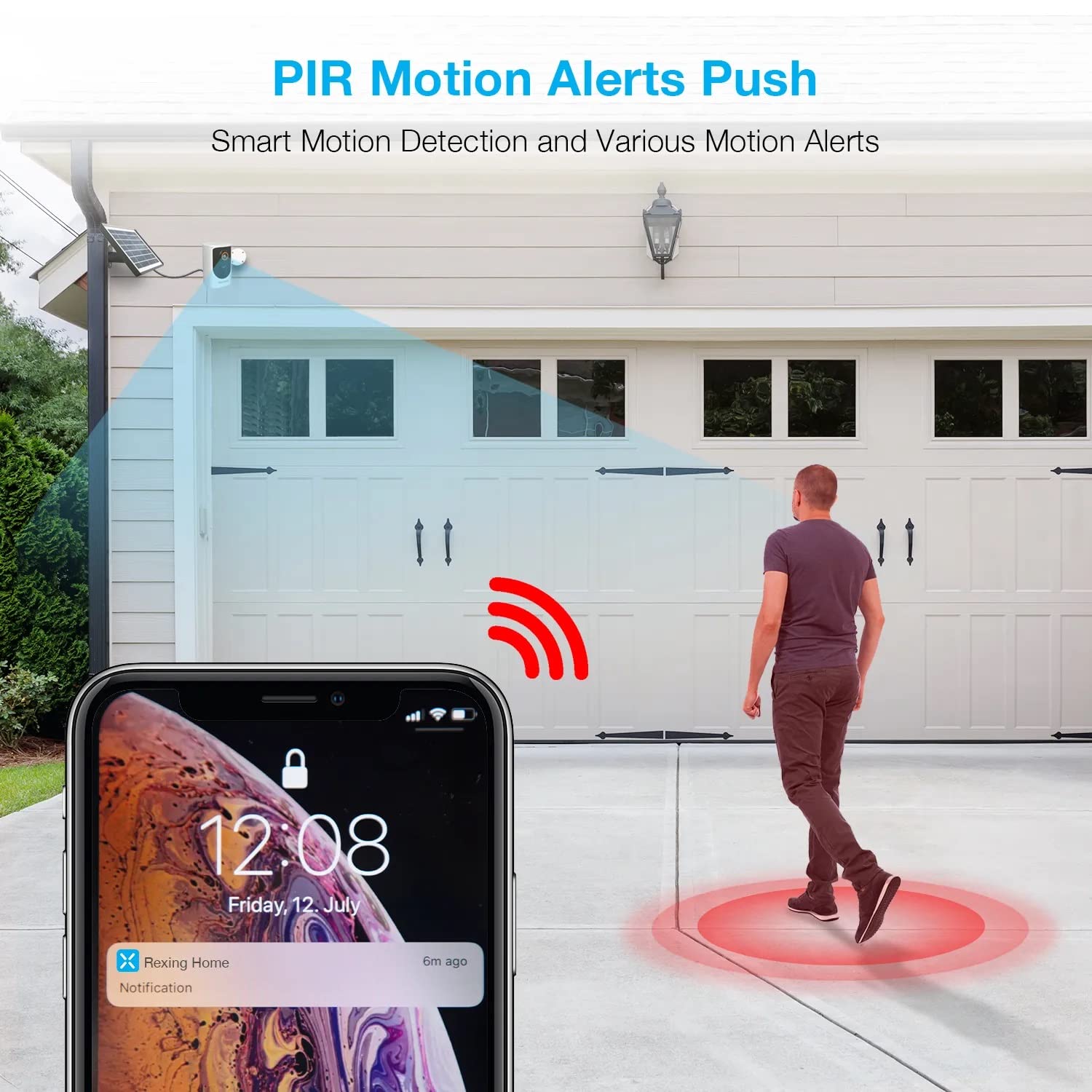
Image: A smartphone screen showing a notification from the Rexing Home app indicating a motion alert, with a visual representation of a person walking into the camera's detection zone.
4.4 Nagvisie
The HS01 camera is equipped with 8 built-in 850nm Infrared LEDs and enhanced CMOS imaging sensors, providing clear night vision up to 33ft. The night vision mode activates automatically in low-light conditions.
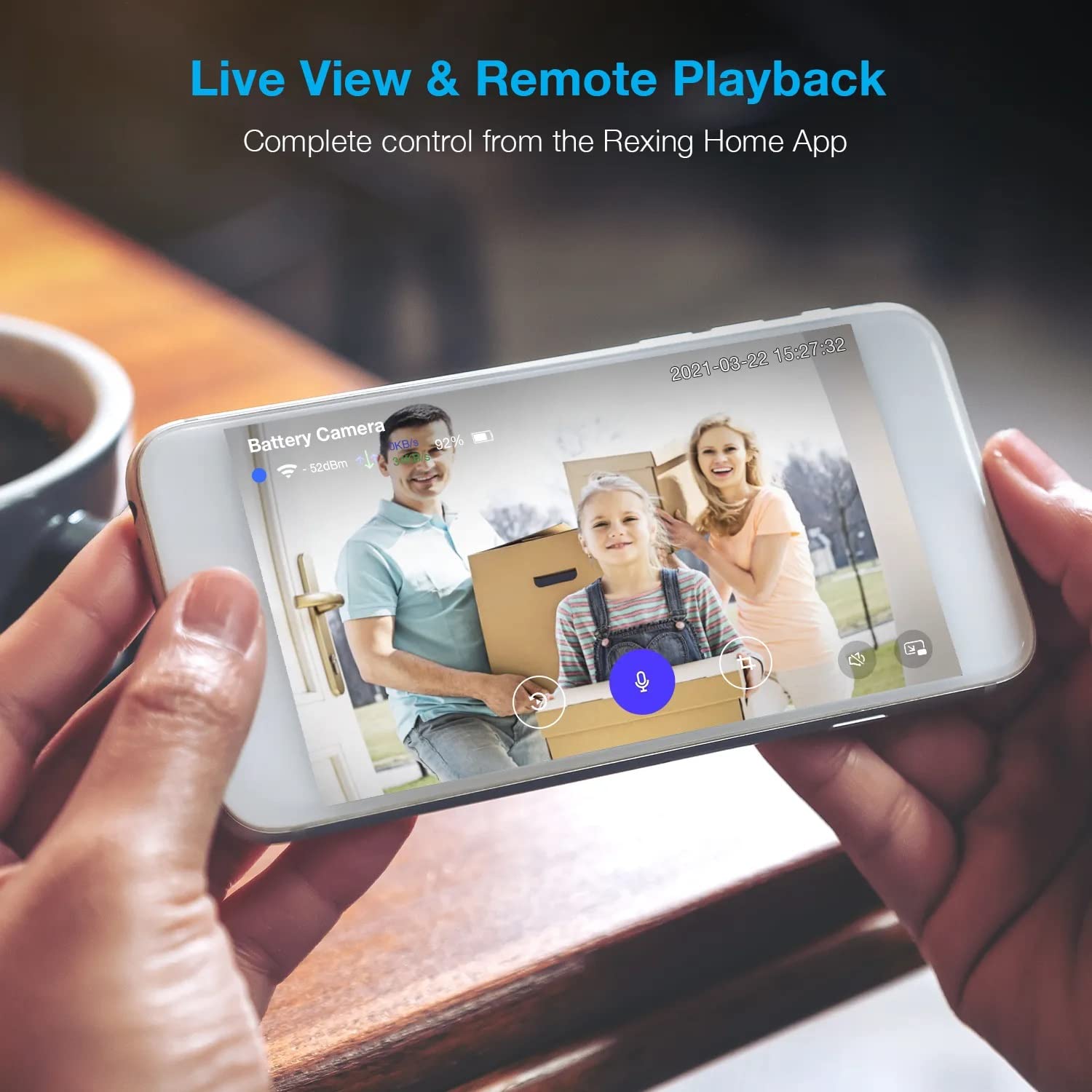
Image: A smartphone displaying a split screen, with one side showing a daytime view of a house in full color and the other side showing the same house in enhanced infrared night vision, demonstrating the camera's 1080p HD and night vision capabilities.
4.5 Wolkberging
The camera offers secure cloud storage for recorded video footage. You can access the past 3 days of video recordings for free. Extended cloud storage plans are available for purchase through the Rexing Home app.
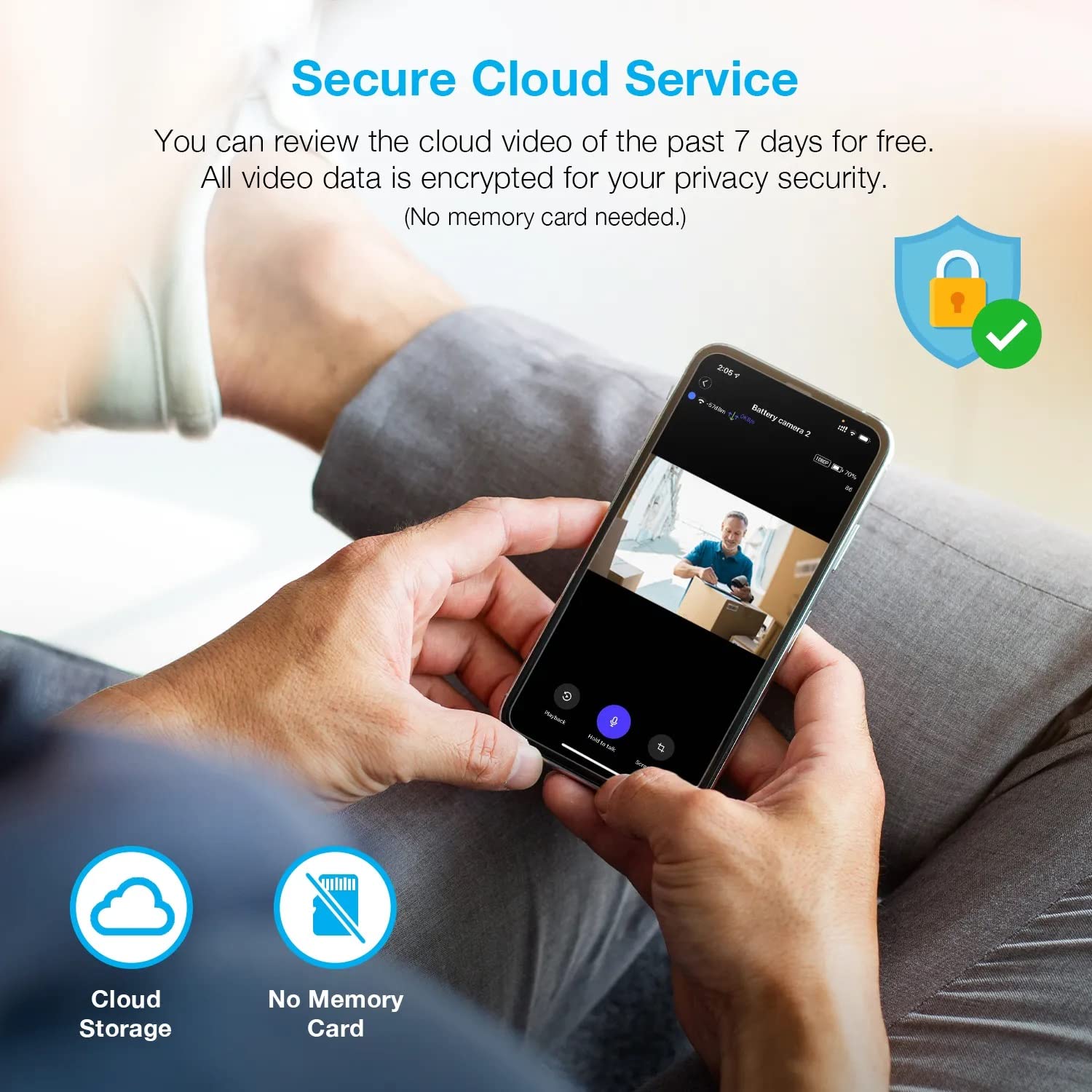
Beeld: 'n Persoon viewing recorded camera footage on a smartphone, accompanied by icons for cloud storage and indicating that no memory card is needed, highlighting the secure cloud service feature.
5. Onderhoud
5.1 Batterybestuur
The HS01 camera is powered by a 6000mAh rechargeable battery. For continuous operation, ensure the solar panel is positioned to receive adequate direct sunlight. If the camera is used in an area with limited sunlight, periodic manual charging via the USB cable may be required.
5.2 Skoonmaak
To maintain optimal performance, periodically clean the camera lens and the solar panel surface with a soft, damp cloth. Avoid using abrasive cleaners or solvents that could damage the surfaces.
6. Probleemoplossing
- Kamera koppel nie aan Wi-Fi nie:
- Maak seker dat jou Wi-Fi-netwerk 2.4GHz is. Die kamera ondersteun nie 5GHz-netwerke nie.
- Kontroleer die Wi-Fi-seinsterkte by die kamera se ligging.
- Verifieer dat die Wi-Fi-wagwoord wat in die toepassing ingevoer is, korrek is.
- Herbegin jou router en die kamera.
- Swak videokwaliteit:
- Ensure a strong Wi-Fi signal. Weak signals can affect streaming quality.
- Maak die kameralens skoon as dit vuil of gesmeer lyk.
- Bewegingsopsporing werk nie of is te sensitief:
- Adjust the PIR motion sensitivity settings in the Rexing Home app.
- Maak seker dat daar geen obstruksies is wat die kamera se view or the PIR sensor.
- Check the camera's battery level. Low battery can affect sensor performance.
- Battery not holding charge or solar panel not working:
- Ensure the solar panel is positioned to receive direct sunlight for several hours daily.
- Clean the solar panel surface to remove any dirt or debris.
- Verify the solar panel cable is securely connected to the camera.
- If issues persist, try charging the camera directly via USB.
- No audio or poor two-way audio:
- Check the volume settings on your smartphone and in the Rexing Home app.
- Ensure your phone's microphone is enabled for the app.
- Verify a stable internet connection for both the camera and your smartphone.
7. Spesifikasies
| Kenmerk | Spesifikasie |
|---|---|
| Modelnommer | HS01 |
| Video-resolusie | 1080p Full HD |
| Veld van View | 120 grade |
| Nagsigreeks | 33 Voet |
| Battery kapasiteit | 6000 mAh |
| Konnektiwiteit | Draadloos (Wi-Fi 2.4GHz) |
| Waterdigte gradering | IP65 |
| Versoenbare toestelle | Smartphone (Amazon Alexa, Google Assistant) |
| Item afmetings | 8.5 x 7.25 x 3.75 duim |
| Item gewig | 1 pond |
| Kragbron | Herlaaibare battery, sonpaneel |
8. Waarborg en Ondersteuning
8.1 Waarborginligting
For detailed warranty information regarding your REXING HS01 Smart Home Security Camera System, please refer to the warranty card included with your product or visit the official REXING webwebwerf. Waarborgbepalings en -voorwaardes kan per streek en kleinhandelaar verskil.
8.2 Kliëntediens
If you encounter any issues or have questions about your REXING HS01 camera, please contact REXING customer support. You can typically find support contact information on the official REXING website or within the Rexing Home mobile application.
For the latest updates, FAQs, and additional resources, please visit the official REXING webwebwerf: www.rexingusa.com