
Inleiding
This manual provides comprehensive instructions for the Mesqool Vibrating Alarm Clock, designed for heavy sleepers, individuals with hearing impairment, and those who prefer a silent wake-up. Please read this manual thoroughly before using the device to ensure proper operation and to maximize its features.
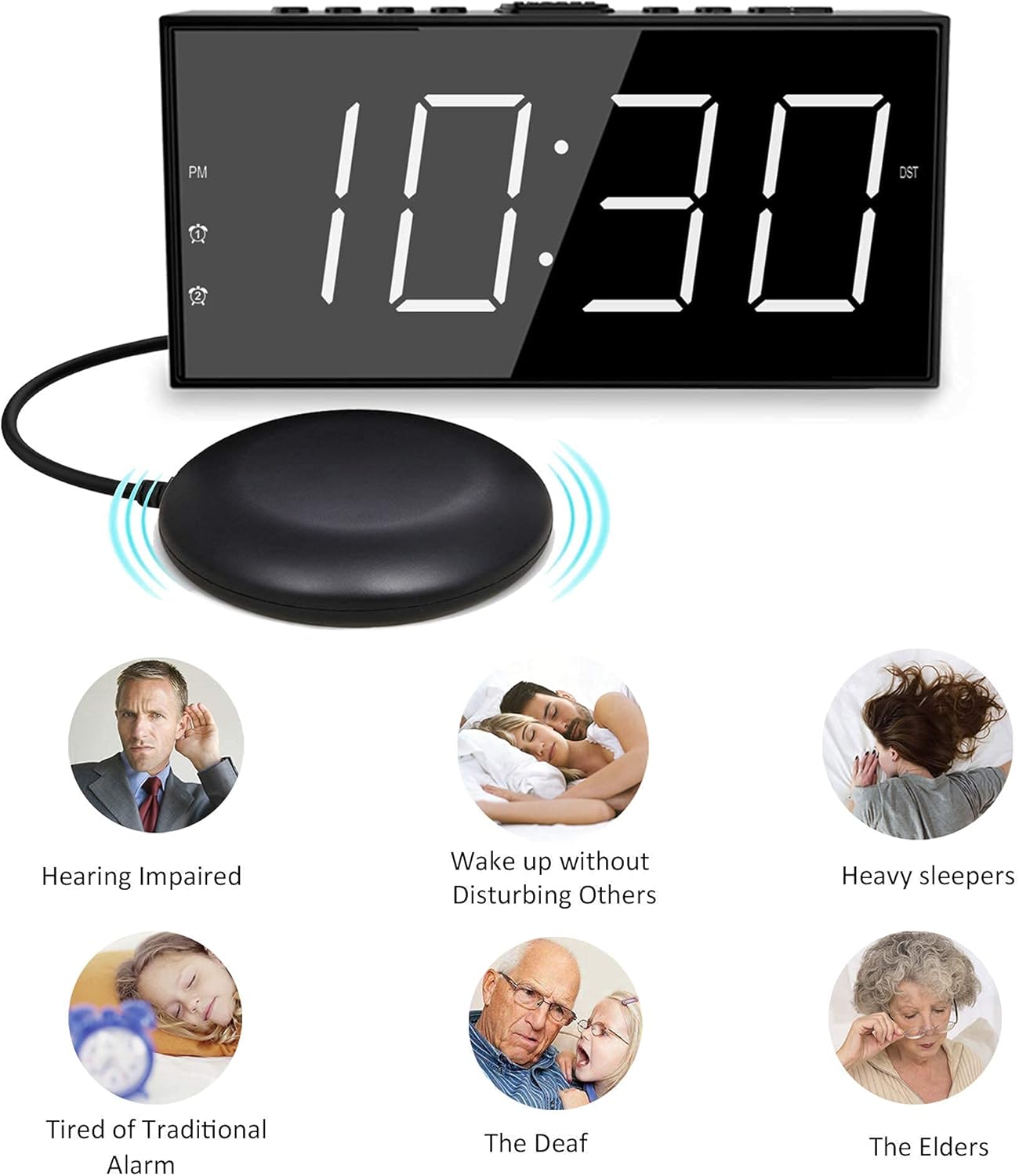
Image: The Mesqool Vibrating Alarm Clock with its bed shaker, illustrating its use for hearing impaired, heavy sleepers, and for waking without disturbing others.
Pakketinhoud
Verifieer dat alle items in die pakket teenwoordig is:
- 1 x Mesqool Digital Alarm Clock
- 1 x US Plug Power Adapter
- 1 x Bed Shaker with 78-inch Cable
- 2 x Black Brackets (for stability)
- 1 x Gebruikershandleiding (hierdie dokument)
Produk Kenmerke
- Multiple Wake-up Modes: Choose from bed shaker only, loud buzzer only, or both.
- Adjustable Buzzer Volume: 4 levels of buzzer volume to suit individual preferences.
- Dubbele alarmfunksie: Stel twee onafhanklike alarms vir verskillende skedules.
- Large Snooze Button: Provides an additional 9 minutes of sleep.
- 7-duim LED-skerm: Large, clear digits for easy readability.
- 5-Level Brightness Dimmer: Adjustable display brightness from completely dark to extra bright.
- USB-laaipoort: Conveniently charge mobile devices (5V/1A output).
- Battery-rugsteun: Maintains time settings and ensures alarm function during power outages (requires 2 AAA batteries, not included).
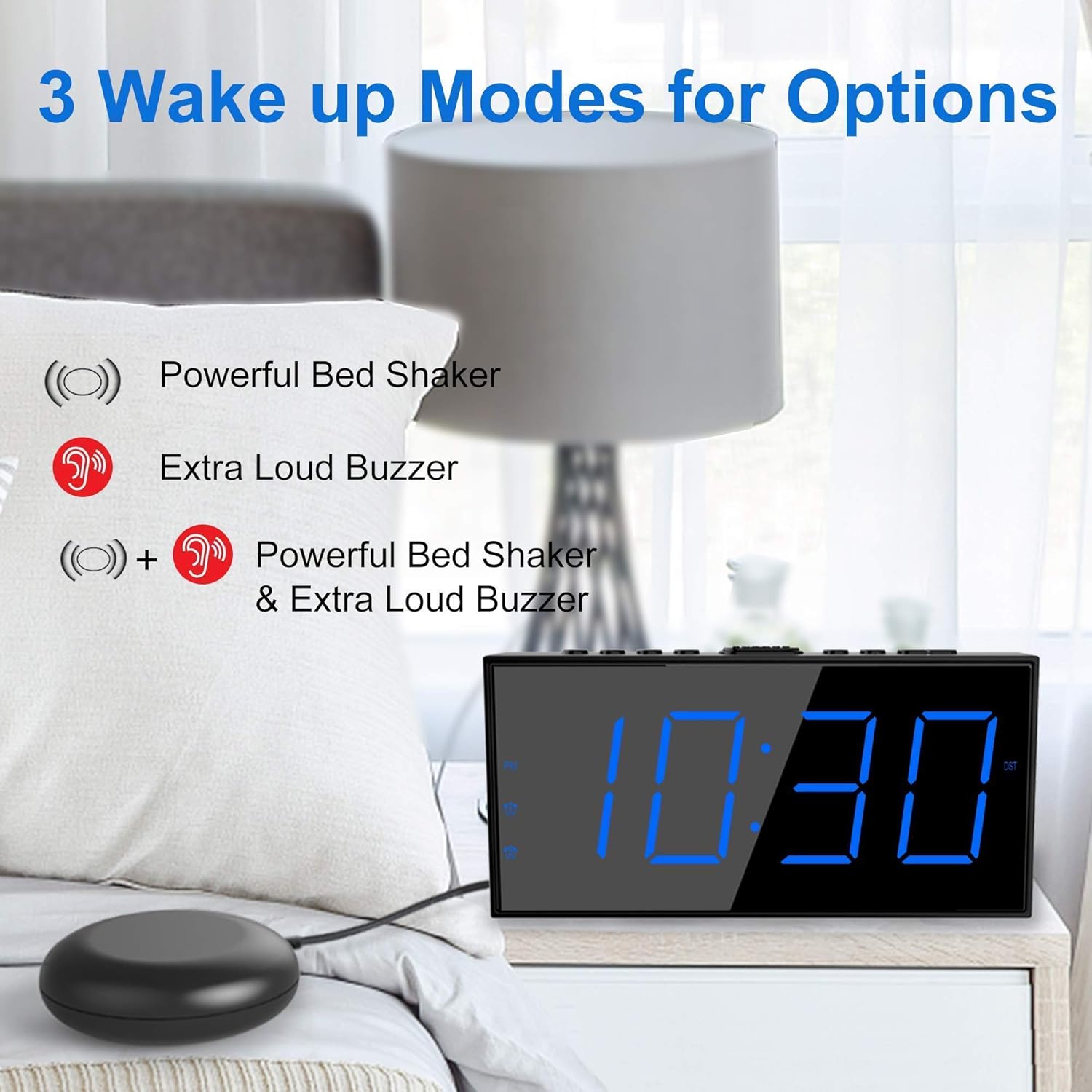
Image: The alarm clock illustrating its three wake-up modes: bed shaker, buzzer, or a combination of both.
Beheer en vertoning
Familiarize yourself with the buttons and display indicators:

Image: The alarm clock's large LED display, physical dimensions, and the bed shaker with its 78-inch cable.
Boonste paneelknoppies:
- SET TIME/HOUR: Press to enter time setting mode; use to adjust hour.
- MIN/DIMMER: Press to adjust minute; use to adjust display brightness.
- 12/24H: Toggle between 12-hour and 24-hour time format.
- DST: Activate/deactivate Daylight Saving Time.
- ALM PAUSE: Temporarily silence the alarm.
- ALARM 1/ALARM 2: Set or activate/deactivate Alarm 1 or Alarm 2.
- ALM OFF: Turn off all active alarms.
- SNOOZE/SLEEP: Large button for snooze function.
Vertoon aanwysers:
- PM: Indicates PM in 12-hour format.
- Alarm 1-ikoon: Lig aan wanneer Alarm 1 aktief is.
- Alarm 2-ikoon: Lig aan wanneer Alarm 2 aktief is.
- DST: Lights up when Daylight Saving Time is active.
Opstelling
1. Kragverbinding
- Connect the provided US Plug Power Adapter to the DC IN port on the back of the alarm clock.
- Steek die adapter in 'n standaard muuraansluiting. Die skerm sal aanskakel.

Beeld: Agter view of the alarm clock highlighting the USB charging port and the battery backup compartment.
2. Battery Backup Installation (Optional but Recommended)
- Maak die batteryklep aan die onderkant van die horlosie oop.
- Insert 2 AAA batteries (not included) according to the polarity markings (+ and -).
- Close the battery compartment cover. These batteries will maintain time settings and alarm function during a power outage.
3. Bed Shaker Connection
- Plug the bed shaker cable into the designated port on the back of the alarm clock.
- Place the bed shaker under your mattress or pillow. Ensure the cable is not pinched or damaged.
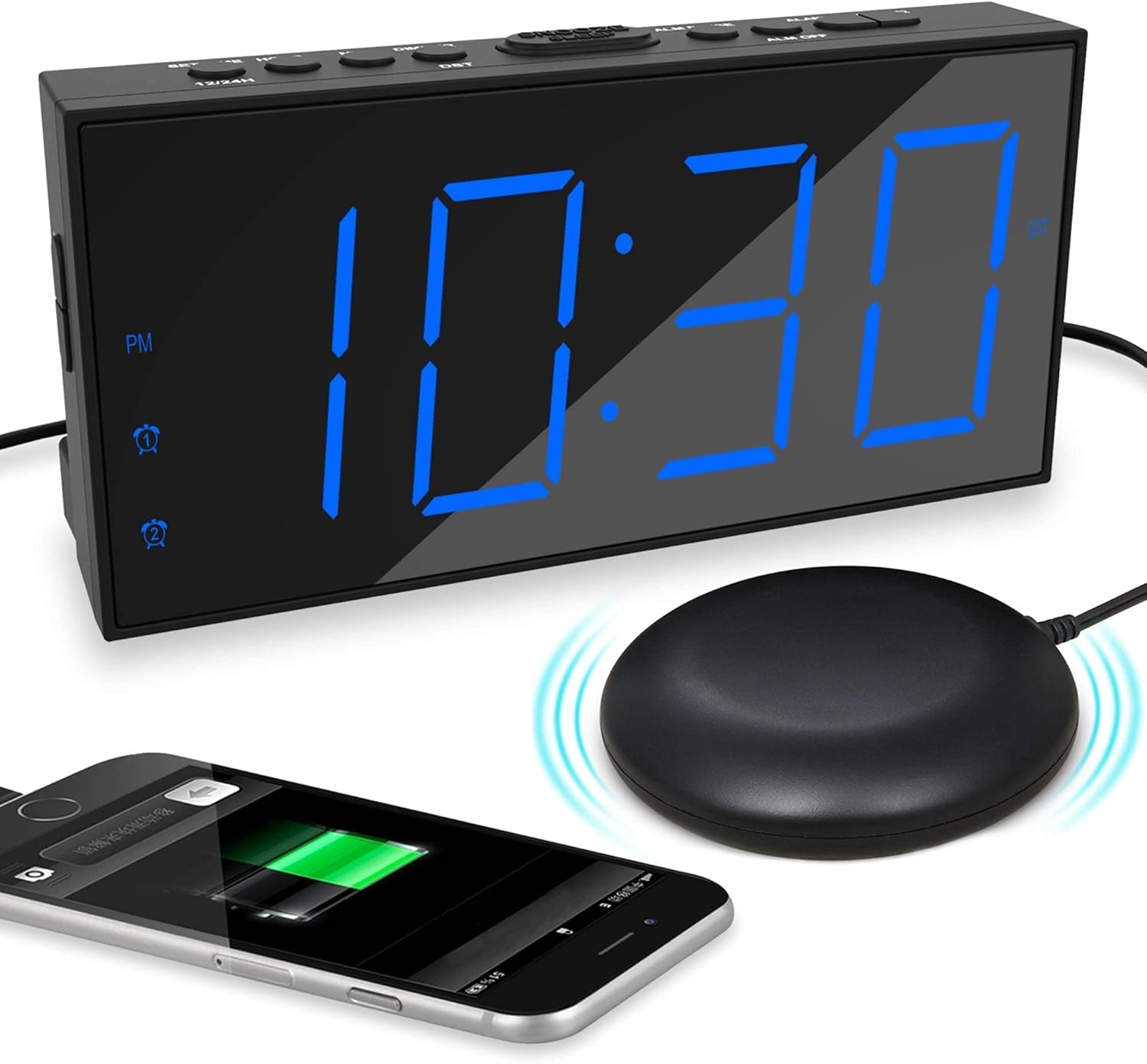
Image: The alarm clock displaying time with a blue LED, connected to a bed shaker, and a smartphone charging from its USB port.
Bedryfsinstruksies
Stel die tyd in
- Druk en hou die SET TIME/HOUR knoppie totdat die uursyfers flikker.
- Druk SET TIME/HOUR repeatedly to adjust the hour.
- Druk die MIN/DIMMER knoppie herhaaldelik om die minute aan te pas.
- Druk SET TIME/HOUR again to confirm and exit time setting mode, or wait for 5 seconds for it to exit automatically.
- Om tussen 12-uur en 24-uur formaat te wissel, druk die 12/24H knoppie.
- To activate/deactivate Daylight Saving Time (DST), press the DST button. The DST indicator will light up when active.
Alarms instel (Alarm 1 en Alarm 2)
The clock supports two independent alarms.

Image: The alarm clock demonstrating its dual alarm capability with two distinct alarm times.
- Druk en hou die ALARM 1 or ALARM 2 knoppie totdat die alarmuursyfers flikker.
- Druk die ooreenstemmende ALARM druk die knoppie herhaaldelik om die alarmuur aan te pas.
- Druk die MIN/DIMMER druk die knoppie herhaaldelik om die alarmminute aan te pas.
- Druk die ooreenstemmende ALARM knoppie weer om die tyd te bevestig.
- Next, select the wake-up mode by pressing the ALARM knoppie:
- Zoemer-ikoon: Buzzer only.
- Shaker Icon: Bed shaker only.
- Buzzer + Shaker Icons: Both buzzer and bed shaker.
- Druk die ooreenstemmende ALARM button one more time to confirm the wake-up mode and activate the alarm. The alarm icon will light up on the display.
- To deactivate an alarm, press the corresponding ALARM knoppie totdat die alarmikoon van die skerm verdwyn.
Adjusting Buzzer Volume
Wanneer die alarm klink, druk die MIN/DIMMER button to cycle through the 4 volume levels.
Sluimer funksie

Image: A hand pressing the large snooze button on the alarm clock.
Wanneer 'n alarm afgaan, druk die groot knoppie SLUIMER/SLAAP button to temporarily silence the alarm for 9 minutes. The alarm will sound again after 9 minutes. To cancel snooze and turn off the alarm, press the ALM AF knoppie.
Verstel skermhelderheid
Druk die MIN/DIMMER button (when not in time setting mode) to cycle through the 5 brightness levels (including OFF) for the LED display.
USB-laaipoort
The USB port on the back of the clock provides 5V/1A output for charging mobile phones or other small electronic devices. Connect your device's charging cable to this port.
Onderhoud
- Skoonmaak: Vee die horlosie af met 'n sagte, droë lap. Moenie skuurmiddels of oplosmiddels gebruik nie.
- Plasing: Place the clock on a stable, flat surface. Avoid direct sunlight, extreme temperatures, and high humidity.
- Bed Shaker Care: Ensure the bed shaker cable is not tangled or damaged. Avoid placing heavy objects directly on the shaker.
- Battery vervanging: Replace AAA backup batteries annually or when the battery backup function is no longer reliable.
Probleemoplossing
| Probleem | Moontlike oorsaak | Oplossing |
|---|---|---|
| Die klokvertoning is af. | No power, or display brightness set to OFF. | Check power adapter connection. Press MIN/DIMMER om helderheid aan te pas. |
| Alarm does not sound/vibrate. | Alarm not activated, wrong wake-up mode selected, or volume too low. | Ensure alarm icon is lit. Verify correct wake-up mode (buzzer/shaker). Adjust buzzer volume. Check bed shaker connection. |
| Time/Alarm settings reset after power outage. | Rugsteunbatterye nie geïnstalleer nie of is leeg. | Installeer 2 nuwe AAA-batterye. |
| USB-laai werk nie. | Clock not powered, or device cable faulty. | Ensure clock is plugged into wall power. Try a different USB cable or device. |
Spesifikasies
- Handelsmerk: Mesqool
- Model: B096F79526
- Vertoon tipe: Digitale LED
- Vertoongrootte: 7 duim
- Helderheidsvlakke: 5 (including OFF)
- Alarmmodusse: Buzzer, Vibrator (Bed Shaker), Both
- Buzzer Volume: 4 verstelbare vlakke
- Kragbron: Corded Electric (DC adapter), 2x AAA batteries (backup, not included)
- USB-laai-uitvoer: 5V/1A
- Bed Shaker Cable Length: Approximately 78 inches (6.5 feet)
- Afmetings (Benader): 6.77 duim (B) x 3.26 duim (H) x 1.18 duim (D)
- Materiaal: Plastiek
Waarborg en Ondersteuning
For warranty information or technical support, please refer to the contact details provided on the product packaging or visit the official Mesqool webwerf. Hou jou aankoopkwitansie vir waarborgeise.
Mesqool Official Store: Visit Mesqool Store on Amazon