
Produk verbyview
The MUSICOZY Bluetooth Headband Sports Sleep Headphones offer a versatile audio solution integrated into a comfortable headband. Designed for various activities including sleep, workouts, travel, and relaxation, these headphones provide wireless music playback and hands-free calling. The headband features thin speakers, a breathable fabric, and intuitive controls for ease of use.
Wat is in die boks
- MUSICOZY Bluetooth Headband
- USB-laaikabel
- Gebruikershandleiding

Image: The MUSICOZY Bluetooth Headband, USB charging cable, and user manual laid out on a surface.
Opstelling
1. Laai die toestel
Before initial use, fully charge your MUSICOZY Bluetooth Headband.
- Locate the charging port on the headband (typically hidden within a small opening).
- Connect the provided USB charging cable to the port and a power source.
- Charging time is approximately 1-2 uur vir 'n volle lading.
- A full charge provides up to 14 uur of continuous music playback or talk time.
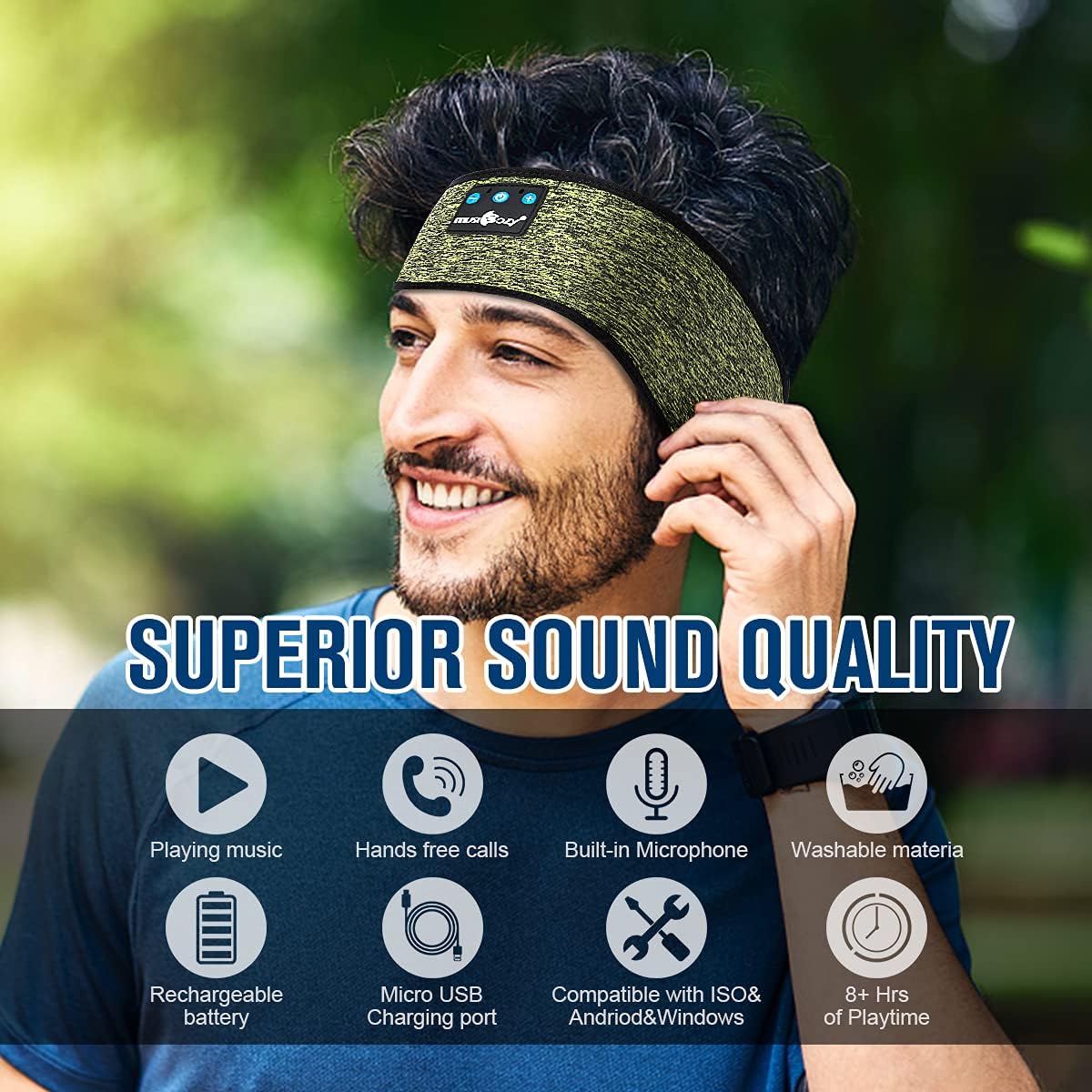
Image: Close-up of the headband's control panel and charging port, indicating where to connect the USB cable.
2. Bluetooth-koppeling
Pair your headband with your Bluetooth-enabled device (smartphone, tablet, laptop).
- Ensure your headband is charged and powered off.
- Druk en hou die Kragknoppie (center button on the control panel) for 3-5 seconds until the LED indicator flashes red and blue, indicating pairing mode.
- Aktiveer Bluetooth op jou toestel en soek vir beskikbare toestelle.
- Select "MUSICOZY" from the list of devices.
- Once paired, the LED indicator will flash blue slowly, and you will hear an audio confirmation.

Image: A visual guide showing the headband's control panel and a smartphone screen with Bluetooth settings, highlighting the pairing process.
Bedryfsinstruksies
Beheerpaneel funksies
The control panel is located on the front of the headband.
- Aan/uit-knoppie (middel):
- Druk en hou vir 3-5 sekondes om AAN/AF te skakel.
- Druk kort om musiek te speel/onderbreek.
- Short press to Answer/End phone calls.
- Press and hold for 2 seconds to Reject an incoming call.
- Volume Up / Next Track Button (+):
- Druk kort om volume te verhoog.
- Druk lank om na die volgende snit oor te gaan.
- Volume Down / Previous Track Button (-):
- Druk kort om die volume te verminder.
- Druk lank om na die vorige snit te gaan.

Image: Close-up of the control panel with Power, Volume Up/Next, and Volume Down/Previous buttons clearly visible.
Wearing the Headband
Position the headband comfortably over your head, ensuring the speakers are aligned with your ears. The soft, breathable fabric is designed for extended wear, including during sleep.

Image: A person wearing the headband over their eyes, demonstrating its use as a sleep mask with integrated speakers.
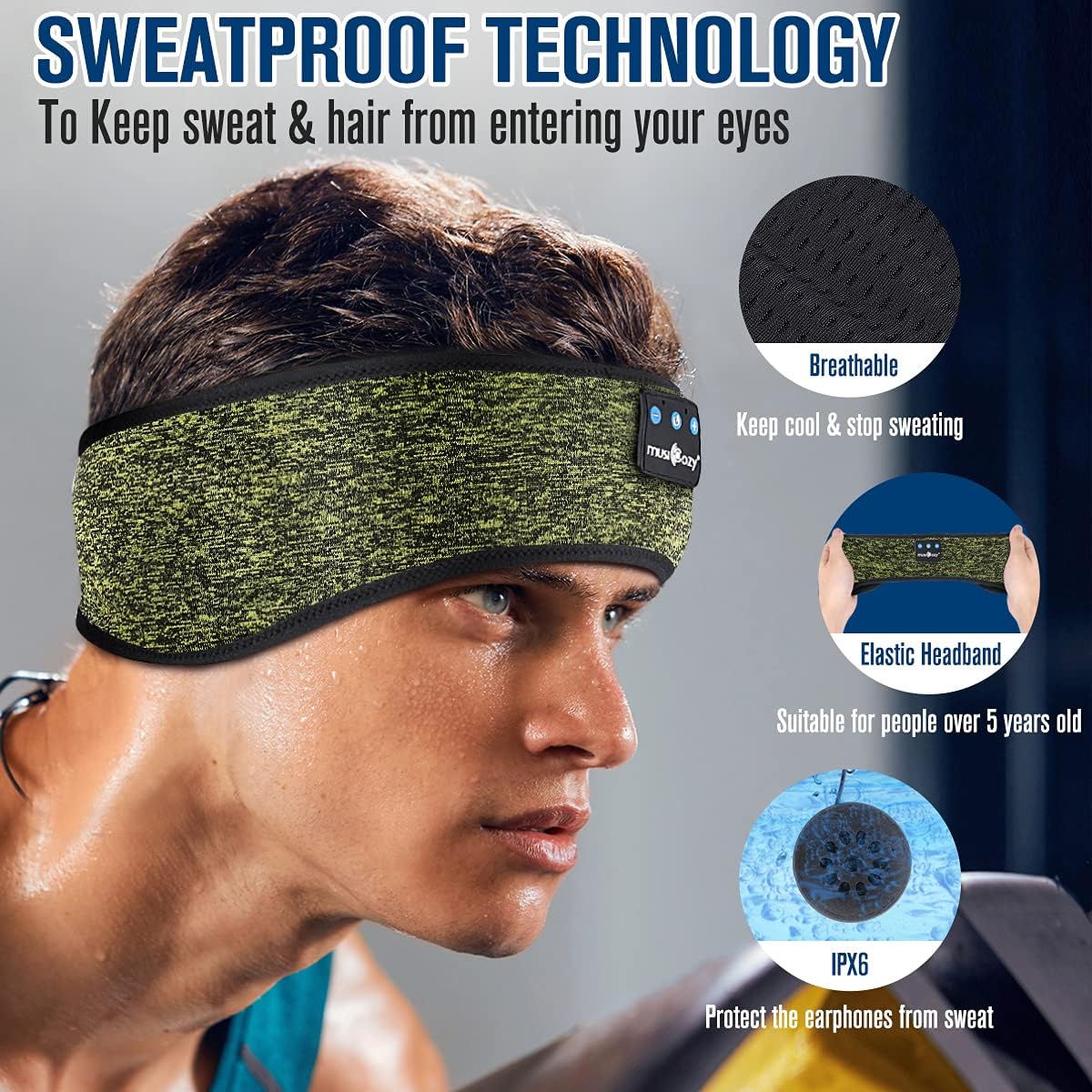
Image: A person wearing the headband during a workout, highlighting its use for sports and active lifestyles.
Onderhoud
Cleaning the Headband
The headband is made from breathable Spandex-nylon fabric and is washable. To clean:
- Gently remove the electronic module (speakers and control panel) from the headband.
- Hand wash the fabric headband with mild soap and water.
- Allow the headband to air dry completely before reinserting the electronic module.

Image: Diagram illustrating how to remove the electronic components from the headband for cleaning.
Berging
When not in use, store the headband in the provided soft pouch to protect it from dust and damage.
Probleemoplossing
- Toestel koppel nie: Ensure the headband is fully charged and in pairing mode (flashing red and blue LED). Make sure Bluetooth is enabled on your device and try restarting both devices.
- Geen klank nie: Check the volume levels on both the headband and your connected device. Ensure the headband is successfully paired.
- Laai kwessies: Verify the USB cable is securely connected to both the headband and the power source. Try using a different USB port or charger.
- Intermitterende verbinding: Ensure your device is within the Bluetooth range (up to 10 meters) and there are no significant obstructions.
Spesifikasies
| Kenmerk | Detail |
|---|---|
| Model Naam | GH01 |
| Verbindingstegnologie | Draadloos (Bluetooth) |
| Bluetooth weergawe | 5.2 |
| Bluetooth-reeks | 10 meter |
| Batterylewe | 14 ure |
| Laai tyd | 1-2 uur |
| Materiaal | Breathable Spandex-nylon Fabric |
| Tipe beheer | Media Control (on-device buttons) |
| Ingesluit komponente | Headband, USB Charging Cable, User Manual |
| Item gewig | 2.89 onse |
Waarborg en Ondersteuning
For warranty information or technical support, please refer to the contact details provided in your product packaging or visit the official MUSICOZY webwebwerf.
Amptelike Produkvideo's
Video: A demonstration of the MUSICOZY Mesh Pink Sleep Headphones Mask, showcasing its features and comfort.
Video: 'n Herhalingview of the MUSICOZY Bluetooth Dual-sided Sleep Mask, highlighting its design and functionality.
Video: A detailed look at the MUSICOZY Sleep Mask Breathable Headphones Mask, focusing on its breathable material and headphone features.