
1. Produk verbyview
The Ratakee Digital Alarm Clock Radio is designed to provide reliable timekeeping, dual alarm functionality, and AM/FM radio reception. It features a large LED display with adjustable brightness for comfortable viewing day and night. This manual provides detailed instructions for setting up and operating your device.

Beeld: Voorkant view of the Ratakee Digital Alarm Clock Radio, displaying the time 12:00 in blue LED digits.
2. Opstelling
2.1 Kragverbinding
To power the clock radio, plug the AC adapter into any standard 110V wall outlet. The display will illuminate, indicating the unit is receiving power.
2.2 Installasie van batteryrugsteun
For battery backup, insert two (2) AAA batteries (not included) into the battery compartment located on the bottom of the unit. These batteries will preserve your time and alarm settings during a power outage, but will not power the display or alarm functions.
2.3 Aanvanklike Tydinstelling
Upon first power-up or after a prolonged power interruption without battery backup, the display may show a default time. Refer to the 'Setting Time' section under 'Operating' for instructions on how to set the current time.
3. Bedryfsinstruksies
3.1 Stel tyd
- Druk en hou die TYD BEREIK knoppie totdat die uursyfers begin flikker.
- Gebruik die UUR en MINUUT knoppies om die tyd aan te pas.
- Druk TYD BEREIK weer om te bevestig en die tydinstellingsmodus te verlaat.
3.2 Display Brightness (Dimmer)
The clock features a 1.6-inch LED display with adjustable brightness. To adjust the display brightness:
- Druk die DOWWER button repeatedly to cycle through the 4 available brightness levels. Select the level most comfortable for your environment.

Image: Comparison of the clock display at high and low brightness settings, demonstrating the dimmer function.
3.3 Alarms instel (Dubbele alarm)
This clock supports two independent alarms (Alarm 1 and Alarm 2). Each alarm can be set to a beep sound or a radio station.
- Druk en hou die ALARM 1 or ALARM 2 knoppie totdat die alarmuursyfers flikker.
- Gebruik die UUR en MINUUT knoppies om die verlangde alarmtyd in te stel.
- Druk die ALARM 1 or ALARM 2 button again to select the alarm source (Beep or Radio). The corresponding icon will appear on the display.
- Druk die ALARM 1 or ALARM 2 button a third time to confirm and activate the alarm.
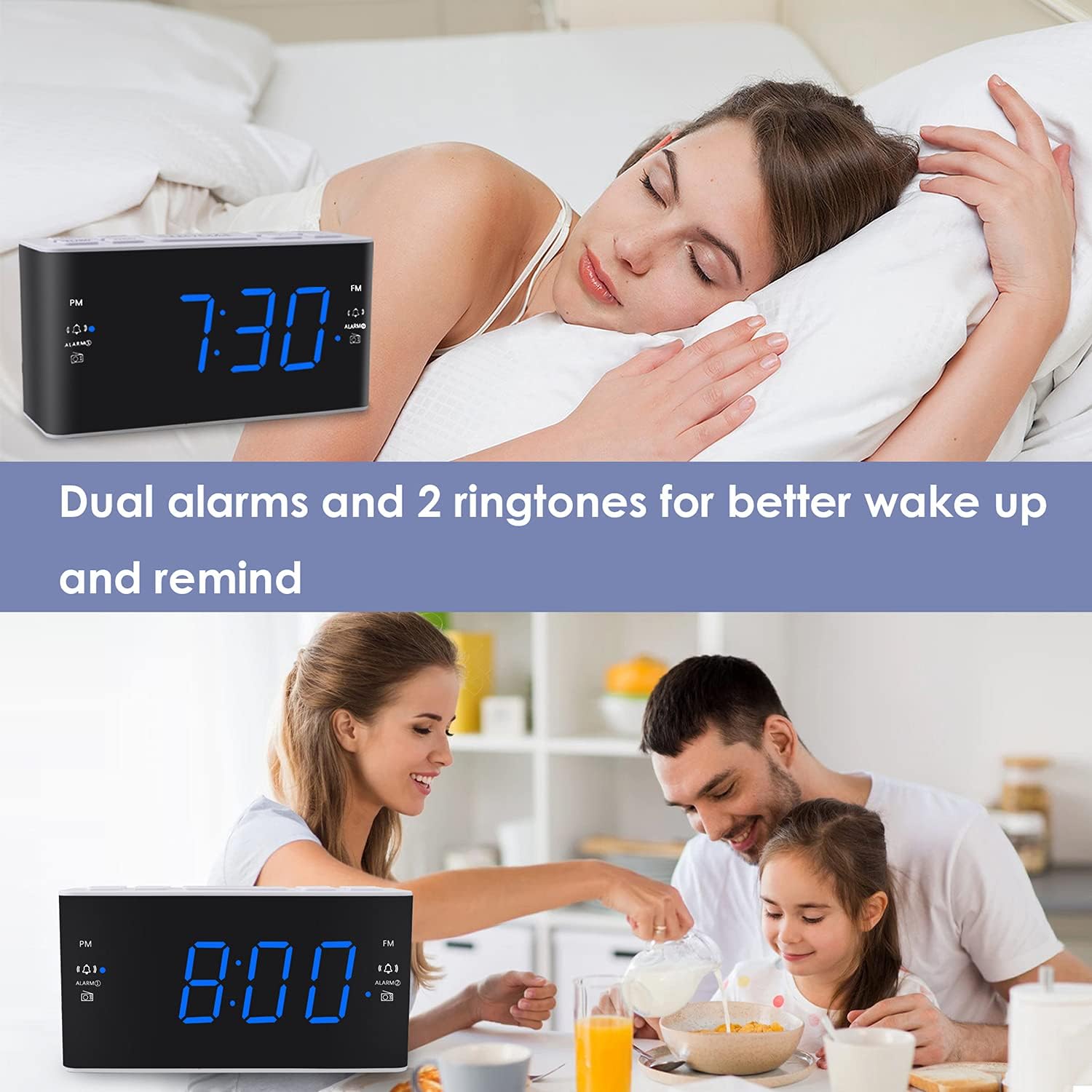
Image: Visual representation of the dual alarm feature, showing the clock used for different wake-up scenarios.
3.4 Snooze -funksie
Wanneer 'n alarm afgaan, druk die groot knoppie SLUIMER button on top of the unit to temporarily silence the alarm for 9 minutes. The alarm will sound again after this period. You can repeat the snooze function up to 5 times.
To turn off the alarm completely for 24 hours, press any other button on the clock (e.g., Radio, Time Set, Alarm 1/2) while the alarm is sounding.
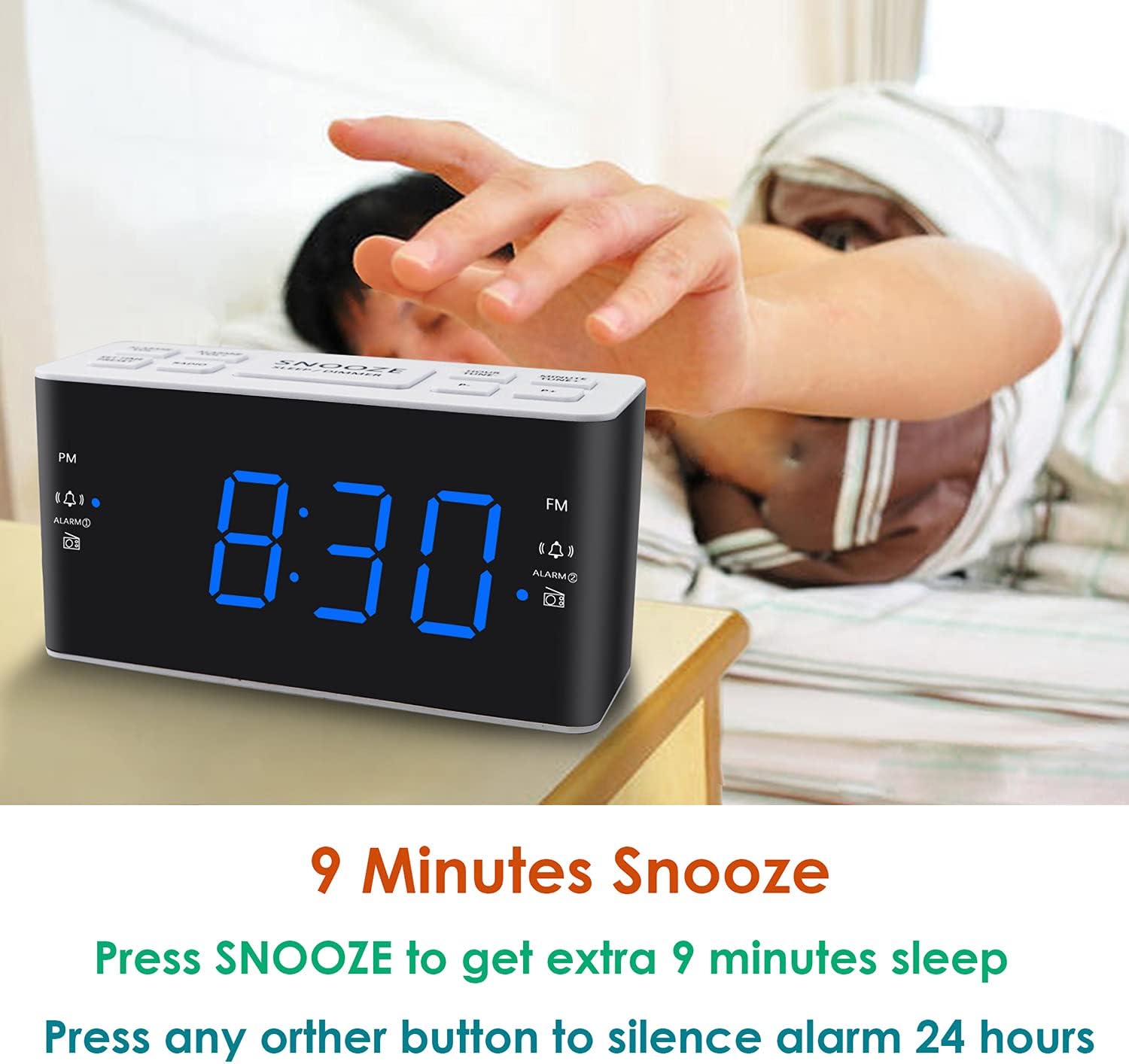
Image: Demonstrates the easy access and function of the snooze button for an additional 9 minutes of sleep.
3.5 AM/FM-radiowerking
The clock radio features digital tuning for AM and FM bands.
- Druk die RADIO knoppie om die radio aan of af te skakel.
- Gebruik die TUNE+ en STEM- knoppies om handmatig na die verlangde frekwensie in te skakel.
- Druk en hou TUNE+ or STEM- om outomaties te skandeer vir die volgende beskikbare stasie.
- Stel die volume aan met die VOL+ en VOL- buttons (0-15 levels).
3.6 Saving Radio Presets
You can save up to 20 AM stations and 20 FM stations for quick access.
- Skakel in op die gewenste radiostasie.
- Druk en hou die VOORINSTEL knoppie totdat die vooraf ingestelde nommer flikker.
- Gebruik die TUNE+ or STEM- buttons to select the desired preset number (P01-P20).
- Druk VOORINSTEL weer om die stasie te bevestig en te stoor.
To recall a saved preset, briefly press the VOORINSTEL knoppie herhaaldelik om deur jou gestoorde stasies te blaai.
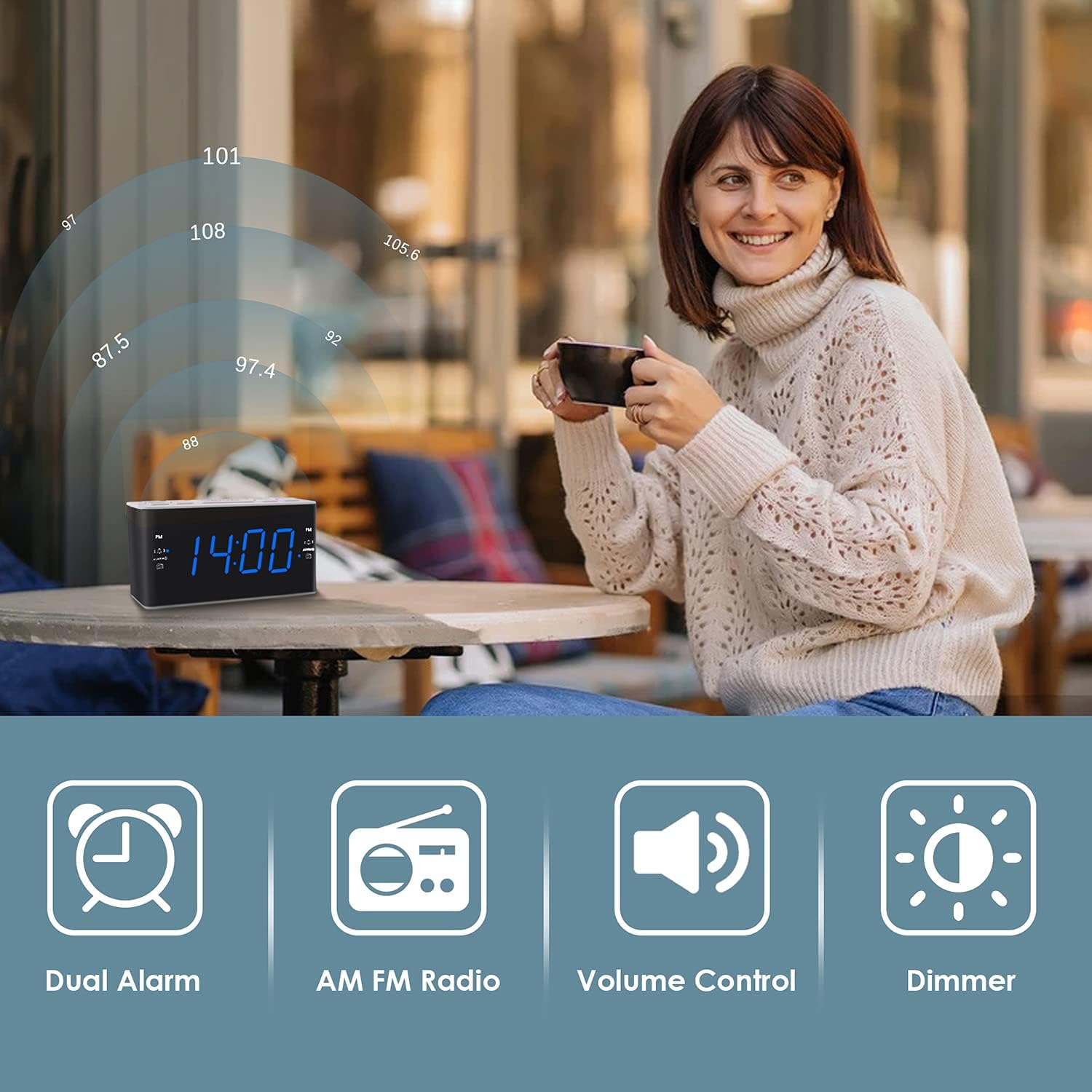
Image: Illustrates the various features of the clock radio, including AM/FM radio functionality.
3.7 Slaap Timer
Die slaaptimer laat jou toe om aan die slaap te raak met die radio, wat outomaties na 'n vasgestelde tydperk sal afskakel.
- Terwyl die radio speel, druk die SLAAP button repeatedly to cycle through the available sleep timer durations (10-90 minutes).
- Die radio sal vir die gekose duur speel en dan outomaties afskakel.
4. Onderhoud
4.1 Skoonmaak
To clean the clock radio, gently wipe the surface with a soft, dry cloth. Do not use abrasive cleaners, waxes, or solvents as they may damage the finish. Ensure the unit is unplugged before cleaning.
4.2 Batteryvervanging
If the clock loses time or alarm settings during a power outage, the AAA backup batteries may need replacement. Replace both batteries simultaneously with new ones, ensuring correct polarity.
5. Probleemoplossing
If you encounter issues with your Ratakee Digital Alarm Clock Radio, please refer to the following common solutions:
- Geen krag/skerm af: Ensure the AC adapter is securely plugged into both the clock and a working wall outlet. Check if the outlet has power.
- Alarm klink nie: Verify that the alarm is activated (alarm icon visible on display) and the alarm time is correctly set. Check the alarm volume level.
- Radio Static/Poor Reception: Extend the FM wire antenna fully for better reception. Try repositioning the clock radio to a different location to improve signal strength. For AM reception, rotate the unit to find the best signal.
- Time/Settings Lost After Power Outage: Ensure fresh AAA batteries are installed correctly in the battery backup compartment.
Indien die probleem voortduur nadat u hierdie oplossings probeer het, kontak asseblief kliëntediens vir verdere hulp.
6. Spesifikasies
| Handelsmerk | Ratakee |
| Modelnommer | H249US |
| Kleur | Blou Led |
| Produk afmetings | 15.49 x 7.87 x 5.59 cm |
| Item gewig | 350 g |
| Materiaal | Plastiek |
| Tipe vertoon | LED |
| Kragbron | AC Powered (110V) |
| Battery-rugsteun | 2 x AAA-batterye (nie ingesluit nie) |
| FM frekwensie reeks | 87.5-108 MHz |
| AM Frequency Range | 520-1710 KHz |
| Spesiale kenmerke | Alarm, Brightness Dimmer, Radio |

Image: Product dimensions of the Ratakee Digital Alarm Clock Radio.
7. Waarborg en Ondersteuning
Ratakee is committed to providing quality products and customer satisfaction. If you have any questions regarding the operation, setup, or performance of your alarm clock radio, please do not hesitate to contact our customer support team.
In the event that the product is deemed defective, you may be eligible for a hassle-free replacement or refund. For specific inquiries or to report an issue, please reach out to us directly. We are dedicated to assisting you and ensuring a positive experience with your Ratakee product.