
1. Inleiding
The Qilmy 1080P Wireless WiFi Home Security Camera is designed to provide reliable surveillance for your home. This device combines a high-definition camera with motion detection, night vision, and remote viewing capabilities, all integrated into a standard light bulb form factor for easy installation. This manual will guide you through the installation, setup, and operation of your new security camera.
2. Sleutel kenmerke
- Full HD 1080P-resolusie: Verskaf duidelike en gedetailleerde video footage.
- Wireless WiFi Connectivity: Easy connection to your home network for remote access.
- Motion Detection & Instant Alarm: Automatically detects movement and sends alerts to your connected device.
- Duidelike Nagvisie: Verseker sigbaarheid in lae ligtoestande.
- Afgeleë Viewing: Monitor your property from anywhere using a smartphone app.
- Integrated Flood Light: Features 3 built-in flood lights that can activate automatically upon motion detection.
- Maklike installasie: Screws into a standard E27 light socket.
- Micro SD -kaartgleuf: For local storage of recordings.

Beeld: Oorview of the Qilmy Home Security Camera's key features, including 1080P resolution, video recording, 360 panoramic viewing, Wi-Fi connection, light function, motion detection, remote viewing, and Micro SD card slot.
3. Wat is in die boks
- Qilmy 1080P Wireless WiFi Home Security Camera (Bulb-shaped)
- E27 Light Socket Adapter (for mounting)
- Monteringskroewe en Muurankers
- Vinnige Begingids

Image: Contents of the Qilmy Home Security Camera package, showing the camera, an E27 socket adapter, mounting hardware, and a quick start guide.
4. Opstelling
4.1 Fisiese installasie
- Kies 'n ligging: Select a location with a standard E27 light socket that provides the desired viewing angle and is within range of your 2.4GHz Wi-Fi network.
- Skakel af: Ensure the power to the light socket is turned off at the circuit breaker before installation.
- Installeer kamera: Carefully screw the Qilmy security camera into the E27 light socket. If no existing socket is available, use the provided E27 adapter and mounting hardware to install it on a wall or ceiling.
- Krag aan: Restore power to the light socket. The camera will power on and emit a voice prompt indicating it is ready for configuration.

Image: A person's hands installing the Qilmy Home Security Camera into a ceiling light fixture, demonstrating its easy and quick installation process.
4.2 Wi-Fi-verbinding en toepassingopstelling
- Laai die app af: Download the recommended mobile application (e.g., "iCSee" or similar as indicated in the Quick Start Guide) from your smartphone's app store.
- Registreer rekening: Open the app and register a new user account if you don't already have one.
- Voeg toestel by: Follow the in-app instructions to add a new device. This typically involves scanning a QR code on the camera or selecting the device type and following prompts.
- Koppel aan Wi-Fi: Connect the camera to your 2.4GHz Wi-Fi network. Ensure your smartphone is also connected to the same 2.4GHz network during the setup process.
- Opstelling: The camera will confirm successful connection with a voice prompt. Once connected, you can access live video and adjust settings through the app.

Image: A smartphone displaying the live feed from the Qilmy Home Security Camera, illustrating Wi-Fi connection and remote viewing capabilities from anywhere, anytime.
5. Bedryfsinstruksies
5.1 Lewendig Viewing en opname
- Maak die mobiele toepassing oop om view the live feed from your camera.
- Use the app interface to manually record video or capture screenshots.
- Toegang opgeneem footage stored on the Micro SD card or cloud storage (if subscribed).
5.2 Bewegingsopsporing en waarskuwings
- Aktiveer bewegingsopsporing in die programinstellings.
- Pas sensitiwiteitsvlakke aan om vals alarms te verminder.
- Ontvang onmiddellike stootkennisgewings op jou slimfoon wanneer beweging bespeur word.
- The camera can automatically activate its floodlights and siren alarm upon detecting motion, deterring intruders.
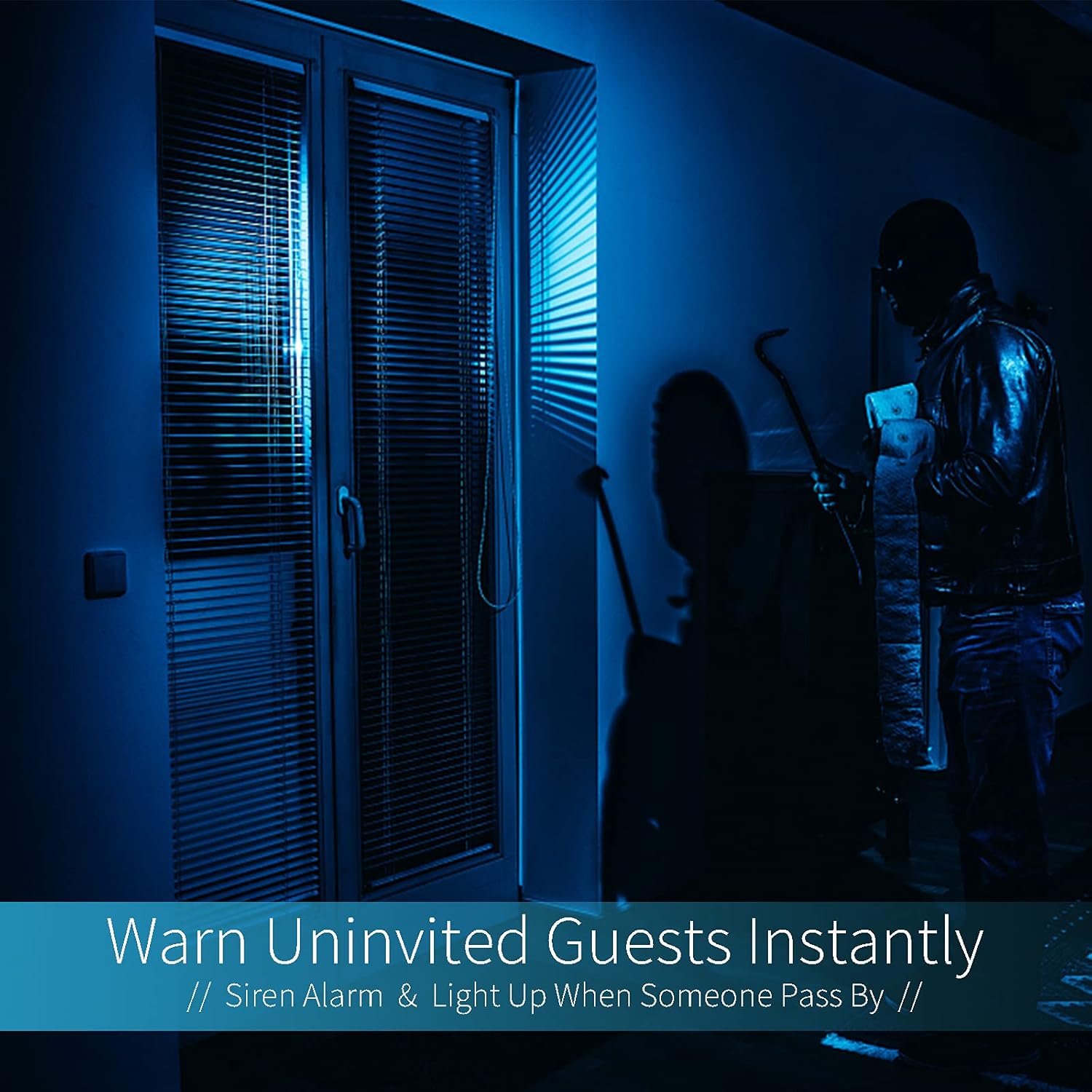
Image: A dark room with a security camera's light illuminating a figure, depicting the camera's ability to warn uninvited guests instantly with a siren alarm and light activation upon motion detection.
5.3 Ligfunksie
- The camera features built-in floodlights.
- Control the floodlights manually through the app.
- Configure the floodlights to turn on automatically when motion is detected, especially during nighttime.

Image: A comparison of a standard light bulb and the Qilmy Home Security Camera, highlighting its dual function as both a light bulb and a security camera with 3W consumption.
6. Onderhoud
- Skoonmaak: Vee die kameralens en -liggaam liggies af met 'n sagte, droë lap. Moenie harde chemikalieë of skuurmiddels gebruik nie.
- Firmware -opdaterings: Regularly check the mobile app for available firmware updates to ensure optimal performance and security.
- SD-kaartbestuur: If using a Micro SD card, periodically review en verwyder ou footage to free up space, or enable loop recording if supported by the app.
- Netwerkstabiliteit: Maak seker dat jou Wi-Fi-netwerk stabiel en sterk is vir ononderbroke kamerawerking.
7. Probleemoplossing
| Probleem | Moontlike oorsaak | Oplossing |
|---|---|---|
| Kamera skakel nie aan nie. | No power to the light socket; camera not screwed in properly. | Check the circuit breaker. Ensure the camera is securely screwed into the E27 socket. |
| Kan nie aan Wi-Fi koppel nie. | Incorrect Wi-Fi password; camera too far from router; 5GHz Wi-Fi network used. | Verify Wi-Fi password. Move camera closer to router. Ensure you are connecting to a 2.4GHz Wi-Fi network. |
| Geen bewegingsopsporingswaarskuwings nie. | Motion detection disabled; sensitivity too low; app notifications blocked. | Enable motion detection in the app. Increase sensitivity. Check app notification settings on your phone. |
| Swak video kwaliteit. | Weak Wi-Fi signal; dirty lens. | Improve Wi-Fi signal strength. Clean the camera lens with a soft cloth. |
| Afgeleë viewwerk nie. | Internet connection issue on camera or phone; app not updated. | Check internet connectivity for both camera and phone. Update the app to the latest version. |
8. Spesifikasies
- Modelnommer: ZXL2023011
- Video-opname-resolusie: 1080p Full HD
- Verbindingstegnologie: Draadloos (Wi-Fi)
- Draadlose kommunikasietegnologie: Wi-Fi (slegs 2.4GHz)
- Kragbron: AC/DC (E27 light socket)
- Wattage: 3 watt
- Spesiale kenmerke: Motion Sensor, Night Vision, Integrated Flood Light
- Vormfaktor: Dome (Bulb-shaped)
- Montage tipe: Wall Mount (via E27 adapter)
- Itemafmetings (L x B x H): 6.45 x 4.1 x 3.54 duim
- Item gewig: 7.8 onse (222 gram)
- Internasionale Beskermingsgradering: IP67
- Versoenbare toestelle: Slimfoon
- UPC: 605660998393
9. Waarborg en Ondersteuning
Specific warranty information and detailed support contact details are typically provided with the product packaging or on the manufacturer's official website. Please refer to the documentation included with your purchase for the most accurate and up-to-date warranty terms and customer support options.