
1. Inleiding
Dankie vir die aankoopasing the JIMTAB M18 PRO Native 1080P Video Projector. This manual provides essential information for setting up, operating, maintaining, and troubleshooting your projector to ensure optimal performance and longevity. Please read this manual thoroughly before using the product.

Figure 1: JIMTAB M18 PRO Video Projector
2. Wat is in die boks
Carefully unpack your JIMTAB M18 PRO projector and ensure all items are present:
- JIMTAB M18 PRO Video Projector
- Afstandbeheer
- Kragkoord
- HDMI kabel
- AV Cable
- Gebruikershandleiding (hierdie dokument)
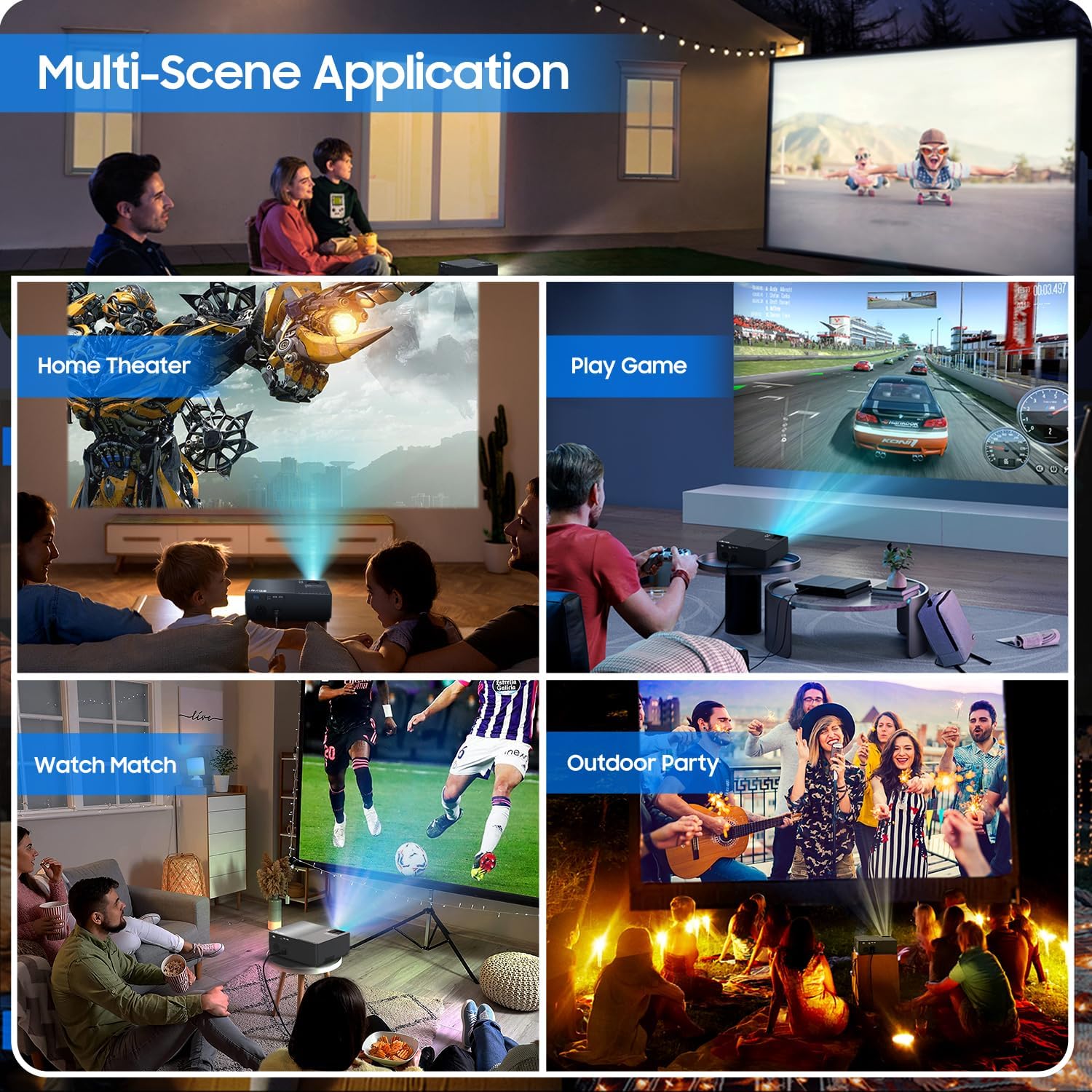
Figure 2: All included accessories and the projector
3. Produkkenmerke
- Oorspronklike 1080P-resolusie: Experience crisp and clear images with a true native resolution of 1920x1080 pixels and an 8000:1 contrast ratio. Supports 576i, 576p, 720i, 720p, 1080i, 1080p, 2k, and 4k input.
- Hoë helderheid: Features 21000 lumens brightness for vibrant projections even in moderately lit environments.
- Dual-Band WiFi Screen Mirroring: Built-in 2.4G+5G WiFi allows for seamless wireless screen mirroring from your smartphone, tablet, or laptop (iOS, Android, Windows compatible).
- Built-in Dolby Sound Speakers: Equipped with 5W dual stereo speakers supporting Dolby Sound for an immersive audio experience. External speakers can also be connected.
- Groot skermskerm: Project images from 50 inches up to 300 inches, offering a versatile viewing experience for various room sizes.
- Uitgebreide verenigbaarheid: Connects to a wide range of devices including Xbox, Laptops, iPhones, Android devices, USB devices, PS4, TV Sticks, and TV Boxes via AV, VGA, USB, and HDMI ports.

Figure 3: Enhanced image sharpness and richer color details
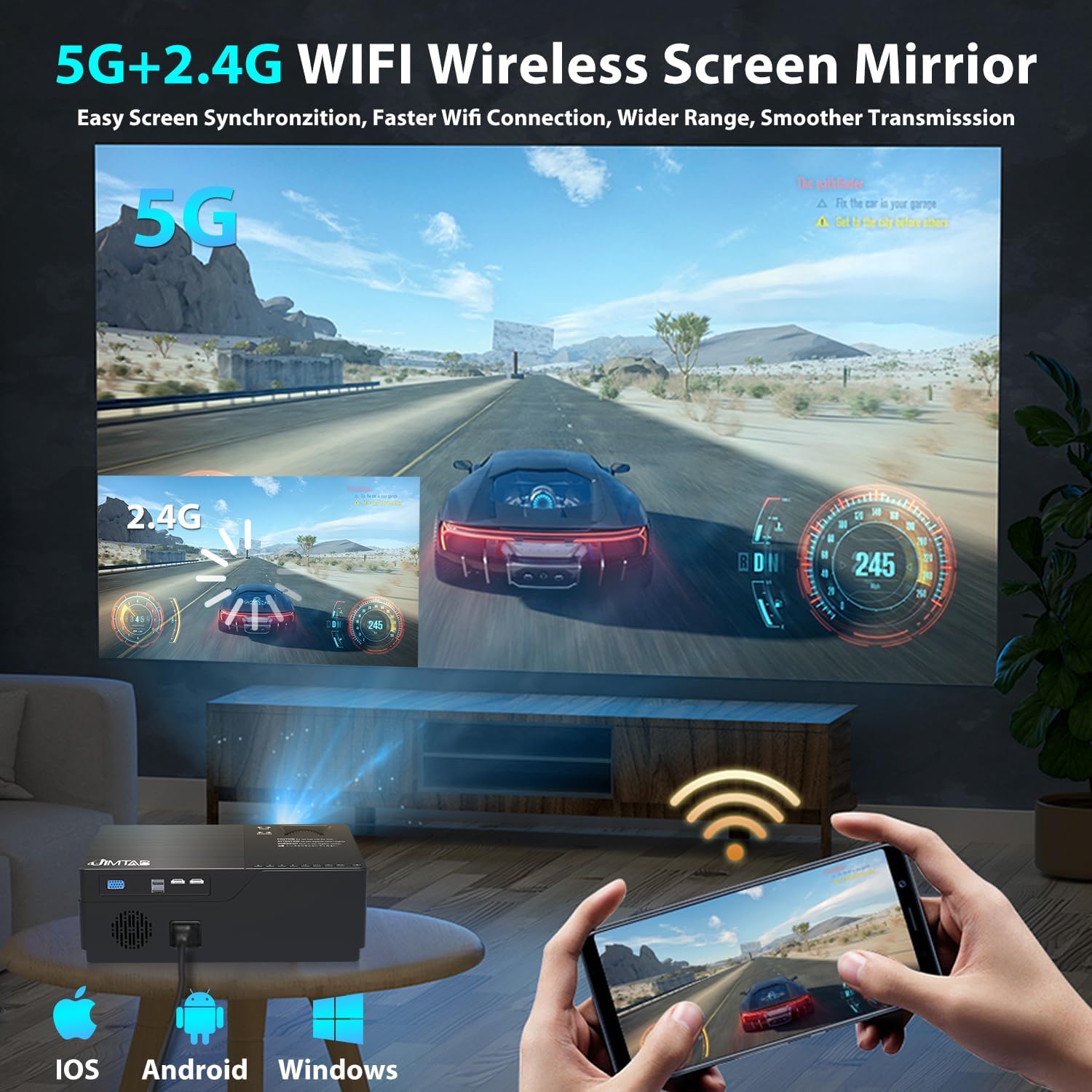
Figure 4: 5G+2.4G WiFi Wireless Screen Mirroring in action

Figure 5: Built-in 5W Dual Stereo Speaker supporting Dolby Sound

Figure 6: Projection sizes from 50 to 300 inches

Figure 7: Wide compatibility with multiple devices
4. Opstelgids
- Plasing: Place the projector on a stable, flat surface or mount it on a tripod/ceiling. Ensure it is positioned directly in front of the projection screen or wall for best results. The optimal projection distance ranges from 5.5 feet to 30.2 feet.
- Kragverbinding: Koppel die kragkabel aan die projektor se kragtoevoer en dan aan 'n kragaansluiting.
- Koppel brontoestel: Use the appropriate cable (HDMI, AV, VGA, USB) to connect your desired source device (laptop, game console, USB drive, etc.) to the projector.
- Krag aan: Druk die kragknoppie op die projektor of die afstandbeheerder om die toestel aan te skakel.
- Kies invoerbron: Use the 'Source' button on the projector or remote to select the correct input source corresponding to your connected device.
5. Bedryfsinstruksies
- Krag aan/af: Press the power button once to turn on. Press and hold the power button for a few seconds to turn off.
- Kieslysnavigasie: Use the arrow keys on the remote or projector panel to navigate through the on-screen menu. Press 'OK' or 'Enter' to confirm selections.
- Volumebeheer: Use the volume buttons on the remote control to adjust the audio output level.
6. Beeld aanpassing
- Fokus verstelling: Rotate the focus dial located near the lens until the projected image is sharp and clear.
- Keystone-korreksie:
- Handmatige Keystone: Use the manual keystone adjustment lever (usually on the side or top) to correct vertical distortion (±15°).
- Digitale sleutelsteen: Access the menu settings for digital keystone correction to adjust both vertical and horizontal distortion (up to ±50°), ensuring a perfectly rectangular image even if the projector is not perfectly aligned.
- Zoem funksie: Adjust the image size from 75% to 100% via the menu settings without moving the projector.

Figure 8: Digital Horizontal & Vertical Keystone Adjustment
7. Onderhoud
- Lens skoonmaak: Gebruik 'n sagte, pluisvrye lap wat spesifiek vir optiese lense ontwerp is om die projektorlens saggies af te vee. Vermy skuurmiddels of harde chemikalieë.
- Ventilasie: Ensure the projector's ventilation ports are clear and unobstructed to prevent overheating. Regularly clean dust from the vents using a soft brush or compressed air.
- Berging: Wanneer dit nie vir lang tye gebruik word nie, bêre die projektor op 'n koel, droë plek, verkieslik in sy oorspronklike verpakking of 'n beskermende omhulsel.
- Lamp Lewe: Die LED lamp in your M18 Pro projector is designed for tens of thousands of hours of use, minimizing the need for frequent lamp vervanging.
8. Probleemoplossing
| Probleem | Moontlike oorsaak | Oplossing |
|---|---|---|
| No image or 'No Signal' | Incorrect input source selected; Loose cable connection; Source device not powered on. | Select correct input source; Check and secure all cable connections; Ensure source device is powered on. |
| Wasige beeld | Focus not adjusted; Keystone not corrected; Projector too close/far from screen. | Adjust focus dial; Use manual or digital keystone correction; Adjust projection distance. |
| Image appears dim | High ambient light; Projector settings. | Reduce ambient light (close curtains); Adjust brightness/contrast settings in the projector menu. |
| Geen klank nie | Volume te laag; Gedemp; Verkeerde oudio-uitvoer op brontoestel gekies. | Increase volume; Unmute; Check audio settings on source device. |
| Waarskuwing oor oorverhitting | Blocked ventilation; Prolonged use. | Ensure vents are clear; Allow projector to cool down before restarting. |
9. Spesifikasies
| Kenmerk | Spesifikasie |
|---|---|
| Modelnommer | M18 Pro |
| Inheemse resolusie | 1920 x 1080 (Vol HD) |
| Helderheid | 21000 Lumen |
| Kontrasverhouding | 8000:1 |
| Projeksie grootte | 50" - 300" |
| Projeksie afstand | 5.5 FT - 30.2 FT |
| Verbindingstegnologie | Wi-Fi (2.4G+5G), HDMI (x2), USB (x2), VGA, AV |
| Oudio-uitset | Built-in 5W Dual Stereo Speaker (Dolby Sound) |
| Produk afmetings | 11.81 x 8.66 x 3.94 duim |
| Item gewig | 7.74 pond |
10. Veiligheidsinligting
- WARNING: Do not look directly at the projector lens when the lamp is aan. Die intense lig kan oogskade veroorsaak.
- Ensure the projector is placed on a stable surface to prevent it from falling.
- Moenie die ventilasie-openinge blokkeer nie, aangesien dit tot oorverhitting en skade aan die toestel kan lei.
- Keep the projector away from water or any liquids to avoid electric shock.
- Unplug the projector from the power outlet before cleaning or when not in use for a long period.
11. Waarborg en ondersteuning
JIMTAB is committed to providing high-quality products and excellent customer service. For any questions, technical assistance, or warranty inquiries, please contact our dedicated support team. We offer 7x24 hours free customer support.
You can also find more information and support on our official social media channels:
- Facebook Official Homepage: ijimtab
- YouTube Official Homepage: Jimtab