
1. Inleiding
Thank you for choosing the Hoco HC2 Wireless Speaker. This manual provides essential information for setting up, operating, and maintaining your device. Please read it carefully before use to ensure optimal performance and longevity of your speaker.
2. Kenmerke
- Bluetooth 5.0 vir stabiele en doeltreffende draadlose konneksie.
- Dual 52mm speaker units with 5W x 2 power output for rich, clear audio.
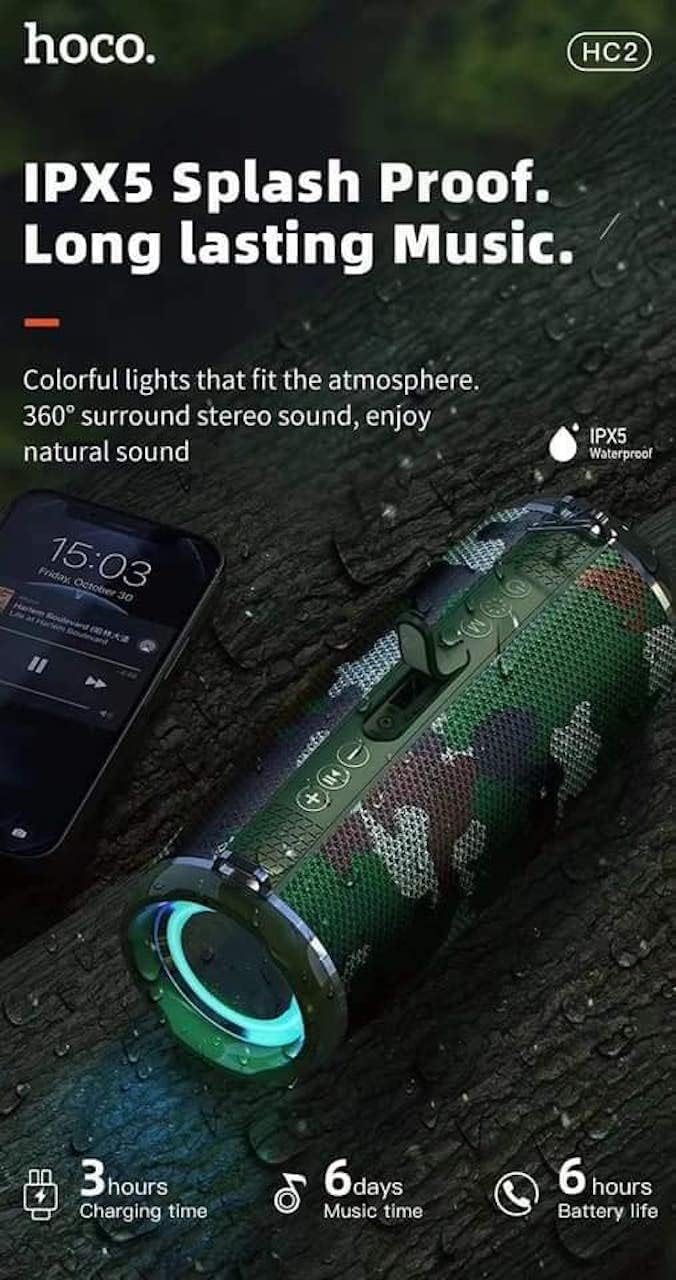
- Built-in 2400 mAh battery providing approximately 6 hours of talk/music playback time.
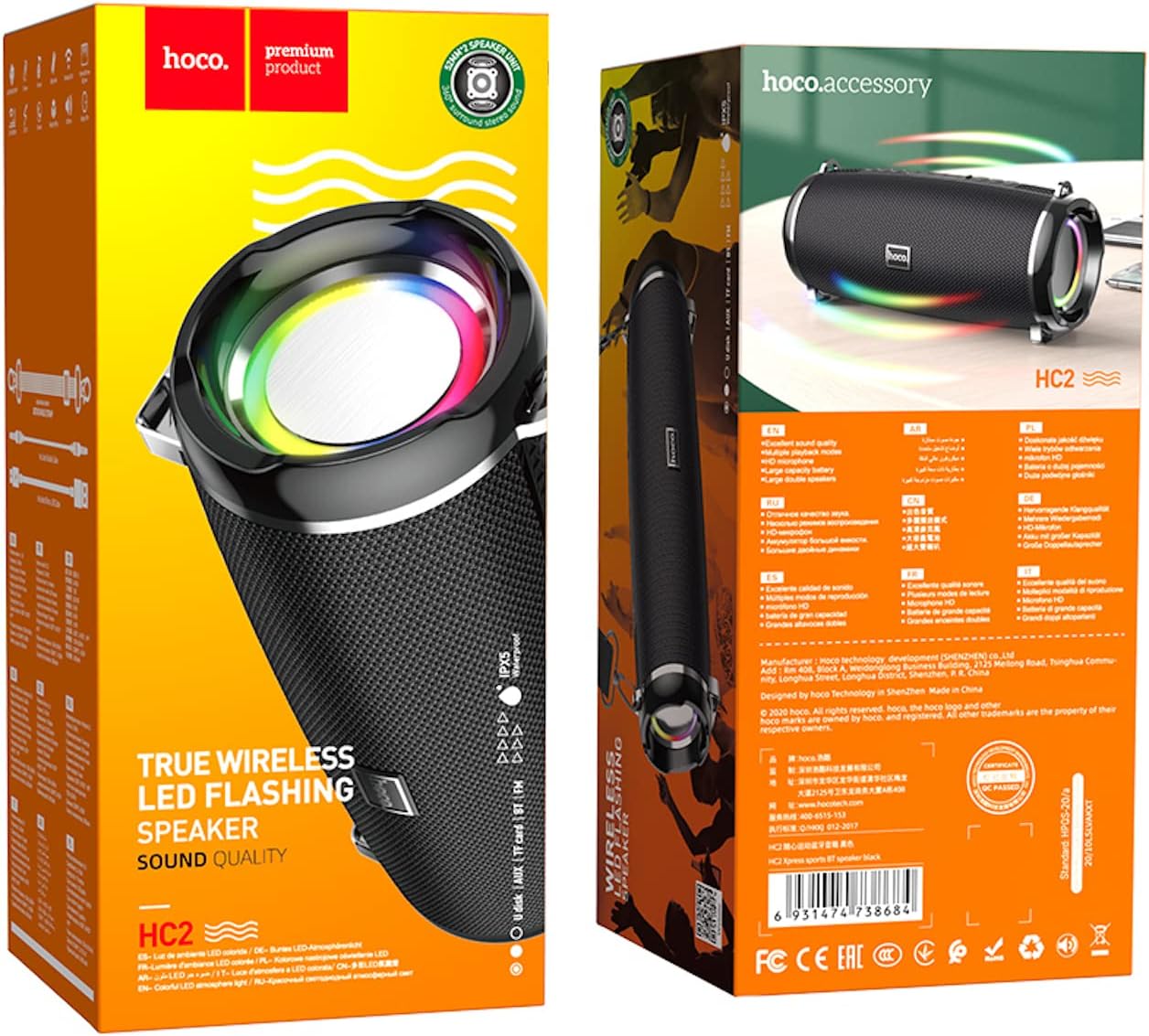
- Versatile playback options: Supports Bluetooth, TF card, USB, AUX, and FM radio modes.
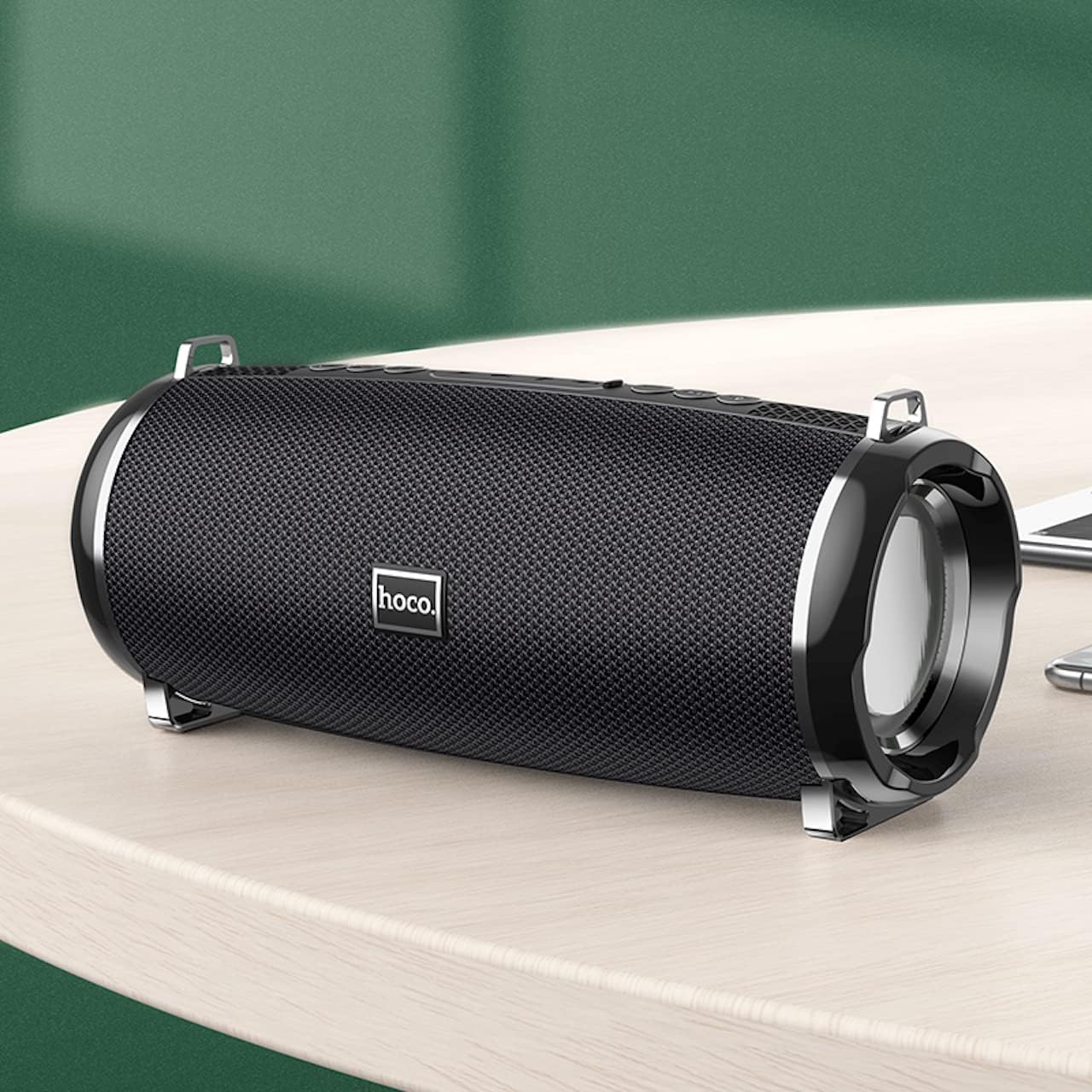
- Compact and portable design with dimensions of 194.4 x 81 x 82 mm and a weight of 598 grams.
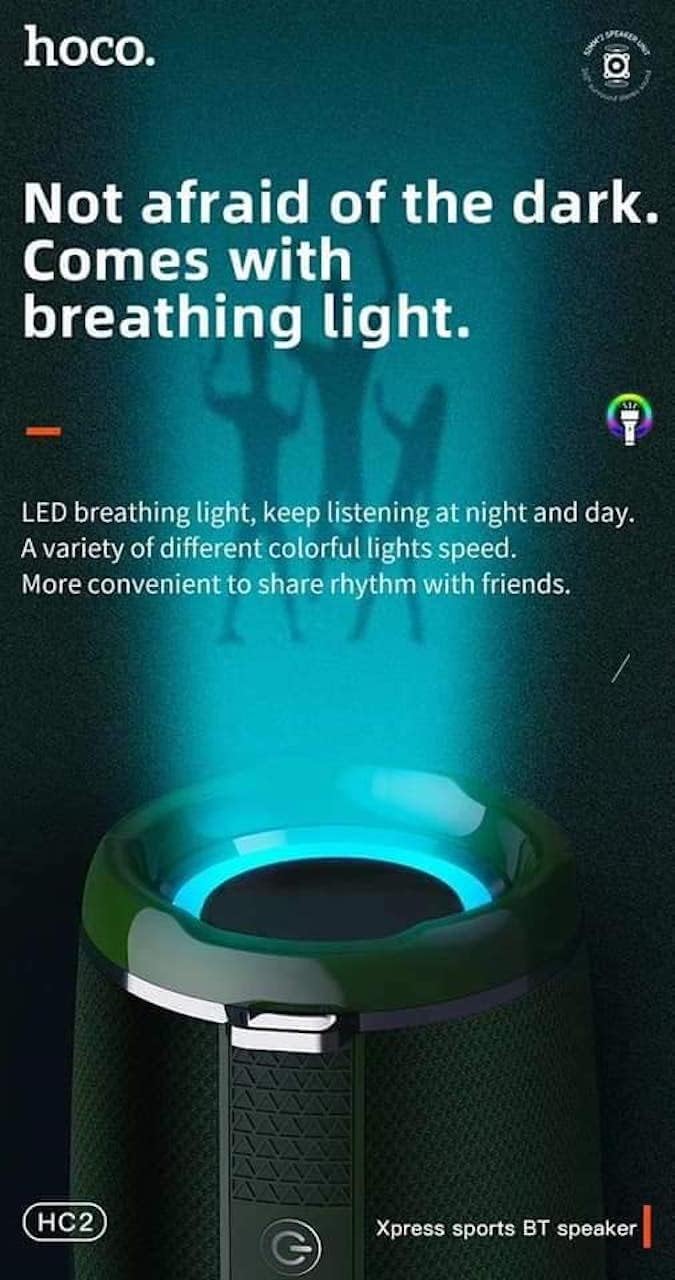
- Features LED breathing light for enhanced visual experience.
- IPX5 splash-proof rating for outdoor use.
3. Pakketinhoud
Kontroleer asseblief die pakket vir die volgende items:
- Hoco HC2 Wireless Speaker
- USB-laaikabel
- Gebruikershandleiding
- Shoulder Strap (may vary by package)
4. Opstelling
4.1 Laai die luidspreker
Before first use, fully charge the speaker. Connect the provided USB charging cable to the speaker's charging port and the other end to a USB power adapter (not included) or a computer's USB port. The charging indicator light will illuminate during charging and turn off when fully charged. Charging takes approximately 3 hours.
4.2 Aan-/afskakel
Press and hold the power button for a few seconds to turn the speaker on or off. A voice prompt will indicate the power status.
4.3 Bluetooth -koppeling
- Skakel die luidspreker aan. Dit sal outomaties na Bluetooth-paringsmodus gaan, aangedui deur 'n flikkerende LED-liggie.
- Aktiveer Bluetooth op jou slimfoon, tablet of ander toestel.
- Soek vir "HC2" in the list of available Bluetooth devices.
- Select "HC2" to connect. Once connected, a voice prompt will confirm the successful pairing, and the LED light will stop flashing.
- Indien gevra vir 'n wagwoord, voer "0000" in.
Die luidspreker sal outomaties weer aan die laaste gekoppelde toestel koppel wanneer dit aangeskakel word, indien die toestel se Bluetooth aktief en binne bereik is.
5. Bedryfsinstruksies
5.1 Moduswisseling
Press the 'M' (Mode) button to cycle through available modes: Bluetooth, TF Card, USB, AUX, and FM Radio.
5.2 Music Playback (Bluetooth/TF Card/USB)
- Speel/pouse: Druk die Speel/Pause-knoppie.
- Volgende snit: Short press the 'Next' button.
- Vorige snit: Short press the 'Previous' button.
- Volume op: Long press the 'Volume Up' button.
- Volume af: Long press the 'Volume Down' button.
5.3 FM-radiowerking
- Skakel oor na FM-radiomodus met die 'M'-knoppie.
- Press the Play/Pause button to automatically scan and save available radio stations.
- Use the 'Next' and 'Previous' buttons to switch between saved stations.
5.4 AUX-modus
Connect an external audio device (e.g., MP3 player, computer) to the speaker's AUX port using a 3.5mm audio cable. The speaker will automatically switch to AUX mode. Control playback from your connected device.
5.5 LED-ligbeheer
The speaker features an LED breathing light. Refer to the specific button on your speaker (often a dedicated light button or a long press on a volume button) to cycle through light modes or turn the light on/off.
6. Onderhoud
- Skoonmaak: Gebruik 'n sagte, droë lap om die luidspreker skoon te maak. Moenie skuurmiddels of oplosmiddels gebruik nie.
- Berging: Bêre die luidspreker op 'n koel, droë plek weg van direkte sonlig en uiterste temperature.
- Batterysorg: To prolong battery life, charge the speaker regularly, even if not in use. Avoid fully discharging the battery frequently.
- Waterweerstand: The speaker is IPX5 splash-proof, meaning it can resist light splashes of water. Do not submerge it in water or expose it to heavy rain. Ensure all ports are securely covered when exposed to moisture.
7. Probleemoplossing
| Probleem | Moontlike oorsaak | Oplossing |
|---|---|---|
| Luidspreker skakel nie aan nie. | Lae battery. | Laai die luidspreker volledig. |
| Geen klank nie. | Volume te laag; verkeerde modus; toestel nie gekoppel nie. | Increase volume; switch to correct mode; ensure device is paired/connected. |
| Bluetooth-saambinding misluk. | Luidspreker nie in paringsmodus nie; toestel te ver; interferensie. | Ensure speaker is in pairing mode; move devices closer; restart both devices. |
| Swak FM-radio-ontvangs. | Swak sein. | Relocate the speaker to an area with better signal. |
8. Spesifikasies
| Spesifikasie | Detail |
|---|---|
| Model Naam | HC2 |
| Produk afmetings | 19.44 x 8.2 x 8.1 cm |
| Gewig | 598 gram |
| Verbindingstegnologie | Bluetooth, FM, TF Card, USB Disk, AUX, TWS |
| Bluetooth weergawe | 5.0 |
| Chipset | JLAC6928B |
| Battery kapasiteit | 2400 mAh |
| Laai tyd | Ongeveer. 3 uur |
| Talk/Music Playback Time | Ongeveer. 6 uur |
| Luidsprekereenheid | 52 mm × 2 |
| Maksimum luidspreker-uitsetkrag | 5 W × 2 |
| Klankuitvoermodus | Omring |
| Spesiale kenmerk | Bluetooth, TF Card, USB, AUX, FM Radio support |
| Aanbevole gebruike | Smartphones, Tablets, Music Players, Surround Sound Systems |
| Versoenbare toestelle | Smartphone, Laptop, MP3 Player, Tablet, Desktop Computer |
| Montage tipe | Tafelblad |
9. Produkbeelde




10. Waarborg en Ondersteuning
Hoco products are manufactured to the highest quality standards. This product is covered by a standard manufacturer's warranty against defects in materials and workmanship. Please refer to the warranty card included in your package for specific terms and conditions, including the warranty period.
For technical support, troubleshooting assistance, or warranty claims, please contact Hoco customer service through their official website or the retailer from whom you purchased the product. Keep your purchase receipt as proof of purchase for warranty purposes.
Extended protection plans may be available from your retailer. These plans offer additional coverage beyond the standard manufacturer's warranty.