
1. Produk verbyview
The Spigen 70W Dual USB-C Wall Charger (Model PE2007UJ) utilizes advanced Gallium Nitride (GaN II) technology to provide efficient and fast charging for a wide range of devices. Its compact design and dual USB-C ports make it suitable for charging multiple devices simultaneously.
1.1 Pakketinhoud
- 1 x Spigen 70W Dual USB-C Wall Charger
- 1 x USB Cable (Note: Specific cable type may vary or be sold separately as per product details)
1.2 Sleutelkenmerke
- 70W Total Power Delivery: Provides up to 70W total output across two USB-C ports.
- GaN II Tegnologie: Offers a more compact design, higher efficiency, and cooler operation compared to traditional silicon chargers.
- Intelligent Power Diffusion (IPD): Dynamically distributes power to connected devices for optimal charging.
- Quantum Boost: Automatic device detection for maximum power delivery.
- Opvoubare prop: Enhances portability and ease of storage.
- Power Quality Technology: Minimizes ripple noise for stable power output and extended device lifespan.
1.3 Verenigbaarheid
Compatible with a wide range of USB-C powered devices, including:
- Apple devices: MacBook Pro 13''/14''/15'', MacBook Air 13'', iPad Air Series, iPhone 17/Air/Pro/Pro Max, iPhone 16/Plus/Pro/Pro Max, iPhone 15/Plus/Pro/Pro Max, iPhone 14/Plus/Pro/Pro Max, iPhone 13/Pro Max/Pro/Mini, iPhone 12/Pro/Pro Max/Mini, iPhone 11/Pro/Pro Max, iPhone X/XS/XR/XS Max, iPhone SE, iPhone 8/8 Plus.
- Samsung Galaxy S series: S23, S22, S21, S20 series.
- Google Pixel series: Pixel Fold, 10, 9, 8, 7a, 7, 6, 6 Pro, 5a, 5, 4.
- Other devices: Steam Deck, Dell XPS, and other USB-C laptops.
Note: Does not support Super Fast Charging (Samsung) and OnePlus Warp Charging.
2. Opstelling
2.1 Die laaier koppel
- Vou die WS-punte van die laaier se liggaam oop.
- Steek die laaier in 'n standaard muuraansluiting.
- Connect your device's USB-C charging cable to one of the USB-C ports on the charger.
- Koppel die ander kant van die laaikabel aan jou toestel.
The charger will automatically detect your device and begin charging.
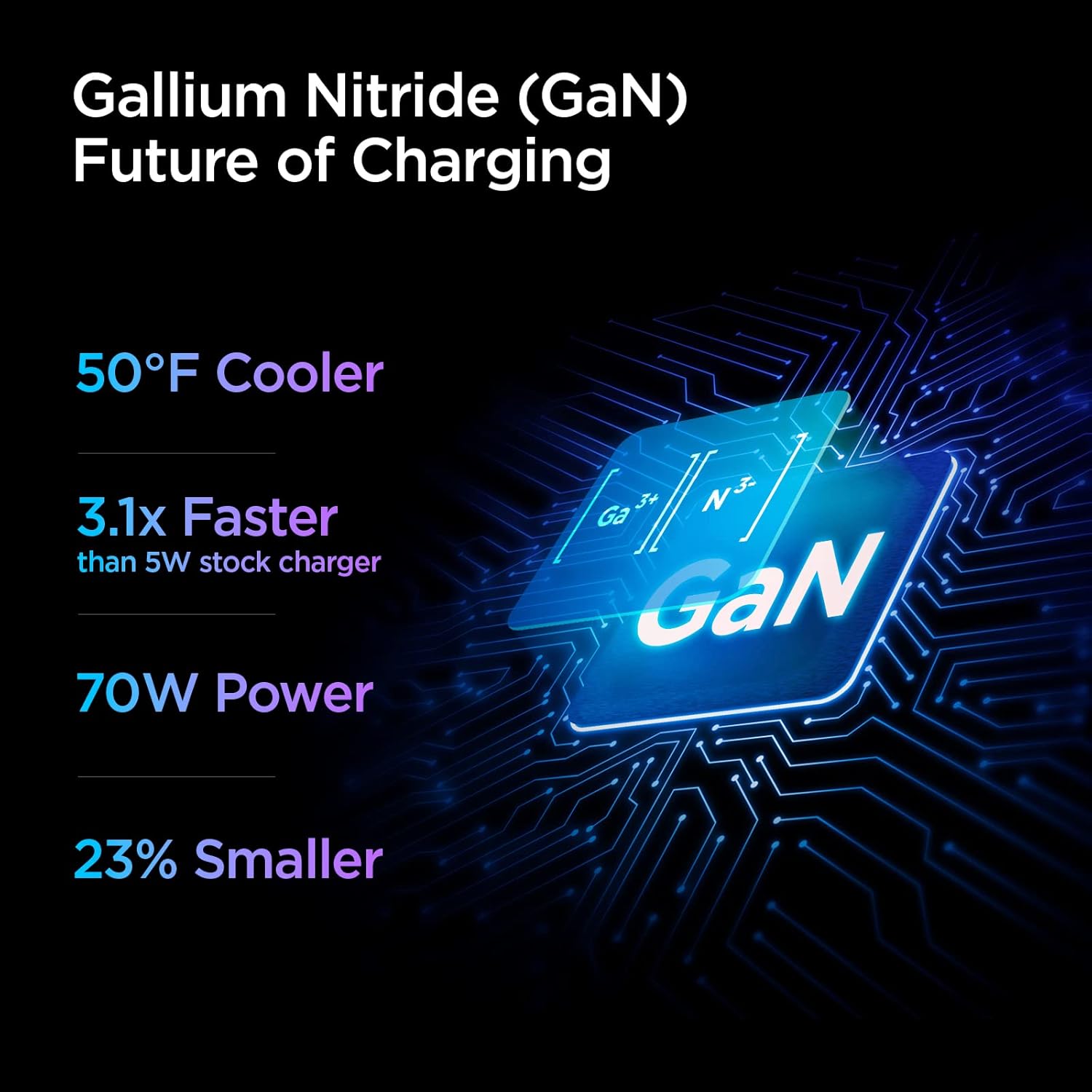
Image: The Spigen 70W Dual USB-C Wall Charger with its foldable plug extended, connected to a wall outlet. A USB-C cable is plugged into one port, charging a MacBook Pro, and another USB-C cable is plugged into the second port, charging an iPhone. This illustrates the dual-port charging capability.
3. Bedryfsinstruksies
3.1 Kragverspreiding
The charger features Intelligent Power Diffusion (IPD) technology, which optimizes power output based on the connected devices.
Enkelpoortgebruik
When only one device is connected to either USB-C port, the charger can deliver up to 60W of power. This is ideal for fast-charging laptops like the MacBook Pro/Air or other high-power devices.

Image: A diagram showing the Spigen 70W Dual USB-C Wall Charger plugged into a wall socket. A single USB-C cable is connected to one port, indicating a maximum output of 60W for single-device charging.
Dual Port Use
When two devices are connected simultaneously, the charger intelligently distributes the total 70W output. Typically, this will be 50W for one port and 20W for the other, allowing for simultaneous fast charging of a laptop and a smartphone.
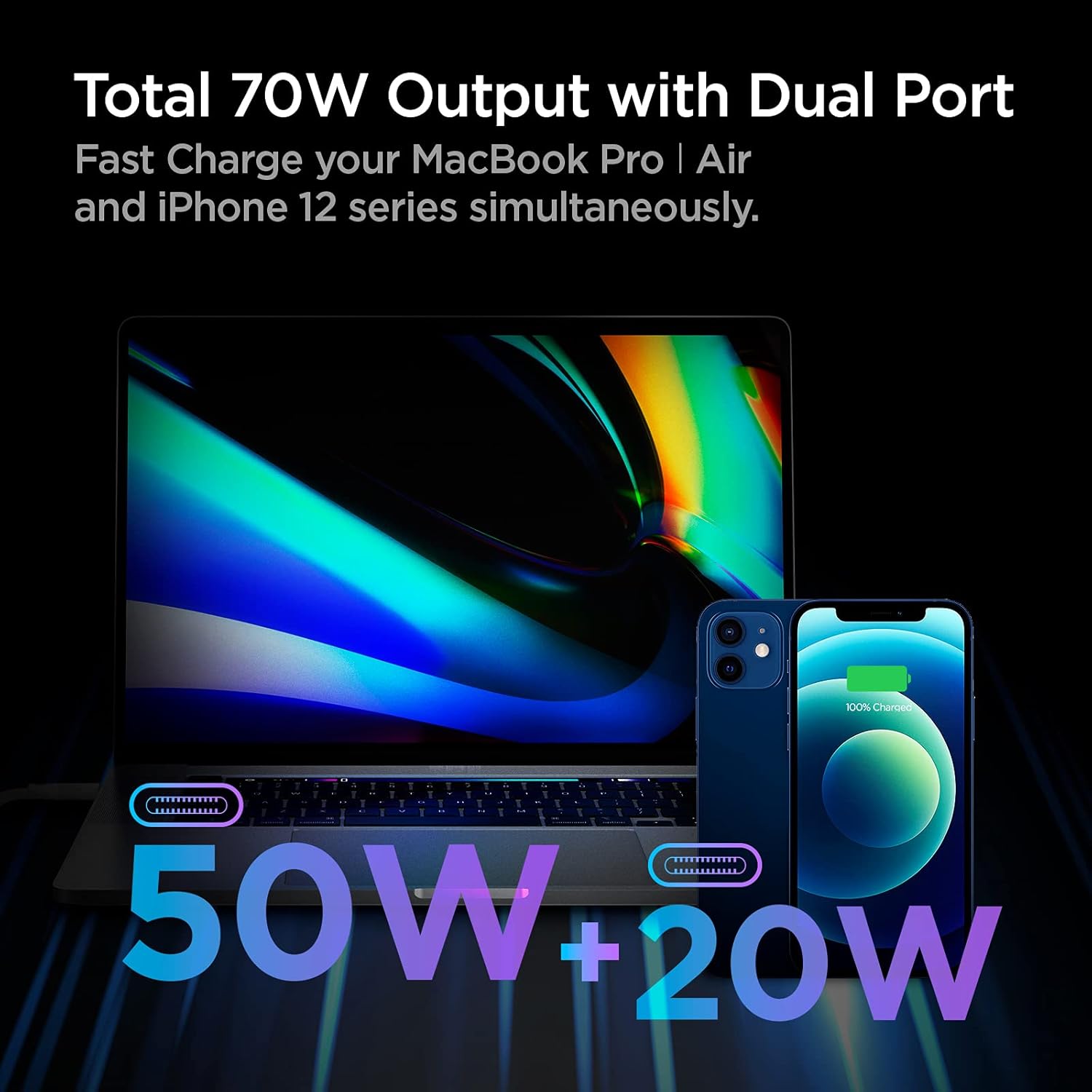
Image: A visual representation of the Spigen 70W Dual USB-C Wall Charger's power distribution. A MacBook Pro is shown receiving 50W, and an iPhone is receiving 20W, totaling 70W when both ports are in use.
3.2 Gallium Nitride (GaN) Technology
This charger incorporates GaN II technology, which allows for smaller, more efficient power components. Benefits include:
- Reduced Heat: Operates cooler than traditional silicon-based chargers.
- Vinniger laai: Delivers power more efficiently.
- Kompakte grootte: Smaller form factor for enhanced portability.

Image: An infographic highlighting the advantages of Gallium Nitride (GaN) technology, stating it's 50°F cooler, 3.1x faster than a 5W stock charger, provides 70W power, and is 23% smaller.
3.3 Power Quality Technology
The charger is designed with Power Quality Technology to minimize ripple noise, ensuring a stable and clean power supply to your devices. This helps protect your devices and prolong their battery lifespan.

Image: A graph comparing voltage stability over time between "Other" chargers (red line, showing high ripple noise) and "ArcStation Pro" (blue line, showing minimal ripple noise). Text explains that high ripple noise can cause heating and damage, while Power Quality Technology minimizes it for stable current.
4. Onderhoud
- Hou die laaier skoon en droog. Vermy blootstelling aan vloeistowwe of oormatige humiditeit.
- Moenie probeer om die laaier uitmekaar te haal of te verander nie.
- Berg die laaier op 'n koel, droë plek wanneer dit nie gebruik word nie.
- Regularly inspect the charger and cables for any signs of damage. Discontinue use if damage is found.
5. Probleemoplossing
5.1 Toestel laai nie
- Gaan kragverbinding na: Maak seker dat die laaier stewig in 'n werkende muursok ingeprop is.
- Gaan kabelverbinding na: Verify that the USB-C cable is firmly connected to both the charger and your device.
- Probeer 'n ander kabel: Test with another known-good USB-C cable to rule out a faulty cable.
- Try a Different Port: If using dual ports, try connecting to the other port.
- Herbegin toestel: Sometimes restarting your device can resolve charging issues.
5.2 Stadige Laai
- Verify Cable Compatibility: Ensure you are using a high-quality USB-C cable that supports fast charging and the required wattage.
- Kragverspreiding: If two devices are connected, the power is distributed. Disconnect one device to see if the charging speed improves for the other.
- Toestelvereistes: Confirm your device supports the fast charging protocols provided by this charger.
- Agtergrond toepassings: Close unnecessary background applications on your device that might be consuming power.
5.3 Oorverhitting van die laaier
- While the charger is designed to operate cooler due to GaN technology, some warmth during high-power charging is normal.
- If the charger becomes excessively hot to touch, disconnect it immediately and allow it to cool down.
- Ensure adequate ventilation around the charger and avoid covering it.
- Indien oorverhitting voortduur, kontak kliëntediens.
6. Spesifikasies
| Kenmerk | Detail |
|---|---|
| Modelnommer | PE2007UJ |
| Totale wattage | 70 W |
| USB-poorte | 2 x USB Tipe-C |
| Enkelpoort-uitset | Tot 60W |
| Dubbele poortuitvoer | 50W + 20W (Intelligent Power Diffusion) |
| Invoer Voltage | 240 Volts (Standard AC input) |
| Afmetings | 2.44 x 2.44 x 1.22 duim |
| Item gewig | 5.1 onse |
| Spesiale kenmerke | Fast Charging, Lightweight Design, Retractable Plug, Short Circuit Protection, Travel-friendly |
| Kleur | Wit |
7. Belangrike veiligheidsinligting
- Moenie die laaier aan water of vog blootstel nie.
- Vermy uiterste temperature.
- Hou buite bereik van kinders.
- Moenie gebruik as die laaier of kabel beskadig is nie.
- Ontkoppel die laaier tydens weerligstorms of wanneer dit vir lang tye nie gebruik word nie.
8. Waarborg en Ondersteuning
For warranty information and customer support, please refer to the official Spigen webwebwerf of kontak hul kliëntediens direk.
Spigen is committed to user safety and product quality, adhering to a 15-point safety standard and rigorous testing.
Vir verdere hulp, besoek: Spigen Official Store on Amazon
9. Produkvideo
Video: 'n Amptelike produkvideovertoningasing the Spigen ArcStation Pro 70W Dual Port GaN Charger, demonstrating its features, compact design, and dual-device charging capabilities.