
Inleiding
Thank you for choosing the Northpoint Smart LED Floor Lamp. This intelligent LED light column offers dynamic color-changing capabilities, warm white light, and can be controlled via a wireless remote or a Wi-Fi application. This manual provides essential information for safe installation, operation, and maintenance of your new lamp.

Image: The Northpoint Smart LED Floor Lamp illuminated, positioned in a modern living room next to a television and media console.
Veiligheidsinstruksies
- For indoor use only. Do not expose the lamp tot vog of uiterste temperature.
- Verseker die kragtoevoer voltage pas by die lampse vereistes (12 Volt).
- Moenie probeer om die l uitmekaar te haal of te verander nieamp verder as wat in hierdie handleiding beskryf word.
- Hou die lamp weg van vlambare materiale.
- Ontkoppel altyd die lamp uit die kragtoevoer voordat u skoonmaak of enige onderhoud uitvoer.
- Hierdie produk bevat 'n ligbron van energiedoeltreffendheid klas G.
Pakketinhoud
Kontroleer asseblief die inhoud van die pakket na uitpak:
- 1 x Northpoint Smart LED Floor Lamp
- 1 x Kragtoevoer Eenheid
- 1 x draadlose afstandbeheer
- 1 x Gebruikershandleiding (Hierdie dokument)
Opstelling
- Pak die L uitamp: Verwyder alle komponente versigtig uit die verpakking.
- Plaas die Lamp: Plaas die vloer lamp on a stable, flat surface in your desired indoor location. Ensure it is away from heat sources and direct sunlight.
- Koppel krag: Connect the power supply unit to the lamp's power input, then plug the power supply into a standard electrical outlet.
- Afstandbeheer-paring:
- Druk en hou die RGB+ knoppie op die afstandbeheer.
- While holding the button, plug the power supply into the wall socket.
- Die lamp will blink once to indicate successful pairing.
- The remote control is now connected.

Image: The wireless remote control for the Northpoint Smart LED Floor Lamp, showing buttons for power, white light, RGB color control, effects, speed, timer, and sound sensor modes. The image also displays German text detailing the pairing process.
- Wi-Fi / App Control (Optional):
- Download the "Smart Life" or "Tuya" app from your smartphone's app store.
- Follow the in-app instructions to add your Northpoint Smart LED Floor Lamp. (Note: This lamp is not compatible with Alexa.)
Bedryfsinstruksies
Your Northpoint Smart LED Floor Lamp offers various lighting modes and control options.
Afstandbeheer funksies:
- Kragknoppie: Draai die lamp Aan/Af.
- "W" Button: Activates warm white light.
- RGB+ / RGB- Buttons: Adjusts RGB color intensity or cycles through colors.
- Helderheid aanpassing: Use the sun icon buttons to increase or decrease brightness.
- Effekknoppie: Cycles through various pre-programmed lighting effects.
- Spoedknoppie: Pas die spoed van dinamiese beligtingseffekte aan.
- Timerknoppies (4H, 6H, 8H, 10H): Stel die lamp to turn off automatically after the selected duration.
- Sound Sensor Modes (♪1, ♪2, ♪3): Activates different sound-reactive lighting modes. The lamp will respond to ambient noise or music.
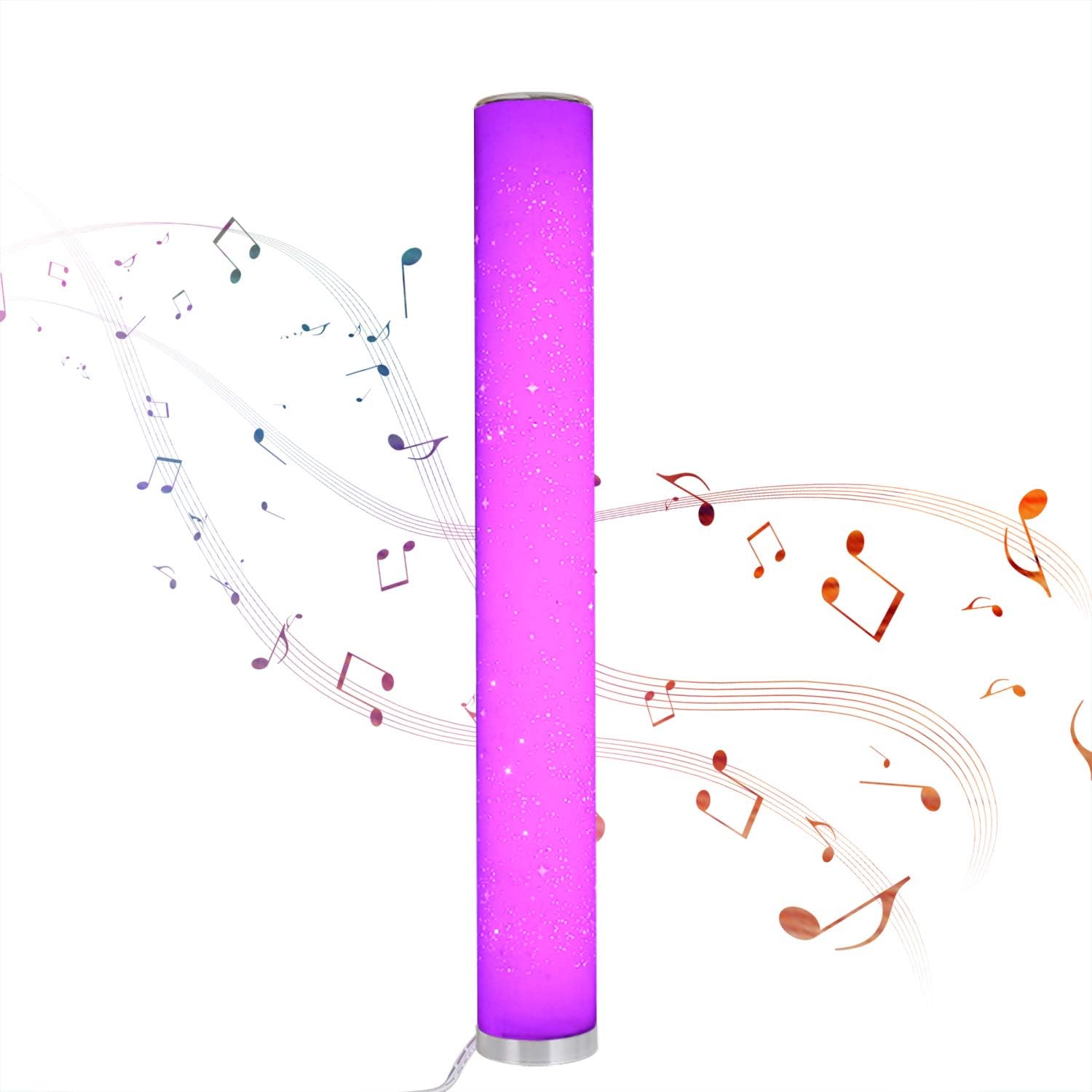
Image: The Northpoint Smart LED Floor Lamp illuminated in a vibrant purple, with musical notes depicted around it, illustrating its sound-reactive mode.
Color Selection and Dimming:
- Die lamp is dimmable and offers 8 different colors: red, green, blue, purple, orange, yellow, cyan, and warm white.
- Each color is continuously adjustable in intensity.

Image: A collage of eight images showing the Northpoint Smart LED Floor Lamp illuminated in different colors: red, green, blue, white, orange, yellow, light blue, and purple, demonstrating its color-changing capabilities.
Wi-Fi / App Control:
Once connected to the Smart Life or Tuya app, you can control the lamp's functions, including color, brightness, and effects, directly from your smartphone.
Onderhoud
- Skoonmaak: Ontkoppel die lamp from the power supply before cleaning. Use a soft, dry cloth to wipe the lamp's surface. Do not use abrasive cleaners or solvents.
- Ligbron: The LED light source is integrated and not user-replaceable. If the light source fails, the entire luminaire must be replaced.
- Berging: As die lamp vir 'n lang tydperk, ontkoppel dit en bêre dit op 'n koel, droë plek.
Probleemoplossing
| Probleem | Moontlike oorsaak | Oplossing |
|---|---|---|
| Lamp skakel nie aan nie. | No power supply; loose connection; remote control battery depleted. | Check if the power supply is securely plugged into the lamp and the wall outlet. Ensure the outlet has power. Replace remote control batteries if necessary. |
| Afstandbeheer werk nie. | Remote not paired; battery depleted; obstruction. | Re-pair the remote control (see Setup section). Replace remote control batteries. Ensure no obstructions between remote and lamp. |
| Wi-Fi-verbindingsprobleme. | Verkeerde Wi-Fi-wagwoord; lamp too far from router; app not configured correctly. | Verify Wi-Fi password. Move lamp closer to the Wi-Fi router. Follow app instructions carefully for device setup. Ensure your Wi-Fi network is 2.4GHz. |
| Sound sensor not responding. | Mode not activated; insufficient sound. | Ensure one of the sound sensor modes (♪1, ♪2, ♪3) is selected on the remote. Increase ambient sound volume. |
Spesifikasies
| Handelsmerk | Noordpunt |
| Model | B08PC43PRM |
| Afmetings (L x B x H) | 10 x 10 x 103 cm |
| Basis deursnee | 129 mm |
| Materiaal | Plastiek |
| Invoer Voltage | 12 Volt |
| Kragverbruik | 24 Watt |
| Ligbrontipe | LED (ligdiode) |
| Energiedoeltreffendheidklas | G |
| Spesiale kenmerke | Color Changing, Dimmable, Wi-Fi Control, Sound Sensor |
| IP-gradering | IP20 (Slegs binnenshuise gebruik) |
| Ingesluit komponente | Draadlose afstandbeheer |

Image: A diagram showing the dimensions of the Northpoint Smart LED Floor Lamp, indicating a height of 1035mm and a diameter of 129mm.

Image: The energy efficiency label for the product, indicating class G.
Waarborg en Ondersteuning
Information regarding specific warranty periods or direct support contacts is not available in the provided product details. Please refer to your purchase receipt or contact the retailer for warranty claims and support inquiries.
Vir algemene navrae of verdere hulp, kan u die Northpoint brand page on Amazon.