
1. Inleiding
Thank you for choosing the MageGee G6 Wired Gaming Mouse. This ergonomic USB optical mouse is designed to enhance your gaming and work experience with its high precision sensor, adjustable speed levels, and vibrant LED backlighting. Please read this manual thoroughly to ensure proper setup and optimal performance.
2. Opstelling
2.1 Pakketinhoud
- MageGee G6 Wired Gaming Mouse
- Instruksie Handleiding
2.2 Stelselvereistes
- Operating System: Windows 10, Windows 8, Windows 7, Windows XP, WinME, Vista, Linux, etc.
- Beskikbare USB -poort
2.3 Die muis koppel
- Locate an available USB port on your computer (PC, Laptop, or Desktop).
- Plug the USB connector of the MageGee G6 mouse into the USB port.
- The mouse is plug-and-play; no additional drivers or software are required for basic functionality.
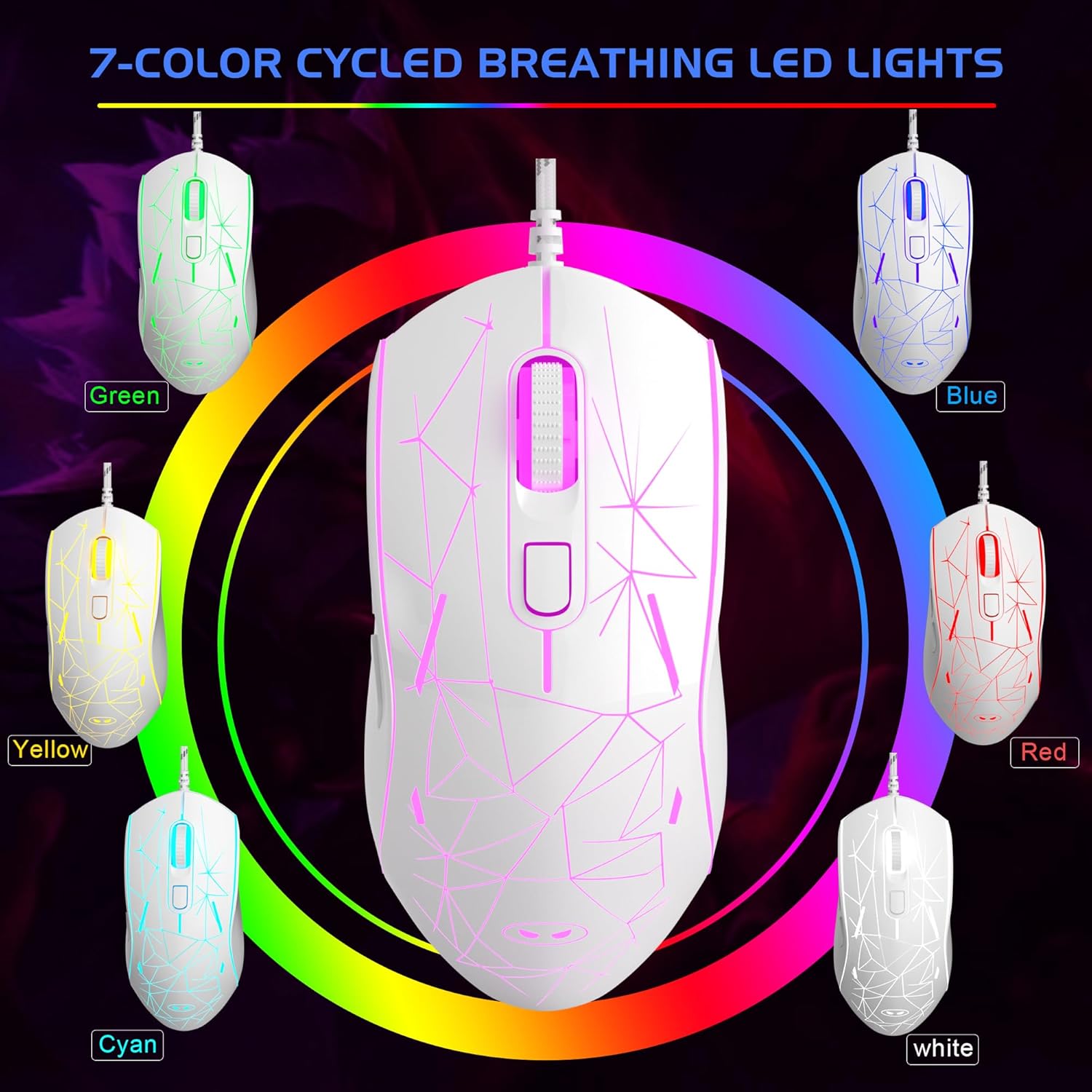
Image: The MageGee G6 Wired Gaming Mouse with its USB cable connected to a computer.
3. Bedryfsinstruksies
3.1 Knoppie Funksies
The MageGee G6 offers 6 flexible buttons for versatile control:
- Linker knoppie: Standaard links-klik funksie.
- Regter knoppie: Standaard regs-kliek funksie.
- Rolwiel: Scrolls up/down, and acts as a middle-click button.
- Speed Button (DPI Button): Adjusts the DPI (Dots Per Inch) sensitivity.
- Aanstuur-knoppie: Navigeer vorentoe in web blaaiers of toepassings.
- Terug-knoppie: Navigeer agteruit in web blaaiers of toepassings.
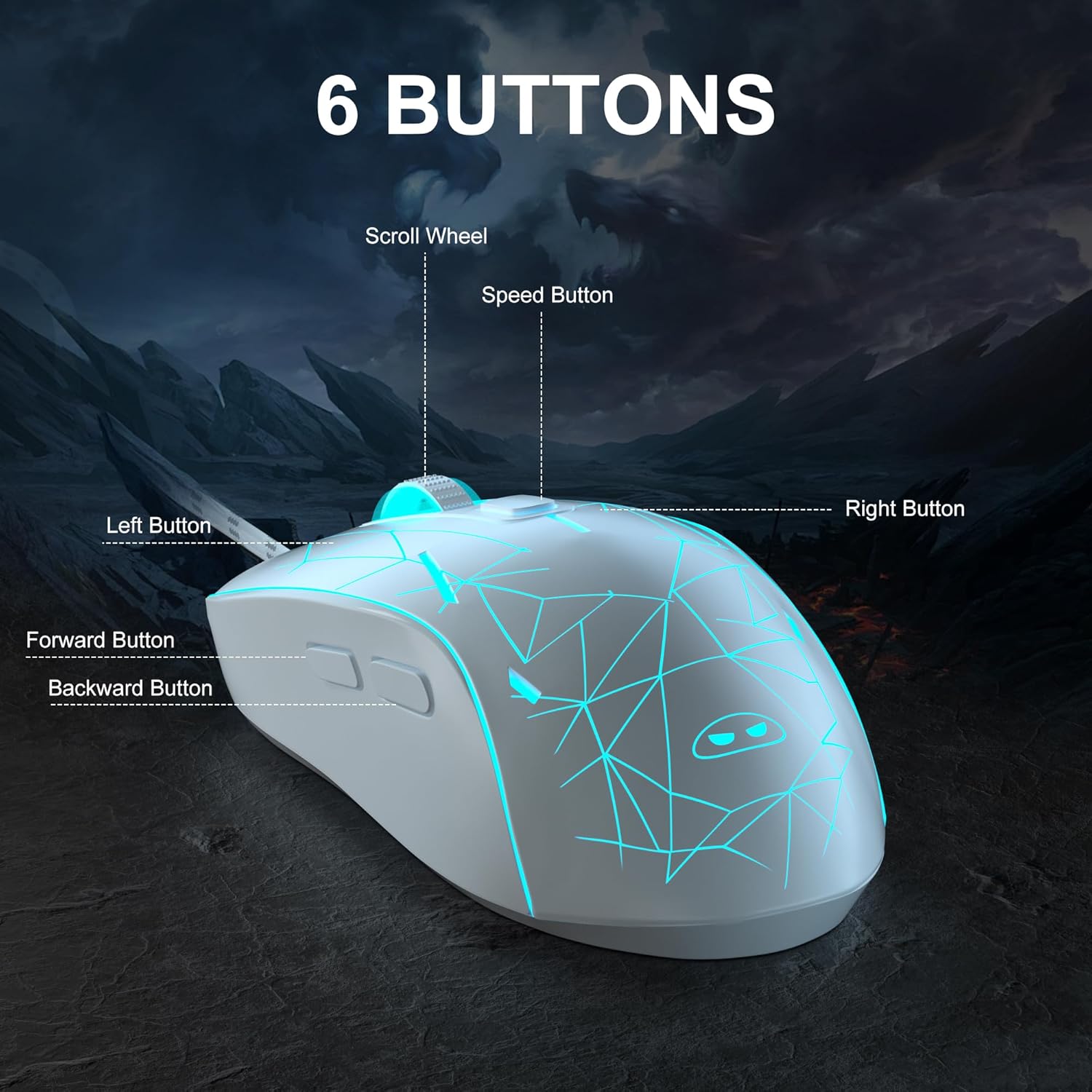
Beeld: 'n Gedetailleerde view of the MageGee G6 mouse highlighting the Left, Right, Scroll Wheel, Speed, Forward, and Back buttons.
3.2 Adjusting DPI Speed Levels
The MageGee G6 offers 6 adjustable DPI speed levels for precise cursor control:
- 600 DPI
- 800 DPI
- 1200 DPI
- 1600 DPI
- 2400 DPI
- 3200 DPI
Druk die Spoed knoppie (located below the scroll wheel) to cycle through the different DPI settings. Each press will change the sensitivity, allowing you to find the optimal speed for your tasks or games.
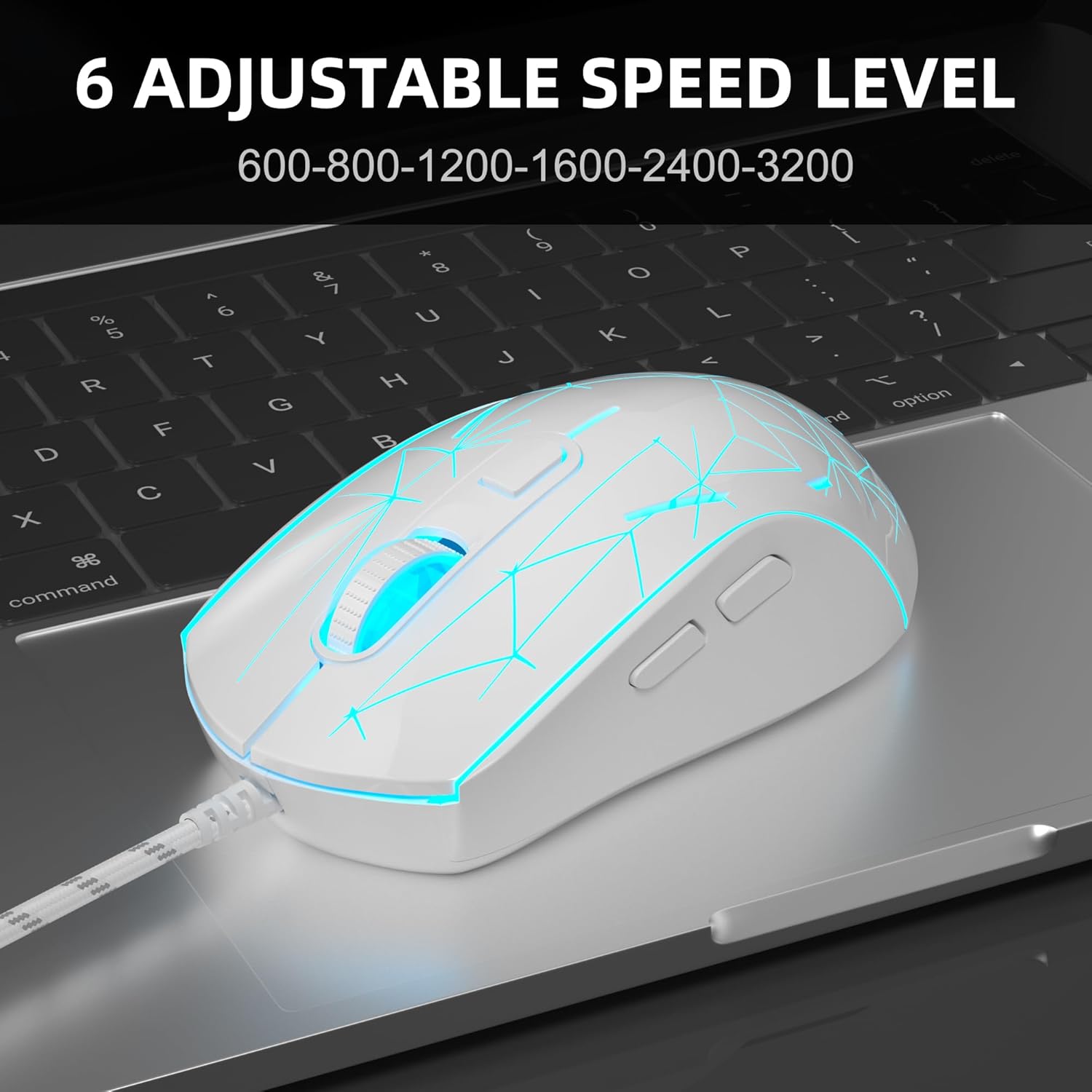
Image: The MageGee G6 mouse in use, demonstrating the adjustable DPI settings from 600 to 3200.
3.3 LED-agterligbeheer
The MageGee G6 features 7-color breathing LED backlighting. You can control the lighting as follows:
- Verander kleur: Druk die Spoed knoppie en die Vorentoe-knoppie simultaneously to cycle through and lock a specific color.
- Skakel ligte aan/af: Druk en hou die Spoed knoppie for 3 seconds to toggle the LED lights on or off.
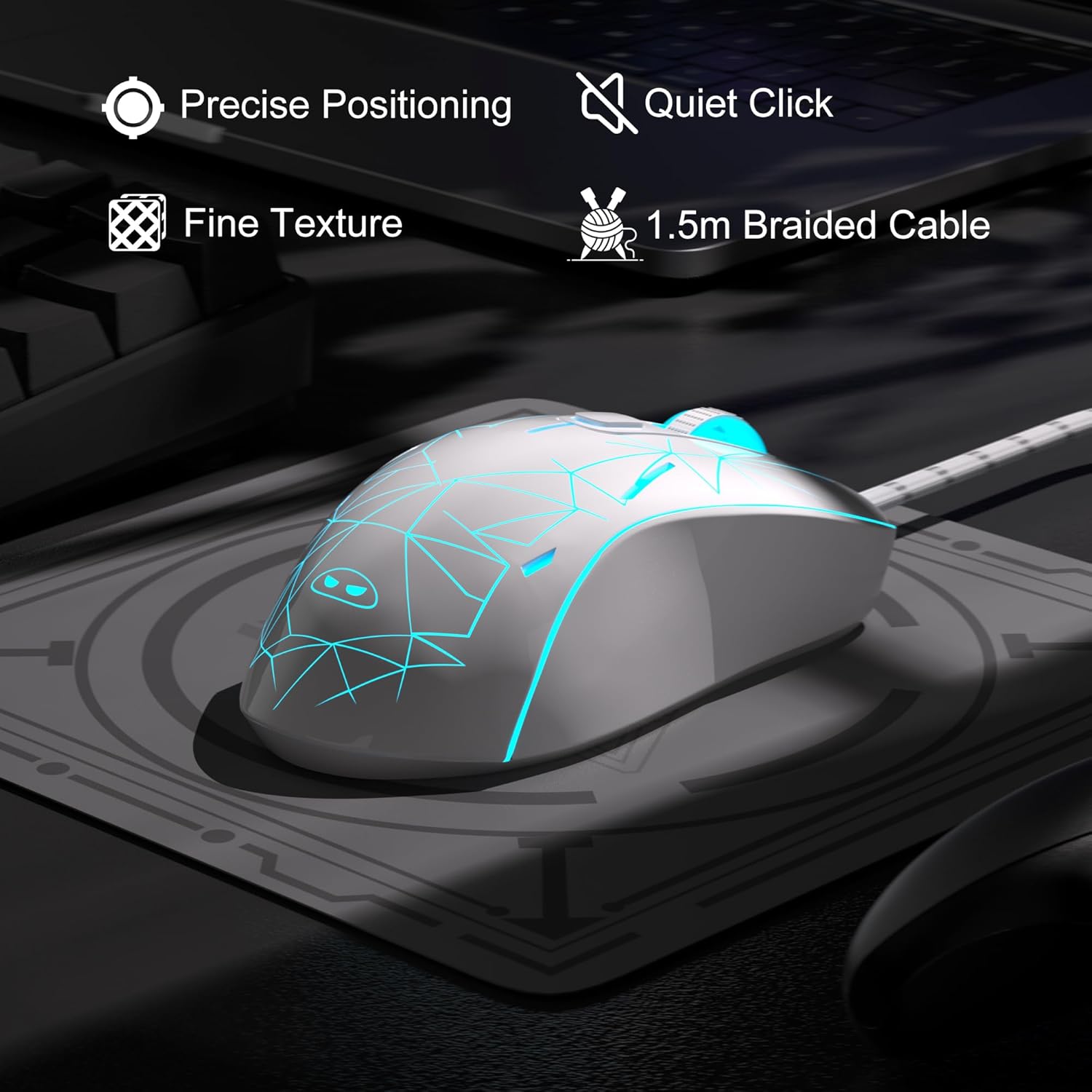
Image: The MageGee G6 mouse showcasing its 7-color breathing LED lights, including green, yellow, cyan, blue, red, and white.
4. Onderhoud
- Skoonmaak: Gebruik 'n sagte, droë lap om die muis skoon te maak. Vermy die gebruik van harde chemikalieë of skuurmiddels.
- Kabelversorging: Do not pull or twist the braided USB cable excessively to prevent damage.
- Berging: Store the mouse in a dry place away from extreme temperatures.
5. Probleemoplossing
5.1 Muis reageer nie
- Maak seker dat die USB-kabel stewig in 'n werkende USB-poort op jou rekenaar ingeprop is.
- Probeer om die muis in 'n ander USB-poort te koppel.
- Herbegin jou rekenaar.
5.2 LED-ligte werk nie
- Ensure the mouse is properly connected to your computer.
- Druk en hou die Spoed knoppie for 3 seconds to toggle the LED lights on or off.
5.3 Wyserbeweging is wisselvallig
- Maak die optiese sensor aan die onderkant van die muis skoon met 'n sagte lap.
- Maak seker dat jy die muis op 'n geskikte oppervlak gebruik (bv. 'n muismat).
- Adjust the DPI sensitivity using the Spoed knoppie.
6. Spesifikasies
| Kenmerk | Detail |
|---|---|
| Handelsmerk | MageGee |
| Model | G6 |
| Verbindingstegnologie | USB, bedraad |
| Bewegingsopsporingstegnologie | Opties |
| DPI-vlakke | 600/800/1200/1600/2400/3200 (Adjustable) |
| Knoppies | 6 (Left, Right, Scroll Wheel, Speed, Forward, Back) |
| LED backlight | 7 Colors Breathing LED (Blue, Red, Green, Purple, Cyan, Yellow, White) |
| Kabellengte | 1.5 meters (Durable Braided Cable) |
| Ergonomie | Ergonomic Design with Comfortable Grip |
| Verenigbaarheid | Windows 10, 8, 7, XP, WinME, Vista, Linux, PC, Laptop, Desktop |
| Item gewig | 5.6 onse |
| Pakket afmetings | 5.31 x 3.62 x 1.65 duim |
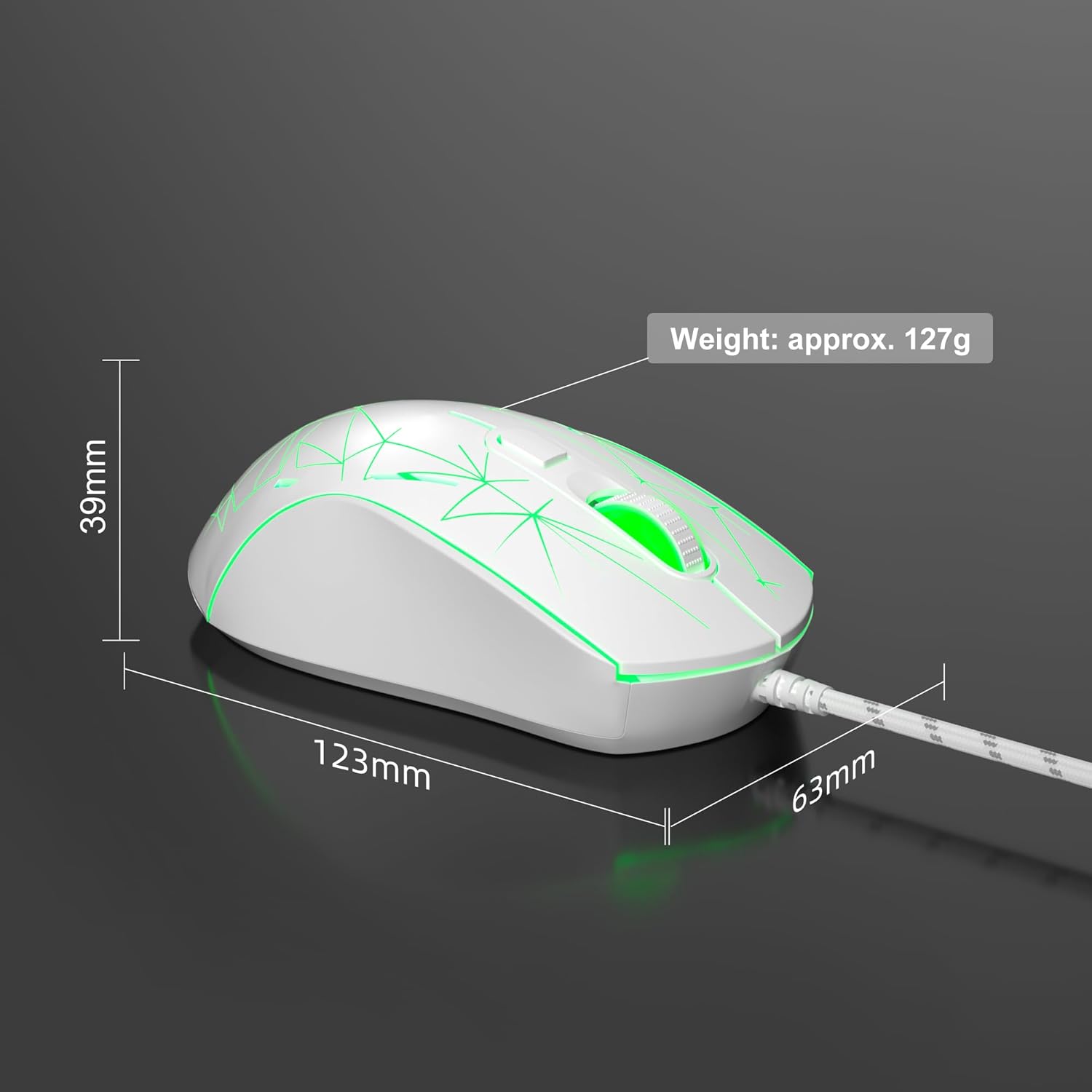
Image: Diagram illustrating the dimensions of the MageGee G6 Wired Gaming Mouse (123mm length, 63mm width, 39mm height, approx. 127g weight).
7. Waarborg en ondersteuning
For warranty information and customer support, please refer to the official MageGee webwebwerf of kontak u kleinhandelaar. Bewaar u aankoopbewys vir waarborgeise.
MageGee is committed to technological and product innovation, providing quality computer peripherals. Our after-sales team is available to promptly respond and solve your problems.
Besoek die MageGee Store vir meer produkte en inligting.