
1. Inleiding
Dankie vir die aankoopasing the JAM Retro Classic+ Bluetooth Speaker. This manual provides essential information for setting up, operating, and maintaining your speaker. Please read it thoroughly before use to ensure optimal performance and longevity of your device.
2. Pakketinhoud
Verifieer dat alle items in jou pakket teenwoordig is:
- JAM Retro Classic+ Bluetooth Speaker
- USB-laaikabel
- Vinnige Begingids
3. Opstelling
3.1 Laai die luidspreker
Before first use, fully charge the speaker. Connect the provided USB charging cable to the speaker's USB port and the other end to a USB power adapter (not included) or a computer's USB port.
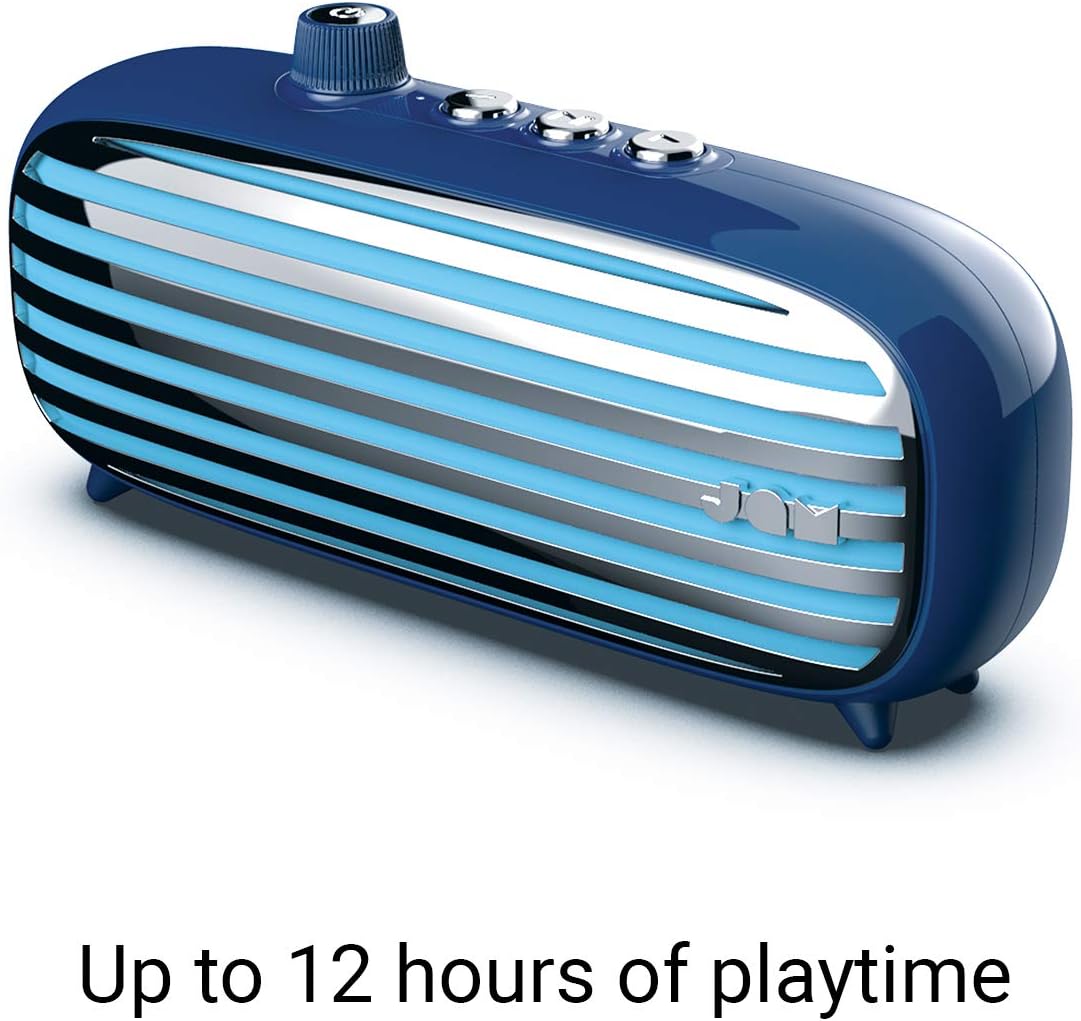
Image: The JAM Retro Classic+ Bluetooth Speaker in blue, with a USB charging cable connected to its side port, indicating the charging process.
3.2 Aan-/afskakel
To power on the speaker, press and hold the button located in the center of the volume dial on the front for approximately 4 seconds. The dial will light up in neon blue, and an audible sound will confirm it is powered on. To power off, press and hold the same button again.

Image: A blue JAM Retro Classic+ Bluetooth Speaker with its volume dial illuminated in blue, indicating it is powered on.
3.3 Bluetooth -koppeling
Once powered on, the speaker will automatically enter Bluetooth pairing mode. On your device (smartphone, tablet, computer), enable Bluetooth and search for "JAM Vintage" in the list of available devices. Select it to pair. An audible confirmation will sound upon successful pairing.
4. Operasie
4.1 Musiekweergawe
- Speel/pouse: Press the central play/pause button on the top of the speaker.
- Volgende snit: Press the forward button (right arrow) on the top.
- Vorige snit: Press the back button (left arrow) on the top.
- Volumebeheer: Rotate the large dial on the front of the speaker to adjust the volume.
4.2 Luidsprekerfoonfunksionaliteit
When connected via Bluetooth to your smartphone, the speaker can be used as a speakerphone:
- Beantwoord oproep: Druk die speel/pouse-knoppie een keer.
- Beëindig oproep: Press the play/pause button once during a call.
- Verwerp oproep: Press and hold the play/pause button.
4.3 Aux-in-aansluiting
For non-Bluetooth devices, connect an audio cable (not included) from your device's headphone jack to the Aux-in port on the side of the speaker. The speaker will automatically switch to Aux-in mode.
5. Sleutel kenmerke
- Retro ontwerp: Aesthetic inspired by classic vintage radio's.
- 12 uur speeltyd: Geniet uitgebreide musiekweergawe met 'n enkele lading.
- Bluetooth-verbinding: Naatlose draadlose klankstroom.
- Aux-in-poort: Wired connection option for various devices.
- USB-laai: Convenient charging via standard USB.
- Luidspreker: Integrated microphone for hands-free calls.
- Stereo-paring: Connect two Classic+ speakers for enhanced stereo sound.
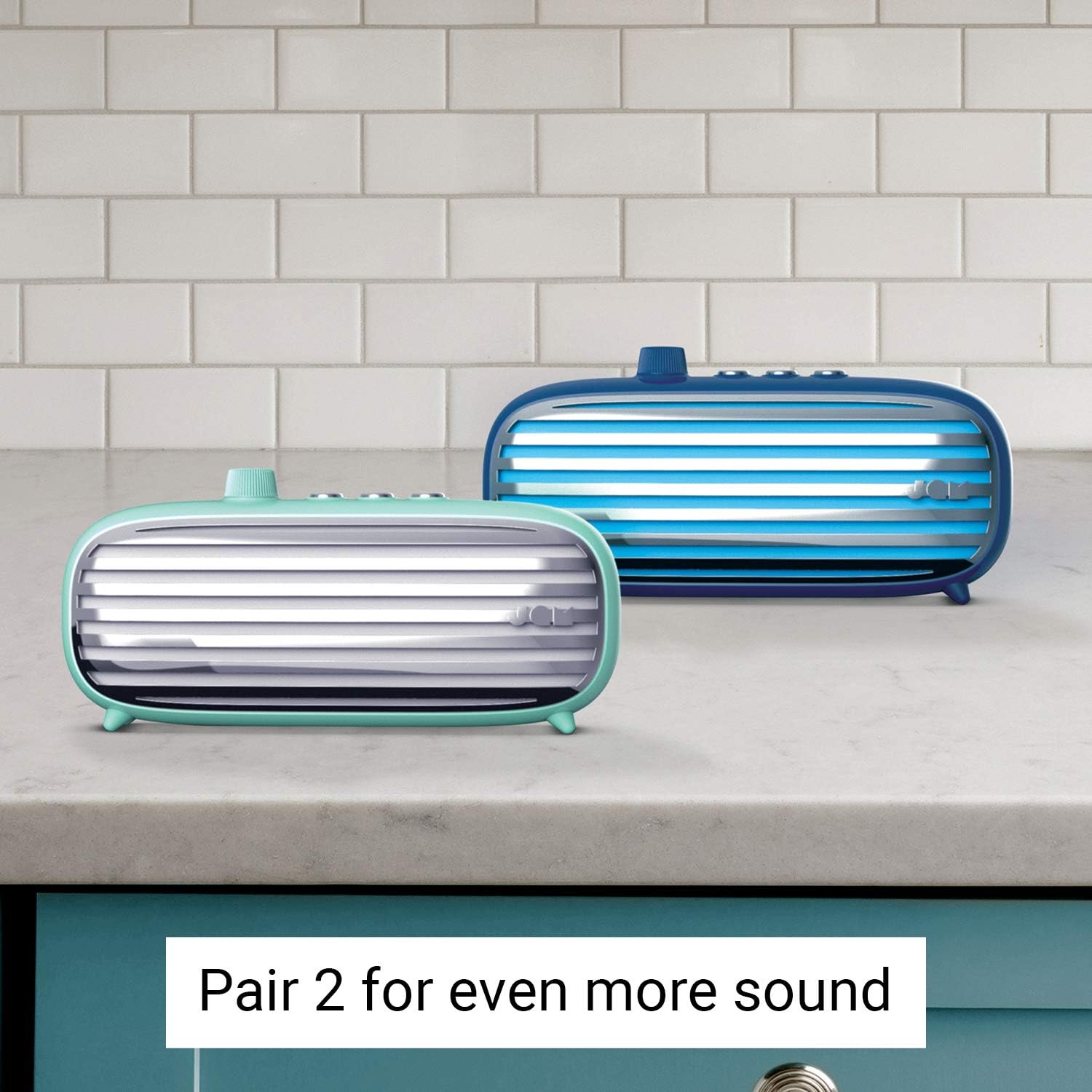
Image: Two JAM Retro Classic+ Bluetooth Speakers, one in blue and one in mint green, positioned side-by-side on a kitchen counter, demonstrating the stereo pairing feature.
6. Onderhoud
- Skoonmaak: Gebruik 'n sagte, droë lap om die luidspreker skoon te maak. Moenie skuurmiddels of oplosmiddels gebruik nie.
- Berging: Bêre die luidspreker op 'n koel, droë plek weg van direkte sonlig en uiterste temperature.
- Waterweerstand: Hierdie spreker is nie waterproof. Avoid exposure to water or moisture.
7. Probleemoplossing
| Probleem | Oplossing |
|---|---|
| Luidspreker skakel nie aan nie. | Ensure the speaker is fully charged. Press and hold the power button for 4 seconds. |
| Kan nie via Bluetooth koppel nie. | Make sure Bluetooth is enabled on your device and the speaker is in pairing mode. Ensure no other devices are currently connected to the speaker. Try restarting both devices. |
| Geen klank nie. | Check the volume levels on both the speaker and your connected device. Ensure the correct input mode (Bluetooth or Aux-in) is selected. |
| Swak klankgehalte. | Move the speaker closer to your Bluetooth device to reduce interference. Ensure the audio source is of good quality. |
8. Spesifikasies
- Modelnommer: HX-P425-BL
- Handelsmerk: Jam Oudio
- Verbinding: Bluetooth, hulp, USB
- Luidspreker uitsetkrag: 6 Watt
- Klankuitsetmodus: Stereo
- Batterylewe: Tot 12 ure
- Beheer metode: Raak
- Kragbron: Batteryaangedrewe (1 litiumioonbattery ingesluit)
- Kleur: Blou
- GTIN/UPC: 031262097576
9. Waarborg en ondersteuning
For warranty information and customer support, please refer to the official Jam Audio webwebwerf of kontak hul kliëntediens direk. Bewaar u aankoopbewys vir waarborgeise.
Amptelik Webwebwerf: www.jamaudio.com