
MIATONE BOOMBOX
MIATONE Boombox Draagbare Bluetooth-luidspreker Gebruikershandleiding
Model: BOOMBOX
Inleiding
The MIATONE Boombox Portable Bluetooth Speaker (Model: BOOMBOX) is designed to deliver high-quality audio in a durable, portable package. Featuring advanced Bluetooth 5.3 technology, it offers seamless connectivity and a wide range, making it ideal for both indoor and outdoor use. Its rugged, waterproof design ensures reliability in various environments, while the option for TWS stereo pairing allows for an enhanced audio experience.

Figure 1: MIATONE Boombox Portable Bluetooth Speaker (Green)
Wat is in die boks
- MIATONE Boombox Portable Bluetooth Speaker
- Laai kabel
- Aux-in kabel
Opstelling
1. Laai die luidspreker op
Before first use, fully charge the speaker. Connect the provided charging cable to the speaker's charging port and the other end to a compatible USB power adapter (not included). The charging indicator light will show charging status.
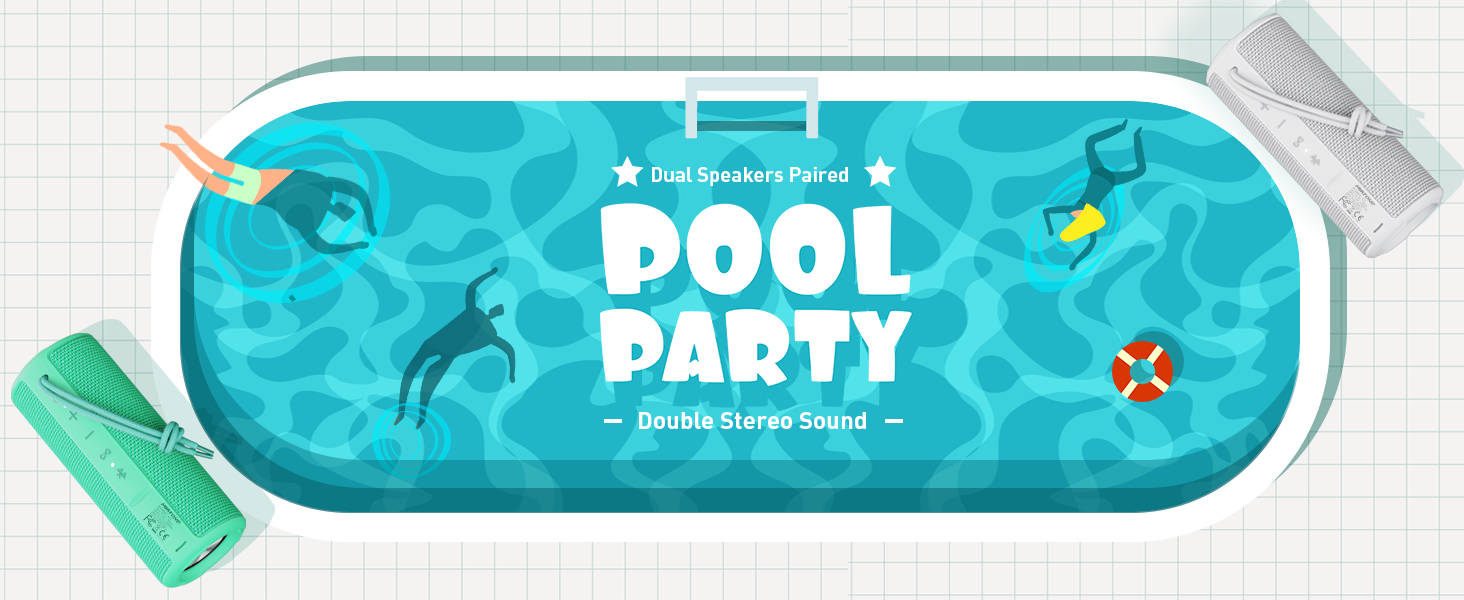
Figure 2: Speaker back view with charging and aux-in ports.
2. Skakel aan/af
Press and hold the power button located on the side of the speaker to turn it on or off. An English voice prompt will confirm "Power On" or "Power Off".
Bedryfsinstruksies
1. Bluetooth-koppeling
- Maak seker dat die luidspreker aangeskakel en in Bluetooth-paringsmodus is (aangedui deur 'n flikkerende Bluetooth-aanwyserliggie).
- Aktiveer Bluetooth op jou toestel (slimfoon, tablet, skootrekenaar) en soek vir beskikbare toestelle.
- Select "MIATONE BOOMBOX" from the list.
- Once connected, an English voice prompt will confirm "Bluetooth Connected".
The speaker maintains a stable Bluetooth connection up to 100 feet (30 meters) from your device.
2. Volumebeheer
Gebruik die '+' en '-' knoppies op die luidspreker om die volume aan te pas. Jy kan ook die volume vanaf jou gekoppelde toestel beheer.
3. TWS (Ware Draadlose Stereo) Paring
To achieve a true stereo sound experience, you can pair two identical MIATONE Boombox speakers together:
- Maak seker dat beide luidsprekers aangeskakel is en nie aan enige Bluetooth-toestel gekoppel is nie.
- On one speaker, press and hold the TWS button (often indicated by an infinity symbol or two interlocking circles). The speaker will enter TWS pairing mode.
- Die twee luidsprekers sal outomaties aan mekaar koppel. 'n Stemboodskap sal suksesvolle TWS-paring bevestig.
- Once paired, connect your device to one of the speakers via Bluetooth as described in the "Bluetooth Pairing" section. Both speakers will now play audio in stereo.

Figure 3: Two speakers paired for enhanced stereo sound.
4. Klankweergawe
Control playback (play/pause, skip tracks) directly from your connected Bluetooth device. The speaker's buttons may also offer basic playback controls (e.g., single press for play/pause, long press for next/previous track, refer to specific button icons on the device).

Figure 4: Speaker delivering high-resolution audio in an outdoor setting.
Onderhoud
1. Skoonmaak
Vee die luidspreker af met 'n sagte, damp cloth. Do not use harsh chemicals or abrasive cleaners. Ensure the charging port cover is securely closed before cleaning or exposing to water.
2. Berging
Bêre die luidspreker op 'n koel, droë plek weg van direkte sonlig en uiterste temperature wanneer dit nie vir lang tye gebruik word nie.
3. Waterdigting
The speaker is IPX6 waterproof, meaning it can withstand powerful water jets. Do not submerge the speaker for extended periods or expose it to high-pressure water streams. Always ensure the port cover is sealed tightly to maintain water resistance.

Figure 5: Speaker floating in water, highlighting its waterproof capability.
4. Duursaamheid
The speaker features a rugged, anti-slip design with soft silicone end caps to absorb shock from drops. While durable, avoid excessive force or dropping from significant heights to prevent damage.

Figure 6: Speaker on sand, showcasing its shockproof and dustproof design.
Probleemoplossing
| Probleem | Moontlike oorsaak | Oplossing |
|---|---|---|
| Luidspreker skakel nie aan nie. | Lae battery of geen lading nie. | Laai die luidspreker ten volle met die meegeleverde kabel. |
| Geen geluid van die luidspreker nie. | Volume too low, not paired, or incorrect audio source. | Increase volume on speaker and device. Ensure proper Bluetooth pairing. Check if audio is playing on the source device. |
| Bluetooth connection unstable or disconnects. | Device too far, interference, or low speaker battery. | Move device closer to speaker (within 100 ft). Avoid obstacles. Charge speaker. Re-pair if necessary. |
| Cannot TWS pair two speakers. | Speakers already connected to another device, or not in TWS pairing mode. | Maak seker dat beide luidsprekers van ander toestelle ontkoppel is. Volg die TWS-paringsinstruksies noukeurig. |
Spesifikasies
| Kenmerk | Detail |
|---|---|
| Model Naam | BOOMBOS |
| Handelsmerk | MIATONE |
| Tipe luidspreker | Omringklank |
| Spesiale kenmerke | Portable, Stereo Pairing (TWS) |
| Verbindingstegnologie | Bluetooth 5.3 |
| Bluetooth-reeks | Tot 100 voet (30 meter) |
| Luidspreker uitset krag | 16W (20W piek) |
| TWS Paired Output Power | 32W (40W piek) |
| Waterweerstandvlak | IPX6 waterdig |
| Batterylewe | Tot 17 uur (teen 50% volume) |
| Produk afmetings | 2.87" D x 2.87" B x 7.3" H |
| Item gewig | 14.88 onse |
| Ingesluit komponente | Charging Cable, Aux-in Cable |
Waarborg en Ondersteuning
The MIATONE Boombox Portable Bluetooth Speaker comes with a Limited Warranty. For detailed warranty information, product support, or to contact customer service, please visit the official MIATONE Store on Amazon:
Ask a question about this manual
Ask about setup, troubleshooting, compatibility, parts, safety, or missing instructions. Manuals+ will review the question and use this page’s manual context to help answer it.