
Inleiding
Thank you for choosing the gorsun Kids Bluetooth Headphones, Model E61. These headphones are designed to provide a safe and enjoyable audio experience for children, featuring volume limiting technology and a comfortable, durable design. Please read this manual carefully before using the headphones to ensure proper operation and maintenance.
Wat is in die boks
- gorsun Kids Bluetooth Headphones (Model E61)
- 3.5 mm oudio kabel
- USB-C-laaikabel
- Detachable Cat Ears
- Bergsak
- Gebruikershandleiding (hierdie dokument)

Image: The contents of the gorsun Kids Bluetooth Headphones package, showing the headphones, a 3.5mm audio cable, a USB-C charging cable, detachable cat ears, and a storage bag.
Opstelling
1. Laai die oorfone
- Locate the USB-C charging port on the headphone earcup.
- Connect the provided USB-C charging cable to the headphone's charging port.
- Plug the other end of the USB-C cable into a compatible USB power source (e.g., computer, wall adapter).
- The indicator light will illuminate during charging and turn off when fully charged. A full charge takes approximately 2 hours.
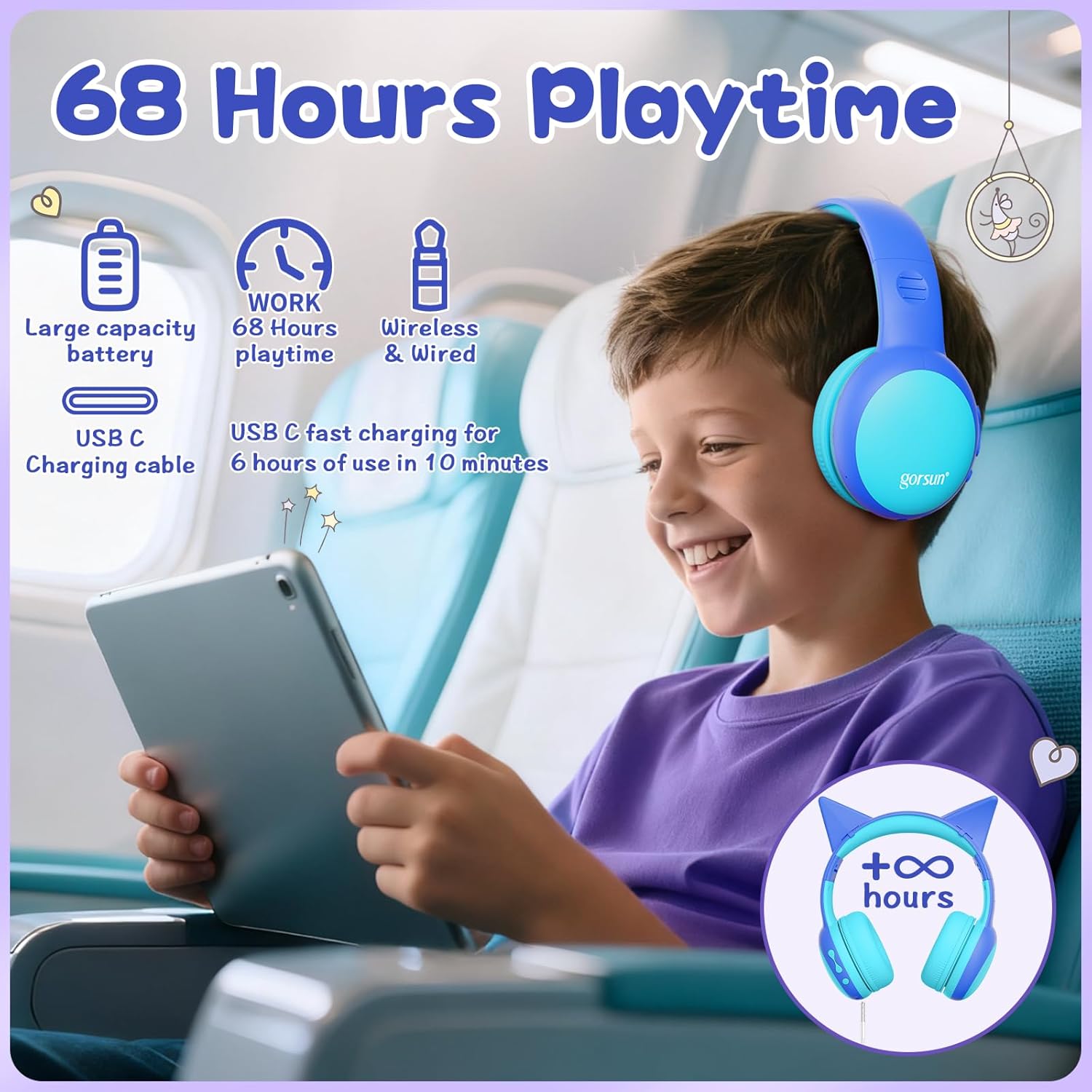
Image: A child wearing the gorsun headphones on an airplane, with visual cues indicating 68 hours of playtime and USB-C fast charging capabilities.
2. Attaching/Detaching Cat Ears (Optional)
- To attach: Align the base of the cat ears with the slots on the headband and gently push until they click into place.
- To detach: Gently pull the cat ears away from the headband.
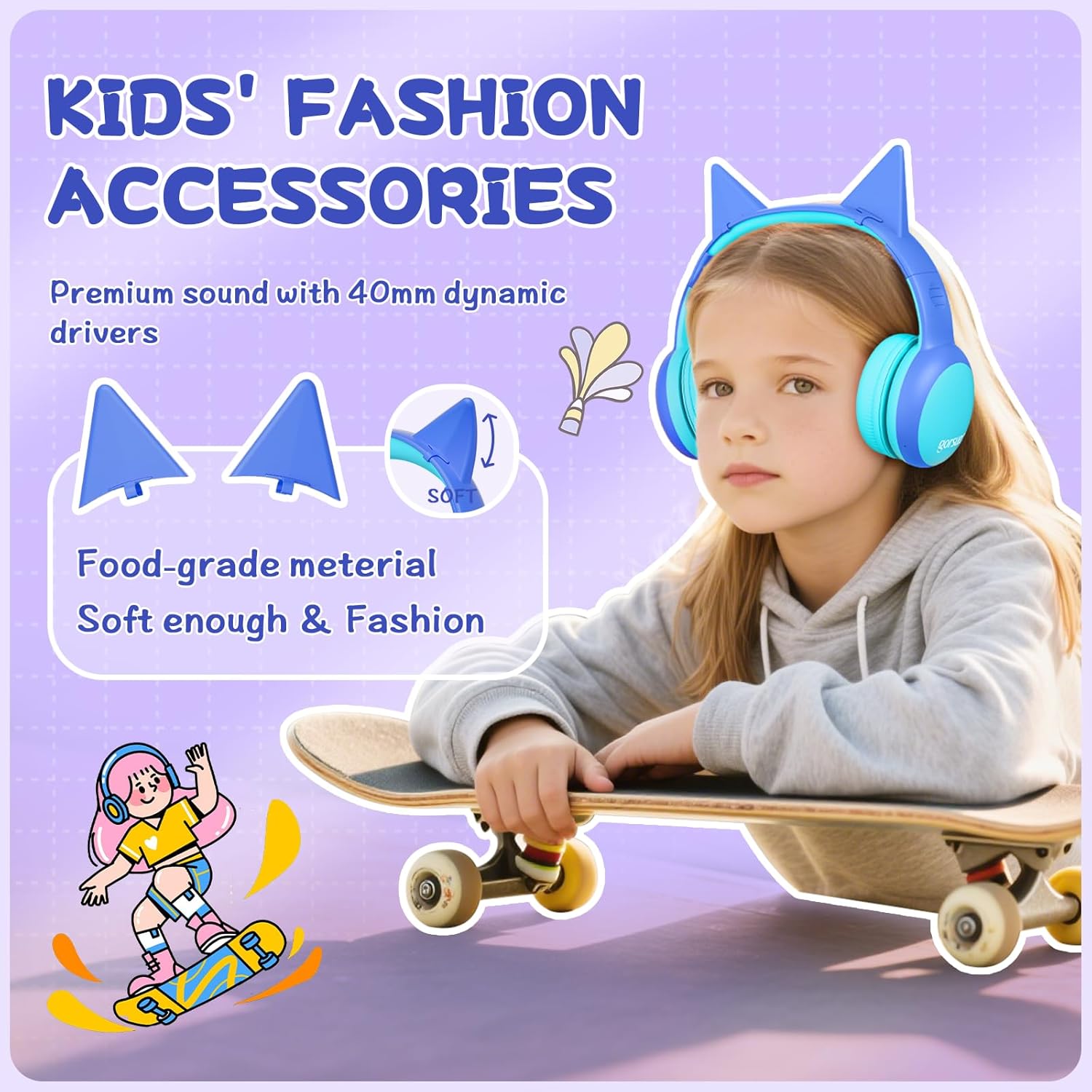
Beeld: 'n Gedetailleerde view of the gorsun headphones, highlighting the detachable cat ears and the internal 40mm dynamic drivers for sound quality.
3. Aanpassing van die kopband
The headband is 8-level adjustable. Gently slide the earcups up or down to find a comfortable and secure fit for the user's head.

Image: A visual representation of the gorsun headphones' comfort features, including the ±10° adaptive swivel earcups, 8-position adjustable headband, and skin-friendly soft earmuffs.
Bedryfsinstruksies
1. Skakel aan/af
- To Power On: Press and hold the Power Button (MFB) until the indicator light flashes.
- To Power Off: Press and hold the Power Button (MFB) until the indicator light turns off.
2. Bluetooth-koppeling
- Maak seker dat die oorfone afgeskakel is.
- Press and hold the Power Button (MFB) for approximately 5 seconds until the indicator light flashes red and blue alternately, indicating pairing mode.
- On your device (smartphone, tablet, laptop), enable Bluetooth and search for "gorsun E61" (or similar).
- Select "gorsun E61" to connect. Once paired, the indicator light will flash blue slowly.

Image: The gorsun headphones displayed alongside various compatible devices such as iPads, laptops, PCs, phones, and Nintendo Switch, emphasizing Bluetooth 5.1 connectivity.
3. Bedrade modus
If the battery is low or Bluetooth is not available, you can use the provided 3.5mm audio cable:
- Plug one end of the 3.5mm audio cable into the headphone's 3.5mm audio input port.
- Plug the other end into your audio device's 3.5mm jack.
- Die oorfone sal outomaties na bedrade modus oorskakel.
4. Volumebeheer en spoornavigasie
- Volume op: Druk kort op die "+" knoppie.
- Volume af: Druk kort op die "-" knoppie.
- Volgende snit: Druk die "+" knoppie lank.
- Vorige snit: Druk die "-" knoppie lank.
- Speel/pouse: Short press the Power Button (MFB).
5. Answering/Ending Calls
- Beantwoord/beëindig oproep: Short press the Power Button (MFB).
- Verwerp oproep: Long press the Power Button (MFB).
6. Volume Limiting Modes (85dB/94dB)
The headphones feature dual volume limits for safe listening:
- Study Mode (85dB): Ideal for quieter environments.
- Travel Mode (94dB): Suitable for noisy environments.
- To switch between modes: Double-tap the Power Button (MFB). A voice prompt will confirm the mode change.

Image: A visual guide to the dual-mode volume control, showing a child using the headphones in "Travel Mode" (94dB) on an airplane and another child in "Study Mode" (85dB) while reading, with instructions to double-press the power button to switch modes.
Onderhoud
- Skoonmaak: Gebruik 'n sagte, droë lap om die oorfone skoon te maak. Moenie harde chemikalieë of skuurmiddels gebruik nie.
- Berging: When not in use, fold the headphones and store them in the provided travel pouch to protect them from dust and damage.
- Vermy vog: Keep the headphones away from water and excessive humidity. They are not water-resistant.
- Hanteer versigtig: Vermy om die oorfone te laat val of aan harde impakte bloot te stel.
Probleemoplossing
Geen krag
- Maak seker dat die oorfone volledig gelaai is. Koppel hulle aan 'n kragbron met die USB-C-kabel.
- Check if the charging cable and power source are working correctly.
Kan nie via Bluetooth koppel nie
- Make sure the headphones are in pairing mode (indicator light flashing red and blue alternately).
- Maak seker dat Bluetooth op jou toestel geaktiveer is en dat dit binne 10 meter van die oorfone is.
- Turn off and on the Bluetooth function on your device, then try pairing again.
- Indien voorheen gekoppel, probeer om die toestel op jou foon se Bluetooth-instellings te "vergeet" en weer te koppel.
No Sound in Wired Mode
- Ensure the 3.5mm audio cable is securely plugged into both the headphones and your audio device.
- Check if the volume on both the headphones and your audio device is turned up.
- Test the audio cable with another device if possible to rule out a faulty cable.
Sound is Too Low/High
- Adjust the volume using the "+" and "-" buttons on the headphones.
- Check the volume settings on your connected audio device.
- Ensure the correct volume limiting mode (85dB/94dB) is selected by double-tapping the Power Button (MFB).
Spesifikasies
| Kenmerk | Detail |
|---|---|
| Model | E61 |
| Konnektiwiteit | Bluetooth 5.1, 3.5mm AUX (Wired) |
| Bluetooth-reeks | Tot 10 meter (33 voet) |
| Volume limiet | 85dB / 94dB (Switchable) |
| Speeltyd | Up to 68 hours (Bluetooth) |
| Laai tyd | Ongeveer. 2 uur |
| Laaipoort | USB-C |
| Bestuurder grootte | 40 mm dinamiese drywers |
| Impedansie | 32 ohm |
| Sensitiwiteit | 85 dB |
| Frekwensiereeks | 20-20,000 Hz |
| Mikrofoon | Built-in HD Microphone |
| Oorplasing | Oor-oor |
| Materiaal | Akrielnitril Butadieen Styreen (ABS) |
| Gewig | 0.3 kilogram |
| Kenmerke | Foldable, Adjustable Headband, Swivel Earcups, Detachable Cat Ears, Sound Isolation |
Waarborg inligting
gorsun provides a 12 maande waarborg from the date of purchase against defects in materials and workmanship. This warranty does not cover damage caused by misuse, accident, unauthorized modification, or normal wear and tear. Please retain your proof of purchase for warranty claims.
Kliënte ondersteuning
For any questions, technical support, or warranty claims, please contact gorsun customer service through the retailer where you purchased the product or visit the official gorsun webwebwerf vir kontakinligting.
Ons is daartoe verbind om jou die beste moontlike ervaring te bied.