
1. Inleiding
Thank you for choosing the gorsun Kids Bluetooth Headphones. This manual provides essential information for the safe and effective use of your headphones. Please read it carefully before use and retain it for future reference.
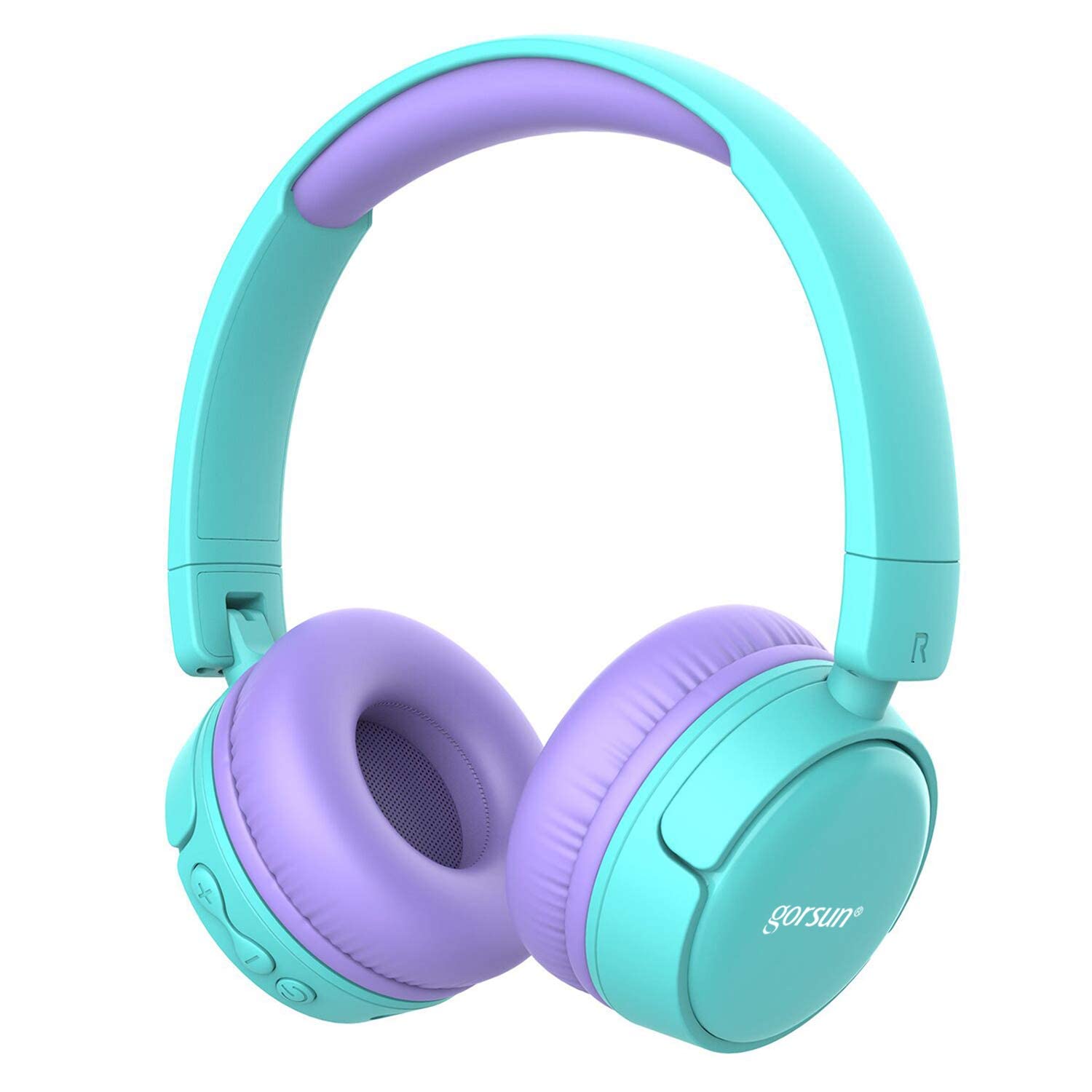
Image: gorsun Kids Bluetooth Headphones in purple and teal, showcasing die algehele ontwerp.
2. Pakketinhoud
Maak seker dat alle items in die pakket teenwoordig is:
- 1 x gorsun Kids Bluetooth Headphones
- 1 x USB-laaikabel
- 1 x 3.5 mm oudiokabel
- 1 x Gebruikershandleiding (hierdie dokument)
- 1 x Drasak

Image: The product box and its contents, including the headphones, USB charging cable, 3.5mm audio cable, and a black carrying bag.
3. Opstelling
3.1 Laai die oorfone
Before first use, fully charge the headphones. Connect the small end of the USB charging cable to the charging port on the headphones and the larger end to a USB power source (e.g., computer, wall adapter). The charging indicator light will show the charging status. A full charge takes approximately 1 hour.
3.2 Krag aan/af
- Om aan te skakel: Druk en hou die aan/af-knoppie vir ongeveer 3 sekondes totdat die aanwyserliggie flikker.
- Om af te skakel: Druk en hou die aan/af-knoppie vir ongeveer 3 sekondes totdat die aanwyserliggie afskakel.
3.3 Bluetooth -koppeling
- Maak seker dat die oorfone afgeskakel is.
- Press and hold the Power button for about 5-7 seconds until the indicator light flashes red and blue alternately. This indicates pairing mode.
- Aktiveer Bluetooth op jou toestel (slimfoon, tablet, skootrekenaar) en soek vir beskikbare toestelle.
- Select "gorsun Kids Headphones" from the list of found devices.
- Sodra dit gekoppel is, sal die aanwyserliggie stadig blou flikker.
Die oorfone sal outomaties probeer om weer aan die laaste gekoppelde toestel te koppel wanneer dit aangeskakel word.
3.4 Bedrade verbinding
To use the headphones in wired mode, connect one end of the 3.5mm audio cable to the audio input jack on the headphones and the other end to your audio device's 3.5mm output jack. The Bluetooth function will automatically disable when the audio cable is connected.
3.5 Volume Limiter Adjustment
These headphones feature a volume limiter to protect children's hearing. You can switch between 85dB (Child Safety Mode) and 93dB (Flight Mode) depending on the environment.

Beeld: 'n Nabyskoot view of the gorsun Kids Bluetooth Headphones, highlighting the volume adjuster switch on the earcup, which allows selection between 85dB and 93dB modes.
Locate the volume adjuster switch on the earcup and slide it to your desired volume limit setting.
4. Bedryfsinstruksies
4.1 Basiese kontroles
- Speel/pouse: Druk die aan / uit -knoppie een keer.
- Volume op: Druk die "+"-knoppie.
- Volume af: Druk die "-" knoppie.
- Volgende snit: Druk en hou die "+" knoppie in.
- Vorige snit: Druk en hou die "-" knoppie in.
4.2 Telefoonoproepe
With the built-in microphone, you can manage phone calls when connected via Bluetooth:
- Beantwoord/beëindig oproep: Druk die aan / uit -knoppie een keer.
- Verwerp oproep: Druk en hou die Power-knoppie vir 2 sekondes.
- Herbel laaste nommer: Dubbeldruk die aan/uit-knoppie.
4.3 Compatible Sharing Jack-Port
These headphones feature a sharing jack-port, allowing two or more headphones to be connected to a single audio source using standard 3.5mm Aux cables (one cable per additional headphone). This enables multiple users to listen to the same audio simultaneously.
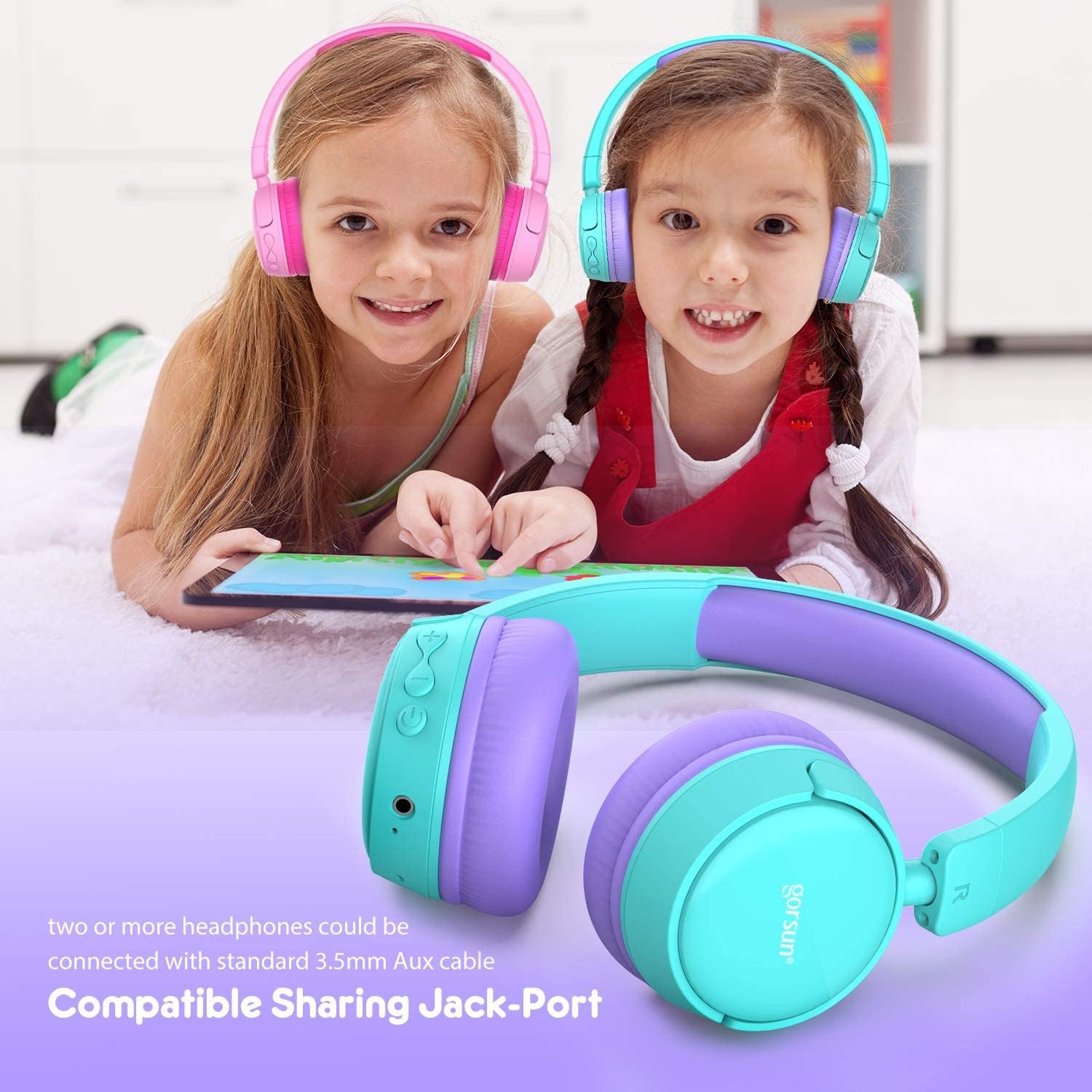
Image: Two children wearing gorsun Kids Bluetooth Headphones, connected together with an audio cable to share sound from a tablet, demonstrating the sharing jack-port feature.
5. Onderhoud
5.1 Skoonmaak
Wipe the headphones with a soft, dry cloth. Do not use harsh chemicals or abrasive cleaners. Avoid getting moisture into any openings.
5.2 Berging
When not in use, store the headphones in the provided carrying bag to protect them from dust and scratches. The headphones are foldable for compact storage.

Image: The gorsun Kids Bluetooth Headphones shown in a folded position, illustrating their compact design for easy storage and portability.
5.3 Batterysorg
To prolong battery life, avoid fully discharging the headphones frequently. Charge them regularly, even if not in constant use. Store in a cool, dry place away from extreme temperatures.

Image: A detailed breakdown of the headphone's comfortable features, including protein sponge padding, an adjustable headband with numbered markings, soft protein ear cushions, and a polished outer casing.
6. Probleemoplossing
- Oorfone skakel nie aan nie: Ensure the headphones are charged. Connect to a power source using the USB cable.
- Kan nie via Bluetooth koppel nie: Make sure the headphones are in pairing mode (red and blue flashing light). Ensure Bluetooth is enabled on your device and it is within 10 meters of the headphones. Turn off and on both devices and try again.
- Geen klank nie: Check the volume level on both the headphones and your connected device. Ensure the headphones are properly paired or the 3.5mm audio cable is fully inserted.
- Poor sound quality or connection drops: Move closer to your Bluetooth device to reduce interference. Ensure there are no obstacles between the headphones and the device. Disconnect and re-pair the headphones.
- Mikrofoon werk nie: Ensure the headphones are properly connected via Bluetooth. Check your device's audio input settings to confirm the headphone microphone is selected.
7. Spesifikasies
| Kenmerk | Spesifikasie |
|---|---|
| Modelnommer | f0b6f738-96a2-4a17-9d00-ed2fa798fbe0 |
| Konnektiwiteit | Wireless (Bluetooth 4.0), Wired (3.5mm Aux) |
| Bluetooth-reeks | Tot 10 meter (33 voet) |
| Batterylewe | Tot 15 uur |
| Laai tyd | Ongeveer 1 uur |
| Volume beperker | 85dB (Child Safety Mode) / 93dB (Flight Mode) |
| Frekwensierespons | 20 Hz - 20 kHz |
| Materiaal | Plastiek, silikoon |
| Item gewig | 10.6 onse (300 gram) |
| Produk afmetings | 6.69 x 6.5 x 0.18 duim |
| Spesiale kenmerke | Lightweight, Built-in Microphone, Foldable Design, Sharing Jack-Port |
8. Waarborginligting
gorsun products are designed and manufactured to the highest quality standards. This product is covered by a limited warranty from the date of purchase. Please refer to the warranty card included in your package or contact customer support for detailed warranty terms and conditions.
9. Kliëntediens
For any questions, technical assistance, or warranty claims, please contact gorsun customer support through the retailer where you purchased the product or visit the official gorsun webwebwerf vir kontakinligting.