
Inleiding en oorview
The Jaybird Vista 2 True Wireless Bluetooth Headphones are designed for active lifestyles, offering premium sound, active noise cancellation, and robust durability. This manual provides essential information for setting up, operating, and maintaining your headphones.
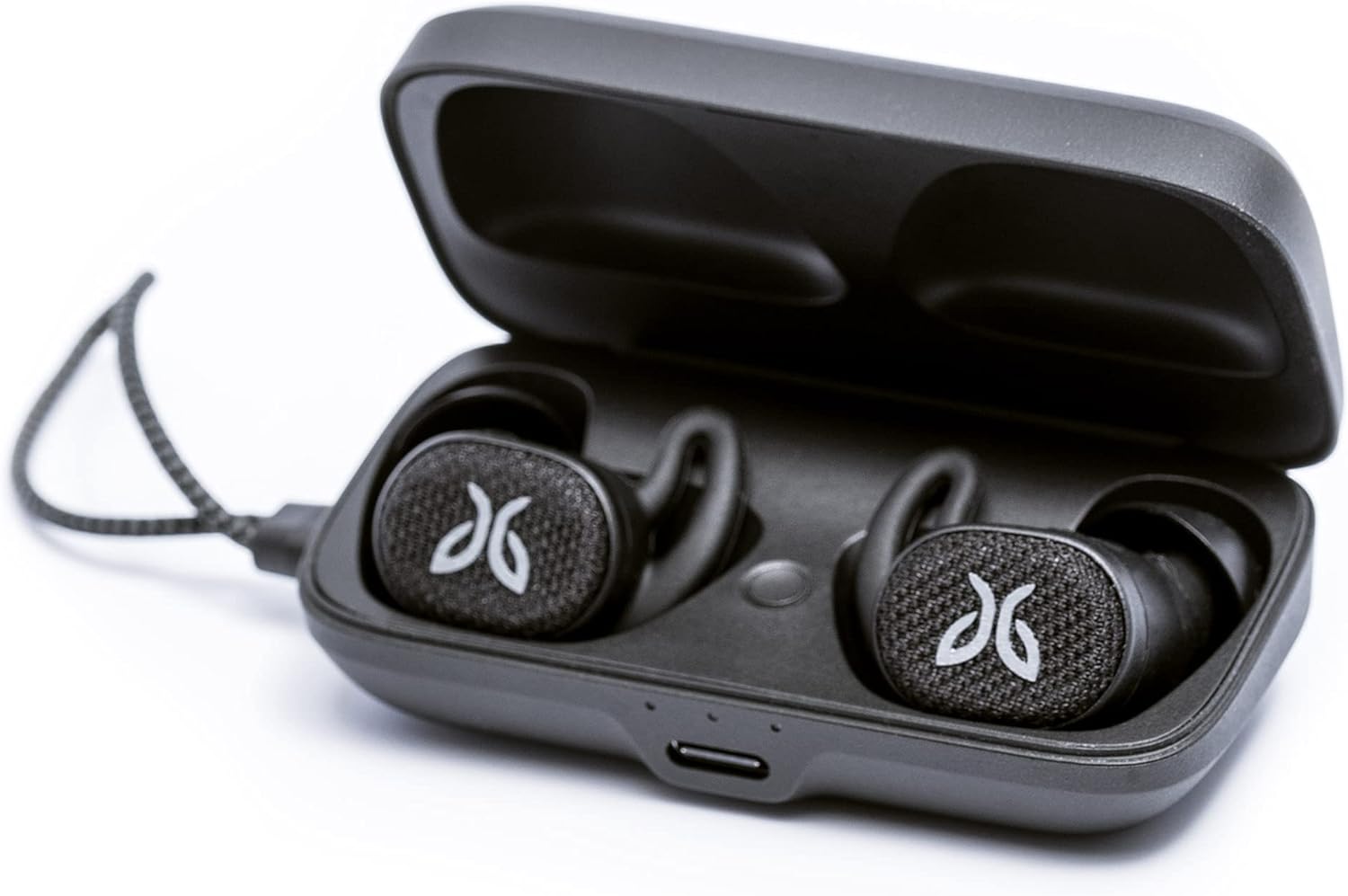
Image: Jaybird Vista 2 headphones resting in their open black charging case, showcasing hul kompakte ontwerp.
Wat is in die boks
- Vista 2 Totally Wireless Sport Headphones
- Secure-Fit Eargels: 1/2/3 (Small, Medium, Large)
- Aanklag geval
- USB C-laaikabel

Image: All included components of the Jaybird Vista 2 package, neatly arranged on a surface.
Opstelling
Aanvanklike paring
- Ensure your headphones are charged (refer to Battery and Charging section).
- Maak die laaikas oop.
- Press and hold the button inside the charging case until the LED indicator starts blinking white, indicating pairing mode.
- On your device (smartphone, tablet, etc.), go to Bluetooth settings and select
Ask a question about this manual
Ask about setup, troubleshooting, compatibility, parts, safety, or missing instructions. Manuals+ will review the question and use this page’s manual context to help answer it.