
Logitech M510
Logitech M510 Draadlose Muis Instruksiehandleiding
Model: M510 | Handelsmerk: Logitech
Produk verbyview
The full-size Logitech Wireless Mouse M510 provides enhanced control and comfort for laptop and PC users. Its ergonomic design with contoured shape and soft rubber grips ensures support for extended use. This mouse features three standard buttons, plus programmable Back/Forward buttons for efficient application switching and full-screen navigation. Side-to-side scrolling and zoom functionality allow for versatile horizontal and vertical navigation through various content types.
Sleutel kenmerke
- Verlengde batterylewe: Up to 2 years of battery life, with an On/Off switch and smart sleep mode to conserve power.
- Logitech Unifying-ontvanger: A tiny USB receiver that stays in your laptop, allowing easy addition of compatible wireless mice or keyboards.
- Battery -aanwyserlig: Top-mounted indicator to prevent unexpected power loss.
- Ergonomiese gerief: Contoured shape with soft rubber grips, gently curved sides, and a broad palm area for all-day support.
- Programmeerbare kontroles: Three standard buttons plus customizable Back/Forward buttons for enhanced productivity, including application switching and full-screen mode.
- Versatile Scrolling: Side-to-side scrolling and zoom for horizontal and vertical navigation.
- Breë versoenbaarheid: Compatible with Windows 10, 11 or later, Linux, and Chrome OS.
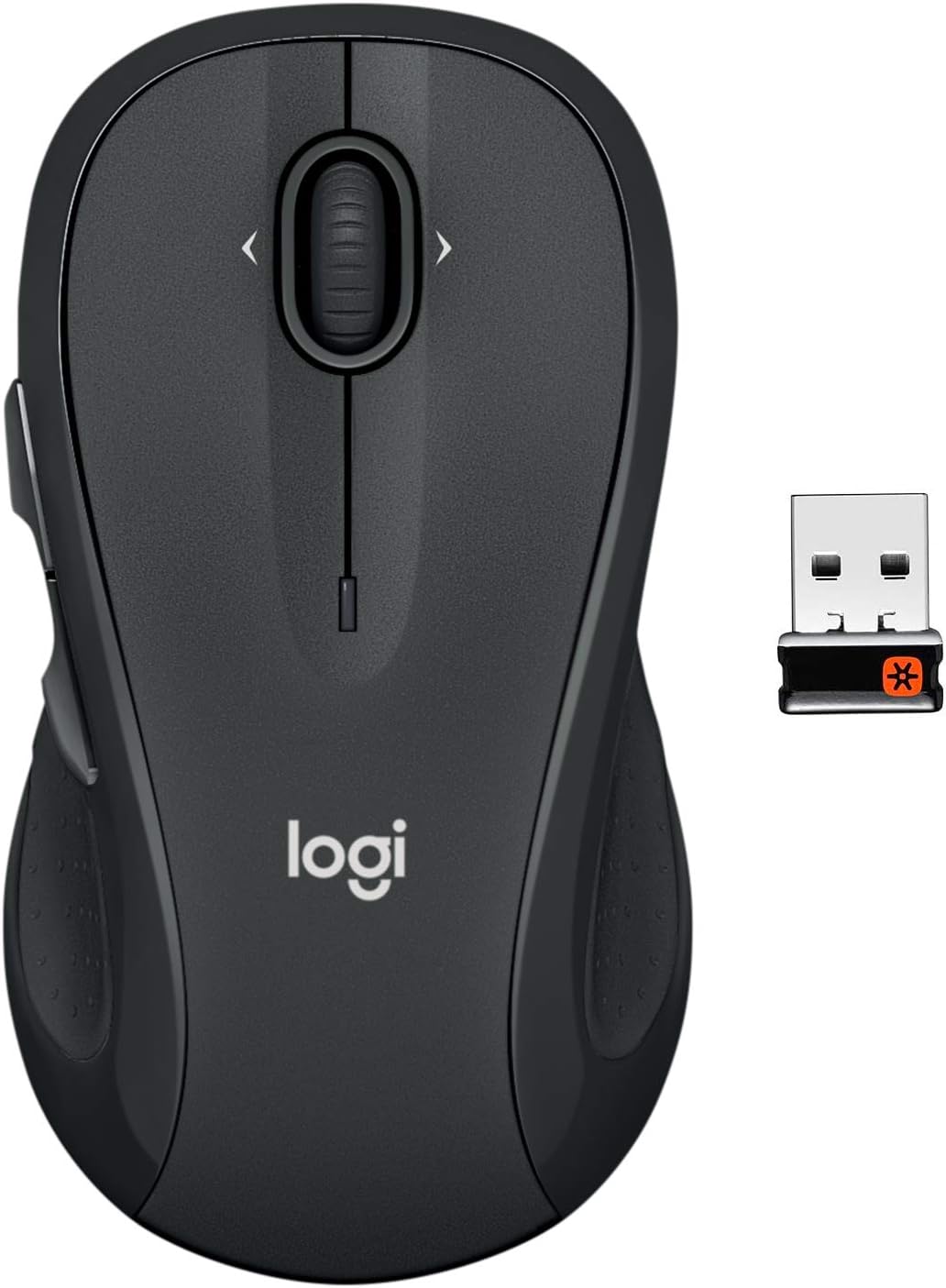
The Logitech M510 Wireless Mouse with its compact Unifying Receiver.
Opstelling
Pakketinhoud
- Logitech Unifying-ontvanger
- 2 AA batterye
Battery installasie
The Logitech M510 mouse comes with two AA batteries included. To install or replace batteries:
- Flip the mouse over to reveal the battery compartment on the underside.
- Skuif die batterykompartement se deksel af.
- Plaas die twee AA-batterye in en maak seker dat die polariteit (+/-) korrek is.
- Plaas die deksel van die batterykompartement terug.

Open the battery compartment to insert or replace AA batteries.
Verbind die Verenigende Ontvanger
The tiny Logitech USB Unifying receiver allows for a reliable wireless connection. It is designed to stay plugged into your laptop without interference.
- Locate the Unifying receiver, typically stored inside the mouse's battery compartment.
- Koppel die Unifying-ontvanger aan 'n beskikbare USB-poort op jou rekenaar.
- Skakel die muis aan met die Aan/Af-skakelaar wat aan die onderkant geleë is.
- Jou rekenaar behoort die muis outomaties op te spoor en daaraan te koppel.

Key features and components of the Logitech M510 mouse.
Gebruik van jou Logitech M510-muis
Ergonomiese ontwerp
The Logitech M510 is designed for comfort, allowing your hand to relax hour after hour. Its contoured shape with soft rubber grips and gently curved sides provides excellent support.

The ergonomic design ensures comfortable use for extended periods.
Knoppie Funksies
The M510 features multiple buttons for enhanced control:
- Links/Regs Klik: Standaard muisfunksies.
- Rolwiel: Vir vertikale blaai.
- Programmable Back/Forward Buttons: Located on the side, these buttons can be customized to switch applications, go full screen, or perform other functions.

The M510 offers customizable controls for increased productivity.
Side-to-Side Scrolling and Zoom
The scroll wheel also supports side-to-side scrolling and zoom functionality, allowing you to navigate horizontally through documents, web pages, and images with ease.

Soft rubber grips and a versatile scroll wheel enhance usability.
Amptelike Produkvideo's
There are no official