
1. Produk verbyview
This manual provides instructions for the Senville 42-inch Oscillating Tower Fan, Model SENTF-19JRA. This appliance is designed to provide cooling airflow in indoor environments.
Sleutel kenmerke:
- Verstelbare Hoogte: The fan's height can be adjusted from 36 inches to 42 inches.
- Afstandbeheer: Includes a remote for convenient operation.
- Timer funksie: Features a built-in timer for scheduled operation.
- Veelvuldige spoedinstellings: Offers 3 fan speed settings.
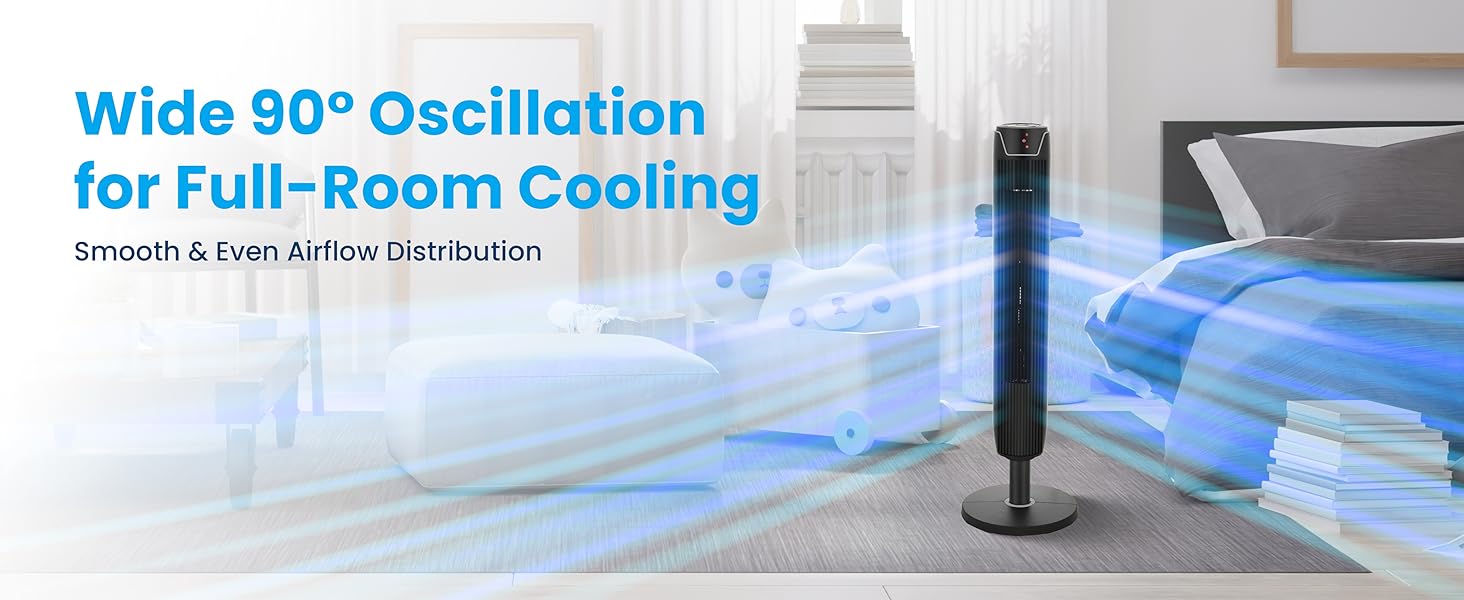
- ossillasie: Provides wide oscillation for broad air distribution.
2. Belangrike veiligheidsinstruksies
Lees alle instruksies voordat u hierdie toestel gebruik. Versuim om hierdie instruksies te volg, kan lei tot elektriese skok, brand of ernstige besering.
Algemene veiligheidsmaatreëls:
- Always unplug the fan before cleaning, servicing, or relocating.
- Moenie die waaier met 'n beskadigde koord of prop gebruik nie. Kontak kliëntediens indien die koord of prop beskadig is.
- Hou kinders en troeteldiere weg van die waaier tydens werking.
- Moenie vingers of ander voorwerpe deur die rooster steek terwyl die waaier aan die gang is nie.
- Place the fan on a stable, level surface to prevent tipping.
- Moenie die waaier in nat of damp plekke, soos badkamers.
- Maak seker dat die kragtoevoer ooreenstem met die voltage specified on the fan's rating label (110 Volts).
- Hierdie produk bevat chemikalieë wat aan die staat Kalifornië bekend is om kanker en geboortedefekte of ander reproduktiewe skade te veroorsaak (Proposisie 65 waarskuwing).
3. Pakketinhoud
Verifieer dat alle komponente in die verpakking teenwoordig is:
- Toringwaaier-eenheid
- Basisplaat
- Remote Control (2 AAA batteries not included)
- Gebruikershandleiding
4. Produkkomponente

Figure 4.1: Senville Tower Fan and Remote Control.
Beheerpaneel
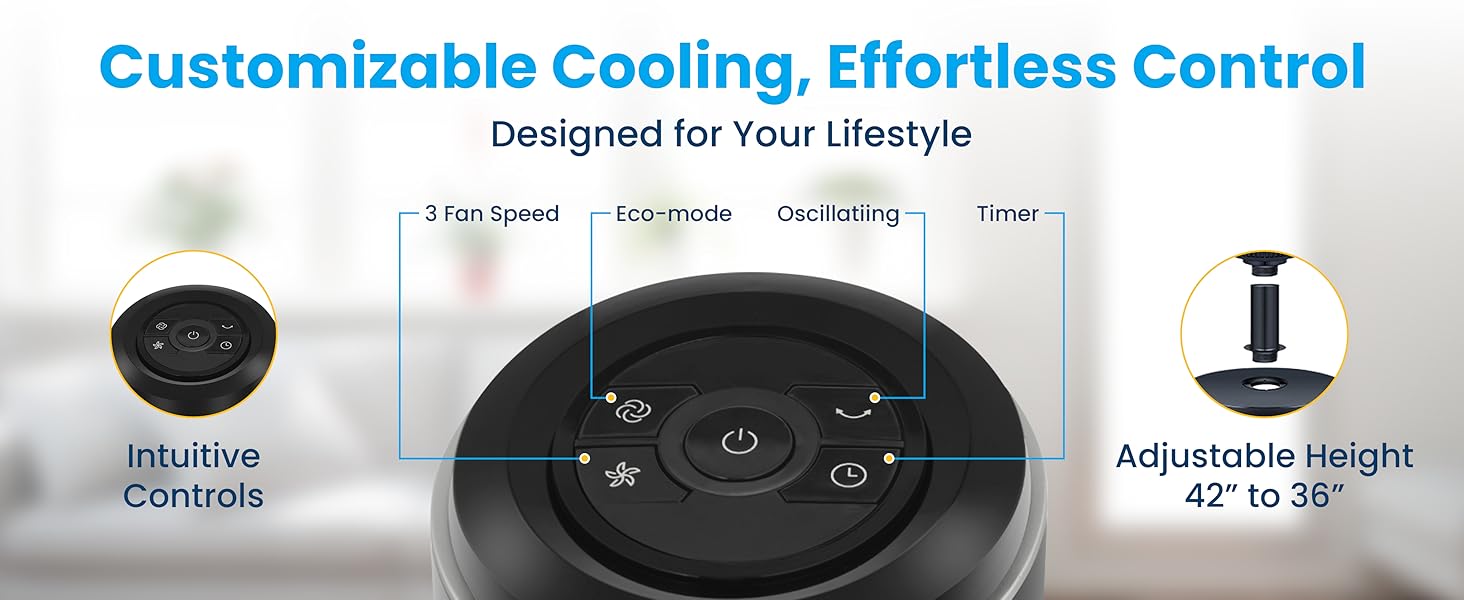
Figure 4.2: Top-mounted control panel with touch buttons for various functions.
Afstandbeheer
Figuur 4.3: Afstandbeheer vir gerieflike werking.
5. Monteer-instruksies
Follow these steps to assemble your Senville Tower Fan:
- Verwyder alle komponente versigtig uit die verpakking.
- Locate the large plastic nut on the bottom of the tower fan unit. Belangrik: This nut must be removed before attaching the base. Twist counter-clockwise to remove.
- Align the tower fan unit with the base plate. Ensure the power cord passes through the center hole of the base plate.
- Secure the base plate to the tower fan unit using the large plastic nut previously removed. Twist clockwise until securely tightened.
- Adjust the fan's height if desired. The fan can be set to either 36 inches or 42 inches. To adjust, gently pull the upper section upwards or push downwards until it clicks into the desired position.
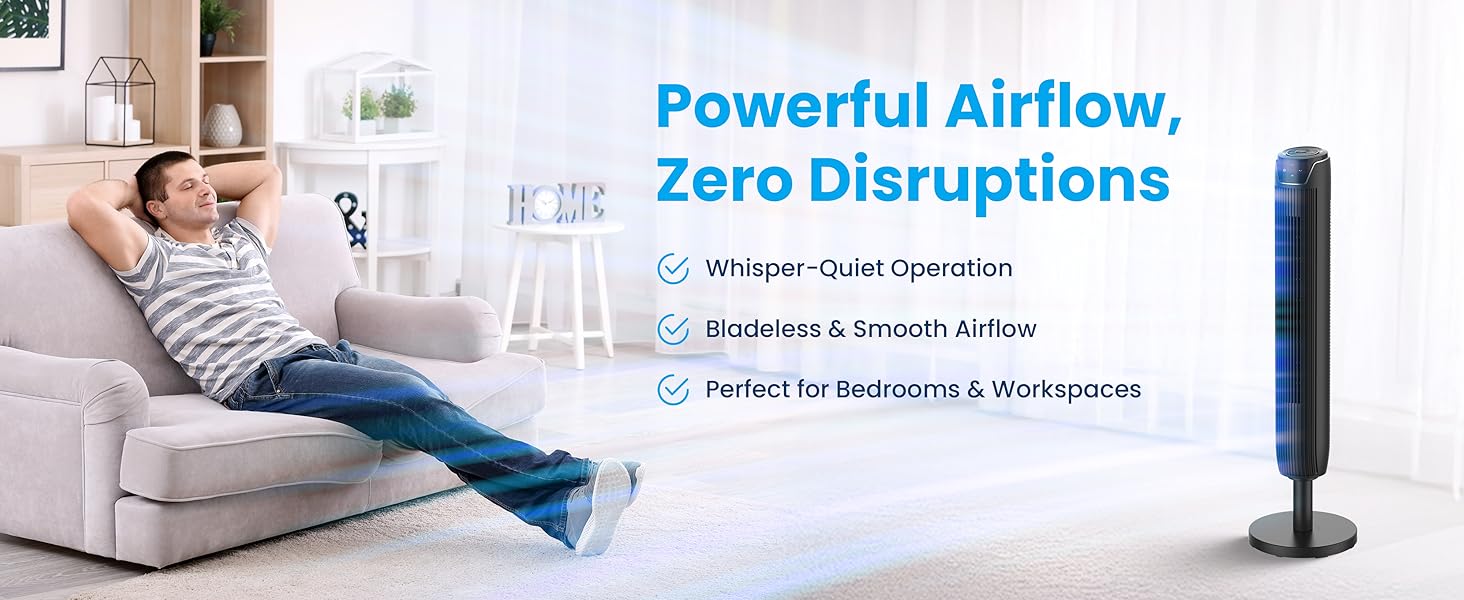
Figure 5.1: Adjustable height mechanism.
6. Bedryfsinstruksies
Skakel aan/af
- Steek die kragkabel in 'n standaard 110V AC-aansluiting.
- Druk die Kragknoppie () op die beheerpaneel of afstandbeheerder om die waaier aan of af te skakel.
Ventilatorspoedinstellings
The fan has 3 speed settings: Low, Medium, and High.
- Druk die Spoed knoppie (
 ) repeatedly to cycle through the speed settings. The LED display will indicate the current speed.
Ossillasie funksie
The fan can oscillate to distribute air across a wider area.
- Druk die Ossillasie knoppie () to start or stop the oscillation.

Figure 6.1: Wide 90-degree oscillation for broad coverage.
Timer funksie
Set the fan to automatically turn off after a specified period (up to 7 hours).
- Druk die Timer knoppie () repeatedly to select the desired operating time in 1-hour increments. The LED display will show the set time.
Eko-modus
The fan features an Eco Mode for energy efficiency.
- Druk die Eko-modus-knoppie () to activate or deactivate Eco Mode. In this mode, the fan adjusts its speed automatically to optimize energy consumption.
7. Sorg en Onderhoud
Regular cleaning and proper storage will help maintain the fan's performance and extend its lifespan.
Skoonmaak:
- Ontkoppel altyd die waaier voordat dit skoongemaak word.
- Gebruik 'n sagte, damp lap om die buite-oppervlaktes van die waaier af te vee. Moenie skuurmiddels of oplosmiddels gebruik nie.
- Gebruik 'n stofsuier met 'n borselaanhegsel om stof van die luginlaat- en uitlaatroosters te verwyder.
- Maak seker dat die waaier heeltemal droog is voordat jy dit weer inprop en gebruik.
Berging:
- If storing the fan for an extended period, unplug it and clean it thoroughly.
- Store the fan in its original packaging or a protective cover in a cool, dry place.
8. Probleemoplossingsgids
Verwys na die tabel hieronder vir algemene probleme en hul oplossings.
| Probleem | Moontlike oorsaak | Oplossing |
|---|---|---|
| Die waaier skakel nie aan nie. | Geen kragtoevoer. | Maak seker dat die kragkabel stewig in 'n werkende stopcontact ingeprop is. Kontroleer die stroombreker. |
| Die waaier maak 'n ongewone geluid. | Dust accumulation or loose parts. | Unplug the fan and clean the grilles. Ensure the base is securely attached. If rattling persists, apply a small amount of lubricant (e.g., WD-40) to the top and bottom spinning posts. |
| Afstandbeheer werk nie. | Dooie batterye of obstruksie. | Replace the 2 AAA batteries in the remote control. Ensure there are no obstructions between the remote and the fan's sensor. |
| Swak lugvloei. | Fan speed too low or blocked grilles. | Increase the fan speed setting. Clean any dust or debris from the air intake and exhaust grilles. |
9. Tegniese spesifikasies
| Spesifikasie | Detail |
|---|---|
| Handelsmerk | Senville |
| Model Naam | SENTF-19JRA |
| Kleur | Swart |
| Produk afmetings | 7" D x 7" B x 42" H |
| Verstelbare Hoogte | 36" tot 42" |
| Kragbron | AC |
| Voltage | 110 Volt |
| Wattage | 50 watt |
| Aantal spoedvlakke | 3 |
| Afteller | Tot 7 uur |
| Beheer metode | Afstandbeheer, aanraakpaneel |
| Item gewig | 11 pond (5 kilogram) |
| Binne/buiteluggebruik | Binneshuise |
| Sertifisering | ETL |
10. Waarborginligting
The Senville SENTF-19JRA Tower Fan is backed by a 1-jaar vervaardigerswaarborgHierdie waarborg dek defekte in materiaal en vakmanskap onder normale gebruik. Bewaar asseblief u bewys van aankoop vir waarborgeise.
For additional protection, extended protection plans may be available for purchase:
- 3-jaar beskermingsplan
- 4-jaar beskermingsplan
- Complete Protect (covers multiple eligible purchases)
11. Kliëntediens
For technical support, warranty inquiries, or assistance with your Senville Tower Fan, please contact Senville customer service. Complimentary technical support is available.
Visit the official Senville webwebwerf vir kontakinligting of verwys na u aankoopdokumentasie.
Senville Store: Senville Amazon Store