
1. Inleiding
Thank you for choosing the Thomson Wireless Video Doorphone 512268. This system provides a convenient and secure way to monitor and communicate with visitors at your door. Featuring wireless connectivity, night vision, and a portable indoor monitor, this device enhances your home security and communication. Please read this manual carefully before installation and operation to ensure proper use and to maximize the product's lifespan.
2. Veiligheidsinstruksies
- Maak seker dat alle kragbronne afgeskakel is voor installasie of onderhoud.
- Do not expose the outdoor unit to extreme temperatures or direct water immersion. It is designed to be weather-resistant, not waterproof.
- Use only the power adapters supplied by Thomson.
- Hou die toestel weg van sterk elektromagnetiese velde.
- Moenie probeer om die eenheid self uitmekaar te haal of te herstel nie. Kontak gekwalifiseerde dienspersoneel.
- Gooi batterye en elektroniese komponente verantwoordelik weg volgens plaaslike regulasies.
3. Pakketinhoud
Verifieer dat alle items in die pakket teenwoordig is:
- 1x 18 cm (7-inch) Color WLAN Video Monitor
- 1x Door Intercom (Outdoor Unit)
- 1x Antenna for the Door Station
- 1x 1m Coaxial Cable with Connector for the Door Station
- 1x 230 VAC/5 VDC Power Adapter for the Monitor
- Monteringshardeware (skroewe, muurproppe)
- Gebruikershandleiding
4. Opstelling
4.1. Door Station Installation
The door station is designed for outdoor wall mounting. Choose a location that provides a clear view of visitors and is protected from direct heavy rainfall if possible. The unit can be powered either by batteries (6x LR06/AA, not included) for wireless operation or via a wired connection (power adapter not included for wired outdoor unit). Ensure the antenna is securely connected to the door station.

Image: The outdoor door station is designed to withstand outdoor conditions, including rain.

Image: The outdoor unit with its external antenna for enhanced signal range.
4.2. Monitoropstelling
The 7-inch color monitor is for indoor use. Connect the provided 230 VAC/5 VDC power adapter to the monitor and plug it into a wall outlet. The monitor has an internal rechargeable battery allowing for portable use within the home. Place the monitor on a stable surface or mount it on a wall using appropriate hardware (not included for monitor wall mount).
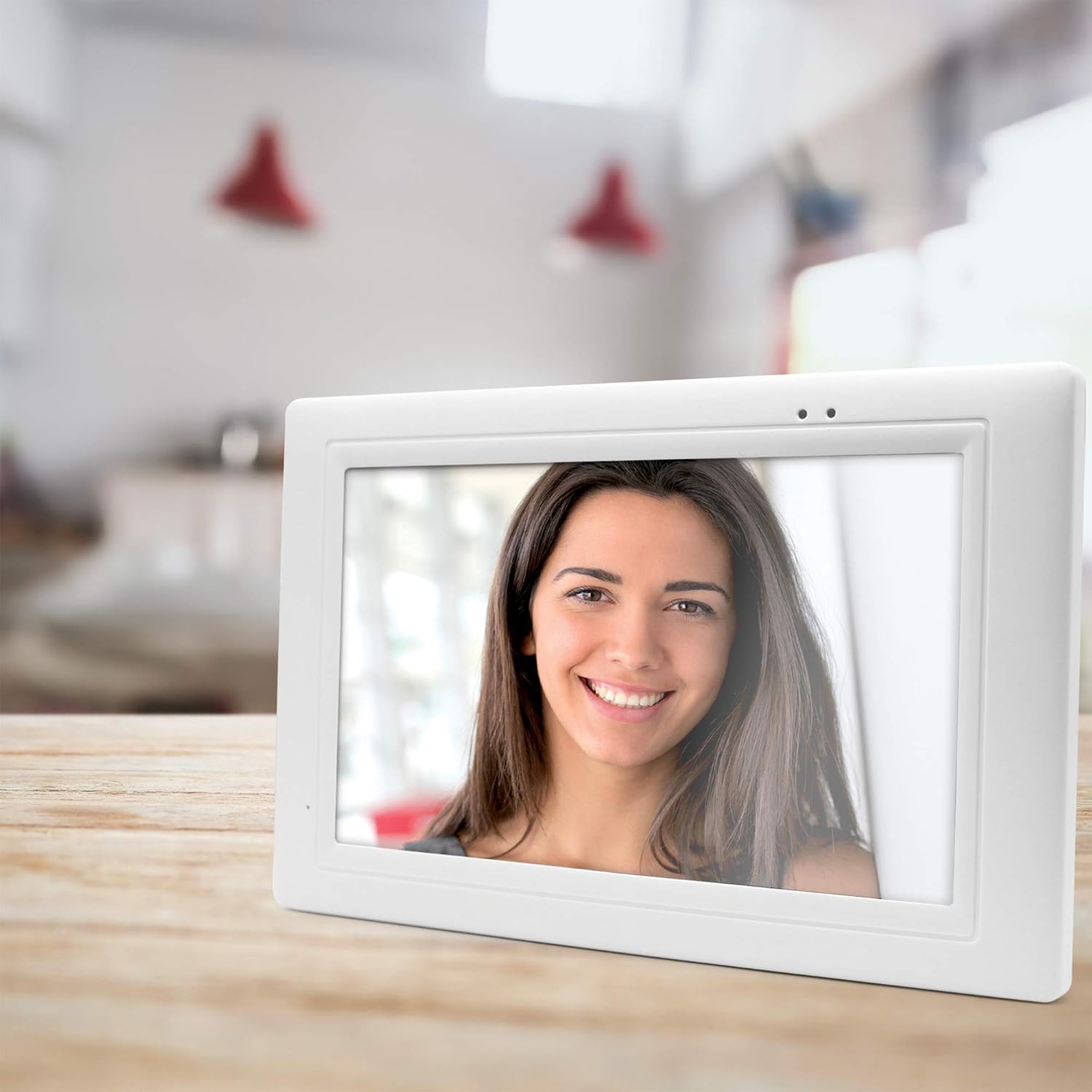
Image: The indoor monitor unit can be placed on a flat surface.
4.3. Antenna Installation and Range Optimization
The external antenna for the door station is crucial for optimizing the wireless range, which can extend up to 300 meters in open areas. Mount the antenna in a position that minimizes obstructions between the door station and the indoor monitor. Use the provided 1m coaxial cable to connect the antenna to the door station. Proper antenna placement significantly improves signal strength and reliability.

Image: The wireless door station transmits signals to the indoor monitor.
5. Bedryfsinstruksies
5.1. Basiese werking
When a visitor presses the call button on the outdoor unit, the indoor monitor will ring and display the visitor's image. You can then communicate with the visitor using the monitor's built-in microphone and speaker. The monitor typically features touch controls for answering calls, viewing live feed, and other functions.
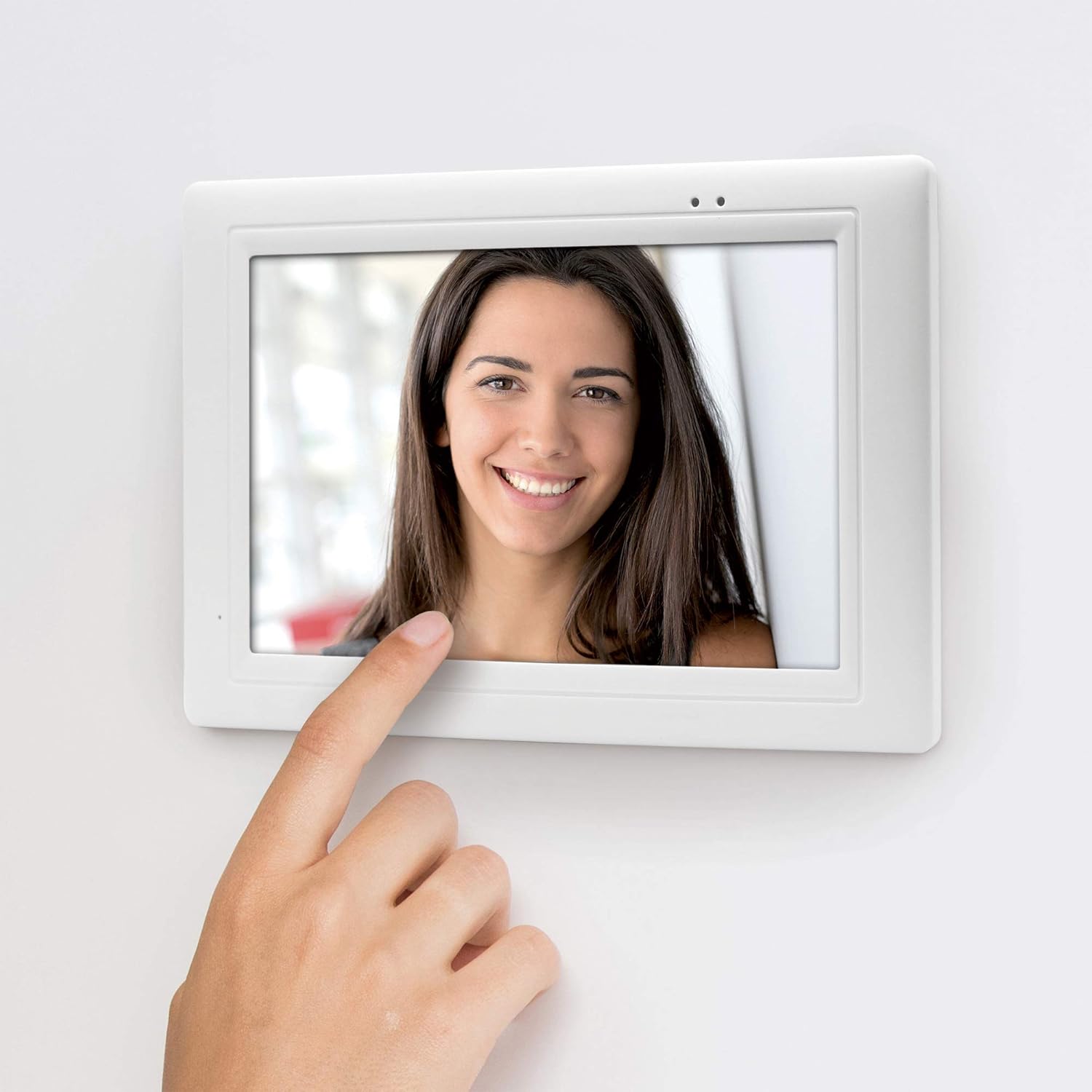
Image: Interacting with the monitor to view and communicate with visitors.
5.2. Nagvisie
The outdoor unit is equipped with invisible infrared (IR) LEDs, enabling clear color night vision. This feature automatically activates in low-light conditions, ensuring visibility of visitors even in complete darkness.
5.3. Video Recording and Photo Storage
The system has a memory function that allows you to store videos and photos of visitors. To utilize this feature, a Micro SD card (not supplied) must be inserted into the designated slot on the monitor. Refer to the on-screen menu for options to manually record or set up automatic recording upon visitor detection.
5.4. Smartphone Connectivity (If Applicable)
Some models may offer smartphone compatibility, allowing remote monitoring and interaction via a dedicated mobile application. Check the product packaging or Thomson's official website for information on app availability and setup instructions if this feature is desired.
6. Onderhoud
- Skoonmaak: Use a soft, dry cloth to clean the monitor and outdoor unit. Do not use abrasive cleaners or solvents.
- Battery Replacement (Outdoor Unit): If using battery power for the outdoor unit, replace the 6x LR06/AA batteries when the low battery indicator appears on the monitor. Ensure correct polarity.
- Antenna-kontrole: Periodically check the outdoor antenna connection and ensure it remains in an optimal position for signal reception.
7. Probleemoplossing
| Probleem | Moontlike oorsaak | Oplossing |
|---|---|---|
| Geen beeld/klank op monitor nie | Monitor not powered, outdoor unit batteries low/dead, out of range, poor antenna connection. | Check monitor power adapter. Replace outdoor unit batteries. Relocate monitor closer to outdoor unit. Adjust outdoor antenna position. |
| Poor image/sound quality | Interference, weak signal, obstructions. | Reduce distance between units. Ensure no large metal objects or thick walls are between units. Adjust antenna. |
| Outdoor unit not responding | Batteries dead, unit malfunction. | Vervang batterye. Kontak ondersteuning as die probleem voortduur. |
| Monitor not charging | Power adapter faulty, monitor port damaged. | Check power adapter connection. Try a different outlet. Contact support if issue persists. |
| Condensation inside outdoor unit | Extreme temperature changes, improper sealing. | Ensure unit is properly sealed during installation. If condensation persists and affects function, contact support. |
| Ringtone too low | Volume instellings. | Adjust the ringtone volume through the monitor's settings menu. |
8. Spesifikasies
| Kenmerk | Detail |
|---|---|
| Modelnommer | 512268 |
| Handelsmerk | THOMSON |
| Verbindingstegnologie | Draadloos |
| Spesiale kenmerke | Night Vision (Color Night Vision) |
| Outdoor Unit Use | Outdoor (Weather-resistant) |
| Indoor Monitor Use | Binneshuise |
| Kragbron | Outdoor Unit: Battery (6x LR06/AA, not included) or Wired (adapter not included). Monitor: Electric Cable (230 VAC/5 VDC adapter included) with internal rechargeable battery. |
| Montage tipe | Muurmontering |
| Video-opname-resolusie | 1080p |
| Wireless Range | Tot 300m (oop veld) |
| Monitor grootte | 18 cm (7 inches) Color WLAN Video Monitor |
| Afmetings (item) | 21 x 31 x 10 cm |
| Kragverbruik | 21.8 Watt |
| Aantal kanale | 4 |
| Interne Materiaal | Plastiek |
| Aanbevole gebruike | Home security monitoring, visitor communication |
9. Waarborginligting
This Thomson product is covered by a manufacturer's warranty. Please refer to the warranty card included in your package or visit the official Thomson website for detailed terms and conditions, including warranty period and claim procedures. Keep your proof of purchase for warranty service.
10. Ondersteuning
For technical assistance, troubleshooting not covered in this manual, or service inquiries, please contact Thomson customer support. Contact details can typically be found on the Thomson website or on the product packaging. Have your model number (512268) and purchase information ready when contacting support.