
Inleiding
This manual provides detailed instructions for the proper use and maintenance of your SYNCO Lav-S6E Omnidirectional Lavalier Microphone. Please read this manual thoroughly before operating the device to ensure optimal performance and longevity.
Produk verbyview en sleutelkenmerke
The SYNCO Lav-S6E is an omnidirectional lavalier microphone designed for clear audio recording across various devices. Its key features include:
- Auto-pairing Technology: Equipped with two built-in microchips for automatic recognition and flexible pairing between 3.5mm TRRS and 3.5mm TRS audio input devices. This eliminates the need for external adapters, offering plug-and-play functionality.
- Clear Working Status Indicator: An integrated indicator light allows for real-time monitoring of the microphone's operational status and connection, ensuring you are aware of its state during recording.
- Omnirigting-optelpatroon: Features a 360-degree sound pickup range and a high-sensitivity condenser microphone head, designed to capture sound comprehensively.
- Wye verenigbaarheid: Compatible with iOS/Android smartphones, cameras, laptops, PCs, and other devices equipped with 3.5mm jacks.
- Advanced Noise Handling: Utilizes upgraded circuitry to achieve low self-noise and actively reduce ambient noise below 70Hz, providing clear and focused audio.
Wat is in die boks
Nadat u die verpakking oopgemaak het, maak seker dat alle komponente teenwoordig is:
- SYNCO Lav-S6E Lavalier Microphone
- Litium-ioonbattery
- Note: Additional accessories such as a windscreen and lapel clip are typically included with lavalier microphones. Please check your packaging.
Opstel instruksies
- Plaas battery in: Ensure the Lithium Ion battery is correctly inserted into the microphone's power module.
- Koppel aan toestel:
- For devices with a 3.5mm TRRS or TRS jack (smartphones, cameras, laptops, PCs), simply plug the microphone's 3.5mm connector into the audio input port. The microphone's auto-pairing technology will detect the device type.
- For iPhone 7 and later models, use the 3.5mm-to-Lightning adapter provided with your iPhone.
- Some Android smartphones may require downloading an external video recording application for the microphone to function correctly.
- Monitor Status: Observe the indicator light on the microphone's power module. A steady light indicates a successful connection and operational status.
- Heg mikrofoon aan: Securely clip the lavalier microphone to your clothing, approximately 6-8 inches (15-20 cm) from your mouth, to capture optimal sound. Ensure it is not rubbing against clothing, which can cause unwanted noise.

Image: The SYNCO Lav-S6E microphone features auto-pairing technology, allowing direct connection to both cameras and smartphones without additional adapters.
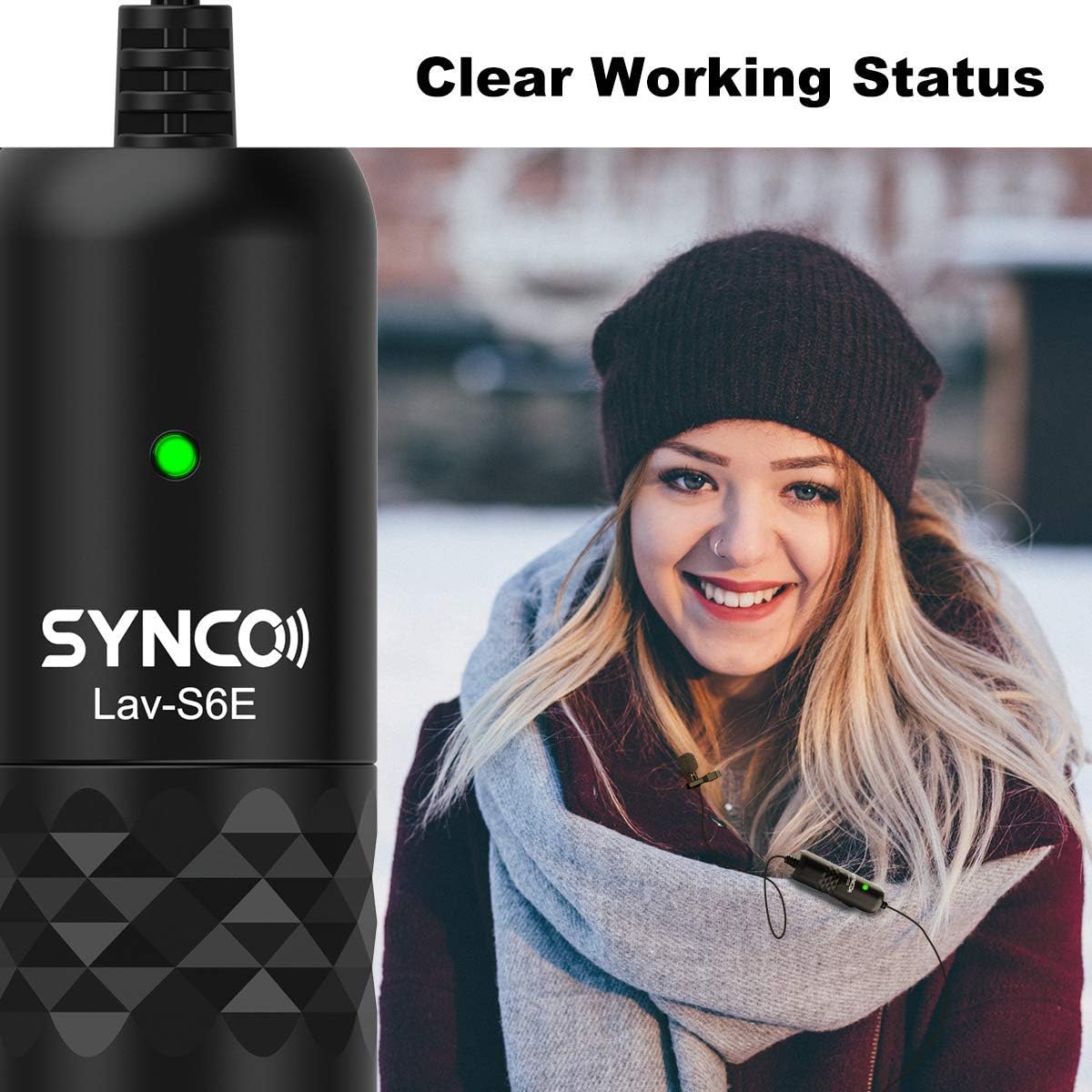
Image: The microphone's indicator light provides a clear visual cue of its working status.

Image: The SYNCO Lav-S6E offers wide compatibility with various recording devices.
Bedryfsinstruksies
- Posisionering: For optimal sound capture, position the microphone on your lapel or collar. Ensure the omnidirectional capsule is facing outwards and is not obstructed by clothing or accessories.
- Opname: Once connected and the indicator light is active, begin recording on your chosen device (smartphone, camera, laptop, PC).
- Monitering oudio: If your recording device allows, use headphones to monitor the audio input during recording to ensure clear sound and proper microphone placement.
- Kabelbestuur: The 6-meter (19.7-foot) cable provides flexibility. Manage the cable to prevent tangling or accidental disconnections during use.

Image: The omnidirectional pickup pattern captures sound from all directions, suitable for group discussions or interviews.

Image: The microphone's advanced noise processing helps to clarify audio by reducing ambient sounds.
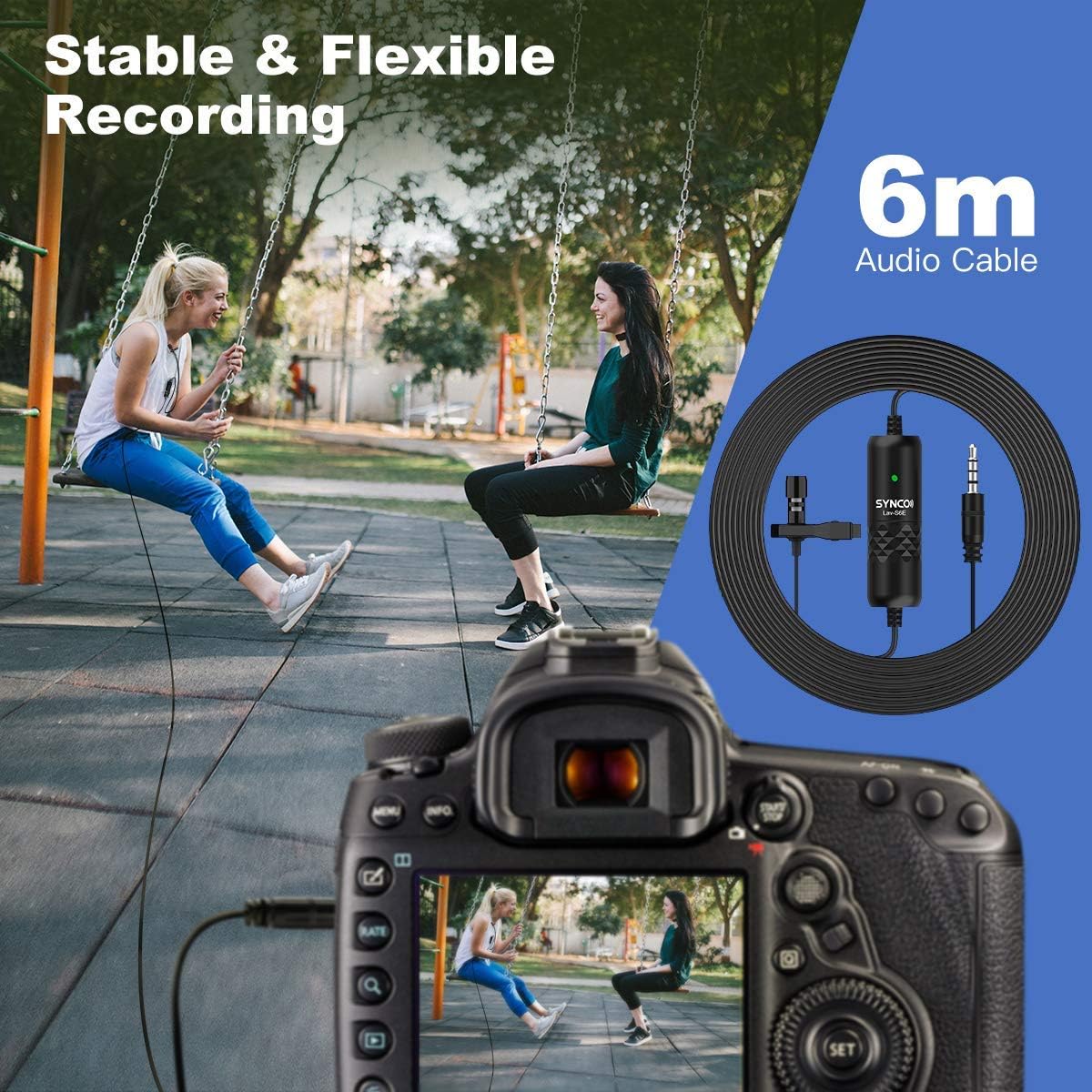
Image: The 6-meter audio cable provides ample length for flexible recording setups.
Probleemoplossing
- Geen klank of lae volume:
- Ensure the microphone is securely plugged into the device's audio input.
- Check the battery level and ensure it is correctly inserted.
- Verify the indicator light is active.
- Adjust the input volume settings on your recording device.
- For smartphones, confirm that the correct audio input source is selected in your recording app.
- Statiese of Ongewenste Geraas:
- Ensure the microphone is not rubbing against clothing or other objects.
- Kontroleer vir elektromagnetiese interferensie van ander elektroniese toestelle.
- The microphone has advanced noise handling; however, very loud ambient noise may still be picked up. Try to record in quieter environments.
- Inspekteer die kabel vir enige skade of kinkels.
- Verenigbaarheidskwessies:
- For iPhone 7 and newer, confirm you are using the official 3.5mm-to-Lightning adapter.
- For some Android devices, try using a third-party recording application if the native camera app does not recognize the microphone.
Onderhoud
- Skoonmaak: Use a soft, dry cloth to clean the microphone and cable. Avoid using liquid cleaners or solvents.
- Berging: Bêre die mikrofoon op 'n koel, droë plek weg van direkte sonlig en uiterste temperature.
- Kabelversorging: Avoid sharp bends or excessive pulling on the cable to prevent internal damage.
- Battery vervanging: Replace the Lithium Ion battery as needed to ensure consistent performance.
Spesifikasies
| Modelnommer | S6E |
| Item gewig | 4.6 onse |
| Pakket afmetings | 5.24 x 5.16 x 1.73 duim |
| Kabellengte | 6 meter / 19.7 voet |
| Connector Tipe | 3.5mm TRRS/TRS (Auto-pairing) |
| Bakkie patroon | Omnidirectional (360-degree) |
| Versoenbare toestelle | Smartphones (iOS/Android), Cameras, Laptops, PCs |
| Kragbron | Batteryaangedrewe (litiumioon) |
| Materiaal tipe | Metaal |
Waarborg en Ondersteuning
Vir waarborginligting en tegniese ondersteuning, verwys asseblief na die amptelike SYNCO webwebwerf of kontak hul kliëntediens direk. Bewaar u aankoopbewys as bewys van aankoop vir waarborgeise.
Vervaardiger: SINKO
Webwebwerf: Visit the SYNCO Store on Amazon