
Inleiding
This manual provides essential instructions for the safe and efficient use of your Redmi 10000mAh Power Bank (Model PB100LZm). Please read this manual thoroughly before using the product and retain it for future reference.
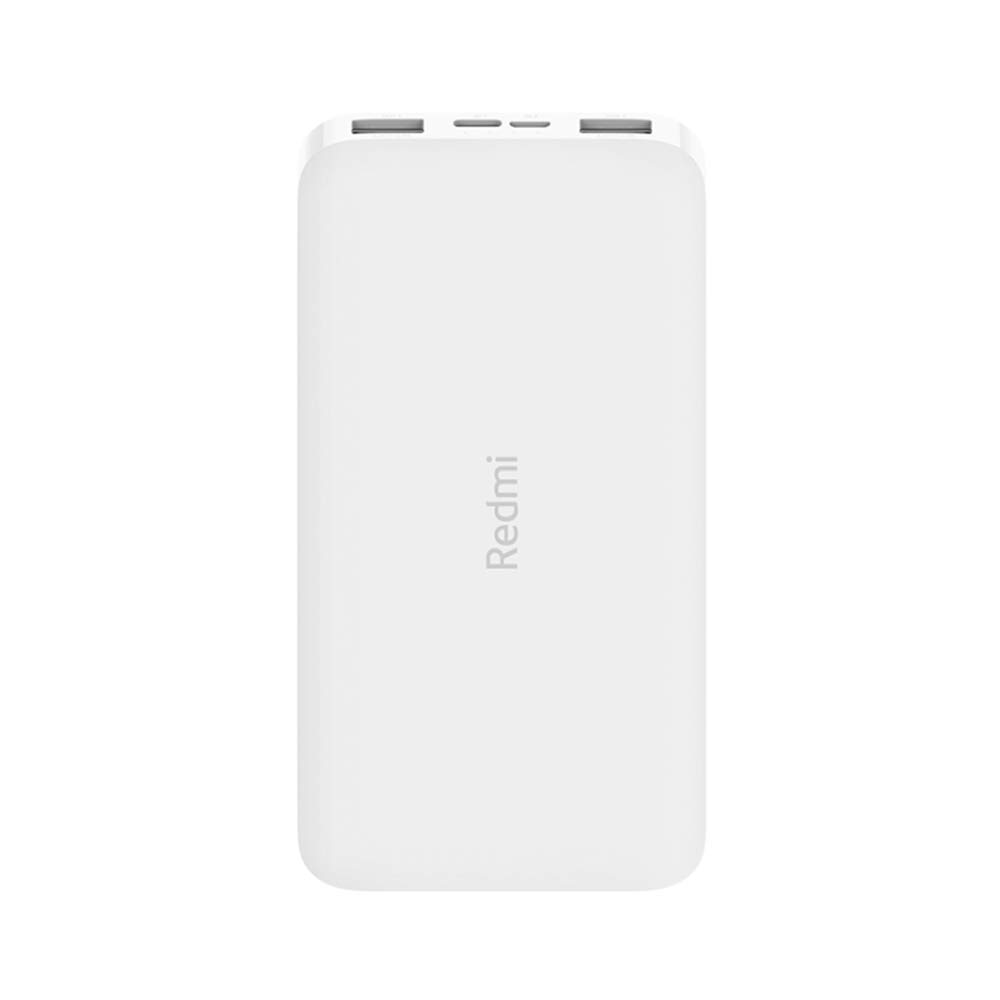
Beeld: Hoekig view of the white Redmi 10000mAh Power Bank.
Veiligheidsinligting
To prevent injury, damage to the product, or damage to property, observe the following safety precautions:
- Do not disassemble, repair, or modify the power bank.
- Do not expose the power bank to fire, high temperatures, or direct sunlight.
- Vermy kontak met water of ander vloeistowwe.
- Moenie die kragbank laat val, stamp of aan sterk vibrasies onderwerp nie.
- Hou buite bereik van kinders.
- Gebruik slegs versoenbare laaikabels en adapters.
- Dispose of the power bank according to local regulations.
Produk verbyview
Familiarize yourself with the components of your Redmi 10000mAh Power Bank.

Image: Close-up of the power bank's top edge showing two USB-A output ports (OUT1, OUT2), one Micro-USB input port (IN1), one USB-C input port (IN2), and four LED battery level indicators.
- USB-A Output Ports (OUT1, OUT2): Word gebruik om eksterne toestelle te laai.
- Micro-USB Input Port (IN1): Word gebruik om die kragbank te laai.
- USB-C Input Port (IN2): Word gebruik om die kragbank te laai.
- LED-aanwysers: Four small lights indicating the remaining battery level.
- Kragknoppie: Located on the side, used to check battery level or activate charging.

Beeld: Sykant view of the power bank highlighting the power button.
Opstelling
Aanvanklike laai van die kragbank
Before first use, fully charge your Redmi 10000mAh Power Bank.
- Connect a compatible USB cable to either the Micro-USB (IN1) or USB-C (IN2) input port on the power bank.
- Koppel die ander kant van die kabel aan 'n USB-kragadapter (nie ingesluit nie) of 'n rekenaar se USB-poort.
- The LED indicators will light up, showing the charging progress. All four LEDs will be solid when fully charged.
Verbind toestelle
The power bank is compatible with mobile phones and other USB-powered devices.
- Use the appropriate charging cable for your device.
- Connect one end of the cable to one of the USB-A output ports (OUT1 or OUT2) on the power bank.
- Koppel die ander kant van die kabel aan jou toestel se laaipoort.
Bedryfsinstruksies
Laai eksterne toestelle
Once a device is connected, the power bank should automatically begin charging. If not, press the power button once to initiate charging.

Image: The power bank connected via a USB cable to charge a mobile phone, resting on a wooden table.
- The LED indicators will show the power bank's remaining battery level during charging.
- Jy kan twee toestelle gelyktydig laai deur beide USB-A-uitvoerpoorte te gebruik.
Kontroleer batteryvlak
Press the power button once to check the remaining battery level. The LED indicators will light up for a few seconds:
- 1 LED: 0-25% oorblywende battery
- 2 LED's: 25-50% oorblywende battery
- 3 LED's: 50-75% oorblywende battery
- 4 LED's: 75-100% oorblywende battery
Onderhoud
- Skoonmaak: Vee die kragbank af met 'n sagte, droë lap. Moenie harde chemikalieë of skuurmiddels gebruik nie.
- Berging: Bêre die kragbank op 'n koel, droë plek weg van direkte sonlig en uiterste temperature.
- Batterysorg: For optimal battery life, avoid fully discharging the power bank frequently. Recharge it when the battery level is low. If not used for extended periods, charge it to about 50% every three months.
Probleemoplossing
| Probleem | Moontlike Oplossing |
|---|---|
| Kragbank laai nie. |
|
| Toestel laai nie vanaf kragbank nie. |
|
| Stadige laai. |
|
Spesifikasies
| Handelsmerk | Xiaomi |
| Modelnommer | PB100LZm |
| Kapasiteit | 10000 mAh |
| Kleur | Wit |
| Battery Tipe | Litium polimeer |
| Invoerpoorte | 1x Micro-USB, 1x USB-C |
| Uitsetpoorte | 2x USB-A (5.1V=2.4A each) |
| Versoenbare toestelle | Mobile Phones and other USB-powered devices |
| Afmetings | 15.8 x 8 x 2 cm |
| Gewig | 276 gram |
Waarborg en Ondersteuning
Based on the provided product information, this product is indicated as having geen waarborg. For any product-related inquiries or technical support, please refer to the official Xiaomi support channels or your point of purchase.