
Inleiding
Thank you for choosing the QCY A1 Bluetooth 5.0 Headset. This manual will guide you through the setup, operation, and maintenance of your new wireless headset. Please read these instructions carefully before use to ensure optimal performance and longevity of your device.
Produk verbyview
Pakketinhoud
- QCY A1 Bluetooth Headset
- Oorkussings
- Laai kabel
- Gebruikershandleiding
Headset-diagram

Image: The QCY A1 Bluetooth Headset, showing the earbud, ear hook, and main body with control buttons.
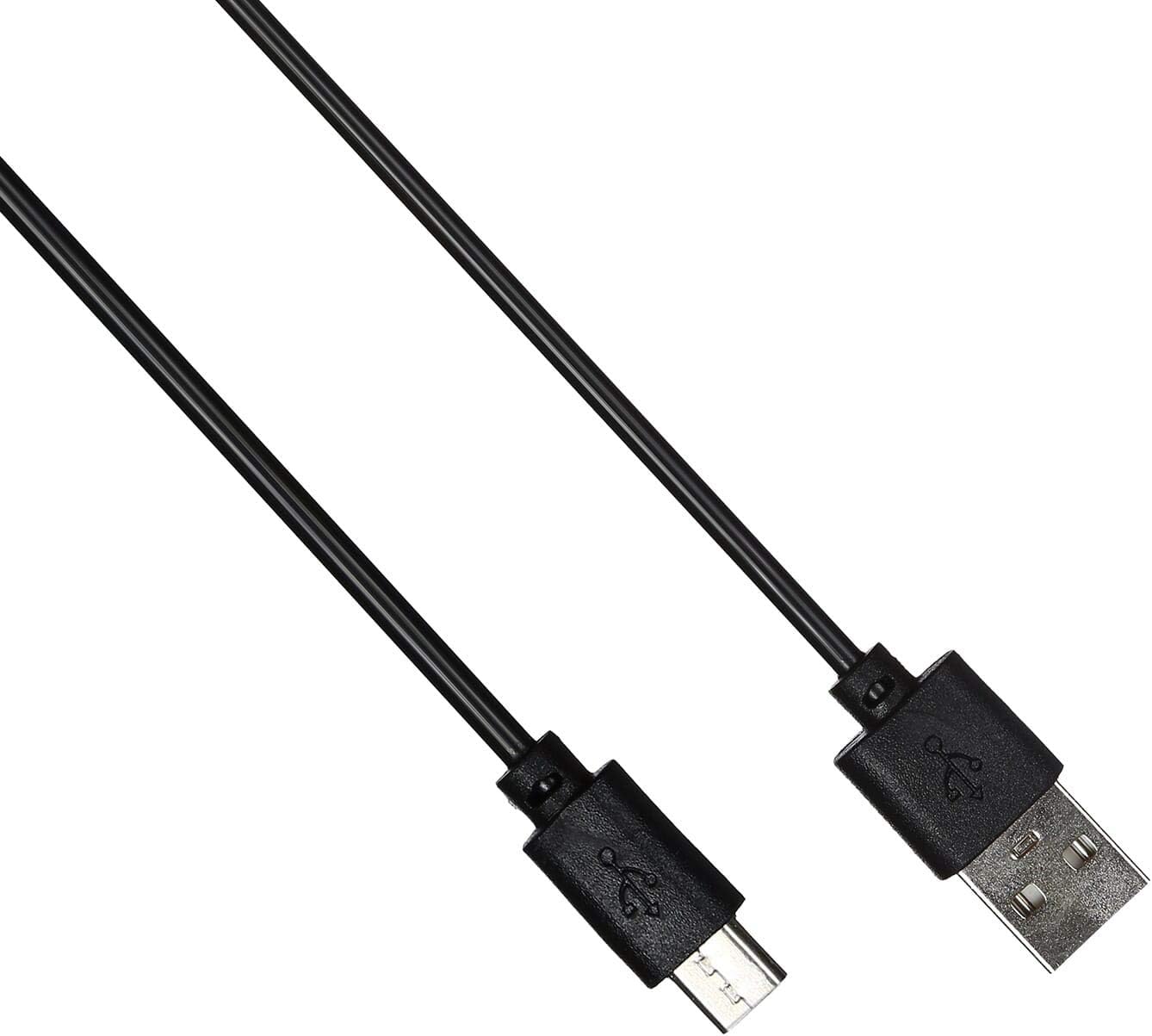
Image: The USB charging cable for the QCY A1 headset.
Opstelling
1. Laai die headset
- Koppel die laaikabel aan die laaipoort van die headset.
- Steek die ander kant van die kabel in 'n USB-kragbron (bv. rekenaar, muuradapter).
- Die aanwyserliggie sal die laaistatus aandui. 'n Volle lading neem gewoonlik ongeveer 1-2 uur.
- Sodra dit ten volle gelaai is, ontkoppel die laaikabel.
2. Koppel met 'n Toestel
- Verseker dat die koptelefoon afgeskakel is.
- Press and hold the Multi-function button until the indicator light flashes red and blue alternately, indicating pairing mode.
- On your mobile phone or Bluetooth-enabled device, enable Bluetooth and search for available devices.
- Select "QCY A1" from the list of found devices.
- Once connected, the indicator light will flash blue slowly, and you will hear a confirmation tone.
- If pairing fails, turn off the headset and repeat the steps.
Bedryfsinstruksies
Krag aan/af
- Krag aan: Press and hold the Multi-function button for 3 seconds. The blue indicator light will flash.
- Skakel af: Press and hold the Multi-function button for 5 seconds. The red indicator light will flash briefly before turning off.
Belbestuur
- Beantwoord oproep: Druk kort op die multifunksieknoppie.
- Beëindig oproep: Short press the Multi-function button during a call.
- Verwerp oproep: Druk en hou die multifunksieknoppie vir 2 sekondes in.
- Herbel laaste nommer: Double-press the Multi-function button when not on a call.
Musiek afspeel
- Speel/pouse: Druk kort op die multifunksieknoppie.
- Volgende snit: Druk en hou die Volume Op-knoppie.
- Vorige snit: Druk en hou die Volume Down-knoppie.
- Volume op: Druk kort op die Volume Op-knoppie.
- Volume af: Druk kort op die Volume Af-knoppie.
Stemassistent
- Aktiveer stemassistent: Triple-press the Multi-function button (functionality depends on your connected device).
Onderhoud
- Maak die oorfone gereeld skoon met 'n sagte, droë lap.
- Vermy die gebruik van harde chemikalieë of skuurmateriaal.
- Bêre die oorfone op 'n koel, droë plek weg van direkte sonlig en uiterste temperature.
- Do not immerse the headset in water or expose it to excessive moisture.
- Hou buite bereik van kinders.
Probleemoplossing
| Probleem | Oplossing |
|---|---|
| Die oorfone skakel nie aan nie. | Maak seker dat die headset ten volle gelaai is. |
| Kan nie met toestel koppel nie. | Ensure the headset is in pairing mode (red and blue lights flashing). Turn off and on your device's Bluetooth. Try pairing again. |
| Geen klank of swak klankgehalte. | Check the volume levels on both the headset and your connected device. Ensure the headset is within the 10-meter operating range of your device. |
| Die oorfone ontkoppel gereeld. | Ensure there are no obstacles between the headset and your device. Move closer to your device. |
Spesifikasies
| Kenmerk | Detail |
|---|---|
| Model | A1 |
| Handelsmerk | QCY |
| Verbindingstegnologie | Draadloos (Bluetooth 5.0) |
| Bluetooth Profiles Ondersteun | HFP, A2DP, HSP |
| Wireless Range | Tot 10 meter |
| Beheer metode | Aanraking/Knoppie |
| Koptelefoonvormfaktor | In Oor |
| Versoenbare toestelle | Selfone |
| Kleur | Wit |
| Item gewig | 80 gram |
| Ingesluit komponente | Oorkussings |
Veiligheidsinligting
- Moenie die headset uitmekaar haal of verander nie.
- Vermy om die headset aan uiterste temperature of humiditeit bloot te stel.
- Gebruik slegs die meegeleverde laaikabel of 'n gesertifiseerde ekwivalent.
- Do not use the headset at high volume for extended periods to prevent hearing damage.
- Be aware of your surroundings when using the headset, especially in traffic or other potentially dangerous situations.