
OneOdio A70 Fusion
OneOdio A70 Draadlose Bluetooth-oorfone Gebruikershandleiding
Model: A70 Fusion
Inleiding
This manual provides detailed instructions for the safe and effective use of your OneOdio A70 Wireless Bluetooth Headphones. Please read this manual thoroughly before using the product and retain it for future reference.

Image: OneOdio A70 Wireless Bluetooth Headphones in red and black, shown with 3.5mm and 6.35mm audio cables.
Pakketinhoud
Maak seker dat alle items in die pakket teenwoordig is:
- OneOdio A70 Fusion Headphones
- 3.5mm to 3.5mm Jack Cable with Microphone (1.2 M)
- 3.5mm to 6.35mm Jack Cable with Spring Wire (2-3 M)
- Micro-USB Charging Cable (0.6 M)
- Beskermende sakkie
- Gebruikershandleiding (hierdie dokument)

Beeld: Oorview of the OneOdio A70 package contents, including the headphones, various cables, and a carrying pouch.
Produk verbyview
The OneOdio A70 headphones feature a versatile design for both wireless and wired use, offering high-quality audio and comfortable wear.
- Oudio-drywers: Equipped with 40mm drivers for powerful bass and clear treble.
- Verbinding: Bluetooth 5.2 for wireless connection, and multiple wired options (3.5mm, 6.35mm).
- Batterylewe: Tot 72 uur se terugspeeltyd op 'n enkele lading (teen 50% volume).
- Mikrofoon: Integrated CVC 8.0 noise-cancelling microphone for clear calls.
- Share Port: Allows two headphones to connect to one audio source for shared listening.
- Gerief: Thick foam ear pads and a foldable, adjustable headband for extended wear comfort.
- Jack Lock: Secure locking mechanism for the auxiliary stereo cable.
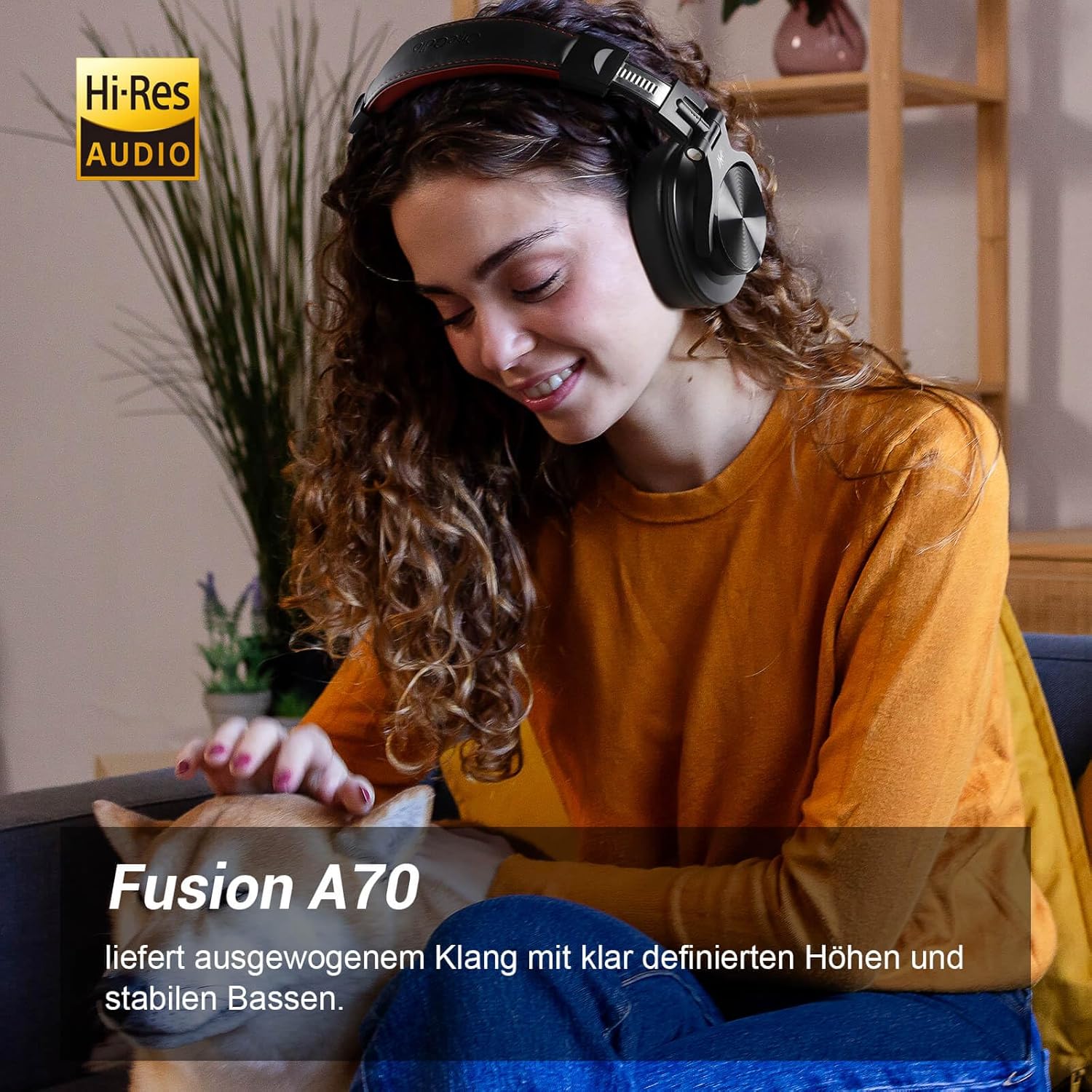
Image: A woman wearing the OneOdio A70 headphones, emphasizing the Hi-Res Audio capability.
Opstelling
Laai die oorfone
Before first use, fully charge the headphones. Use the provided Micro-USB charging cable.
- Connect the Micro-USB end of the charging cable to the charging port on the headphone.
- Connect the USB-A end to a USB power adapter (not included) or a computer's USB port.
- Die LED-aanwyser sal die laaistatus wys (bv. rooi vir laai, blou vir volledig gelaai).

Beeld: 'n Gedetailleerde view of the headphone's side, showing the Micro-USB charging port and control buttons.
Bluetooth-koppeling
To connect your headphones wirelessly:
- Maak seker dat die oorfone gelaai en afgeskakel is.
- Press and hold the Multi-function button (usually the power button) for approximately 5 seconds until the LED indicator flashes red and blue alternately, indicating pairing mode.
- Aktiveer Bluetooth op jou toestel (slimfoon, tablet, rekenaar) en soek vir beskikbare toestelle.
- Select "OneOdio A70" from the list of devices.
- Sodra dit gekoppel is, sal die LED-aanwyser blou word of stadig blou flikker.
Kabelverbinding
The A70 headphones support two types of wired connections:
- 3.5mm to 3.5mm Cable: For connecting to smartphones, tablets, laptops, and other devices with a 3.5mm audio jack. This cable includes an in-line microphone for calls.
- 3.5mm to 6.35mm Cable: For connecting to professional audio equipment like DJ mixers, amplifiers, and guitars.
To use a wired connection, simply plug the appropriate cable into the headphone's corresponding port and the other end into your audio source. The headphones will automatically switch to wired mode when a cable is inserted.

Image: A visual guide illustrating the wide compatibility of the OneOdio A70 headphones with different devices using 3.5mm and 6.35mm cables.
Bedryfsinstruksies
Basic Controls (Bluetooth Mode)
| Funksie | Aksie |
|---|---|
| Krag aan/af | Press and hold Multi-function button for 3 seconds. |
| Speel / Pouse | Press Multi-function button once. |
| Volume op | Press '+' button. |
| Volume af | Press '-' button. |
| Volgende Snit | Press and hold '+' button. |
| Vorige Snit | Press and hold '-' button. |
| Beantwoord/beëindig oproep | Press Multi-function button once. |
| Verwerp oproep | Press and hold Multi-function button for 2 seconds. |
| Aktiveer stemassistent | Double-press Multi-function button. |

Image: Controls for the in-line microphone on the 3.5mm cable, detailing functions like play, pause, answer, and end calls.
Share Port Function
The OneOdio A70 headphones feature a unique Share Port, allowing two headphones to share audio from one source.
- Connect the 3.5mm to 3.5mm cable to the 3.5mm input port on your A70 headphones.
- Connect the other end of this cable to the 3.5mm output port of another headphone (e.g., another A70 or compatible headphone).
- Ensure the primary A70 headphone is connected to your audio source (via Bluetooth or 6.35mm cable).
- Both headphones will now receive audio from the same source.

Image: Two individuals sharing audio from a single device using the Share Port technology of the OneOdio A70 headphones.
Onderhoud en versorging
- Maak die oorfone gereeld skoon met 'n sagte, droë lap. Moenie skuurmiddels of oplosmiddels gebruik nie.
- Store the headphones in the provided protective pouch when not in use to prevent scratches and damage.
- Vermy die blootstelling van die oorfone aan uiterste temperature, humiditeit of direkte sonlig.
- Moenie probeer om die oorfone uitmekaar te haal of te wysig nie, aangesien dit die waarborg ongeldig sal maak.
- The headphones are not waterproof. Avoid contact with liquids.

Image: The OneOdio A70 headphones in their folded configuration, ready for storage in the protective pouch.
Probleemoplossing
| Probleem | Moontlike oorsaak | Oplossing |
|---|---|---|
| No sound (Bluetooth) | Headphones not paired or connected. Low battery. Volume too low. | Ensure headphones are in pairing mode and connected. Recharge headphones. Increase volume on headphones and device. |
| No sound (Wired) | Cable not fully inserted. Incorrect cable used. Device volume too low. | Ensure cables are securely plugged in. Use the correct cable for your device. Increase volume on device. |
| Swak klankgehalte | Interference (Bluetooth). Damaged cable. Low quality audio source. | Move closer to the Bluetooth device. Try a different cable. Test with a different audio source. |
| Mikrofoon werk nie | Using wrong cable (only 3.5mm to 3.5mm has mic). Mic muted on device. | Ensure you are using the 3.5mm cable with the in-line microphone. Check microphone settings on your device. |
| Oorfone sal nie aanskakel nie | Battery is heeltemal leeg. | Charge the headphones for at least 30 minutes before attempting to power on. |
Spesifikasies
| Kenmerk | Detail |
|---|---|
| Model Naam | OneOdio A70 Fusion |
| Verbindingstegnologie | Bluetooth 5.2, Wired (3.5mm, 6.35mm) |
| Bestuurder grootte | 40 mm |
| Frekwensiereeks | 20 Hz - 20 000 Hz |
| Impedansie | 32 ohm |
| Sensitiwiteit | 110 dB |
| Battery samestelling | Litium-polimeer |
| Batterylewe | Tot 72 uur (teen 50% volume) |
| Gewig | 250 gram |
| Materiaal | Leather (earpads/headband) |
| Spesiale kenmerke | Volume Control, Noise Isolation, Built-in Microphone (CVC 8.0), Foldable Design, Share Port, Jack Lock |
Waarborg en Ondersteuning
OneOdio products are designed and manufactured to the highest quality standards. For warranty information and customer support, please refer to the official OneOdio webwebwerf of kontak hul kliëntediens direk.
Vervaardiger: OneOdio
Verkoper: OneOdio EU (via Amazon.com.be)
Vir verdere hulp, besoek die OneOdio Store on Amazon.
Verwante Dokumente - A70 Fusion
 |
ONEODIO Fusion A70 Oor-Oorfone - Gebruikershandleiding Omvattende gebruikershandleiding vir die ONEODIO Fusion A70 oor-oor-koptelefoon, met besonderhede oor kenmerke, konnektiwiteit en gebruik. Sluit tegniese spesifikasies en opstellingsgids in. |
 |
OneOdio Fusion A70-oorfone gebruikersgids Omvattende gebruikersgids vir die OneOdio Fusion A70-oorfone, wat Bluetooth-paring, bedrade verbindings en kenmerke dek. Sluit instruksies in verskeie tale in. |
 |
OneOdio A70-oorfone gebruikershandleiding Gebruikershandleiding en veiligheidsinstruksies vir die OneOdio A70 Oor-Oor Bluetooth-oorfone, wat produkkenmerke, werking, laai, paring en regulatoriese inligting dek. |
 |
OneOdio A70 Draadlose Oorfone Gebruikershandleiding en Veiligheidsinligting Hierdie dokument verskaf omvattende gebruikersgids, veiligheidsinstruksies en regulatoriese inligting vir die OneOdio A70 draadlose oorfone. Dit dek opstelling, gebruik, waarskuwings en voldoeningsbesonderhede in verskeie tale. |
 |
OneOdio Pro 50-oorfone gebruikershandleiding Omvattende gebruikershandleiding vir die OneOdio Pro 50 oor-oor-koptelefoon, wat veiligheidsinstruksies, produkkenmerke, spesifikasies, bykomstighede, regulatoriese voldoening en waarborginligting dek. |
 |
OneOdio A6 Focus-oorfone gebruikershandleiding Omvattende gebruikersgids vir die OneOdio A6 Focus-oorfone, met besonderhede oor opstelling, Bluetooth-paring, musiekterugspeel, oproephantering, laai, ANC en probleemoplossing. |
Ask a question about this manual
Ask about setup, troubleshooting, compatibility, parts, safety, or missing instructions. Manuals+ will review the question and use this page’s manual context to help answer it.