
Inleiding
Thank you for choosing the A4tech G3-200NS Silent Wireless Mouse. This manual provides detailed instructions for setting up, operating, and maintaining your new wireless mouse. Designed for comfort and efficiency, this optical mouse offers silent clicks and reliable wireless connectivity for both PC and laptop use.
Pakketinhoud
Kontroleer asseblief die inhoud van die pakket om seker te maak dat alle items teenwoordig is:
- A4tech G3-200NS Silent Wireless Mouse
- USB-ontvanger
- Gebruikershandleiding (hierdie dokument)
- (Note: 1 AA battery required, not included)
Opstelling
1. Die installering van die battery
- Vind die batterykompartement aan die onderkant van die muis.
- Maak die batteryvakdeksel oop.
- Plaas een AA-battery in en maak seker dat die polariteit (+/-) korrek is.
- Maak die batterykompartement se deksel stewig toe.
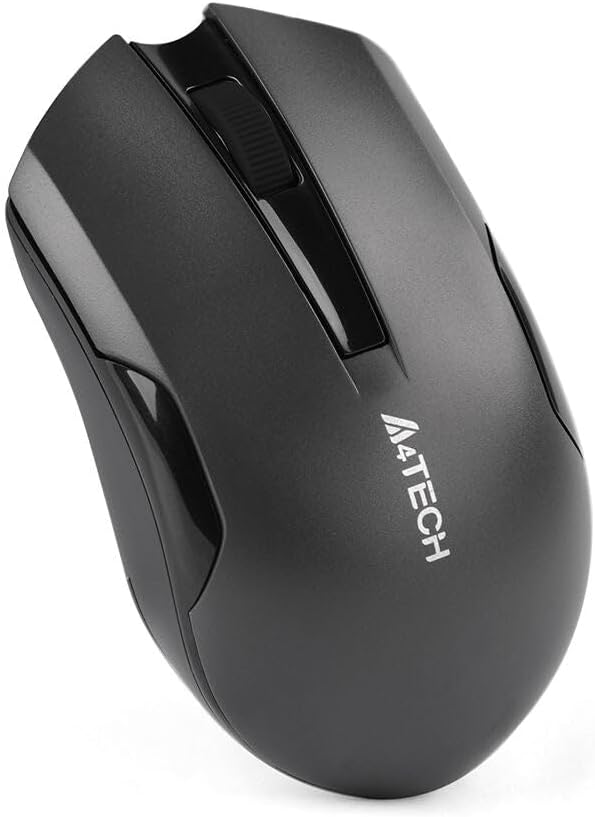
Figuur 1: Onderkant van die muis met batterykompartement.
2. Koppel die USB-ontvanger
- Locate the USB receiver, typically stored within the mouse's battery compartment or packaged separately.
- Koppel die USB-ontvanger in 'n beskikbare USB-poort op jou rekenaar of skootrekenaar.
- Die bedryfstelsel sal outomaties die nodige drywers opspoor en installeer. Dit kan 'n paar oomblikke neem.
- Once installed, the mouse is ready for use.
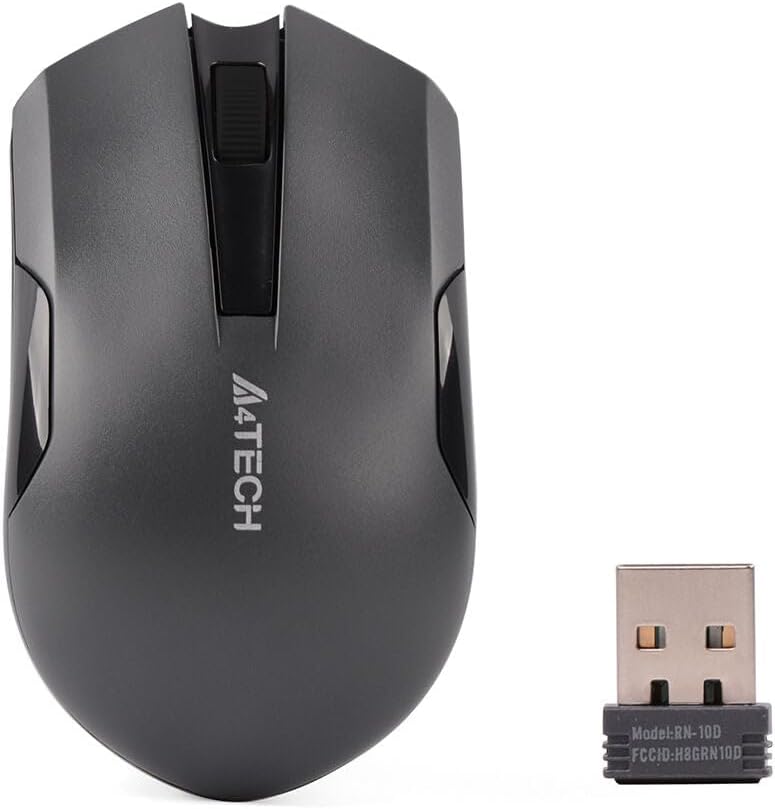
Figure 2: A4tech G3-200NS mouse and its USB receiver.
Bediening van die muis
Basiese funksies
- Links klik: Primary action, selection, opening items.
- Regs klik: Maak kontekstuele kieslyste oop.
- Rolwiel: Scrolls documents and web pages vertically. The scroll wheel also functions as a middle click button.
Stille Klik Tegnologie
The A4tech G3-200NS features silent click technology, significantly reducing click noise for a quieter working environment.
Wireless Range
The mouse operates within a wireless range of approximately 10 to 15 meters from the USB receiver, depending on environmental conditions and obstacles.
Onderhoud
Battery vervanging
When the mouse performance degrades or stops responding, it is likely time to replace the AA battery. Follow the battery installation steps outlined in the "Setup" section.
Skoonmaak
Om die muis skoon te maak, gebruik 'n sagte, droë lap. Vir hardnekkige vuiligheid, gebruik 'n effens droë lap.amp cloth can be used, ensuring no moisture enters the internal components. Avoid using harsh chemicals or abrasive cleaners.
Probleemoplossing
| Probleem | Oplossing |
|---|---|
| Muis reageer nie |
|
| Onreëlmatige beweging van die wyser |
|
| Kort draadlose reeks |
|
Spesifikasies
- Handelsmerk: A4tech
- Model: G3-200NS
- Muis tipe: Optiese muis
- Verbinding: Draadloos (2.4 GHz)
- Kleur: Swart
- Versoenbaar met: PC & skootrekenaar
- Bedryfstelsel: Linux, Windows XP (en nuwer weergawes)
- Kragbron: 1 x AA-battery (nie ingesluit nie)
- Gemiddelde batterylewe: Approximately 6 months (may vary with usage)
- Draadlose reeks: 10-15 meter
- Spesiale kenmerke: Stille Klik Tegnologie
Waarborg en Ondersteuning
For warranty information or technical support, please refer to the warranty card included with your purchase or visit the official A4tech webwebwerf. Bewaar u bewys van aankoop vir waarborgeise.