
Vida IT V506
Vida IT V506 5000mAh Slim Portable Power Bank User Manual
Model: V506 | Brand: Vida IT
1. Inleiding
Thank you for choosing the Vida IT V506 5000mAh Slim Portable Power Bank. This device is designed to provide reliable and portable power for your mobile phones, tablets, heated clothing, and other USB-powered devices. Its slim and lightweight design makes it an ideal companion for travel, outdoor activities, or daily use. This manual provides essential information on how to set up, operate, maintain, and troubleshoot your power bank to ensure optimal performance and longevity.
2. Produkkenmerke
The Vida IT V506 power bank offers a range of features designed for convenience and efficiency:
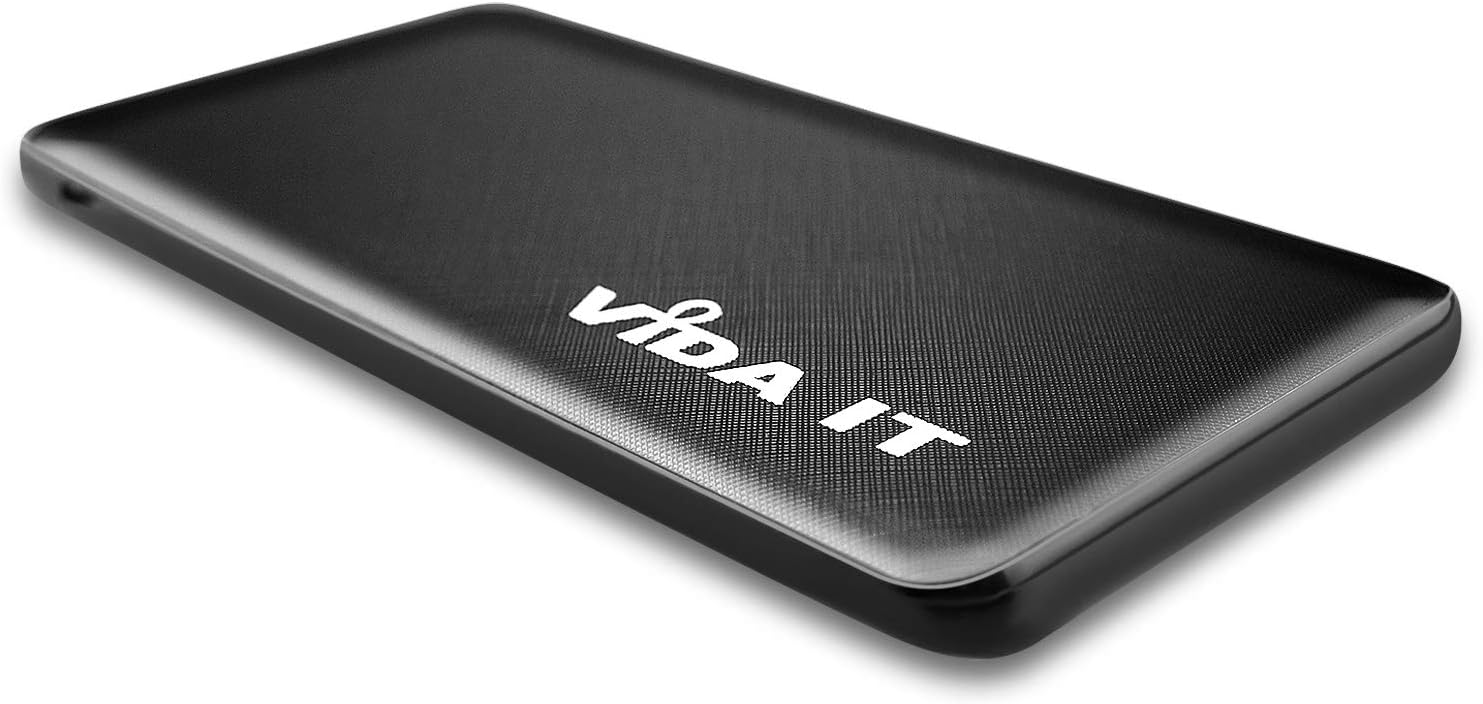
- Slank en liggewig ontwerp: Measuring only 9mm thick and weighing 110g, it is highly portable.
- Hoë kapasiteit: 5000mAh battery capacity, suitable for daily charging needs.
- Veelvuldige uitsetpoorte: Equipped with 2 x USB-A ports and 1 x USB-C port, allowing simultaneous charging of up to three devices.
- Vinnige laai: Supports 2.1A fast charging for quick power delivery to your devices.
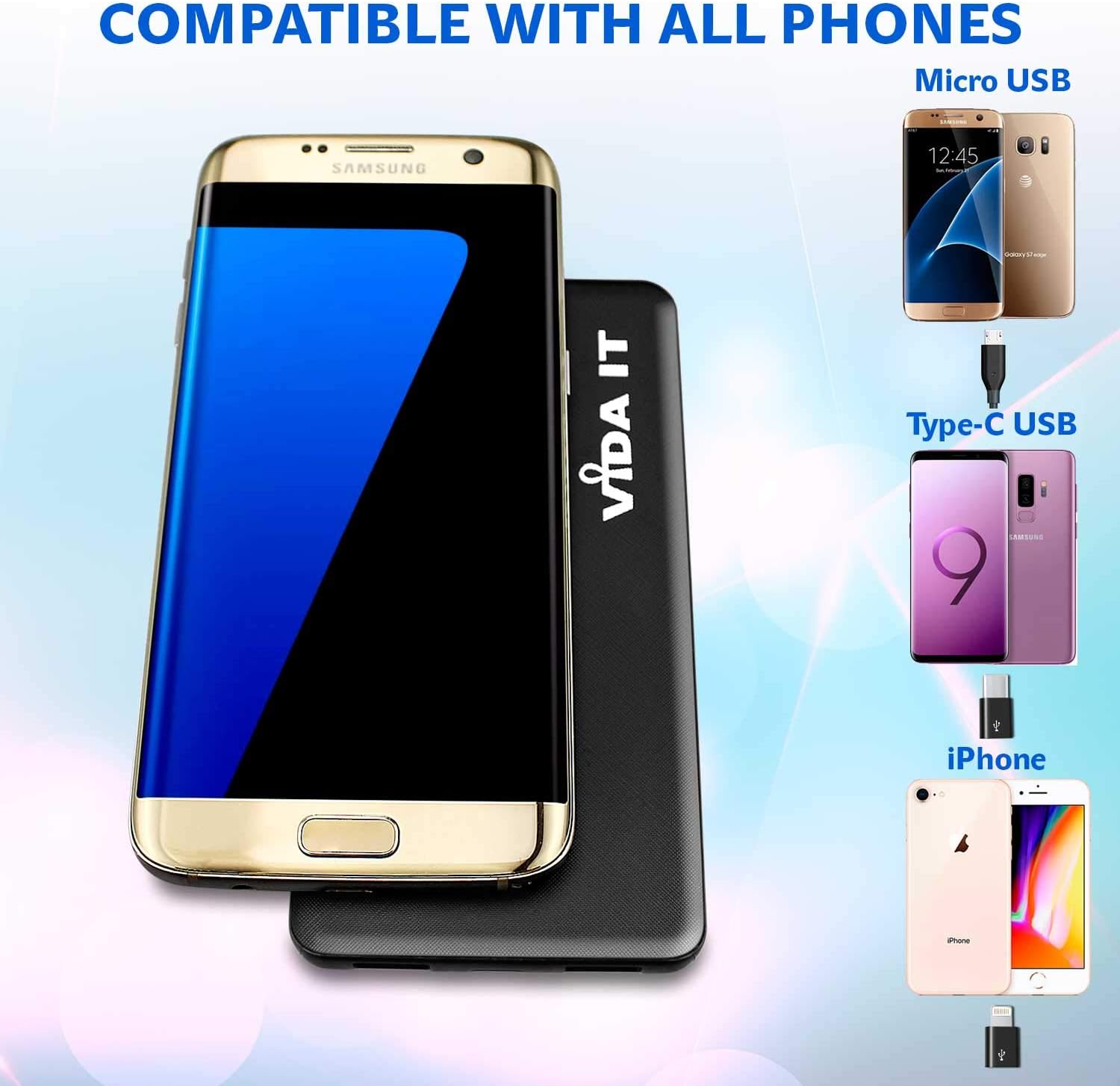
- Wye verenigbaarheid: Includes adapters for iPhone, Micro USB, and USB-C, making it compatible with virtually all USB-powered devices, including smartphones, tablets, and heated clothing.
- Veiligheid verseker: Features Class A battery cells tested for safety according to UN 38.3 and MSDS guidelines. Certified CE, RoHS, and FCC. Includes over-current and over-voltage beskerming.


3. Opstelling
3.1 Aanvanklike laai van die kragbank
Before first use, fully charge your Vida IT V506 power bank. This ensures optimal battery performance and longevity.
- Connect the provided Micro USB charging cable to the power bank's Micro USB input port.
- Connect the other end of the cable to a USB wall adapter (not included) or a computer's USB port.
- The LED indicator lights on the power bank will illuminate to show the charging progress. All lights will be solid when fully charged.
3.2 Koppel jou toestelle
The V506 power bank is designed to charge a wide array of devices.
- Identify the correct charging cable for your device (e.g., USB-A to Lightning for iPhone, USB-A to USB-C for Android, etc.).
- If your device uses a different port than the standard USB-A, use the appropriate adapter head (iPhone, Micro USB, Type-C) provided with the power bank.
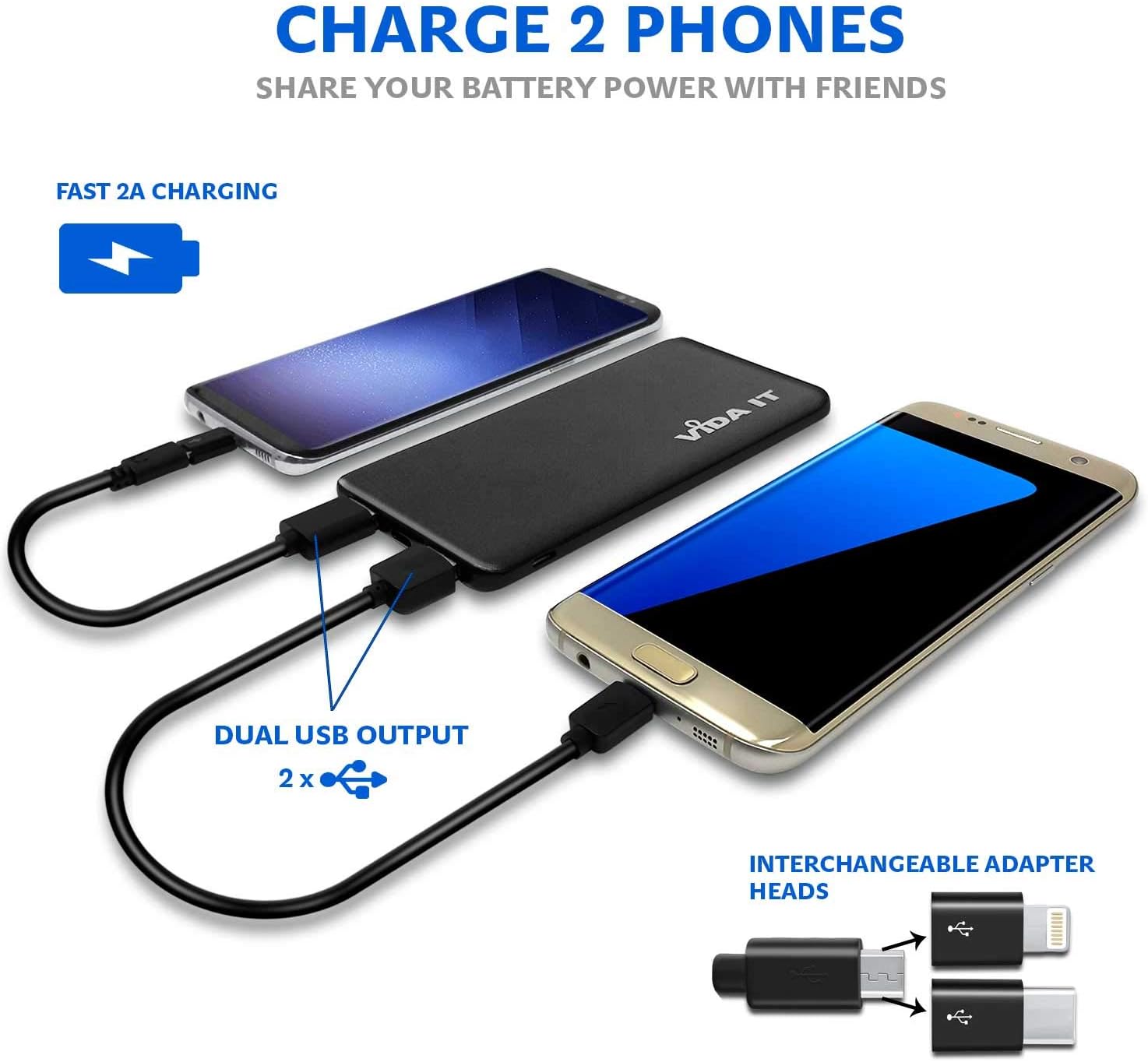
- Plug the USB-A end of your device's charging cable into one of the power bank's USB-A output ports. For USB-C devices, you can use the dedicated USB-C output port.
- Verbind die ander punt van die kabel met u toestel.
4. Bedryfsinstruksies
4.1 Laai jou toestelle
Once your device is connected, the power bank should automatically begin charging. If not, press the power button on the side of the power bank to initiate charging.
- The power bank can charge up to three devices simultaneously using its 2 USB-A ports and 1 USB-C port.
- The 2.1A output ensures efficient and fast charging for compatible devices.

4.2 LED-aanwyserligte
The LED lights on the power bank indicate the remaining battery level and charging status:
- Soliede ligte: Indicate the current battery level. More lights mean more charge.
- Flitsende ligte: Indicate that the power bank is currently being charged.
- When all lights are solid and no longer flashing, the power bank is fully charged.
5. Onderhoud
Proper care and maintenance will extend the life of your Vida IT V506 power bank.
- Berging: Bêre die kragbank op 'n koel, droë plek weg van direkte sonlig en uiterste temperature.
- Skoonmaak: Gebruik 'n sagte, droë lap om die buitekant van die kragbank skoon te maak. Moenie harde chemikalieë of skuurmiddels gebruik nie.
- Battery lang lewe: To maintain battery health, fully charge the power bank at least once every three months, even if not in regular use. Avoid completely draining the battery frequently.
- Vermy druppels: Protect the device from physical shocks and drops, which can damage internal components.
6. Probleemoplossing
If you encounter issues with your Vida IT V506 power bank, refer to the following common problems and solutions:
| Probleem | Moontlike oorsaak | Oplossing |
|---|---|---|
| Kragbank laai nie | Charging cable faulty; Wall adapter insufficient; Power bank port damaged. | Try a different charging cable and wall adapter. Ensure the adapter provides at least 2.0A output. Check the charging port for debris. |
| Toestel laai nie vanaf kragbank nie | Power bank battery empty; Device cable faulty; Power bank not activated; Incompatible device. | Ensure power bank is charged. Try a different device charging cable. Press the power button on the power bank. Verify device compatibility. |
| Stadige laai | Cable resistance; Device input limit; Multiple devices charging. | Use a high-quality charging cable. Some devices may limit charging speed. Charging multiple devices simultaneously may reduce individual charging speeds. |
| LED-aanwysers werk nie | Interne wanfunksie. | If the power bank still functions, this may be a minor issue. If not, contact customer support. |
7. Spesifikasies
Detailed technical specifications for the Vida IT V506 Power Bank:
| Kenmerk | Spesifikasie |
|---|---|
| Model Naam | V506 |
| Battery kapasiteit | 5000 mAh (Milliampvoor-uur) |
| Battery samestelling | Litium-polimeer |
| Invoer | 5V / 2.0A |
| Uitset | 5V / 2.1A |
| Uitsetpoorte | 2 x USB Tipe-A, 1 x USB Tipe-C |
| Connector Tipe | USB Tipe A |
| Spesiale kenmerke | Slim design, UN 38.3 tested battery cell, includes iPhone and USB-C adapters. |
| Aanbevole gebruike | Tablet, Mobile Phone, Heated Clothing |
| Kragbron | Battery aangedrewe |
8. Veiligheidsinligting
Please read and follow these safety guidelines to prevent damage to the power bank or injury to yourself:
- Moenie die kragbank aan water, vog of uiterste temperature blootstel nie.
- Moenie die kragbank uitmekaar haal, deurboor of wysig nie.
- Hou buite bereik van kinders.
- Vermy om die kragbank te laat val of aan ernstige impakte bloot te stel.
- Do not use if the power bank is visibly damaged, swollen, or leaking.
- Gooi die kragbank verantwoordelik weg volgens plaaslike regulasies vir elektroniese afval.
- The power bank is certified CE, RoHS, and FCC, and its battery cells are tested to UN 38.3 and MSDS safety standards.
9. Waarborg en Ondersteuning
Your Vida IT V506 Power Bank comes with a 12-month limited warranty from the date of purchase. This warranty covers manufacturing defects and workmanship under normal use.
Die waarborg dek nie skade wat veroorsaak word deur:
- Accident, abuse, misuse, or improper operation.
- Ongemagtigde herstelwerk of wysiging.
- Versuim om die instruksies in hierdie handleiding te volg.
For warranty claims or technical support, please contact Vida IT customer service through the retailer where you purchased the product or visit the official Vida IT webwebwerf vir kontakinligting.
Ask a question about this manual
Ask about setup, troubleshooting, compatibility, parts, safety, or missing instructions. Manuals+ will review the question and use this page’s manual context to help answer it.