
1. Inleiding
The Unitek Y-3036 is a tool-free external enclosure designed for 2.5-inch SATA I/II/III Hard Disk Drives (HDDs) and Solid State Drives (SSDs). It provides a convenient solution for connecting your 2.5-inch drives to a computer via USB 3.0, offering fast data transfer speeds and easy portability. This manual provides detailed instructions for the proper installation, operation, and maintenance of your Unitek Y-3036 enclosure.
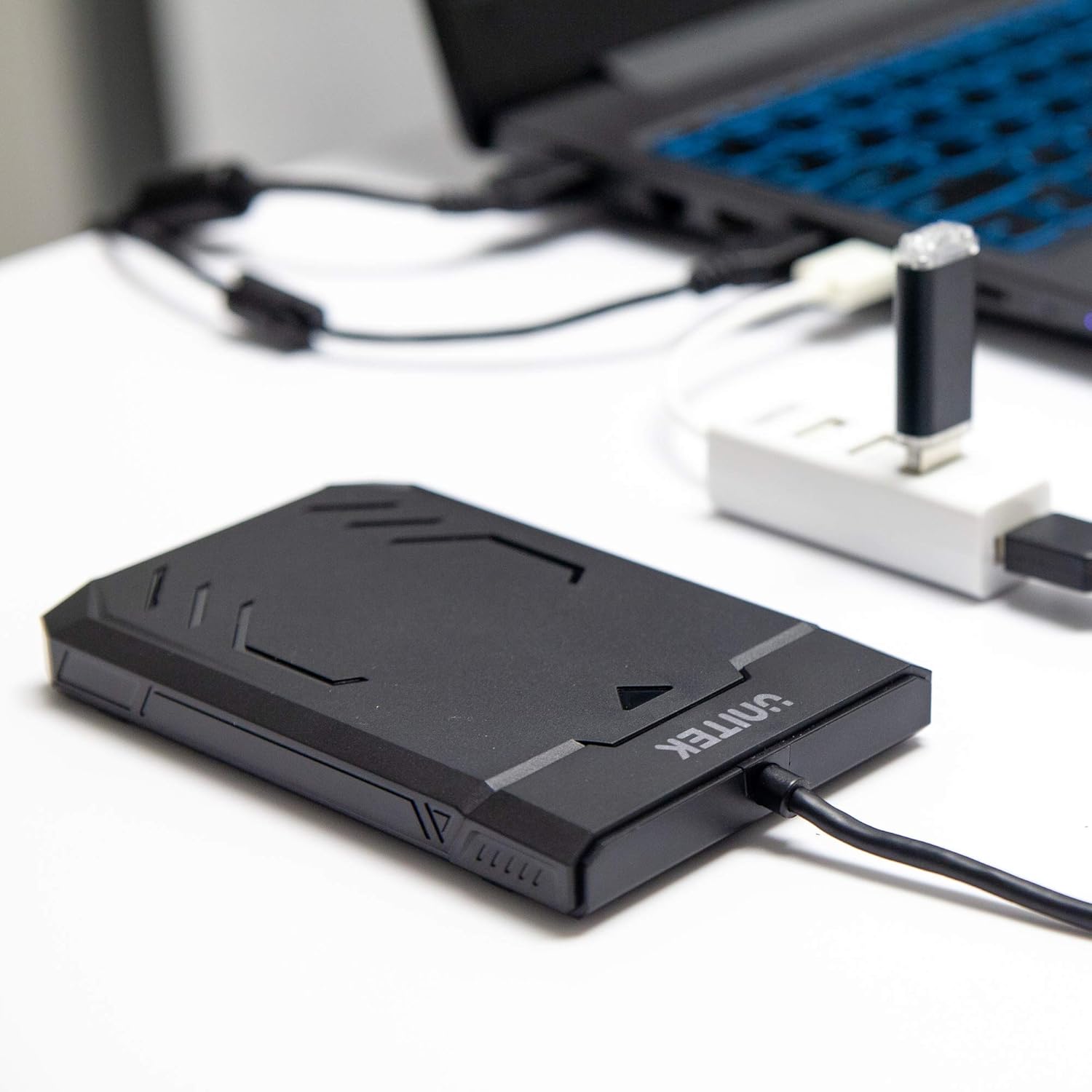
Image 1.1: Unitek Y-3036 enclosure connected to a laptop.
2. Pakketinhoud
Verifieer asseblief dat alle items in u pakket teenwoordig is:
- Unitek Y-3036 2.5-inch Hard Drive Enclosure with integrated USB 3.0 cable
- Foam pad for drive stability
- Instructiehandleiding (hierdie dokument)

Image 2.1: Enclosure with integrated cable and foam pad.
3. Spesifikasies
| Model | Unitek Y-3036 |
| Versoenbare dryftipe | 2.5-inch SATA I/II/III HDD/SSD (up to 9.5mm thickness) |
| Koppelvlak | USB 3.0 (agteruit versoenbaar met USB 2.0) |
| Data-oordragtempo | Up to 6Gbps (SATA III), supports UASP |
| Afmetings (L x B x H) | 130mm x 85mm x 15mm (5.12 "x 3.27" x 0.59 ") |
| Materiaal | Plastiek |
| Kenmerke | Tool-free assembly, Plug & Play, LED indicator, Sleep function, Built-in USB cable |

Beeld 3.1: Produkdimensies.
4. Opstelling en installering
The Unitek Y-3036 enclosure features a tool-free design for easy installation of your 2.5-inch HDD or SSD.
- Maak die omhulsel oop: Gently slide the top cover of the enclosure to open it.
- Voeg die Drive in: Align your 2.5-inch SATA HDD or SSD with the SATA connector inside the enclosure. Carefully push the drive into the connector until it is firmly seated. Ensure the drive is oriented correctly.
- Add Foam Pad (Optional): If your drive is thinner than 9.5mm, you may use the included foam pad to secure it snugly within the enclosure and prevent movement. Place the foam pad on top of the drive before closing the cover.
- Maak die omhulsel toe: Slide the top cover back into place until it clicks securely.

Image 4.1: Enclosure open with a 2.5-inch HDD inserted.

Beeld 4.2: Gedetailleerd view of drive insertion.
5. Bedryfsinstruksies
Once your drive is installed in the enclosure, follow these steps to use it with your computer:
- Koppel aan rekenaar: Plug the integrated USB 3.0 cable from the enclosure into an available USB port on your computer. For optimal performance, use a USB 3.0 port.
- LED-aanwyser: The enclosure features an LED indicator. When connected, the LED will illuminate, indicating power. It will flash during data transfer activity.
- Ryherkenning: Your operating system should automatically detect the new drive. If it's a new drive, you may need to initialize and format it through your operating system's disk management utility before it appears in 'My Computer' or 'Finder'.
- Veilige verwydering: Always safely eject the drive from your operating system before disconnecting the USB cable to prevent data corruption.
6. Onderhoud
To ensure the longevity and optimal performance of your Unitek Y-3036 enclosure:
- Skoonmaak: Gebruik 'n sagte, droë lap om die buitekant van die omhulsel skoon te maak. Vermy die gebruik van vloeibare skoonmaakmiddels of oplosmiddels.
- Berging: Wanneer dit nie gebruik word nie, bêre die omhulsel op 'n koel, droë plek weg van direkte sonlig en uiterste temperature.
- Hantering: Handle the enclosure with care to avoid drops or impacts, which could damage the internal drive or the enclosure itself.
7. Probleemoplossing
If you encounter issues with your Unitek Y-3036 enclosure, refer to the following common problems and solutions:
- Aandrywer nie opgespoor nie:
- Maak seker dat die USB-kabel stewig aan beide die omhulsel en die rekenaar gekoppel is.
- Probeer om aan 'n ander USB-poort op jou rekenaar te koppel.
- Verify that the 2.5-inch HDD/SSD is properly seated in the enclosure's SATA connector.
- Check your computer's Disk Management (Windows) or Disk Utility (macOS) to see if the drive is recognized but uninitialized or unformatted.
- Test the enclosure with a different 2.5-inch SATA drive, or test your drive directly with another enclosure/adapter if available.
- Stadige oordragspoed:
- Ensure you are connected to a USB 3.0 port on your computer. USB 2.0 ports will operate at slower speeds.
- Verifieer dat jou bedryfstelsel en drywers op datum is.
- The actual speed depends on the performance of the installed HDD/SSD.
- LED-aanwyser brand nie:
- Confirm the USB cable is fully plugged into a powered USB port.
- Probeer 'n ander USB-poort.
8. Veiligheidsinligting
Neem asseblief die volgende veiligheidsriglyne in ag:
- Do not expose the enclosure to water, moisture, or extreme temperatures.
- Avoid dropping or subjecting the enclosure to severe impacts.
- Do not attempt to open or modify the enclosure beyond the intended drive installation. This may void any warranty and could cause damage.
- Hou buite bereik van kinders.
9. Waarborg en Ondersteuning
Unitek products are designed for reliability and performance. For warranty information or technical support, please refer to the official Unitek webwebwerf of kontak u plaaslike kleinhandelaar. Bewaar u aankoopbewys as bewys van aankoop vir waarborgeise.