
Inleiding
Thank you for choosing the Edifier TWS1 True Wireless Stereo Earbuds. This manual provides essential information for the proper use and maintenance of your device. The TWS1 earbuds offer a wire-free audio experience with dynamic stereo sound. They feature an impressive 32-hour total playtime with the charging case and are designed with an IPX5 rating for splash and sweat resistance, making them suitable for various activities.
Please read this manual thoroughly before operating the earbuds to ensure optimal performance and longevity.
Pakketinhoud
Verifieer dat al die items wat hieronder gelys word, in jou pakket ingesluit is:
- Edifier TWS1 True Wireless Stereo Earbuds (Left and Right)
- Laaikas
- USB-laaikabel
- Verskeie groottes oordoppe (klein, medium, groot)
- Gebruikershandleiding
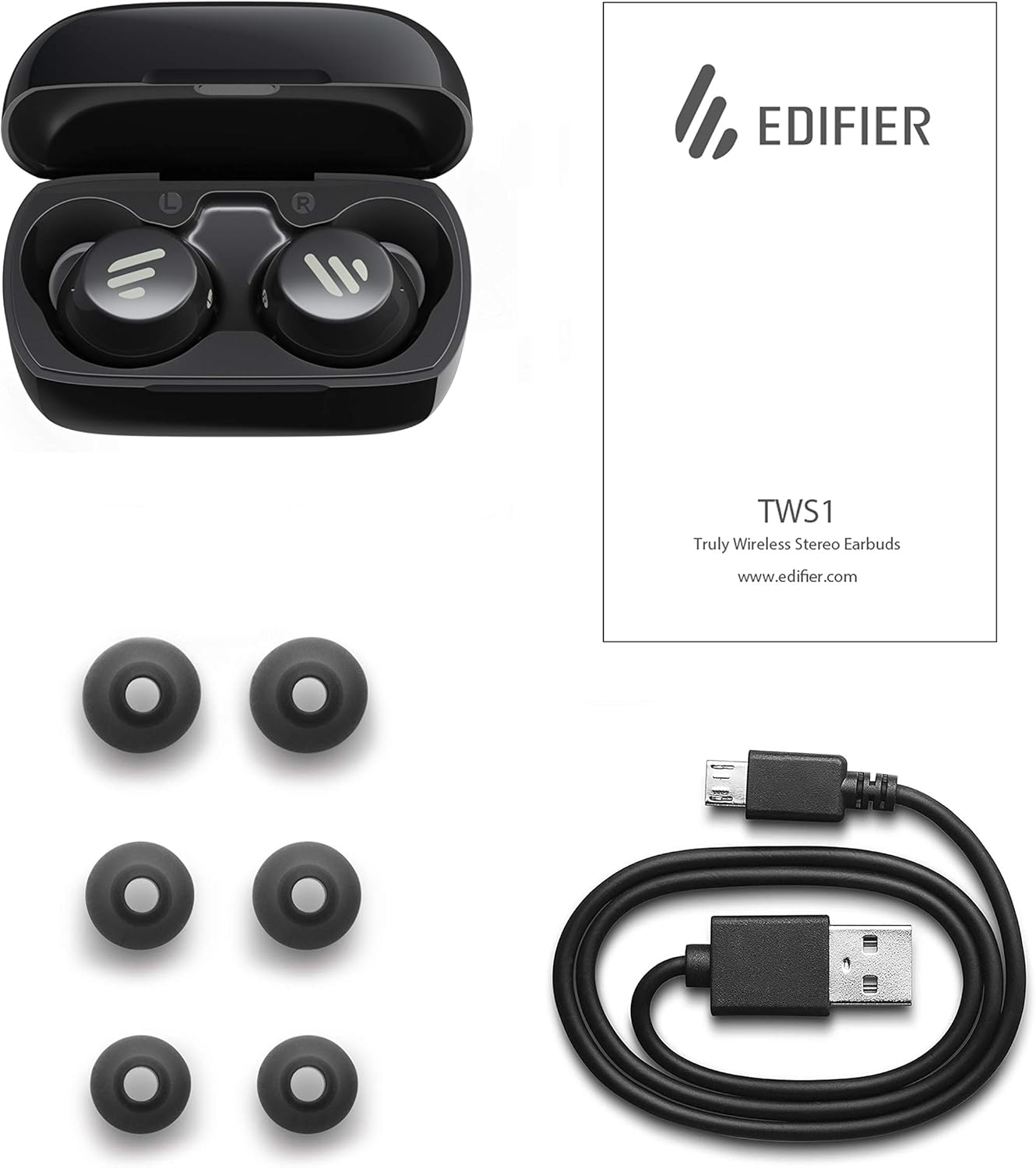
Image: The Edifier TWS1 earbuds, charging case, USB charging cable, and various sizes of ear tips are displayed alongside the user manual, illustrating the complete package contents.
Opstelling
1. Laai die oordopjes en houer
Before first use, fully charge the earbuds and the charging case. Place the earbuds into the charging case. Connect the USB charging cable to the charging port on the case and a power source. The indicator light on the case will show charging status. Once fully charged, the indicator will change or turn off.
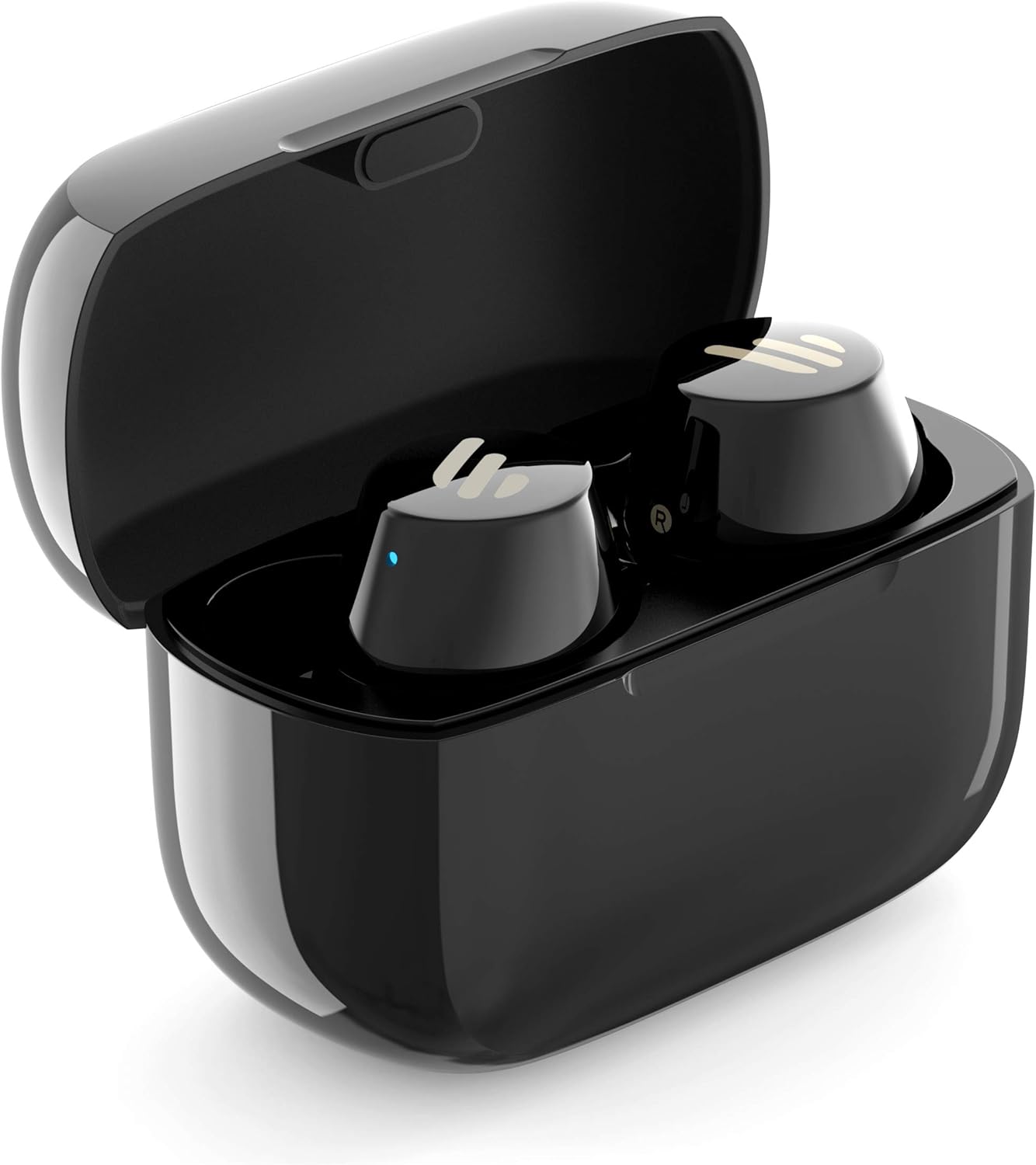
Image: The Edifier TWS1 earbuds are shown nestled within their open charging case, with a blue indicator light visible, signifying charging or power status.
2. Koppel met 'n Toestel
- Maak seker dat die oordopjes gelaai is.
- Open the charging case. The earbuds will automatically enter pairing mode, and the indicator light on one earbud will flash rapidly.
- Aktiveer Bluetooth op jou toestel (slimfoon, tablet, skootrekenaar) en soek vir nuwe toestelle.
- Select "EDIFIER TWS1" from the list of available devices.
- Once connected, the indicator light on the earbuds will stop flashing.
3. Pas die oordopjes aan
Choose the ear tips that provide the most comfortable and secure fit for your ears. Insert the earbuds into your ear canals and gently twist them until they feel snug and stable. A proper fit is crucial for optimal sound quality and noise isolation.
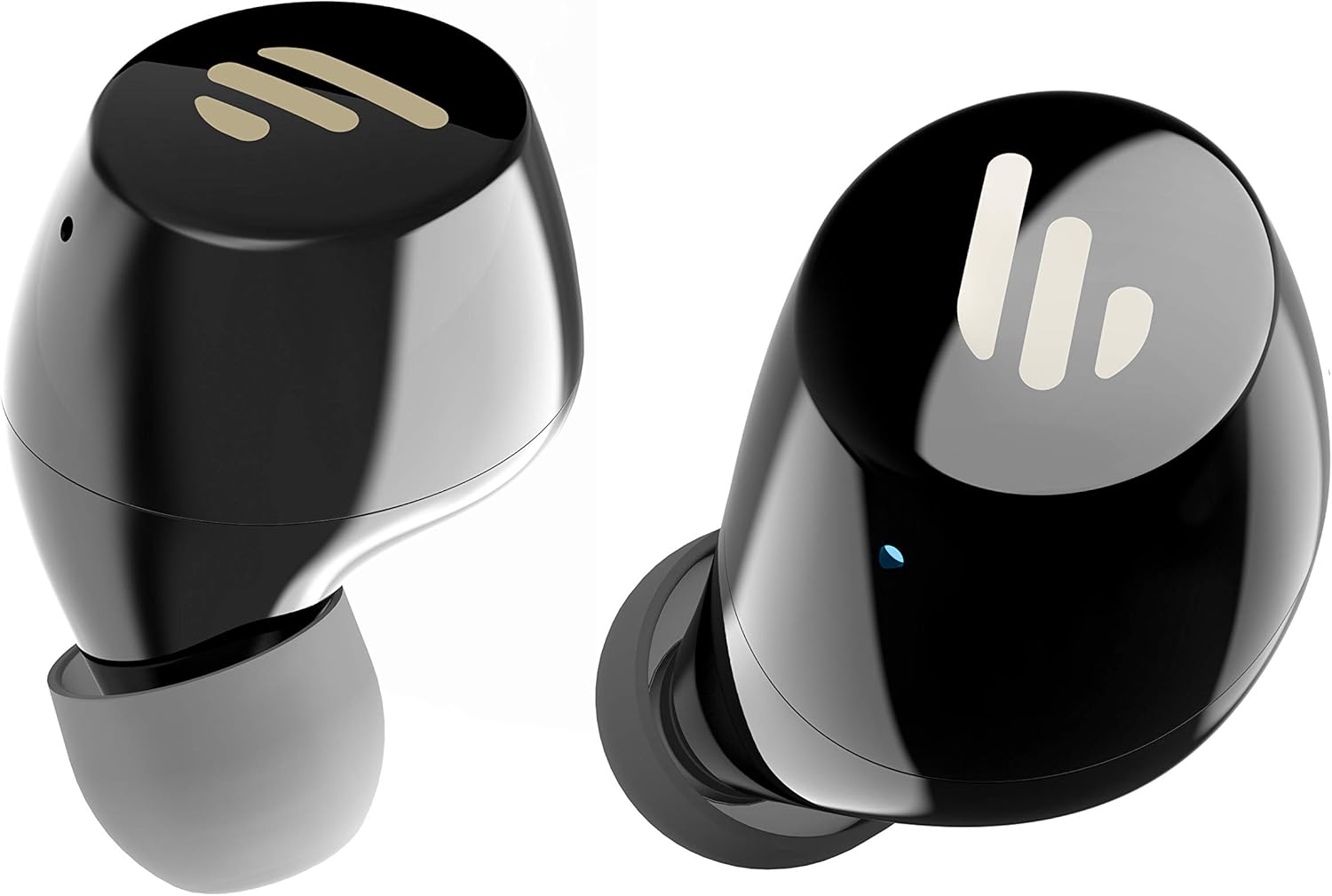
Beeld: 'n Gedetailleerde view of the Edifier TWS1 earbuds, highlighting their ergonomic shape and the silicone ear tips designed for a comfortable and secure in-ear fit.
Bedryfsinstruksies
The Edifier TWS1 earbuds feature touch controls for easy operation.
- Krag aan: Earbuds power on automatically when removed from the charging case.
- Skakel af: Place earbuds back into the charging case to power off automatically.
- Speel/pouse: Double-tap the touch panel on either earbud.
- Volgende snit: Triple-tap the touch panel on the right earbud.
- Vorige snit: Triple-tap the touch panel on the left earbud.
- Beantwoord/beëindig oproep: Double-tap the touch panel on either earbud.
- Verwerp oproep: Druk en hou die aanraakpaneel op enige oordopjes vir 2 sekondes in.
- Aktiveer stemassistent: Press and hold the touch panel on the left earbud for 2 seconds.
Onderhoud
- Skoonmaak: Regularly clean the earbuds and charging case with a soft, dry cloth. Do not use abrasive cleaners or solvents.
- Waterweerstand: Die oorfone is IPX5-gegradeer, wat beteken dat hulle bestand is teen spatsels en sweet. Moenie hulle in water dompel of aan swaar reën blootstel nie. Maak seker dat die laaipoort droog is voor jy dit laai.
- Berging: Wanneer dit nie gebruik word nie, bêre die oorfone in hul laaikassie om hulle te beskerm en gelaai te hou. Bêre op 'n koel, droë plek weg van uiterste temperature.
- Batterysorg: Om die batterylewe te behou, vermy om die oorfone en laaikas gereeld heeltemal te ontlaai. Laai hulle gereeld, selfs al word hulle nie voortdurend gebruik nie.
Probleemoplossing
If you encounter issues with your Edifier TWS1 earbuds, please refer to the following common solutions:
| Probleem | Oplossing |
|---|---|
| Oordopjes skakel nie aan nie. | Ensure the earbuds and charging case are fully charged. Place earbuds in the case and close it, then open to power on. |
| Kan nie met toestel koppel nie. | Make sure Bluetooth is enabled on your device. Ensure earbuds are in pairing mode (flashing indicator). Try forgetting the device in your Bluetooth settings and re-pairing. |
| Slegs een oorknoppie werk. | Place both earbuds back into the charging case, close the lid, and then open it again. This should re-sync them. If the issue persists, try resetting the earbuds. |
| Geen geluid of lae volume nie. | Check the volume level on both your device and the earbuds. Ensure earbuds are properly seated in your ears. Try cleaning the ear tips and speaker mesh. |
| Laai kwessies. | Ensure the charging cable is securely connected. Try a different USB port or power adapter. Clean the charging contacts on the earbuds and inside the case. |
Fabrieksterugstelling
If problems persist, a factory reset may resolve them:
- Plaas albei oordopjes in die laaikas.
- Press and hold the touch panel on both earbuds simultaneously for approximately 8 seconds until the indicator lights flash rapidly, then release.
- Remove the earbuds from the case and attempt to re-pair them with your device.
Spesifikasies
| Kenmerk | Detail |
|---|---|
| Handelsnaam | Opbouer |
| Model Naam | TWS1 BK |
| Item Modelnommer | TWS1_BK |
| Kleur | Swart |
| Materiaal | Plastiek |
| Verbindingstegnologie | Draadloos |
| Draadlose kommunikasietegnologie | Bluetooth |
| Oorfone vorm faktor | In Oor |
| Oorplasing | In Oor |
| Koptelefoonaansluiting | Geen Jack |
| Beheer metode | Raak |
| Waterweerstandvlak | Waterbestand (IPX5) |
| Versoenbare toestelle | Slimfone, tablette, skootrekenaars, tafelrekenaars |
| Spesifieke gebruike vir produk | Kommunikasie |
| Produk afmetings | 2.32 x 1.72 x 2.04 cm; 130 gram |
| Ingesluit komponente | TWS1 Earbuds |
| Ouderdomsreeksbeskrywing | Volwasse |
Waarborg en Ondersteuning
Edifier products are designed and manufactured to the highest quality standards. For information regarding warranty coverage, please refer to the warranty card included with your product or visit the official Edifier website. For technical support or further assistance, please contact Edifier customer service through their official channels.