
Bud Light BL-BBS-002
Bud Light Bier Bluetooth Bottel Luidspreker BL-BBS-002 Gebruikershandleiding
1. Inleiding
This manual provides comprehensive instructions for the Bud Light Beer Bluetooth Bottle Speaker, Model BL-BBS-002. Designed for portable audio playback, this wireless speaker connects to Bluetooth-enabled devices, offering a unique design and clear sound for various indoor and outdoor activities.
Lees asseblief hierdie handleiding deeglik deur voordat u die produk gebruik om behoorlike werking te verseker en die lewensduur daarvan te maksimeer.

Beeld 1.1: Voorkant view of the Bud Light Beer Bluetooth Bottle Speaker.
2. Pakketinhoud
Verifieer dat al die items wat hieronder gelys word, in u produkverpakking teenwoordig is:
- Bud Light Bluetooth Speaker Bottle
- Laaikabel (Mikro USB)
- Gebruikershandleiding (hierdie dokument)
3. Produk verbyview
Familiarize yourself with the various components and controls of your Bud Light Bluetooth Bottle Speaker.

Beeld 3.1: Sykant view of the speaker highlighting the control buttons and ports.
- Aan/Af-knoppie: Skakel die luidspreker aan of af.
- Aux 3.5mm Port: For wired audio connection using a 3.5mm audio cable (not included).
- Micro USB -laaipoort: Koppel die luidspreker aan 'n kragbron vir laai.
4. Opstelling
4.1. Laai die luidspreker op
Before initial use, fully charge the speaker. Use the provided Micro USB charging cable.
- Connect the Micro USB end of the charging cable to the Micro USB Charging Port on the speaker.
- Connect the USB-A end of the charging cable to a USB power adapter (e.g., smartphone charger, computer USB port) or a power bank.
- The charging indicator light (if present, refer to product for exact location) will illuminate during charging and turn off or change color when fully charged.
- 'n Volle lading neem gewoonlik ongeveer 2-3 uur.
Note: Do not use damaged charging cables or adapters. Ensure the charging port is dry before connecting the cable.
4.2. Skakel aan/af
- Om aan te skakel: Press and hold the On/Off Button for approximately 3 seconds. You will hear an audible tone, and an indicator light will flash, indicating it is ready for pairing.
- Om af te skakel: Press and hold the On/Off Button for approximately 3 seconds. You will hear an audible tone, and the indicator light will turn off.
5. Bedryfsinstruksies
5.1. Bluetooth-koppeling
To connect the speaker to your Bluetooth-enabled device (smartphone, tablet, laptop):
- Maak seker dat die luidspreker aangeskakel en in paringsmodus is (die aanwyserliggie flikker).
- Op jou toestel, navigeer na die Bluetooth-instellings.
- Aktiveer Bluetooth en soek vir beskikbare toestelle.
- Select "Bud Light Speaker" (or similar name) from the list of found devices.
- Once paired, you will hear a confirmation tone, and the indicator light on the speaker will stop flashing and remain solid.
- Die luidspreker sal outomaties probeer om weer aan die laaste gekoppelde toestel te koppel wanneer dit aangeskakel word.
Note: The effective Bluetooth range is approximately 30 feet (9 meters). Obstacles may reduce this range.
5.2. Klankweergawe
- After successful Bluetooth pairing, play audio from your connected device.
- Adjust the volume directly from your connected device. The speaker does not have independent volume controls.
- For wired connection, insert a 3.5mm audio cable into the Aux 3.5mm Port on the speaker and the other end into your audio source. Bluetooth will be disabled when the Aux cable is connected.
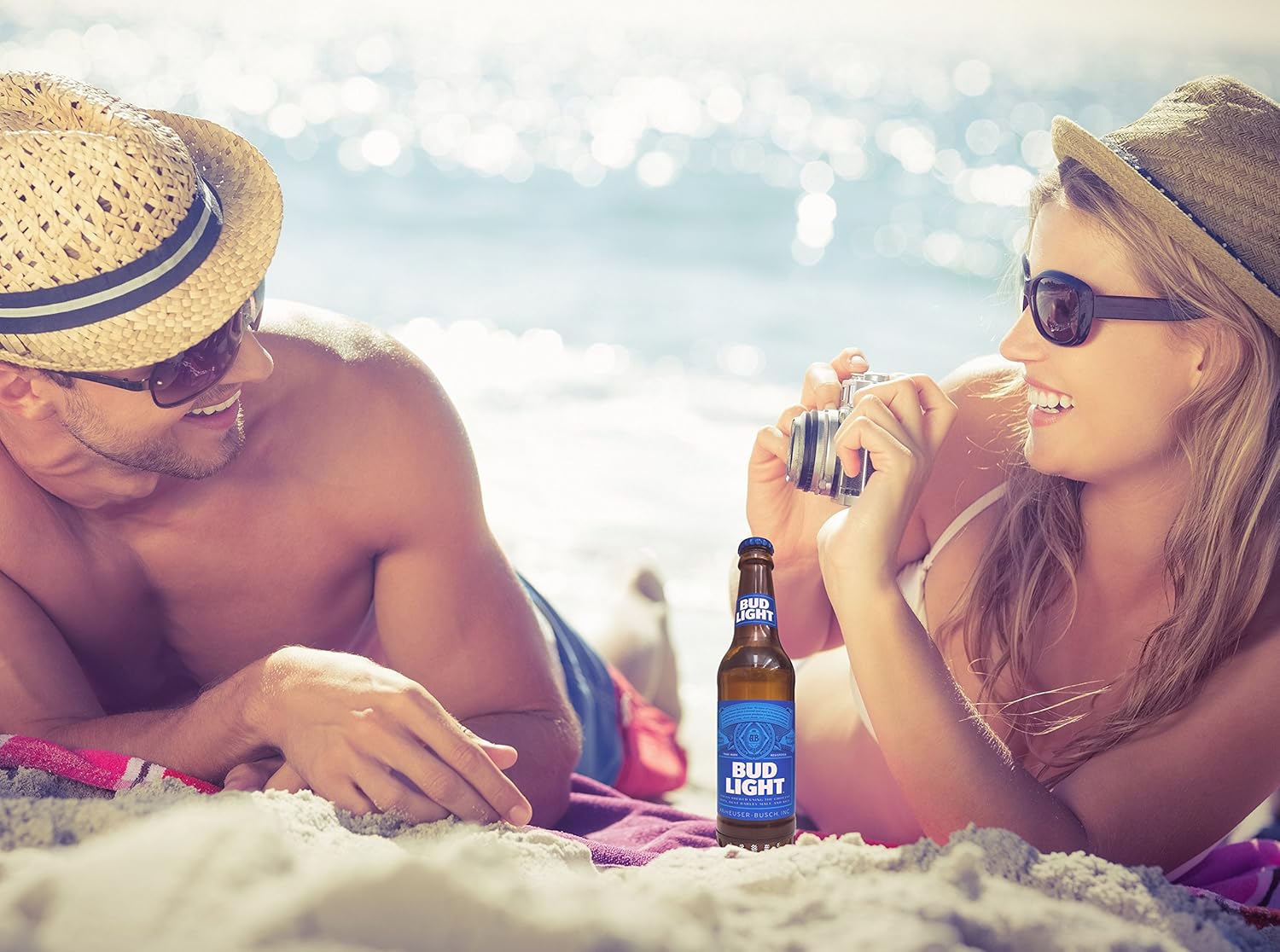
Image 5.1: The portable speaker in an outdoor setting, demonstrating its use for entertainment.
6. Onderhoud
- Skoonmaak: Wipe the speaker with a soft, dry cloth. Do not use abrasive cleaners, alcohol, or solvents.
- Berging: Bêre die luidspreker op 'n koel, droë plek weg van direkte sonlig en uiterste temperature.
- Waterblootstelling: This speaker is NOT waterproof. Avoid exposing it to water, rain, or excessive moisture.
- Batterysorg: To preserve battery life, charge the speaker at least once every three months if not in regular use.
7. Probleemoplossing
| Probleem | Moontlike oorsaak | Oplossing |
|---|---|---|
| Luidspreker skakel nie aan nie. | Battery is leeg. | Laai die luidspreker met die meegeleverde USB-kabel. |
| Kan nie met Bluetooth-toestel saambind nie. | Bluetooth is off on your device; speaker is not in pairing mode; speaker is already paired to another device; device is out of range. | Ensure Bluetooth is enabled on your device. Power cycle the speaker to enter pairing mode. Disconnect from other devices. Move device closer to speaker (within 30 ft). |
| Geen klank tydens afspeel nie. | Volume on device is too low; speaker is not connected; audio source issue. | Increase volume on your connected device. Re-pair the Bluetooth connection. Check if the audio source is playing correctly. |
| Die klankgehalte is swak of verwring. | Device is out of Bluetooth range; interference; low battery. | Move device closer to the speaker. Avoid sources of strong electromagnetic interference. Charge the speaker. |
8. Spesifikasies
| Model Naam | BL-BBS-002 |
| Handelsmerk | Bud Lig |
| Verbindingstegnologie | Bluetooth 5.0 |
| Wireless Range | Tot 30 voet (9 meter) |
| Kragbron | Battery-aangedrewe (1 litiumpolimeerbattery, ingesluit) |
| Luidspreker uitset krag | 3 Watt |
| Klankuitvoermodus | Stereo |
| Produkafmetings (L x B x H) | 2.5"D x 2.5"B x 9"H (6.35 cm x 6.35 cm x 22.86 cm) |
| Item gewig | 1 pond (0.45 kg) |
| Waterdig | Nee |
| Versoenbare toestelle | Smartphones, Tablets, Laptops, Personal Computers |
9. Waarborg en Ondersteuning
This Bud Light Bluetooth Speaker comes with a 1-jaar beperkte waarborg vanaf die aankoopdatum. Bewaar asseblief u bewys van aankoop vir waarborgeise.
The manufacturer is M&S Accessory Network. For support or warranty inquiries, please contact the retailer or manufacturer directly with your proof of purchase and product model number (BL-BBS-002).
Note: Warranty does not cover damage caused by misuse, accidents, unauthorized modifications, or exposure to water.
Ask a question about this manual
Ask about setup, troubleshooting, compatibility, parts, safety, or missing instructions. Manuals+ will review the question and use this page’s manual context to help answer it.