
Inleiding
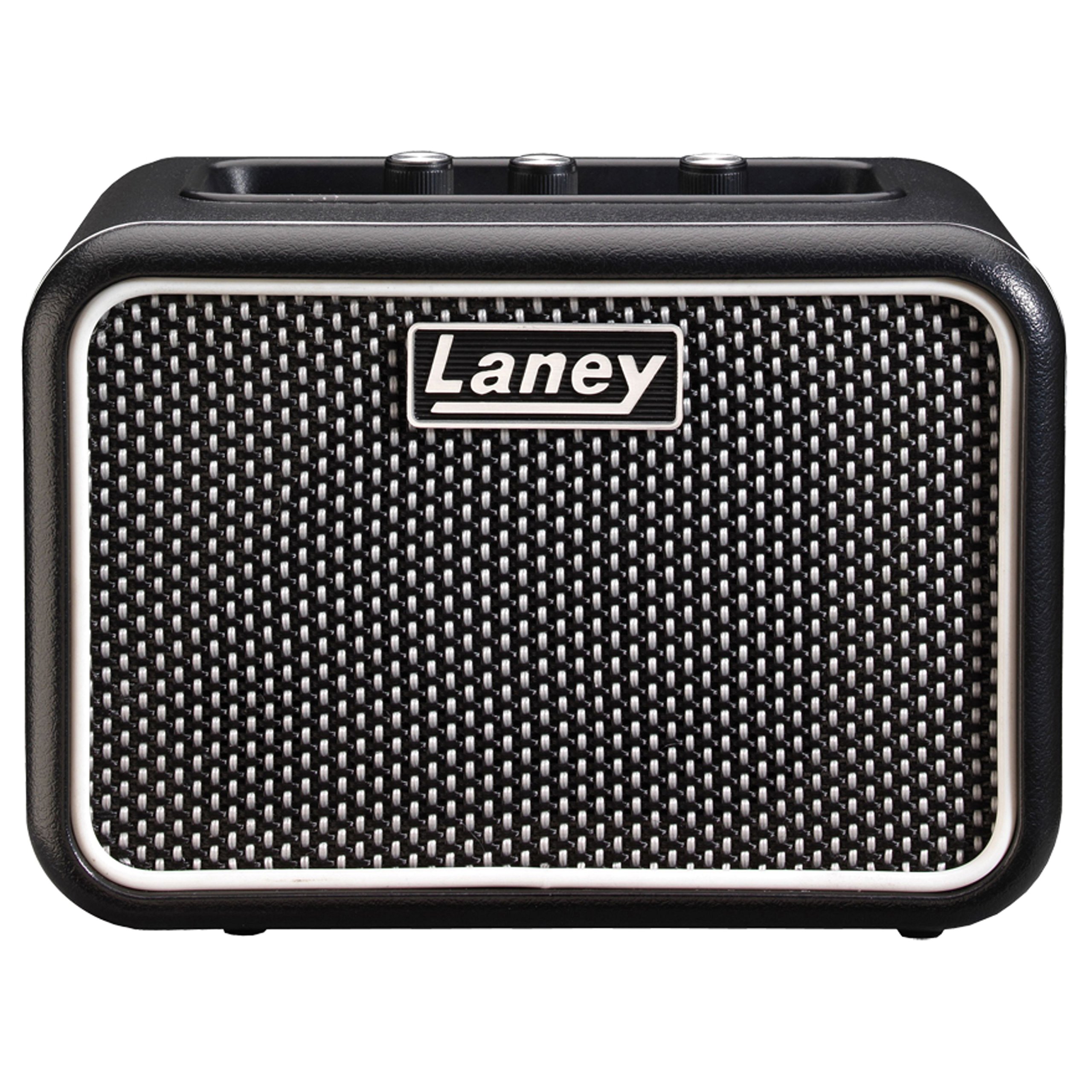
The Laney MINI-SUPERG is a compact, battery-powered guitar amplifier designed for portability and versatile use. It features a clean and drive channel, essential tone controls, and a unique Laney Smartphone Insert (LSI) for integrating with guitar tone-generating applications. This manual provides detailed instructions for the proper setup, operation, and maintenance of your MINI-SUPERG amplewendiger.
Belangrike veiligheidsinligting
- Lees hierdie instruksies deeglik deur voordat u die eenheid gebruik.
- Hou hierdie instruksies vir toekomstige verwysing.
- Gee ag op alle waarskuwings en volg alle instruksies.
- Moenie hierdie toestel naby water gebruik nie.
- Maak slegs skoon met 'n droë lap.
- Moenie enige ventilasie-openinge blokkeer nie. Installeer volgens die vervaardiger se instruksies.
- Moenie naby enige hittebronne soos verkoelers, hitteregisters, stowe of ander toerusting (insluitend ampversterkers) wat hitte produseer.
- Gebruik slegs aanhegsels/bykomstighede gespesifiseer deur die vervaardiger.
- Verwys alle diens na gekwalifiseerde dienspersoneel. Onderhoud is nodig as die apparaat op enige manier beskadig is.
- Batteryveiligheid: Use only the specified battery type (6 x AA). Ensure correct polarity when installing. Do not mix old and new batteries, or different types of batteries. Remove batteries if the unit is not used for extended periods.
Pakketinhoud
Please check the contents of your product packaging carefully. If any items are missing or damaged, contact your retailer immediately.
- Laney MINI-SUPERG Amplewendiger
- Gebruikershandleiding
- LSI Cable (if included with your model)
Kontroles en kenmerke
Voorpaneelkontroles
Prent: Front panel of the Laney MINI-SUPERG amplifier, showing the input jack, gain, tone, and volume knobs, drive switch, AUX IN, LSI port, power button, and headphone jack.
- INSET: 1/4-inch jack for connecting your guitar.
- DRIVE-skakelaar: Engages the overdrive channel for a distorted guitar tone.
- WINS: Controls the amount of input signal and overdrive when the DRIVE switch is engaged.
- TOON: Adjusts the overall tonal character, from darker to brighter.
- AUX IN: 3.5mm stereo input for connecting external audio sources like MP3 players or smartphones for backing tracks.
- LSI (Laney Smartphone Insert): 3.5mm TRRS jack for connecting your smartphone or tablet to use with tone-generating apps.
- VOLUME: Beheer die algehele uitsetvlak van die amplewendiger.
- KRAG: On/Off button for the amplifier. An indicator light will illuminate when on.
- OORFONE: 3.5mm stereo output for private practice. Connecting headphones mutes the internal speaker.
Kenmerke van die agterpaneel

Prent: Rear panel of the Laney MINI-SUPERG amplifier, showing the battery compartment cover and product information label.
- Battery kompartement: Houses 6 x AA batteries for portable power.
- Product Information Label: Contains model number, serial number, and compliance markings.
Opstelling
1. Battery Installasie
- Verseker die ampverligter is afgeskakel.
- Vind die batterykompartement aan die agterkant van die eenheid.
- Skuif die batteryklepdeksel afwaarts om oop te maak.
- Insert 6 x AA batteries, observing the correct polarity (+/-) as indicated inside the compartment.
- Plaas die batteryklepdeksel terug en maak seker dat dit stewig vasklik.
2. Connecting Your Guitar
- Connect one end of a standard 1/4-inch instrument cable to your guitar's output jack.
- Connect the other end of the instrument cable to the INSET jack on the front panel of the MINI-SUPERG.
3. Connecting an Auxiliary Audio Source
- Use a 3.5mm stereo audio cable.
- Connect one end to the headphone output or line output of your audio device (e.g., smartphone, MP3 player).
- Verbind die ander punt aan die AUX IN jack on the front panel of the MINI-SUPERG.
4. Using the LSI (Laney Smartphone Insert)
- The LSI allows you to connect your smartphone or tablet to the amplifier for use with digital guitar tone apps.
- Use the supplied LSI cable (or a compatible 3.5mm TRRS cable).
- Connect one end of the LSI cable to the LSI jack on the MINI-SUPERG.
- Connect the other end to the headphone/microphone jack of your smartphone or tablet.
- Launch your preferred guitar tone app on your device. The app will process your guitar signal and send the output back to the MINI-SUPERG.
Operasie
1. Skakel aan/af
- Druk die KRAG knoppie om die amplifier on. The power indicator light will illuminate.
- Druk die KRAG knoppie weer om die amplifier off. The indicator light will extinguish.
2. Aanpassing van volume en toon
- Begin met die VOLUME knob set to a low level.
- Play your guitar and slowly increase the VOLUME tot jou verlangde luistervlak.
- Pas die TOON knob to shape your sound. Turning it clockwise increases treble (brightness), and counter-clockwise increases bass (warmth).
3. Using the Drive Channel
- To engage the overdrive sound, press the RY switch. The indicator light next to the switch will illuminate.
- Pas die WINS knob to control the amount of distortion. Higher gain settings produce more aggressive overdrive.
- Gebruik die TOON en VOLUME knobs to further refine your driven sound.
- To return to a clean sound, press the RY weer oorskakel.
4. Gebruik oorfone
- Plug standard 3.5mm stereo headphones into the OORFOON domkrag.
- The internal speaker will automatically mute, allowing for silent practice.
- Pas die VOLUME knob for your headphone listening level.
Onderhoud
- Skoonmaak: Vee die amplifier with a soft, dry cloth. Do not use abrasive cleaners, solvents, or waxes.
- Batterysorg: Remove batteries if the unit will not be used for an extended period to prevent leakage. Dispose of used batteries responsibly according to local regulations.
- Berging: Berg die ampVerwyderaar op 'n koel, droë plek weg van direkte sonlig en uiterste temperature.
- Vervoer: Wanneer vervoer word, maak seker dat die ampDie lifer is veilig verpak om fisiese skade te voorkom.
Probleemoplossing
| Probleem | Moontlike oorsaak | Oplossing |
|---|---|---|
| Geen geluid van die luidspreker nie. |
|
|
| Vervormde of swak klankgehalte. |
|
|
| LSI connection not working. |
|
|
Spesifikasies
| Kenmerk | Detail |
|---|---|
| Uitset Wattage | 3 Watt |
| Spreker | 1 x 3-inch full range driver |
| Kanale | Clean & Drive |
| Kontroles | Gain, Tone, Volume, Drive Switch |
| Insette | 1/4-inch Guitar Input, 3.5mm AUX IN, 3.5mm LSI |
| Uitsette | 3.5 mm koptelefoon uitset |
| Kragbron | 6 x AA-batterye |
| Afmetings (H x B x D) | Ongeveer 4.72 x 6.81 x 3.94 duim (12 x 17.3 x 10 cm) |
| Gewig | Ongeveer 1.83 pond (0.83 kg) |
| Materiaal | Vlekvrye staal |
Waarborg en Ondersteuning
For warranty information and technical support, please refer to the warranty card included with your product or visit the official Laney webwebwerf. Bewaar u bewys van aankoop vir enige waarborgeise.