
1. Inleiding
This manual provides detailed instructions for the installation, operation, and maintenance of your FVTLED WiFi RGB Low Voltage LED Deck Lights Kit. This kit is designed to provide versatile and customizable lighting for both indoor and outdoor environments, featuring RGB color options, smart control via WiFi, and compatibility with voice assistants.
2. Veiligheidsinligting
Please read and understand all safety instructions before installing or using this product. Failure to follow these instructions may result in electric shock, fire, or other hazards.
- Maak seker dat die kragtoevoer ontkoppel is voor installasie of instandhouding.
- This product operates on DC12V low voltage. Do not connect directly to AC power without the provided power supply.
- All lights and cables are IP67 waterproof, suitable for outdoor use. However, ensure all connections are securely tightened to maintain water resistance.
- Do not modify the product or its components. Any modifications may void the warranty and create safety risks.
- Keep the power supply unit in a dry, protected area, away from direct water exposure.
- Raadpleeg 'n gekwalifiseerde elektrisiën as u onseker is oor enige deel van die installasieproses.
3. Pakketinhoud
Verifieer dat alle komponente teenwoordig en onbeskadig is wanneer die verpakking oopgemaak word:
- 10 x LED Inground Lights (Model D45)
- 1 x 12W LED Power Supply
- 1 x LED WiFi Controller
- 1 x 24-Key IR Remote Controller

Image 3.1: Contents of the FVTLED Deck Lights Kit, including 10 LED lights, power supply, WiFi controller, and remote control.
4. Opstelling en installering
Follow these steps for proper installation of your FVTLED deck lights:
- Beplanning: Determine the desired layout for your lights. The distance between each light is approximately 1 meter (3.28 ft). Ensure the total length of connected lights does not exceed the capacity of the power supply.
- Boorgate: Drill mounting holes of approximately Φ1.38 inches (35mm) in diameter. The light fixture itself has a diameter of Φ1.77 inches (45mm) and a height of 1.02 inches (26mm).
- Voeg ligte in: Carefully insert each LED deck light into the drilled holes. The spring clips on the sides will secure the light in place.
- Koppel ligte: Connect the lights in series using the male and female waterproof connectors. Ensure each connection is firmly pushed together and the screw cap is tightened to maintain the IP67 waterproof rating.
- Koppel aan beheerder: Connect the string of lights to the LED WiFi Controller.
- Koppel kragtoevoer: Connect the LED WiFi Controller to the 12W LED Power Supply.
- Krag aan: Plug the power supply into a standard electrical outlet.

Image 4.1: Detailed dimensions for drilling and a diagram illustrating the series connection of the LED deck lights to the driver.
Let wel: The distance between the light and the controller should be less than 3 meters for optimal performance.
5. Bedryfsinstruksies
5.1. Afstandsbediening
The included 24-key IR remote control allows for basic functions:
- AAN/UIT: Skakel die ligte aan of af.
- Kleurkeuse: Choose from various preset colors.
- Helderheid aanpassing: Verhoog of verlaag die ligintensiteit.
- Moduskeuse: Cycle through different dynamic lighting modes.
The remote control has an effective range of up to 15 meters.
5.2. WiFi / Smart App Control
For advanced features and smart home integration, use the dedicated mobile application.
- Laai die toepassing af: Soek vir the companion app (e.g., 'Magic Home' or similar, as indicated in the product packaging or quick start guide) on your smartphone's app store (iOS or Android).
- Koppel aan WiFi: Follow the in-app instructions to connect your LED WiFi Controller to your home WiFi network. This typically involves turning the lights on and off a few times to enter pairing mode, then selecting the controller from the app and entering your WiFi credentials.
- Kleurkeuse: Use the app's color wheel to select from 16 million colors.
- Helderheid aanpassing: Precisely adjust the brightness level from 1% to 100%.
- Dinamiese funksies: Explore various lighting modes such as gradual changes, cross fades, and strobe effects. You can also adjust the speed of these functions.
- Musiekmodus: Synchronize the lights with music played from your device or through the app's microphone sensitivity feature.
- Camera Color Capture: Use your phone's camera to capture a color from your surroundings, and the lights will replicate it.
- Timer funksie: Set schedules for the lights to automatically turn on/off, change colors, or activate specific functions at designated times.
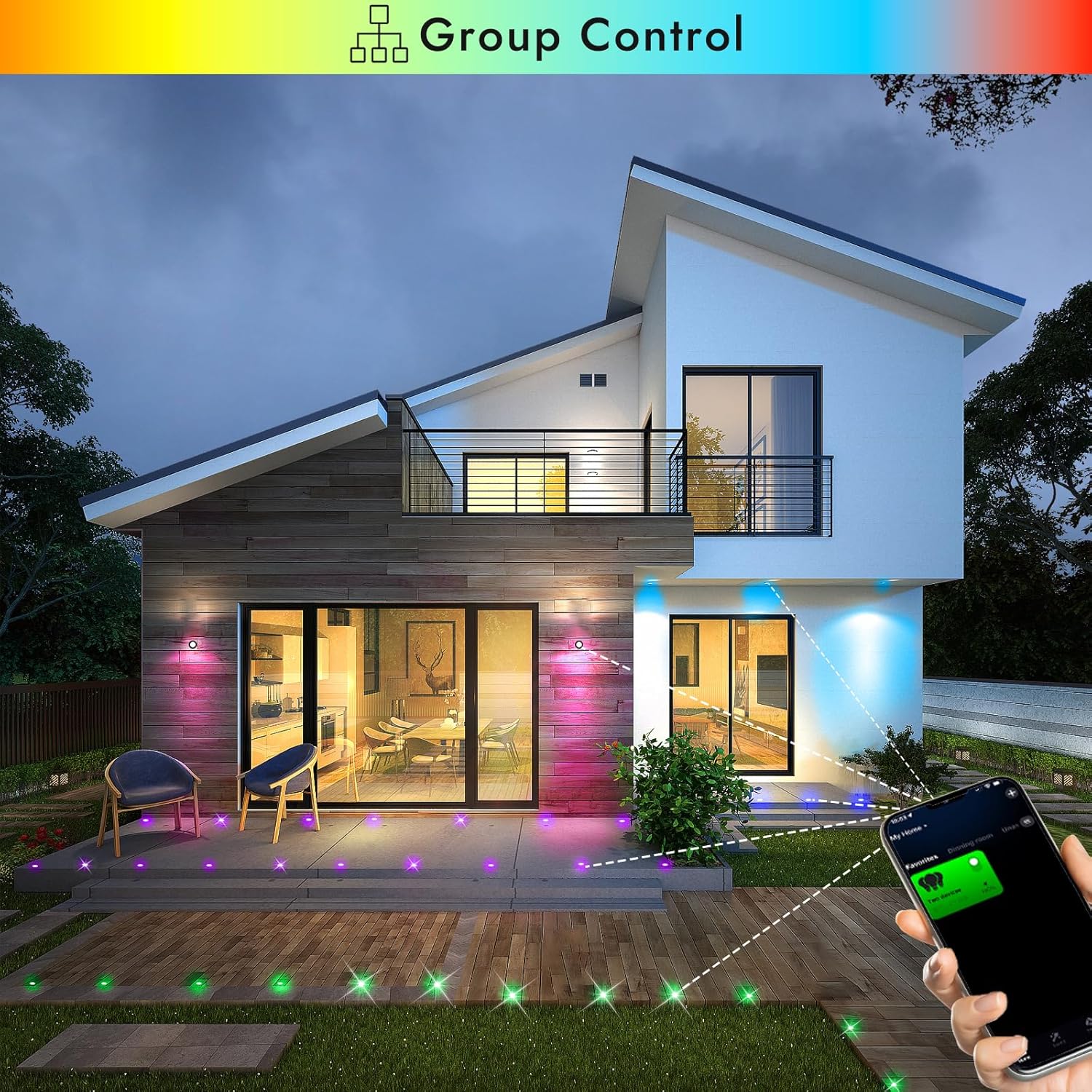
Image 5.1: Smartphone app demonstrating group control of multiple FVTLED deck lights.

Image 5.2: The app interface displaying the music mode feature, allowing lights to react to sound.

Image 5.3: The app interface demonstrating the timer function for scheduling light operations.
5.3. Stembeheer (Alexa en Google Home)
The FVTLED WiFi RGB Deck Lights are compatible with Amazon Alexa and Google Home for convenient voice control.
- Aktiveer Vaardigheid/Aksie: In your Alexa or Google Home app, search for and enable the corresponding skill or action for your FVTLED lights (e.g., 'Magic Home' or similar).
- Koppel rekening: Link your FVTLED app account with your Alexa or Google Home account.
- Ontdek toestelle: Vra Alexa of Google Home om nuwe toestelle te ontdek.
- Stembevele: You can now control your lights using voice commands such as:
"Alexa, turn on the deck lights."
"Hey Google, change deck lights to blue."
"Alexa, dim the deck lights to 50%."
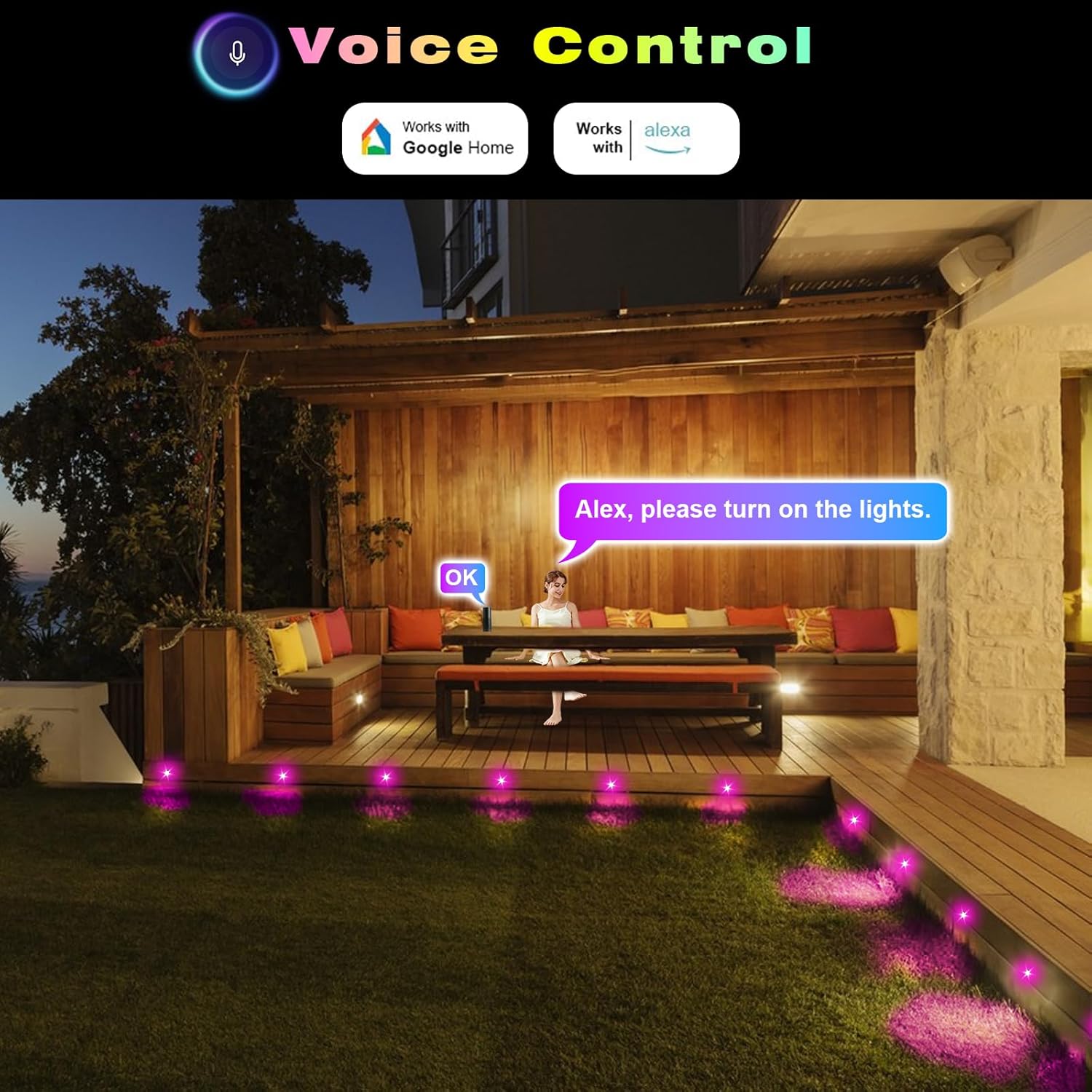
Beeld 5.4: 'n Eksample of using voice commands with Alexa to control the FVTLED deck lights in an outdoor setting.
5.4. Video Demonstration: WiFi Controller and App Features
Video 5.5: A comprehensive demonstration of the FVTLED WiFi Controller and its features, including app connectivity, color selection, dynamic modes, and timer settings.
6. Onderhoud
To ensure the longevity and optimal performance of your FVTLED deck lights, follow these maintenance guidelines:
- Skoonmaak: Periodically clean the surface of the lights with a soft, damp cloth to remove dirt and debris. Avoid abrasive cleaners or solvents.
- Verbindingskontrole: Annually inspect all cable connections to ensure they remain tight and free from corrosion. Re-tighten waterproof caps if necessary.
- Kabel inspeksie: Check cables for any signs of damage, cuts, or fraying. Replace damaged cables immediately to prevent electrical hazards.
- Kragtoevoer: Ensure the power supply unit is kept in a well-ventilated area and is not covered, to prevent overheating.
7. Probleemoplossing
If you encounter issues with your FVTLED deck lights, refer to the following common problems and solutions:
- Ligte skakel nie aan nie:
- Check if the power supply is properly plugged into a working outlet.
- Verify all cable connections are secure and tightened.
- Ensure the remote control or app is sending the 'ON' command.
- Test the power supply with another compatible device if possible.
- WiFi-konnektiwiteitsprobleme:
- Ensure your smartphone is connected to a 2.4GHz WiFi network (5GHz networks are often not supported by smart devices).
- Confirm the WiFi controller is within range of your router.
- Try resetting the WiFi controller (refer to app instructions for specific reset procedures, often involves cycling power).
- Verify that location services are enabled on your phone and allowed for the app during setup.
- Afstandbeheer werk nie:
- Check the battery in the remote control (1 CR2 battery required, included).
- Ensure there are no obstructions between the remote and the WiFi controller.
- Confirm the remote is pointed directly at the IR receiver on the controller.
- Inconsistent Light Colors/Brightness:
- This can sometimes occur with long cable runs due to voltage drop. Ensure your setup adheres to recommended cable lengths.
- Check for any loose connections that might be affecting power delivery to individual lights.
8. Spesifikasies
| Kenmerk | Spesifikasie |
|---|---|
| Handelsmerk | FVTLED |
| Model Naam | WIFI RGB Low Voltage LED Deck Lights Kit |
| Item Modelnommer | WIFI-10*D45-RGB |
| Liggaamvorm | Ingeboude |
| Materiaal | Vlekvrye staal, polikarbonaat |
| Kleur | RGB (Veelkleurig) |
| Voltage | DC 12V |
| Wattage | 0.5 Watts (Multi-color) / 0.2W (Single-color) |
| Lumen Uitset | 12 LM (per light) |
| Straalhoek | 120° |
| IP-gradering | IP67 (Lights and Cables) |
| Produk afmetings | Φ1.77"L x 1.77"W x 1.02"H (Φ45*H26mm) |
| Mount Hole Size | Φ1.38" (Φ35mm) |
| Cable Length (Per Light) | 1.64 ft (Double 0.5M) |
| Afstand tussen ligte | 3.28 voet (1 miljoen) |
| Beheer metode | Remote, Amazon Alexa, Google Home, Wi-Fi App |
| Batterye | 1 CR2 battery required (included for remote) |
| Vergadering benodig | Ja |
9. Waarborg en Ondersteuning
This FVTLED product comes with a Limited Warranty. For specific warranty details, claims, or technical support, please refer to the warranty card included in your package or contact FVTLED customer service directly through their official webwebwerf of die kleinhandelaar waar die produk gekoop is.