
Sharp R360SLM
Sharp R360SLM Microwave Oven User Manual
Model: R360SLM
1. Belangrike veiligheidsinstruksies
Lees alle instruksies sorgvuldig deur voordat u die toestel gebruik. Bewaar hierdie handleiding vir toekomstige verwysing.
- Moenie probeer om hierdie oond met die deur oop te gebruik nie, aangesien dit kan lei tot skadelike blootstelling aan mikrogolfenergie.
- Moenie enige voorwerp tussen die oondvoorkant en die deur plaas nie, of toelaat dat grond of skoonmakerreste op verseëlingsoppervlaktes ophoop.
- Gebruik die oond nie as dit beskadig is nie. Dit is veral belangrik dat die oonddeur behoorlik toemaak en dat daar geen skade is aan: (1) deur (gebuig), (2) skarniere en grendels (gebreek of losgemaak), (3) deur seëls en seëloppervlakke.
- Die oond moet deur niemand verstel of herstel word nie, behalwe behoorlik gekwalifiseerde dienspersoneel.
- Maak seker dat die toestel behoorlik geaard is.
- Moenie bytende chemikalieë of dampe in hierdie toestel gebruik nie.
- Gebruik altyd mikrogolf-veilige kookgerei.
- Vloeistowwe of ander voedsel mag nie in verseëlde houers verhit word nie, aangesien dit kan ontplof.
- Die mikrogolfoond is bedoel vir die verhitting van kos en drank. Droog van klere en verhitting van opwarmkussings, pantoffels, sponse, damp lap en soortgelyke kan lei tot risiko van besering, ontsteking of brand.
2. Produk verbyview
The Sharp R360SLM is a 23-litre solo microwave oven designed for efficient and convenient food preparation. It features a flatbed interior for increased usable space and easy cleaning, along with intuitive touch controls and multiple automatic programs.

Figuur 2.1: Voorkant view of the Sharp R360SLM Microwave Oven. This image displays the sleek silver and black design with the control panel on the right.
Sleutel kenmerke:
- 23 Liter Kapasiteit: Ruim binnekant geskik vir verskillende groottes skottelgoed.
- Flatbed Design: Eliminates the need for a turntable, providing more usable space and simplifying cleaning.
- 900W Microwave Power: Efficient heating and cooking performance.
- Raakkontroles: User-friendly interface for selecting settings.
- 8 outomatiese programme: Pre-set cooking options for common foods.
- 5 kragvlakke: Adjustable power for diverse cooking needs, from defrosting to rapid heating.
- Defrost Program: Dedicated function for quick and even defrosting.
- Kinderslot: Safety feature to prevent unintended operation.
Figuur 2.2: oorview of key features including 900W power, flatbed interior, variable power, and childlock.

Figure 2.3: Close-up of the flatbed interior, highlighting the absence of a turntable and the increased usable space.
3. Installasie en Opstelling
Behoorlike installasie verseker optimale werkverrigting en veiligheid.
3.1 Uitpak
Carefully remove the microwave oven and all packing materials from the carton. Check the oven for any damage, such as dents or a misaligned door. Do not operate the oven if it is damaged. Contact customer support if any damage is found.
3.2 Plasing
- Plaas die oond op 'n plat, stabiele oppervlak wat die gewig daarvan en die swaarste kos wat waarskynlik in die oond gaargemaak sal word, kan ondersteun.
- Ensure adequate ventilation. Leave a minimum of 10 cm (4 inches) clearance at the rear, 20 cm (8 inches) at the top, and 5 cm (2 inches) on each side for proper airflow.
- Moenie luggate blokkeer nie.
- Hou die oond weg van hittebronne en sterk magnetiese velde.
- This appliance is designed for countertop installation.

Figuur 3.1: Kant view of the microwave with approximate dimensions (Height: 287mm, Width: 490mm, Depth: 392mm) for placement reference.
3.3 Elektriese aansluiting
Steek die oond in 'n behoorlik geïnstalleerde en geaarde muuraansluiting. Moenie verlengkoorde of adapters gebruik nie.
4. Bedryfsinstruksies
This section details how to use your Sharp R360SLM microwave oven.
4.1 Beheerpaneel verbyview
The control panel features a digital display and touch-sensitive buttons for various functions. Familiarize yourself with the layout before operation.
4.2 Stel die klok
- Press the "SET CLOCK" button.
- Use the time adjustment buttons (e.g., "10 Min", "1 Min", "10 Sec") to set the current hour.
- Press "SET CLOCK" again to confirm the hour.
- Use the time adjustment buttons to set the current minutes.
- Press "SET CLOCK" one last time to finalize the clock setting.
4.3 Mikrogolf kook
- Plaas kos in 'n mikrogolf-veilige houer binne-in die oond.
- Maak die deur veilig toe.
- Select the desired power level by pressing the "MICRO POWER" button repeatedly (e.g., P100 for 100% power, P80 for 80%, etc.). There are 5 power levels available.
- Use the time adjustment buttons to set the cooking time.
- Press "START / QUICK START" to begin cooking.
4.4 Quick Start Function
For quick heating at full power:
- Press "START / QUICK START" repeatedly to add 30 seconds of cooking time at 100% power with each press.
- The maximum quick start time is typically 99 minutes and 99 seconds.
4.5 Auto Menu Programs
The oven includes 8 automatic programs for convenient cooking:
- Drank: Vir die verhitting van drankies.
- Jacket Potato: Vir die kook van aartappels.
- Groente: For steaming or cooking vegetables.
- Pizza: For reheating or cooking pizza.
- Rys: Vir die kook van rys.
- Sop: For heating soup.
- (Additional programs may vary, refer to control panel labels)
To use an Auto Menu program:
- Plaas kos in die oond.
- Press the desired Auto Menu button (e.g., "BEVERAGES").
- Use the adjustment buttons to select the quantity or weight if prompted.
- Press "START / QUICK START" to begin.
4.6 Ontdooiing
The defrost function allows for efficient thawing of frozen foods.
- Press the "TIME DEFROST" or "WEIGHT DEFROST" button.
- If using "WEIGHT DEFROST", use the adjustment buttons to enter the weight of the food.
- If using "TIME DEFROST", use the adjustment buttons to enter the desired defrosting time.
- Press "START / QUICK START" to begin defrosting.
4.7 Stop van die werking
To pause or cancel cooking:
- Press "STOP / CLEAR" once to pause cooking. Press "START / QUICK START" to resume.
- Press "STOP / CLEAR" twice to cancel the current program and clear the settings.
5. Onderhoud en Skoonmaak
Gereelde skoonmaak en onderhoud sal die lewensduur van jou mikrogolfoond verleng.
5.1 Skoonmaak van die buitekant
Vee die buiteoppervlak af met adamp lap en sagte skoonmaakmiddel. Vermy skuurmiddels of oplosmiddels.
5.2 Skoonmaak van die binnekant
For spills and splatters, wipe the interior immediately with a damp cloth. For stubborn stains, place a bowl of water with lemon slices inside and heat for 2-3 minutes on high power. The steam will loosen the residue, making it easier to wipe clean. The flatbed design makes the interior particularly easy to clean.
5.3 Cleaning the Door and Seals
Regularly clean the door, door seals, and adjacent parts with a damp cloth to remove any food residue. This ensures proper door closure and safe operation.
5.4 Reukverwydering
To remove odors, combine a cup of water with a few tablespoons of lemon juice or vinegar in a microwave-safe bowl. Heat on high for 5 minutes. Allow to cool inside the oven for a few minutes before removing and wiping the interior.
6. Probleemoplossing
Verwys na hierdie afdeling vir algemene probleme en hul oplossings.
| Probleem | Moontlike oorsaak | Oplossing |
|---|---|---|
| Oond begin nie |
|
|
| Kos word nie verhit nie |
|
|
| Oondlig werk nie | Gloeilamp benodig vervanging. | Kontak gekwalifiseerde dienspersoneel vir gloeilampvervanging. |
| Waaier bly loop na kook | Normal operation to cool the oven cavity and clear steam/condensation. | This is normal. The fan will stop automatically after a few minutes (typically 3-10 minutes). |
| Beheerpaneel reageer nie |
|
|
Indien die probleem voortduur nadat u hierdie oplossings probeer het, kontak asseblief Sharp-kliëntediens.
7. Spesifikasies
| Kenmerk | Spesifikasie |
|---|---|
| Handelsmerk | Skerp |
| Model | R360SLM |
| Kapasiteit | 23 liter |
| Mikrogolf krag uitset | 900 Watt |
| Invoerkrag | 1400 Watt |
| Voltage | 230 Volt |
| Produkafmetings (B x D x H) | 49 cm x 39.2 cm x 28.7 cm |
| Item gewig | 15.1 kg |
| Installasie tipe | Countertop |
| Kleur | Silwer |
| Binnemateriaal | Plastiek |
| Spesiale kenmerke | Auto Cook, Timer, Defrost, Control Panel Lock, Flatbed Design |
| Ingesluit komponente | Flat bed solo model |
8. Waarborg en Ondersteuning
Your Sharp R360SLM Microwave Oven comes with a manufacturer's warranty.
8.1 Vervaardiger se waarborg
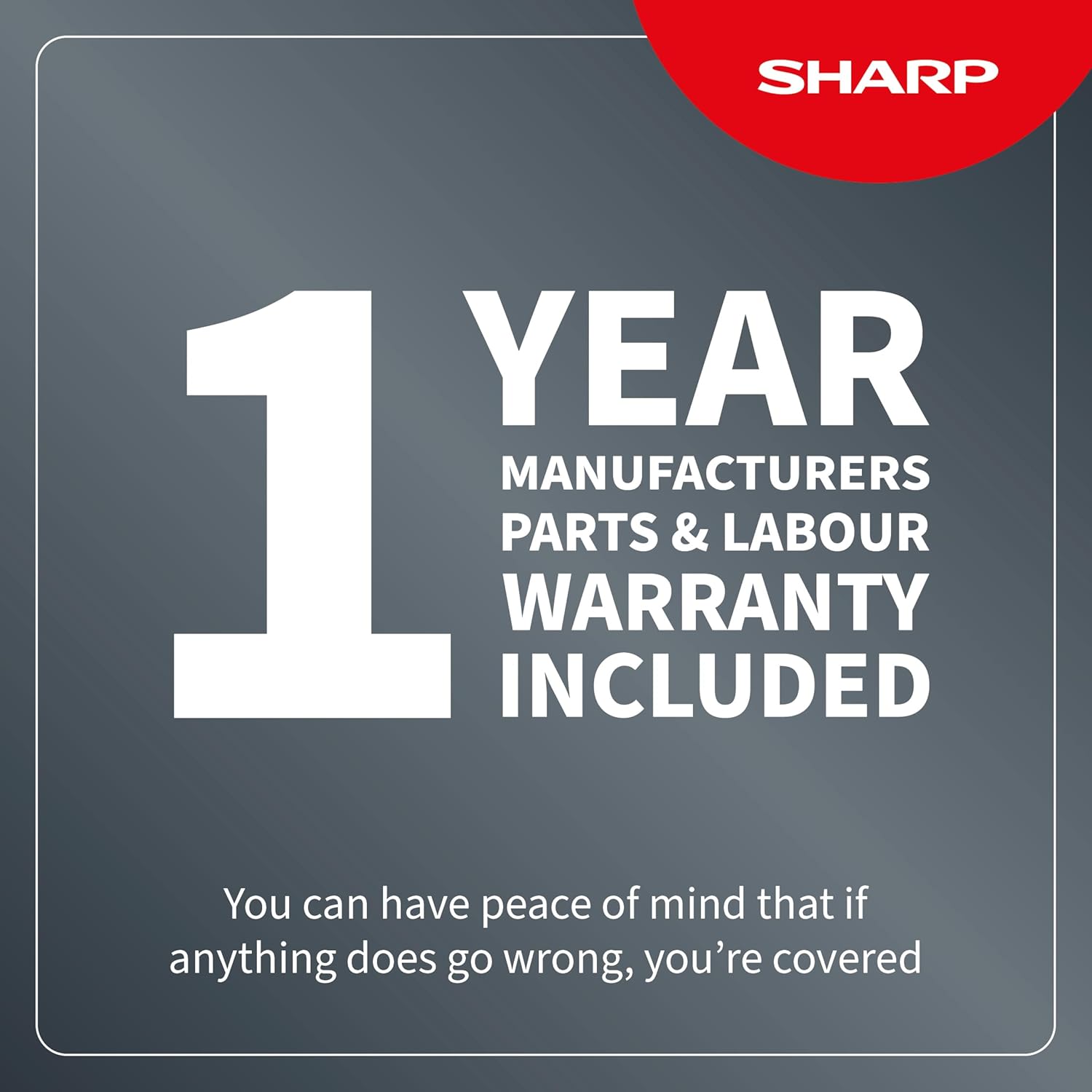
Hierdie produk word gedek deur 'n 1 Year Manufacturer's Parts & Labour Warranty vanaf die aankoopdatum. Bewaar asseblief u bewys van aankoop vir waarborgeise.

Figure 8.1: Visual confirmation of the 1-year manufacturer's warranty.
8.2 Kliëntediens
For technical assistance, warranty claims, or service inquiries, please contact Sharp customer support. Visit the official Sharp website for contact details or refer to the contact information provided with your product packaging.
Aanlyn hulpbronne: www.sharp.co.uk
9. Amptelike produkvideo's
Geen amptelike produkvideo's van die verkoper is vir hierdie model in die verskafde data gevind nie.
Ask a question about this manual
Ask about setup, troubleshooting, compatibility, parts, safety, or missing instructions. Manuals+ will review the question and use this page’s manual context to help answer it.